Share
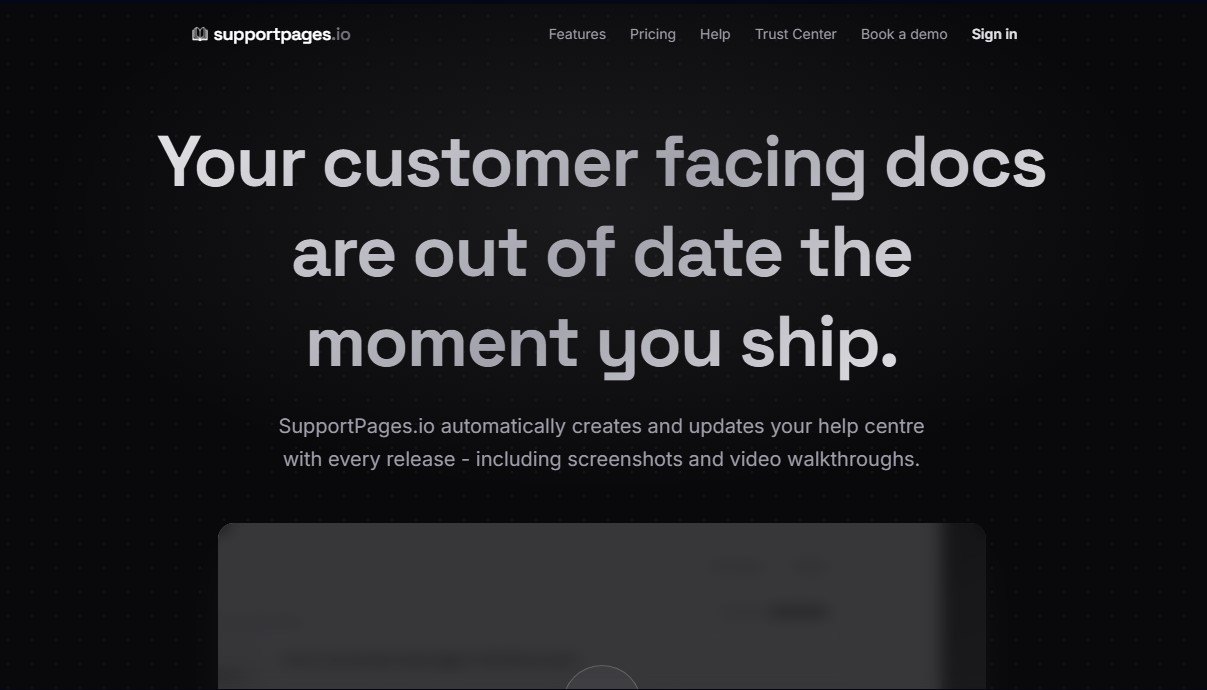
Automatically build and update help centers by analyzing your code. Generate articles with screenshots and videos after each release to keep them always up to date.
What is SupportPages.io?
SupportPages.io is an automated technical documentation platform designed to keep software help centers always up to date. Its primary function is to transform a project's source code into support articles, step-by-step guides, and visual resources without constant manual intervention. This AI-powered tool is ideal for development teams, product managers, and SaaS companies that need to eliminate the lag between launching new features and their corresponding user documentation.
The operation of SupportPages.io integrates directly into the development workflow by connecting with GitHub, GitLab, Bitbucket, or Azure DevOps repositories. The app's technology analyzes the codebase and, after every pull request merge, automatically detects changes that impact the user experience. The system identifies what has changed and drafts new articles or updates existing ones, ensuring that the help center is always an accurate reflection of the latest software version.
Its most notable functional capabilities include:
- Automated screenshot generation: It uses the project's actual CSS to create accurate interface images, eliminating the need for manual captures after every update.
- AI explainer videos: It allows articles to be converted into narrated visual walkthroughs where a cursor demonstrates the steps, rendered directly from the code.
- Writing tone customization: It offers configurable profiles (technical, friendly, formal) so the AI can adapt the text to the brand's voice.
- Smart user responses: It integrates an AI-based search engine that resolves queries in natural language, citing help articles as sources to reduce support tickets.
The tool guarantees editorial control through a human review system. All AI-generated content arrives in an inbox as a draft, allowing managers to edit, approve, or reject changes before they are published. Furthermore, SupportPages.io is optimized for the era of AI agents, providing specific formats like Markdown and llms.txt files that make it easier for tools like ChatGPT or Claude to consume documentation correctly.
Regarding security, the platform employs a sandboxed analysis approach. The user's source code is never permanently stored; it is processed in ephemeral sandboxes that are destroyed after the documentation is generated. It is a robust solution that allows any application's technical support to scale—accessible from a computer or mobile device—while maintaining an organized structure optimized for technical SEO.
SupportPages.io features and use cases
How to use SupportPages.io
SupportPages.io FAQ
What is SupportPages.io and how does it help my team?
It is a tool that automatically creates and maintains your help center by analyzing your source code, preventing your documentation from becoming obsolete after every release.
How is the documentation updated when I make changes to my product?
SupportPages.io analyzes every merged pull request in your repository to detect updates and automatically draft the corresponding help articles.
Is it possible to review AI-generated content before it is published?
Yes, all new or updated articles are sent to your inbox as drafts so you can edit, approve, or reject them before they become visible to your customers.
What visual elements does SupportPages.io include in help articles?
The platform automatically generates screenshots of your interface and narrated walkthrough videos that show step-by-step how to use your software's features.
Is it safe to allow the tool to analyze my source code?
Your code is never stored; the analysis runs in an isolated, ephemeral environment that is completely wiped immediately after the information is processed.
Can I customize the help center with my own branding?
You can configure your logo, brand colors, and a custom domain so that your support page has the same look and feel as the rest of your product.
Which development platforms are compatible with SupportPages.io?
The tool offers direct integration with GitHub, GitLab, Bitbucket, and Azure DevOps to automatically monitor your repositories.
How does artificial intelligence help end users who visit my support site?
Customers can ask questions in natural language, and the AI will search through your published articles to provide an immediate, direct, and accurate answer.
Does SupportPages.io offer a free plan for new projects?
There is a free plan that allows you to manage one project and up to ten help articles without needing to enter any credit card information.
Can my customers view the documentation on mobile devices?
All generated help centers are fully responsive and optimized for fast loading and easy reading on mobile phones and tablets.
SupportPages.io pricing and plans
Free ($0/mo)
For open-source projects and hobbyists.
1 project.
Up to 10 articles.
Help center on a subdomain.
100 AI responses per month.
1 team member.
GitHub integration.
Includes SupportPages badge.
Pro ($129/mo or $99/mo billed annually)
For startups and growing teams.
Unlimited projects.
Unlimited articles.
Custom domain.
Unlimited AI responses.
Full custom branding (no SupportPages badge).
Up to 10 team members.
GitHub, GitLab, Bitbucket, and Azure DevOps integrations.
Priority processing.
Analytics and email notifications.
Email support.
Enterprise (Custom pricing)
For teams with strict security and compliance requirements.
Unlimited projects, articles, and team members.
Custom domain and unlimited AI responses.
Compatible with all code platforms (GitHub, GitLab, Bitbucket, Azure).
Self-hosted Docker container (code never leaves your infrastructure).
SSO/SAML and audit logs.
Dedicated support and SLA.
Check pricing on the official website.
SupportPages.io Screenshots
SupportPages.io user reviews
Write a review
Checking your session...
SupportPages.io Reviews
Loading reviews...
SupportPages.io alternatives





BlaBlaScribe
Transcribe audio and video to text, generate subtitles, and translate into 50 languages. Includes speaker detection, AI summaries, and exports in SRT, VTT, or TXT formats.