Thinkbuddy
Share
Thinkbuddy
System-integrated macOS AI assistant. Process text, translate, and code using local or cloud models via direct keyboard shortcuts.
General Information about Thinkbuddy
Thinkbuddy is an AI assistant for macOS designed as a local client that integrates advanced language models directly into the operating system. Unlike conventional web platforms, this tool allows you to interact with artificial intelligence without leaving your active application, optimizing your workflow through a native and unobtrusive interface. It acts as a bridge between the user and various LLMs (Large Language Models), facilitating real-time information processing.
The architecture of Thinkbuddy stands out for its technical versatility. The software allows you to connect cloud-based models via API, such as OpenAI’s GPT-4, Anthropic’s Claude, or Mistral AI. Additionally, it offers deep integration with Ollama, enabling you to run local AI models (such as Llama 3 or Mixtral) directly on your computer. This local approach guarantees data privacy and allows for offline operation, eliminating per-query costs once the model is downloaded to your hard drive.
Its core feature is contextual integration. Using global keyboard shortcuts, users can activate the "Ask Selection" function, which processes any selected text in browsers, code editors, or email clients to summarize, translate, or explain it. It also allows for interaction with clipboard content or opening a floating window for quick queries. The application is capable of recognizing the context of the active app, significantly improving the relevance of responses for specific tasks like programming or technical writing.
Its functional capabilities and practical benefits include:
- Writing and editing: Grammar correction, tone adjustments, summarizing long documents, and instant text translation.
- Programming: Code snippet generation, explanation of complex functions, and debugging across various languages.
- Automation: Creation of custom prompts and predefined commands to streamline repetitive tasks.
- Chat management: An interactive mode with history for complex queries, brainstorming, or deep research.
The design of Thinkbuddy strictly follows Apple’s aesthetic guidelines, offering a fluid user experience consistent with the Mac ecosystem. By prioritizing the use of local models, professionals handling sensitive information can work with total security, as requests never leave the device. It is an advanced solution for users looking to maximize productivity through integrated AI built natively into their daily routine, avoiding the distractions of traditional web interfaces.
Features and Use Cases of Thinkbuddy
How Thinkbuddy Works
Frequently Asked Questions about Thinkbuddy
What exactly is Thinkbuddy, and how does it work on my Mac?
Thinkbuddy is a macOS app that integrates AI into your operating system, allowing you to interact with various language models without leaving the apps you use every day.
Does Thinkbuddy require a constant internet connection to work?
It is only necessary if you are using cloud-based models like GPT-4 or Claude. However, if you set up local models using Ollama, you can use the tool completely offline.
How does Thinkbuddy guarantee the privacy of my personal data?
The tool allows you to run AI models locally on your machine, ensuring your information never leaves your computer or gets sent to external servers.
Which AI models can I use with Thinkbuddy?
You can connect API-based models like OpenAI, Anthropic, and Mistral, as well as any open-source model available through the Ollama platform.
What is the "Ask Selection" feature in Thinkbuddy?
This feature lets you select any text within a macOS app and trigger a quick command for the AI to summarize, translate, or proofread it instantly.
Do I have to pay for the AI models separately from purchasing Thinkbuddy?
Yes, using cloud models requires your own API keys and involves its own costs, though using local models via Ollama is completely free.
Can I customize commands and keyboard shortcuts in Thinkbuddy?
The app allows you to create your own custom prompts for repetitive tasks and configure the keyboard shortcuts that best fit your daily workflow.
Can I use Thinkbuddy to help me with coding?
Yes, the tool is capable of generating code snippets, explaining complex functions, or debugging errors directly from your favorite text editor.
Thinkbuddy Pricing
One-time Purchase (Mac App Store / Web)
Price: Between $10 and $30 USD (one-time payment, subject to variation based on the platform).
- Full lifetime access to all app features and updates.
- Seamless native macOS integration (menu bar, floating window, and global keyboard shortcuts).
- "Ask Selection" and "Ask Clipboard" contextual features to process text from any open application.
- Multi-model support to connect cloud models (OpenAI, Anthropic, Mistral) or run local models.
- Ollama integration to run AI models (such as Llama or Mistral) for free, privately, and offline.
- Custom prompt and template creation to automate repetitive tasks.
- Interactive chat mode with conversation history and active app context awareness.
- Limitation: Using cloud models requires users to provide their own API keys and cover the provider's costs.
Subscription
Price: Visit the official website for detailed information on rates and billing cycles.
- The text indicates that the subscription model is an alternative to the one-time purchase, but current availability and pricing should be verified directly with the developer.
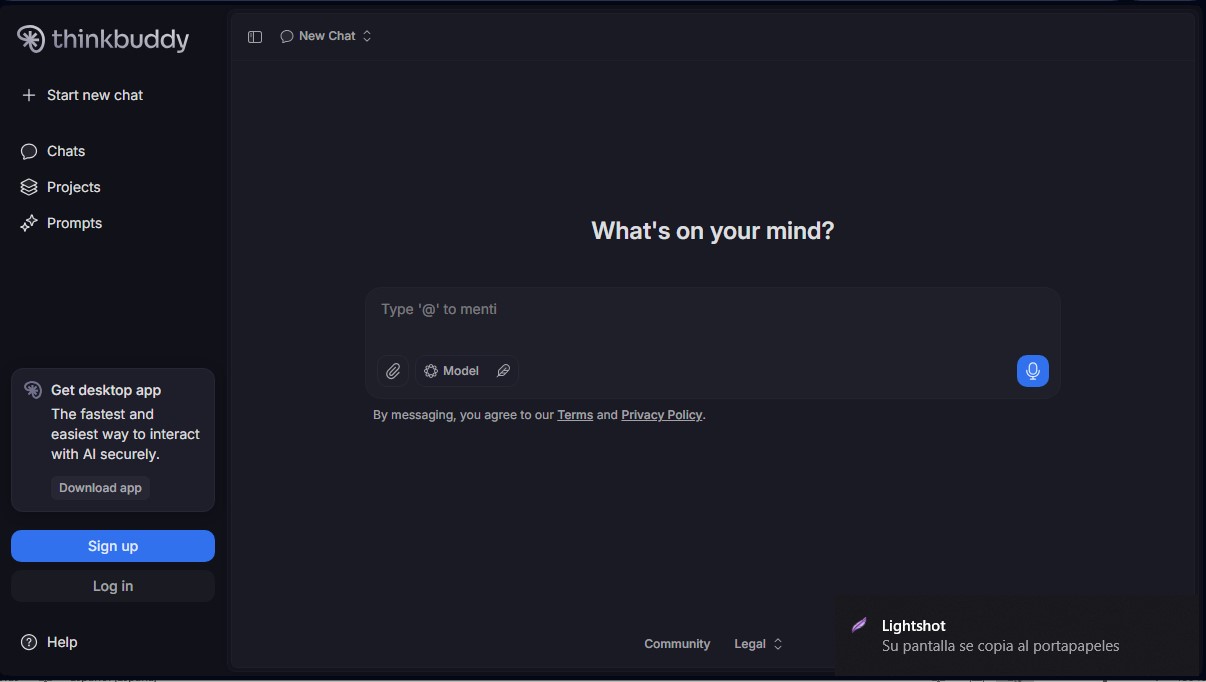
Thinkbuddy Screenshots