Share
Connect your business data to AI for precise, secure answers, optimizing token spend and automatically centralizing knowledge.
What is BackEngine?
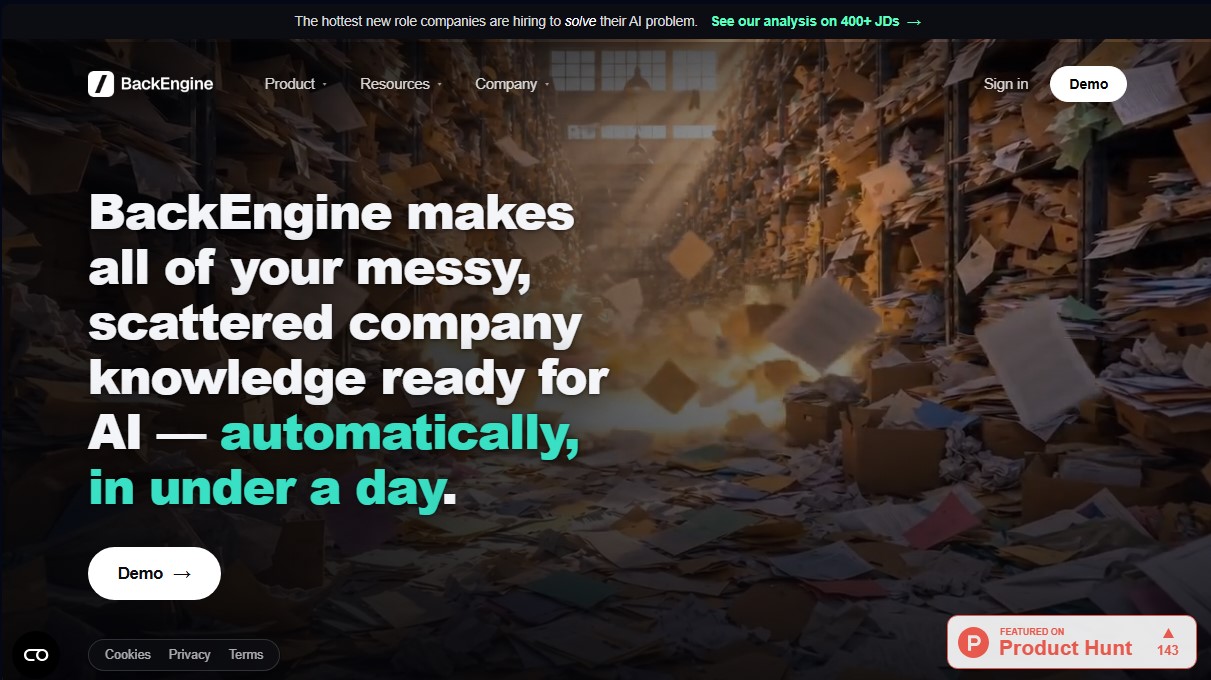
BackEngine is a data infrastructure platform designed to centralize and organize a company's scattered knowledge, specifically optimizing it for use with artificial intelligence. Its primary function is to act as a bridge between internal information sources—such as CRM, emails, call recordings, and chats—and large language models (LLMs). Unlike traditional data connectors that only act as transfer channels, this tool processes and structures information so that AI can reason about it accurately and efficiently.
BackEngine's operation is based on the creation of a governed context layer. It automatically connects to common corporate applications, including Salesforce, HubSpot, Slack, Zoom, Gmail, and Microsoft Teams. Once linked, the platform organizes data by relevant dimensions such as contact, topic, urgency, or account health. This allows employees to interact with their company's information using simple commands directly from their usual chat interfaces, such as Claude, ChatGPT, or Gemini, without needing to open new tabs on their computer.
Key capabilities and practical benefits include:
- Improved Accuracy: Reduces AI factual errors by 67% by providing verified and structured data, enabling correct answers on the first try without the need to retrain models.
- AI Cost Efficiency: Optimizes token consumption by up to 65%. By delivering clean and organized context, the AI model requires fewer resources to process queries, resulting in significant savings per user.
- Security and Governance: Centralizes data access into a single connection point. It implements a strict permission system where each user only views the information they are authorized to access, complying with standards such as SOC 2 and HIPAA.
- Workflow Automation: Facilitates the creation of risk summaries, forecast analysis, and meeting preparation. Results can be delivered on a scheduled basis to platforms like Slack.
This solution is particularly useful for sales, customer service, and product management teams that handle large volumes of fragmented data. By unifying each customer's history in a single AI-accessible location, BackEngine helps identify accounts at risk or prioritize feature requests based on their impact on revenue. Implementation is agile, allowing data to be ready for artificial intelligence queries in less than a day, improving the return on investment in automation technologies.
BackEngine features and use cases
How to use BackEngine
BackEngine FAQ
What exactly is BackEngine?
BackEngine is a tool that automatically organizes all of your company's scattered data and knowledge, allowing your AI to use it accurately in less than a day.
How long does it take to set up BackEngine?
Connecting your systems takes just fifteen minutes, and all of your data will be AI-ready in less than twenty-four hours.
Do I need to learn how to use a new application to use BackEngine?
No, because the tool works directly within the AI platforms you already use—such as Claude, ChatGPT, or Gemini—using simple commands.
Which platforms can BackEngine integrate with?
The tool connects with the systems you use every day, including Salesforce, HubSpot, Gong, Zoom, Gmail, Outlook, Slack, and Microsoft Teams, among others.
How does BackEngine guarantee the security of my company's private data?
BackEngine centralizes data governance through a single connection point, ensuring each employee only sees the information they are specifically authorized to access.
What is BackEngine's pricing model?
Pricing is based exclusively on the number of customer accounts you want to monitor, allowing for unlimited users and agents with no additional per-seat fees.
How does BackEngine help reduce AI costs?
By providing clean, organized context, the AI needs to process 65% fewer tokens to generate the same response, resulting in significant savings per user.
Why is it better to use BackEngine than connecting AI directly to my apps?
Unlike standard connectors that simply move data, BackEngine acts as a "brain" that remembers every account and applies your business rules to deliver accurate answers on the first try.
BackEngine pricing and plans
Account-Based Plan
Please visit the official website for detailed pricing information, as the cost is calculated based on the number of monitored accounts (customers and prospects) rather than the number of users.
Unlimited users (seats) and agents at no additional cost.
Access to all product connections and integrations.
White-glove setup and a dedicated Customer Success (CS) Manager.
Library with over 100 optimized prompts.
Pricing remains fixed for the duration of the contract year; true-ups only occur at renewal based on growth levels.
BackEngine Screenshots
BackEngine user reviews
Write a review
Checking your session...
BackEngine Reviews
Loading reviews...
BackEngine alternatives



Sellinger AI
Sellinger AI is an AI SDR that finds prospects, starts conversations across several channels and books calls, backed by a built-in CRM and a 700M+ contact database.