

Share
What is Capacities?
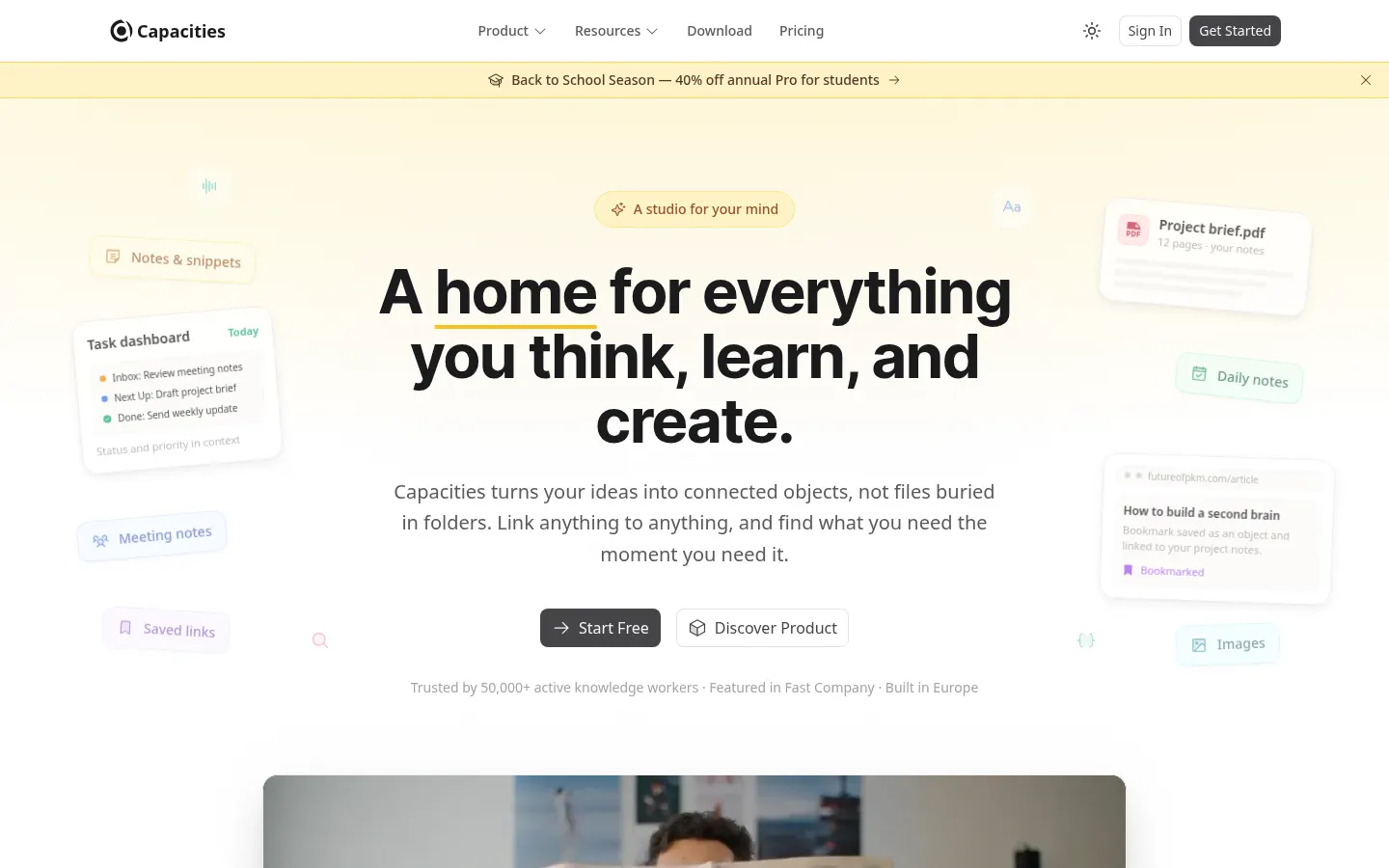
Capacities is a connected note-taking app that replaces folders with objects: a person, a book, a meeting or a project each gets its own type, properties and links to everything related. More than 50,000 knowledge workers use it, and it is built by a small, independent team in Germany and the UK.
What is Capacities used for?
It captures ideas, reading notes, meeting notes and tasks in one place so you can find them later without remembering where you filed them. Any object can link to any other, and daily notes, backlinks and the graph view surface the connections as they grow.
What does Capacities AI do?
- An AI assistant that answers using the context of your own notes.
- Autofill of properties for objects such as books or articles.
- Analysis of saved images, PDFs and web links.
- Smart search by type, tag or meaning.
- Automatic related content and unlinked mention suggestions.
How do you capture information?
You can save content from WhatsApp, Telegram, X or email, use desktop and mobile apps with offline mode, and import or export everything in open formats. Tasks can be sent to Todoist, Things and other managers, and queries build database-style views.
Who is Capacities for?
Students, researchers, writers and professionals who juggle many sources and want a second brain without maintaining a complex structure. It is a structured alternative to Obsidian or Notion for personal use.
Capacities pros and cons
- Pro: object model that removes folder decisions
- Pro: native apps with sync and offline mode
- Pro: fully featured basic version with no time limit
- Con: not designed for large team collaboration
- Con: heavy AI use requires a larger monthly budget
Capacities features and use cases
How to use Capacities
Capacities FAQ
What is Capacities?
Capacities is a note-taking app that organizes information into linked objects such as people, books or projects instead of folders.
Is Capacities free?
Yes, the Basic version is free with no time limit and includes unlimited objects and sync; AI is part of Pro and Believer.
Does Capacities work offline?
Yes, the desktop and mobile apps have an offline mode and sync changes when you reconnect.
How is Capacities different from Obsidian?
Capacities ships with structure through object types and properties, while Obsidian starts from Markdown files you organize yourself.
Can I export my Capacities notes?
Yes, it supports full import and export, so your notes are not locked into the app.
What can Capacities AI do?
It answers questions about your notes, autofills properties and analyzes saved images, PDFs and links.
Is Capacities good for teams?
Its makers describe it as built for individuals, so it is not the best fit for company-wide wikis.
What are the best Capacities alternatives?
On GptZone you can compare it with Heptabase for visual thinking, Saner.AI for AI notes and Notion AI for team workspaces.
Capacities pricing and plans
Reference price: 8.99 EUR / month. Source · Verified: November 2, 2026
Prices in euros (EUR). Checked on: 02/11/2026.
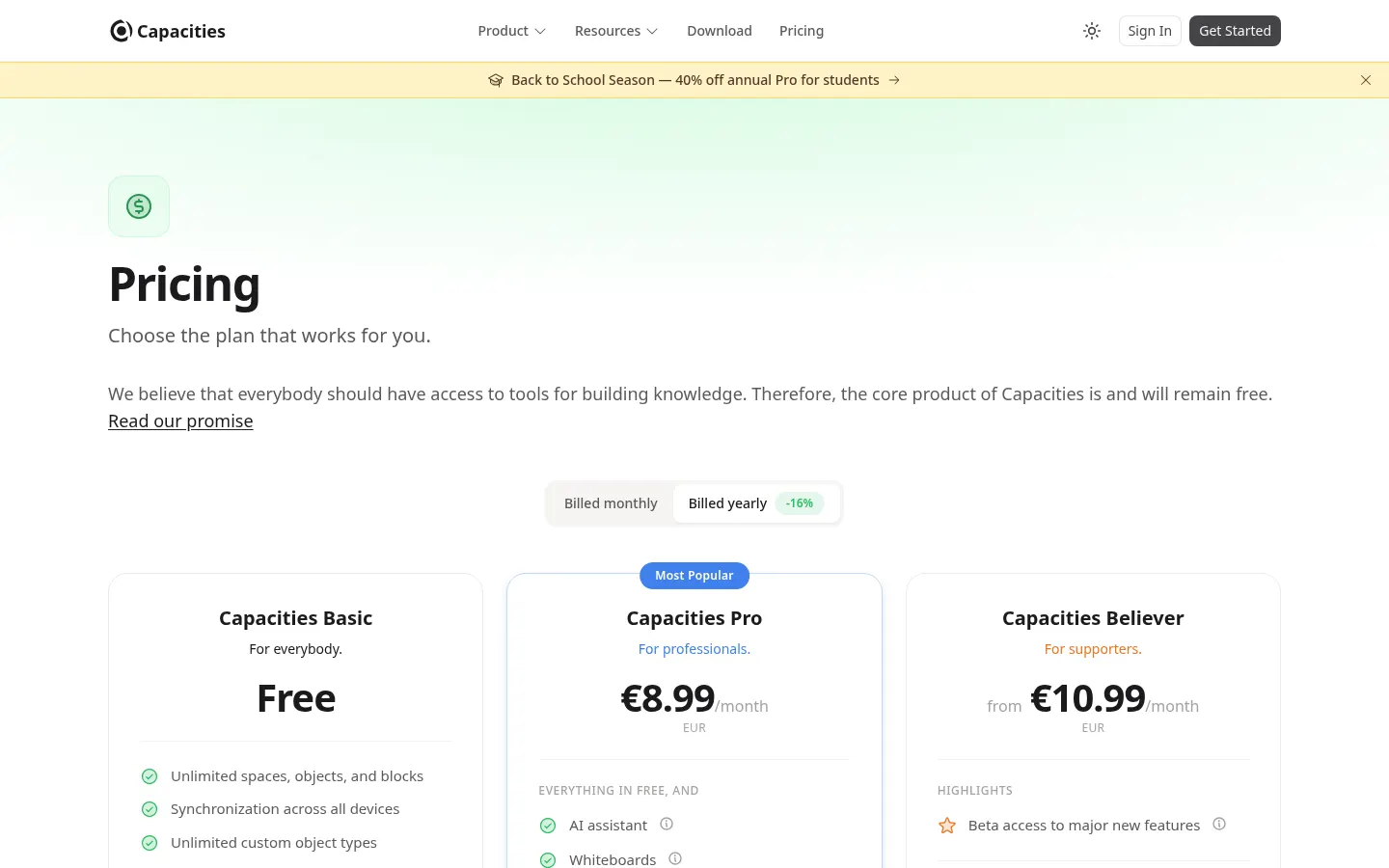
Basic: €0; unlimited spaces, objects and blocks, sync, import and export and 5 GB of media.
Pro: €8.99/month; light monthly AI budget, image, PDF and link analysis and unlimited media (fair use). In-app trial with no card.
Believer: from €10.99/month; everything in Pro plus beta access to new features.
Plus (add-on for Pro or Believer): larger AI budget and top-ups; works out to €8.33/month billed annually.
Up to 16% off with annual billing and 40% off annual Pro for students (current campaign).
Capacities Screenshots
Capacities user reviews
Write a review
Checking your session...
Capacities Reviews
Loading reviews...
Capacities alternatives

Copilot for Obsidian
Copilot for Obsidian is an AI agent plugin that searches your vault by meaning and writes Markdown notes with the model of your choice.




Gemini Notebook
Gemini Notebook (formerly NotebookLM) is Google's AI research notebook that answers from your own sources and creates audio overviews, videos and flashcards.
