

Claude iOS app
Share
Smart assistant for writing, coding, and translating. Analyzes images and files to solve complex tasks and boost productivity right from your mobile device.
What is Claude iOS app?
The Claude iOS app is the official Anthropic application designed to serve as a comprehensive AI assistant on mobile devices. Unlike other models, this tool focuses on advanced reasoning to help users write, code, research, and solve complex tasks efficiently from their iPhone or iPad. Its architecture allows for seamless collaboration, functioning as a thinking companion that boosts both personal and professional productivity.
As an AI writing assistant, the tool can transform rough ideas into polished content, adjusting the tone and structure for emails, technical reports, or social media posts. Additionally, it stands out for its natural translation capabilities in over 100 languages, delivering fluid results that preserve the original context and meaning.
In the software development field, the Claude iOS app acts as an AI coding assistant capable of managing production-level tasks. Developers can use it to review code, perform debugging, and learn new languages like Python, JavaScript, or React. Thanks to its capabilities as an AI agent, it can plan multi-step programming tasks and adapt to the evolution of complex projects, including generating SVG code for graphics and illustrations.
The app includes advanced AI visual analysis features. By uploading photos, PDF files, or screenshots, the system can extract text, interpret data charts, and evaluate user interface layouts. This capability is complemented by research tools that allow users to summarize meetings, analyze data, and derive actionable conclusions immediately.
To facilitate use on the go, it incorporates an AI voice assistant that allows for interaction through dictation, eliminating the need for manual typing while performing other tasks. Its main features include:
- Drafting and refining professional content with natural language processing.
- Accurate multilingual translation in more than a hundred languages.
- Assistance with programming, code debugging, and technical learning.
- Document analysis and visual content to extract key information from screenshots or PDFs.
- Creation of interactive tools, calculators, and charts.
- Knowledge synchronization for project planning and task management.
Based on the Claude Opus 4.5 and Sonnet 4.5 models, the app guarantees superior logical reasoning and high reliability in its responses. It is optimized for iOS 18.0 or later, offering a clean and functional interface that brings the full power of Anthropic's artificial intelligence to the mobile environment. It is a versatile solution for users seeking critical support for complex cognitive tasks, from academic settings to business development.
Claude iOS app features and use cases
How to use Claude iOS app
Claude iOS app FAQ
What are the main features of the Claude iOS app?
Claude is an AI assistant that helps you write, research, code, and complete complex tasks instantly from your mobile device.
Can Claude help me fix bugs in my code?
Yes, Claude acts as a coding assistant that can review code, debug issues, and explain technical concepts in various languages, including Python, JavaScript, and React.
Can I analyze documents or images with the Claude app?
You can upload PDFs, photos, and screenshots, allowing the assistant to extract text, interpret charts, or analyze technical diagrams instantly.
What are the system requirements for using Claude on my device?
The app requires an iPhone running iOS 18.0 or later, or an iPad running iPadOS 18.0 or higher
Does Claude offer translations in languages other than Spanish?
Claude provides natural and accurate translations across more than 100 different languages while preserving the tone and meaning of the original content.
Can I use the tool with voice commands instead of typing?
The app includes a voice dictation feature that lets you communicate with the assistant seamlessly—perfect for brainstorming on the go.
What is the difference between the free version and the paid subscription?
Claude is available for free, but paid plans like Claude Pro offer advanced capabilities and priority access to Anthropic’s most powerful models.
Is Claude a reliable tool for academic or professional research?
The app is designed by Anthropic to be safe and accurate, allowing you to connect with data sources and generate detailed summaries with precise citations.
Claude iOS app pricing and plans
Free Plan
Price: Free.
- Writing assistant for drafting and polishing content (emails, reports, social media).
- Natural translation in over 100 languages.
- Help with coding and debugging in various languages (Python, JavaScript, React, etc.).
- Visual analysis of photos, PDFs, screenshots, and technical diagrams.
- Voice dictation for hands-free use.
- SVG code generation for charts and illustrations.
Claude Pro
Price: 20,00 $ per month or 214,99 $ per year.
- Access to advanced reasoning and productivity capabilities.
- Powered by the Claude 4.5 Opus and Sonnet models.
- Data analysis and research by connecting with Google Drive, Gmail, and Calendar.
- Meeting summaries and key insight extraction.
- Creation of interactive tools, calculators, and charts.
Claude Max 5x
Price: 124,99 $ per month.
- Includes all Claude Pro features.
- Increased capacity and usage limits (5x standard).
Claude Max 20x
Price: 249,99 $ per month.
- Includes all Claude Pro features.
- Maximum capacity and usage limits (20x standard).
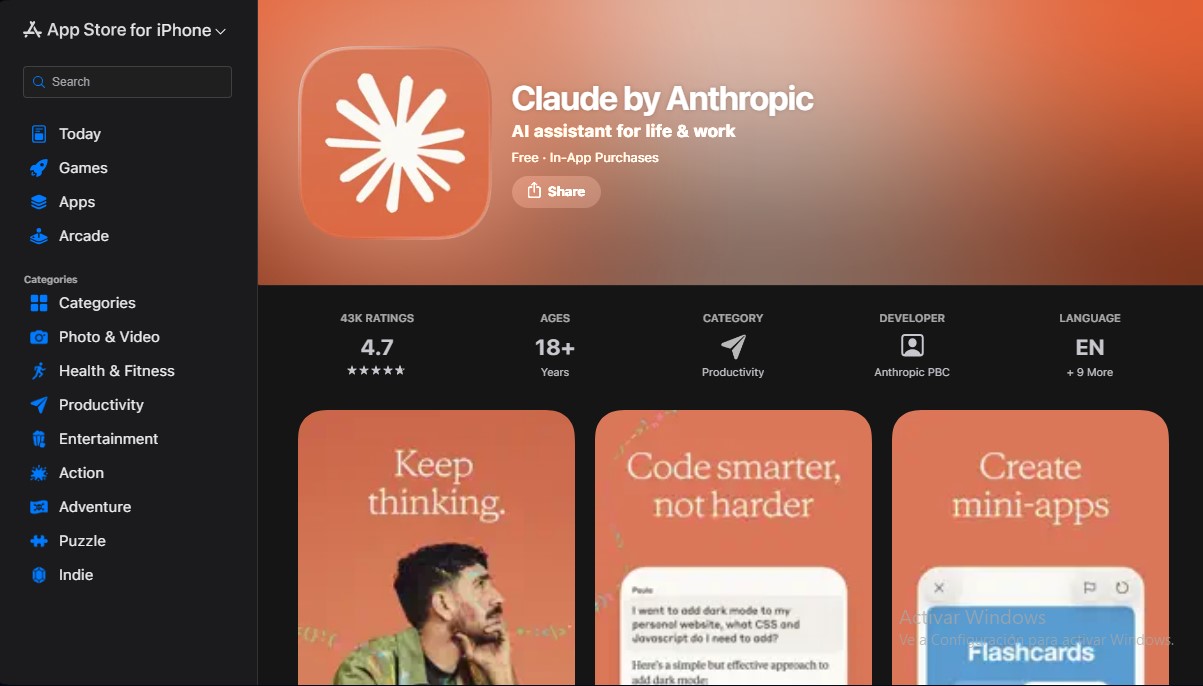
Claude iOS app Screenshots
Claude iOS app alternatives
PortuguesePal
Practice Brazilian or European Portuguese with an AI tutor. Improve your fluency and pronunciation with real conversations and instant corrections.




rabbit OS3
Agentic OS that automates tasks and manages files, connecting your computers with AI models to run workflows using natural language.

Agentkit: AI Automations
Automate customer support on Instagram, WhatsApp, and the web with AI agents trained on your content to answer questions and capture leads 24/7.