Share
What is EMWaver?
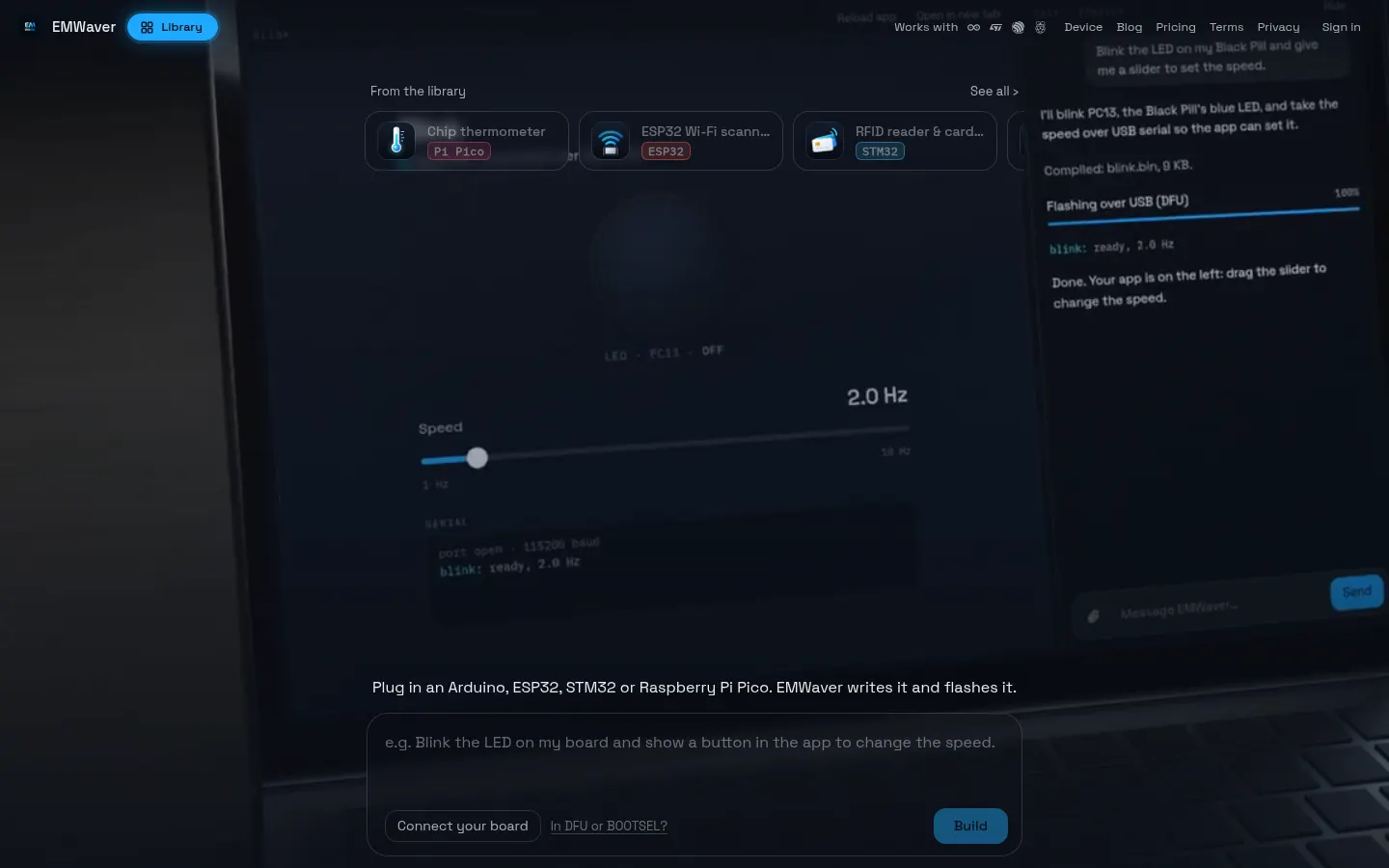
EMWaver is an AI tool to program Arduino and ESP32 boards, as well as STM32 and Raspberry Pi Pico, without installing the Arduino IDE or any toolchain. You plug the microcontroller into your computer, describe what it should do in plain language, and its agent writes the firmware, builds a small web app to control it, compiles on its servers and flashes the board from Chrome or Edge via WebUSB and Web Serial.
How do you program an Arduino or ESP32 from the browser with EMWaver?
The flow is describe, plug in, flash. You pick the board, follow the prompts to put it in upload mode (BOOTSEL on the Pico or DFU on some STM32 boards, for example), chat with the agent and watch the result run next to a serial console. Each project keeps its own chat and history, and you can download the code or keep iterating on it.
Which boards and hardware does it support?
It works with AVR-based Arduino boards (Uno, Nano, Mega), ESP32, ESP8266, STM32 boards such as the Black Pill, and Raspberry Pi Pico. The project also publishes open hardware designs such as EMWaver Air, an ESP32-S3 board with a CC1101 sub-GHz radio, infrared receiver and emitters, and headers for RFID or NRF24L01 modules.
EMWaver pros and cons
- Pros: nothing to install, firmware and control app generated together, and the code is yours.
- Cons: it needs Chrome or Edge on a computer or Android, and the site warns that AI-written code can be wrong and should be checked.
- Responsible use: it is framed as educational and should only be used on hardware, radios and cards you own or are authorized to test.
It is built by Luís Pedro Soares Marnoto Gaspar Lopes under the EMWaver Lab name.
EMWaver features and use cases
How to use EMWaver
EMWaver FAQ
Is EMWaver free?
There is a no-cost starter allowance for a few projects; regular use needs the paid option described under pricing.
Do I need the Arduino IDE?
No, it compiles on its servers and flashes the board from Chrome or Edge via WebUSB, with no drivers or local tools.
Which boards are supported?
AVR Arduino boards (Uno, Nano, Mega), ESP32, ESP8266, STM32 boards such as the Black Pill, and Raspberry Pi Pico.
Does it work in Safari or Firefox?
No, it needs Chrome or Edge on a computer or Android to reach the USB port from the browser.
Do I own the code?
Yes, you can download the firmware and app or keep building on them, even after your allowance runs out.
Can I trust the generated code?
The site itself warns that AI-written code can be wrong, so check it before relying on it.
Which languages does it support?
The site is in English, but you can describe what you want to build in your own language in the chat.
Does EMWaver have an API?
No API is published; you use it through the web app.
What are some EMWaver alternatives?
This directory lists Claude Code and Cursor for AI coding and Replit for building and running projects in the browser, though none of them flash the board for you.
EMWaver pricing and plans
Reference price: 20 EUR / month. Source · Verified: November 28, 2026
EMWaver prices in euros (EUR). Checked on: 28/11/2026 at emwaver.ai/pricing.
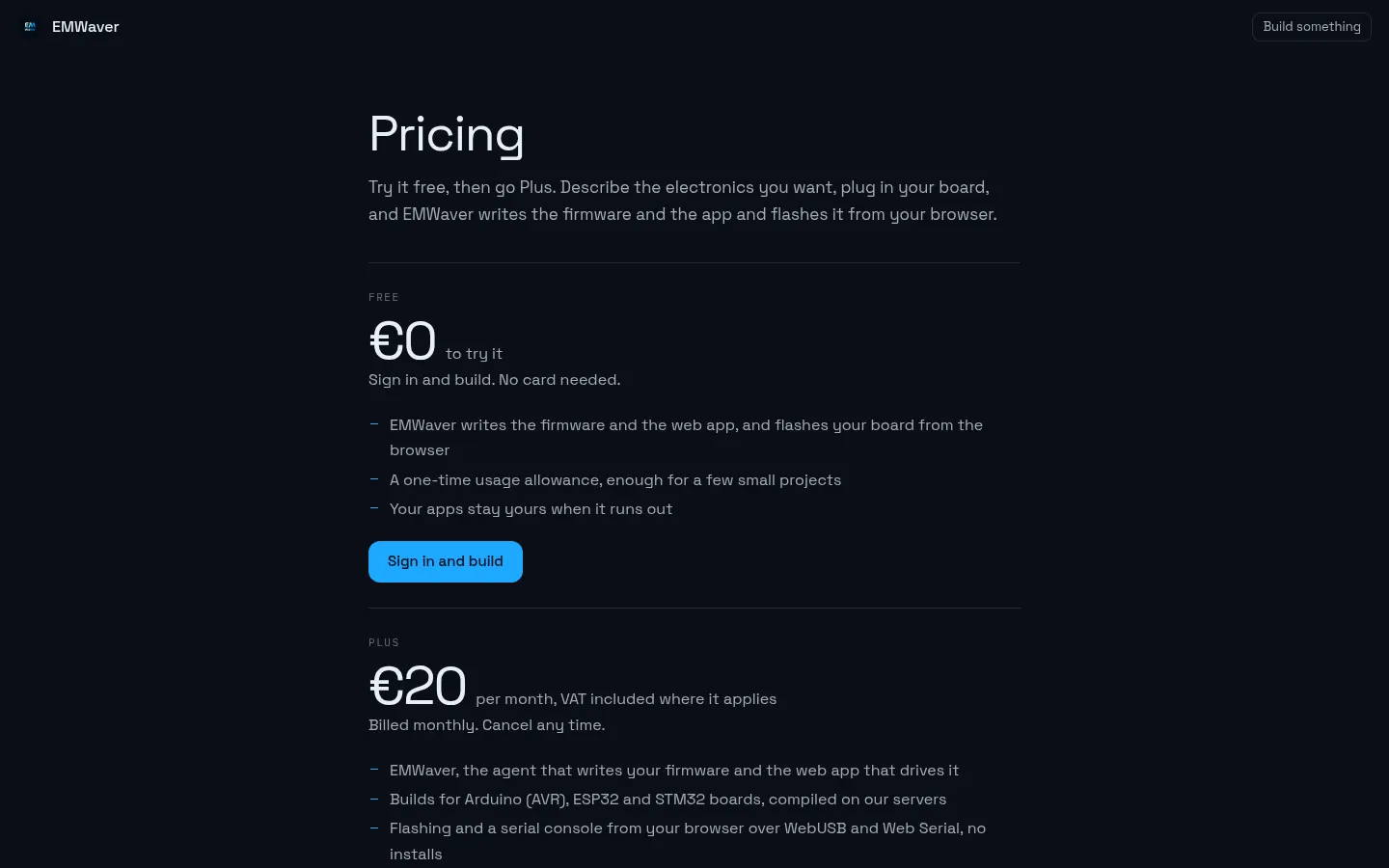
- Free: €0; a one-time allowance of agent work for a few small projects, no card needed. It does not renew, and the apps you make stay yours.
- Plus: €20/month, VAT included where it applies; billed monthly, cancel any time. Includes unlimited apps and a monthly agent allowance for regular use.
If you use up the allowance, the agent pauses until the next month, but your apps and firmware keep working. Full refund if requested within 14 days of the first payment. Payments are handled by Link (Stripe) as merchant of record.
EMWaver Screenshots
EMWaver user reviews
Write a review
Checking your session...
EMWaver Reviews
Loading reviews...