Magic Hour
Share
Magic Hour
All-in-one AI tool for video and image generation. Features face swapping, photo animation, lip-syncing, and 4K text-to-video conversion.
General Information about Magic Hour
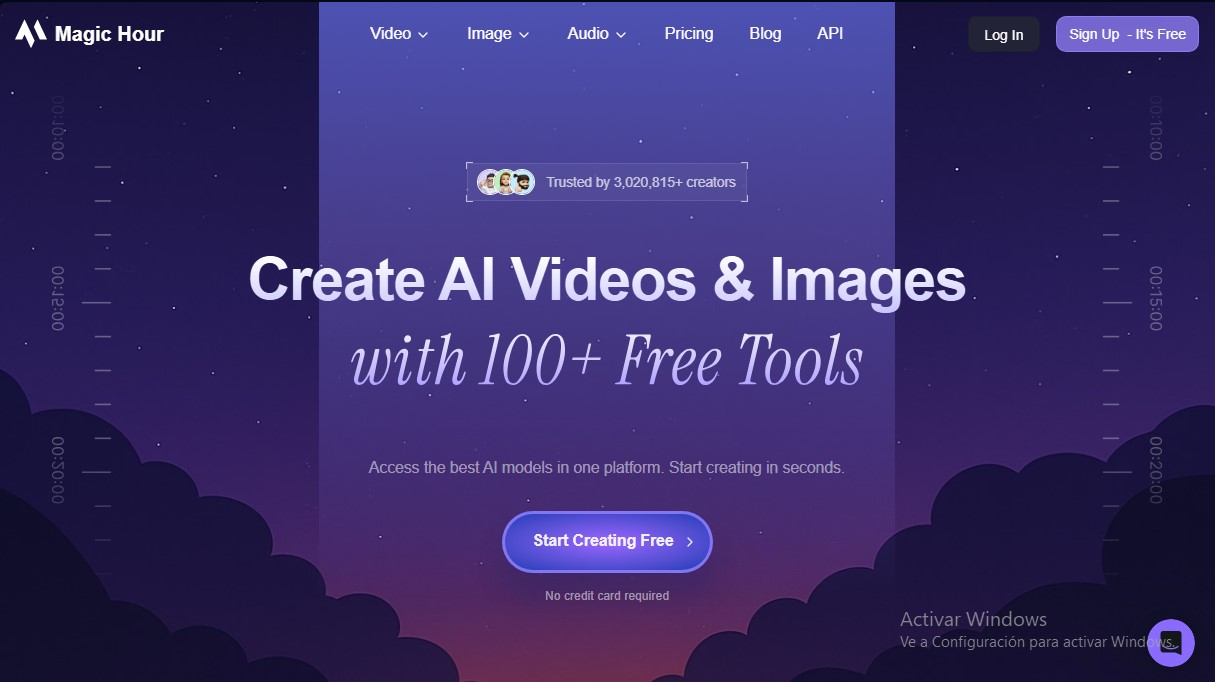
Magic Hour is an all-in-one content creation studio that consolidates more than 100 artificial intelligence tools into a centralized platform. Its primary function is to facilitate professional-grade video and image production, eliminating the need for expensive hardware or film crews. This tool is designed for content creators, marketing agencies, and development teams that need to generate high-quality visual assets quickly and efficiently.
The platform utilizes advanced generative AI models to offer a wide range of functional capabilities:
- Video Tools: Includes Face Swap features for realistic face replacement, Video-to-Video for applying new artistic styles to existing clips, and Text-to-Video to create scenes from scratch. It also allows for generating animations and synchronizing audio through Lip Sync and Talking Photo.
- Image Generation and Editing: Features an AI image generator, a text-based editor, and specific tools such as the AI Clothes Changer for virtual fitting rooms or the AI Headshot Generator for professional portraits.
- Visual Optimization: Includes an AI Image Upscaler to improve file resolution and processing tools that achieve cinematic quality in 4K resolution.
From a technical standpoint, Magic Hour stands out for its integration capabilities via a low-latency API, allowing developers to implement video automation workflows in languages such as Python, Node.js, Go, or Rust. Its architecture is built to scale from small productions to paid media campaigns with thousands of personalized assets, ensuring high availability in content generation.
The ecosystem is complemented by a library of over 10,000 templates optimized for various channels, eliminating the need to start projects from scratch. As an accessible solution for both desktop and mobile devices, it allows users to review, refine, and publish content anytime, anywhere. The tool streamlines complex processes such as creating synthetic user-generated content (UGC) and personalizing large-scale campaigns, providing stunning visual results with a minimal learning curve. It is worth noting that its focus on creative productivity allows teams to focus on strategy while the AI handles the technical execution of images and videos.
Features and Use Cases of Magic Hour
How Magic Hour Works
Frequently Asked Questions about Magic Hour
Can I use Magic Hour for free?
Yes, we offer a free plan with 400 credits so you can test our tools and create your first images or videos without having to enter a credit card.
What are credits and how do they work on the platform?
Credits are the internal currency and are deducted from your balance as you generate content. The cost of each creation varies based on technical complexity and the length of the video or image.
Can I use videos created in Magic Hour for commercial purposes?
Commercial use rights are granted only to users with paid subscriptions, while free plan users must limit their generated content to personal use.
Is the content I generate with Magic Hour tools private?
Your creations are completely private and are not accessible to other users or to us without your permission. You also have the option to permanently delete them from our system.
Do credits roll over from month to month?
Yes, your unused credits roll over every month and you will always have access to them, though access to specific platform features will depend on your current subscription level.
Does Magic Hour offer API access for developers?
Yes, we provide API access to all users, allowing you to integrate our video and image generation tools into your own applications within the limits of your plan.
What is the refund policy if I am not satisfied with the service?
We offer a one-time refund if requested within 7 days of purchase, provided that fewer than 500 credits from the purchased plan have been used.
How can I calculate how many credits I need for a video in Magic Hour?
As a general rule, you should multiply the desired video length in seconds by the frames per second (FPS). Typically, you will use between 12 and 30 FPS depending on the specific tool.
Magic Hour Pricing
Free
Free forever.
- 400 credits (~17 seconds of video or 80 images).
- 576px resolution.
- Limited access to video tools.
- Includes watermark.
- 200 MB upload storage.
- API access.
- Personal use only (no commercial rights).
Creator
15 US$ per month (or 10 US$ per month billed annually).
- 10,000 credits per month (~7 minutes of video or 2,000 images).
- 1024px resolution.
- Full access to all tools.
- No watermark.
- 2 GB upload storage.
- API access.
- Commercial use rights.
- Priority processing queue and support.
Pro
45 US$ per month (or 30 US$ per month billed annually).
- 30,000 credits per month (~21 minutes of video or 6,000 images).
- 1472px resolution.
- Full access to all tools.
- No watermark.
- 5 GB upload storage.
- API access.
- Commercial use rights.
- Priority processing queue and support.
Business
99 US$ per month (or 66 US$ per month billed annually).
- 70,000 credits per month (~49 minutes of video or 14,000 images).
- 4K resolution (in selected modes).
- Full access to all tools.
- No watermark.
- 10 GB upload storage.
- API access.
- Commercial use rights.
- Priority processing queue and support.
Magic Hour Screenshots