Make

    Make

    No reviews
    Category:Business Management
    Pricing:Freemium
    Added:
    Updated:
    Website:
    VISIT NOW

    Share

    Make is an AI automation platform for building workflows and agents visually, connected to the apps and data your company already uses.

    What is Make?

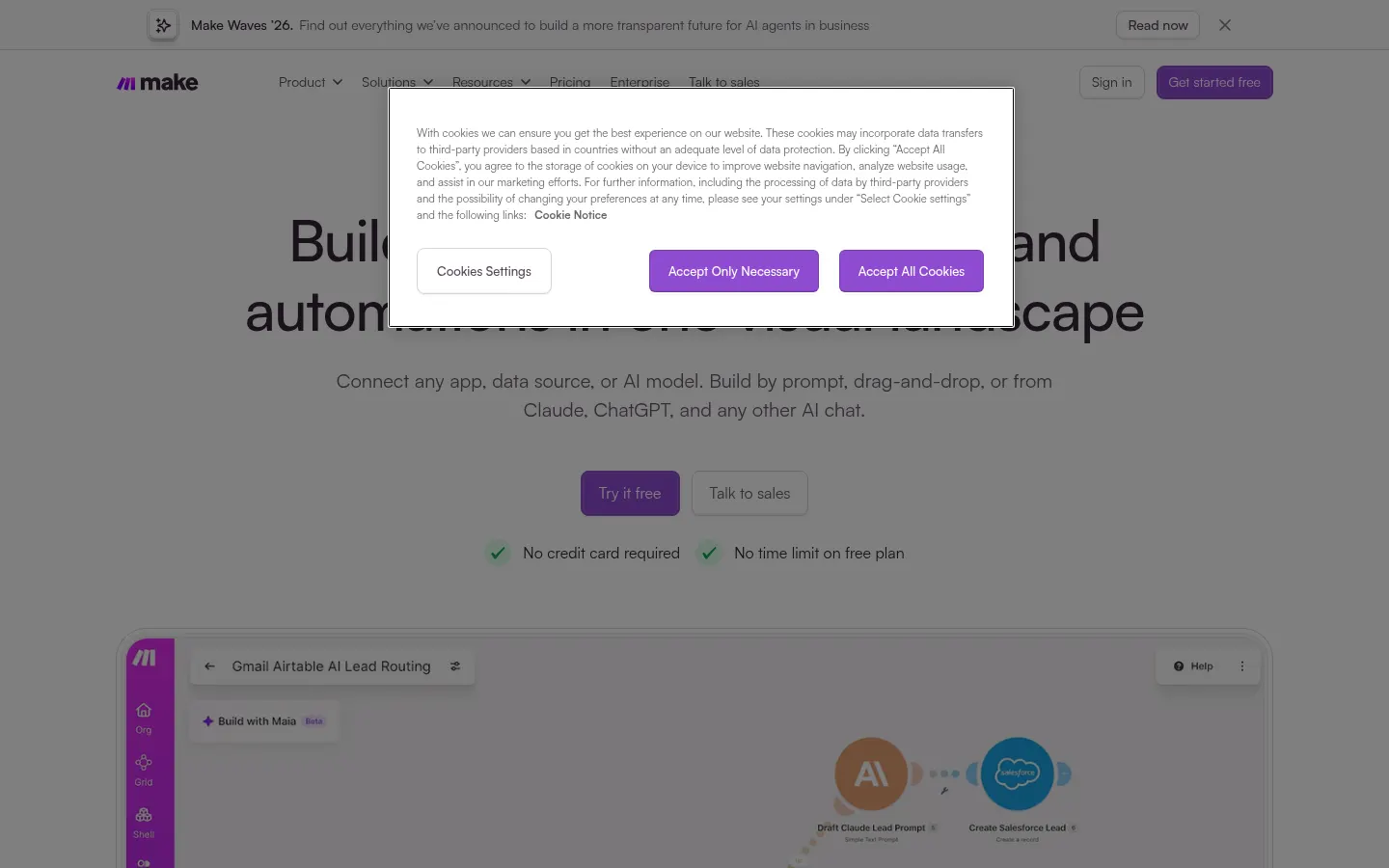
    Make is an AI automation platform for building workflows, called scenarios, and AI agents visually, connecting them to your company's apps and data and seeing everything that runs in one place.

    What is Make used for?

    It removes repetitive manual work: syncing data between a CRM and a spreadsheet, processing form entries, sending alerts or chaining steps with AI models. Each scenario is made of modules that read, transform and write data, with conditions and routes.

    How do you build an automation in Make?

    You can describe it in a prompt and let Maia by Make build and debug it, drag modules onto the canvas, or create it from Claude, ChatGPT or Gemini through MCP. When needed, you can fine-tune it with JavaScript or Python.

    What are Make AI agents?

    They are agents you give a goal, tools and limits so they can make decisions autonomously while showing their reasoning. Make Grid gives a live map of every automation and agent across the organization, including third-party resources.

    Which apps does Make integrate with?

    It has 3,000+ native apps, and any service with an API can be added as a custom integration. There are templates, SDKs and developer docs.

    Who is Make for?

    Operations, marketing, sales and IT teams, from startups to enterprises such as Stellantis, that want to automate without coding while keeping control and visibility.

    Make pros and cons

    • Pro: a very flexible visual canvas with routes and error handling.
    • Pro: GDPR, SOC 2 Type II and SOC 3, with SSO and audit logs.
    • Con: every action uses credits and scenarios pause when they run out.
    • Con: complex flows require careful thinking about data logic.

    Make features and use cases

    •Automation scenarios on a visual canvas
    •3,000+ native apps and API integrations
    •Maia by Make: build and debug flows by prompt
    •Build automations from Claude, ChatGPT or Gemini via MCP
    •AI agents with goals, tools and limits
    •Make Grid: a live map of automations and agents
    •Custom code in JavaScript or Python
    •Routers, filters and error handling
    •Template library
    •Roles, audit logs and SSO
    •Use case: every new form lead is enriched with AI and saved to the CRM
    •Use case: a support team sorts emails with an agent and creates tickets automatically

    How to use Make

    1Create a free account at make.com, no card needed.
    2Pick a template or start a new scenario.
    3Describe the automation to Maia or drag in modules.
    4Connect the apps involved.
    5Add filters, routes and AI steps.
    6Test the scenario and inspect each run.
    7Turn it on and monitor it from Make Grid.

    Make FAQ

    What is Make?

    It is an AI automation platform for building workflows and agents visually by connecting apps and data.

    Is Make free?

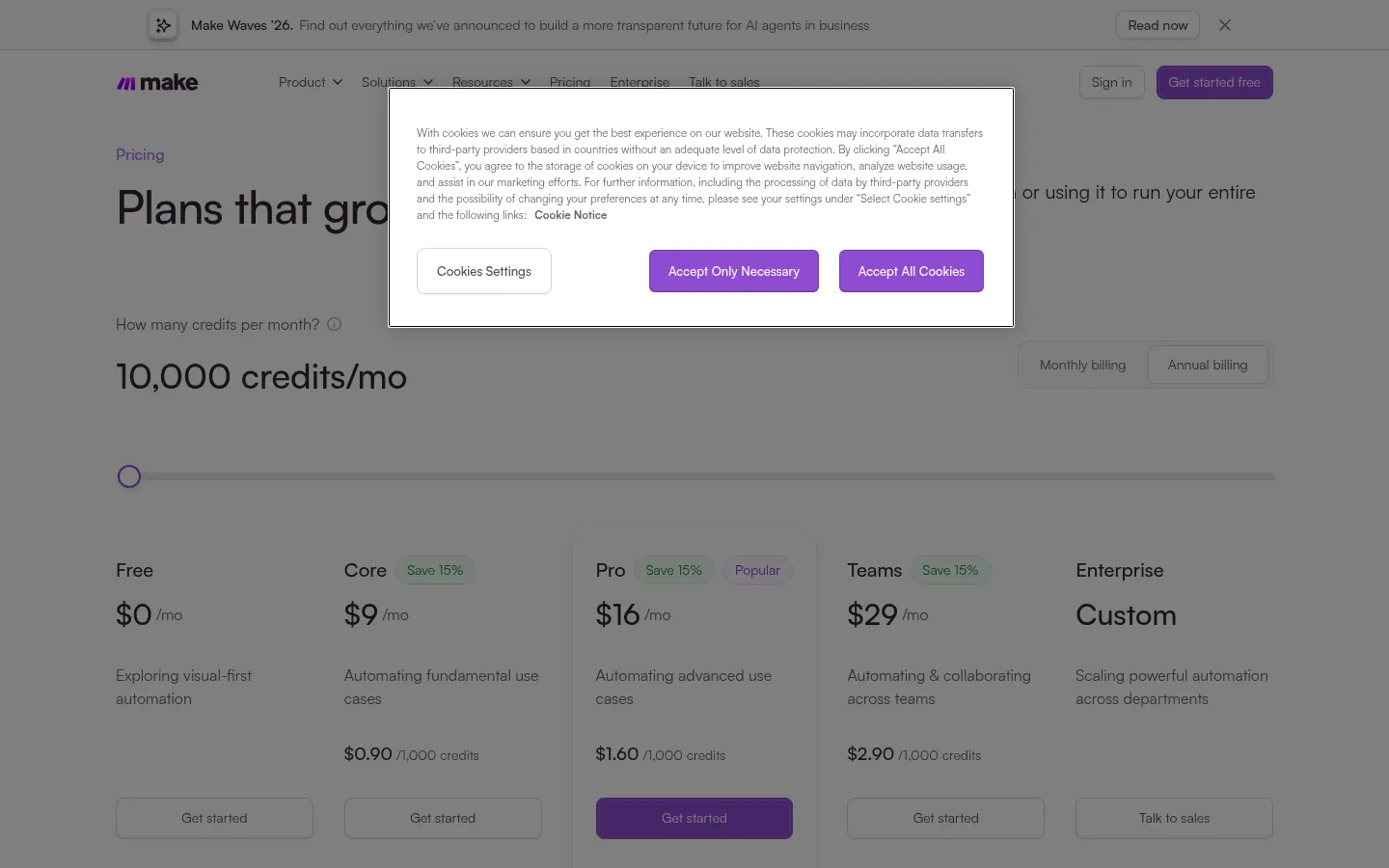
    Yes, there is a Free plan with 1,000 credits/month and no card; Core, Pro and Teams are paid.

    Does Make have an API?

    Yes, it provides an API, SDKs and docs, and lets you add any service with an API as an integration.

    Does Make work in Spanish?

    You can automate processes with Spanish-language data; the interface and docs are mainly in English.

    Do I need to know how to code?

    No, you build by prompt or by dragging modules; developers can add JavaScript or Python.

    What are credits in Make?

    They are Make's usage unit: most actions in a scenario use 1 credit.

    What happens if I run out of credits?

    Scenarios pause until you add credits or move to a higher plan.

    Is Make secure for businesses?

    It is GDPR compliant, SOC 2 Type II and SOC 3 certified, with encryption, SSO, roles and audit logs.

    What are the best Make alternatives?

    On GptZone you can compare Zapier and n8n for AI workflow automation.

    Make pricing and plans

    Free: 0 USD with 1,000 credits/month. Core, Pro and Teams: paid, priced by the credits you license and cheaper when paid yearly; amounts load dynamically on the pricing page and could not be read. Enterprise is custom. Checked on: 03/11/2026.

    Make Screenshots

    Make screenshot 1
    Make screenshot 2

    Make user reviews

    Write a review

    Checking your session...

    Make Reviews

    Loading reviews...

    Make alternatives

    Glide
    Freemium

    Glide

    Glide is an AI platform that turns your company spreadsheets into internal apps and agents that work on your live data.

    –
    27
    Business ManagementCoding & Development
    Softr
    Freemium

    Softr

    Softr is an AI platform for building business apps, portals and intranets by describing what you need, with its own database and automations.

    –
    15
    Business ManagementCoding & Development
    Front
    Paid

    Front

    Front is a customer operations platform with a shared inbox, omnichannel ticketing and AI agents that resolve requests on their own.

    –
    27
    Business ManagementOffice & Productivity
    Gmelius
    Paid

    Gmelius

    Gmelius is an AI agent platform inside Gmail and Google Workspace with shared inboxes, templates, SLAs and analytics for teams.

    –
    21
    Business ManagementOffice & Productivity
    Linear
    Freemium

    Linear

    Linear is a project management tool for product teams with an AI agent that creates issues, triages work, drafts updates and proposes code changes.

    –
    24
    Business ManagementCoding & DevelopmentOffice & Productivity
    Respond.io
    Paid

    Respond.io

    Respond.io is a customer conversation platform that unifies WhatsApp, social channels, calls and email in one inbox with AI agents and workflow automation.

    –
    36
    Business ManagementMarketing & Advertising

    Make Analytics

    Views
    Real data
    Website Clicks
    Real data
    CTR
    Real data

    Views Trend (30 days)

    Analytics data is updated in real-time and is 100% real