
Share
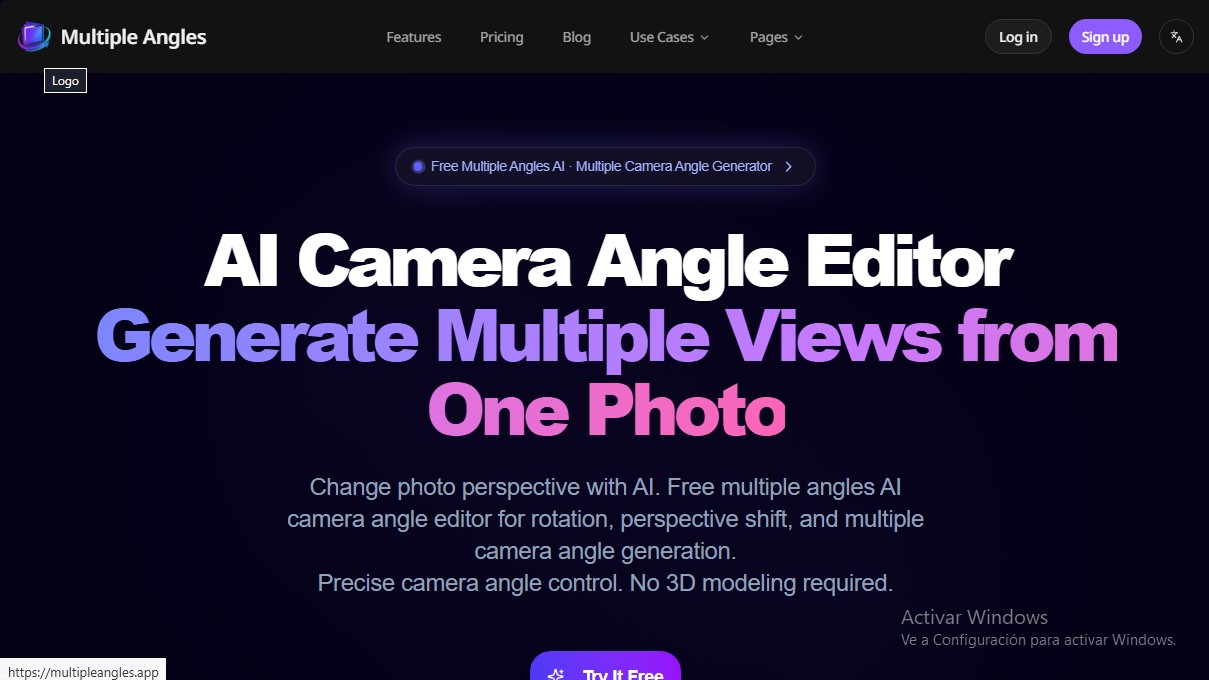
Generate multiple angles and perspectives from a single image. Adjust rotation and elevation to create product or character views without 3D modeling.
What is Multiple Angles?
Multiple Angles is an advanced AI tool designed to transform a single static image into multiple visual perspectives. This AI camera angle generator allows users to obtain front, side, and rear views of an object or character without the need for new photo shoots or technical knowledge of 3D modeling. Its primary function is to facilitate the creation of consistent visual content, maintaining the identity of the original subject while virtually altering the viewpoint through image processing algorithms.
The platform utilizes geometry-aware 3D projection technology and a perspective shift engine. Unlike traditional generative AI tools, which often produce random details in each iteration, Multiple Angles offers precise control over the virtual camera. The system processes the uploaded image and allows for the adjustment of specific parameters: azimuth (horizontal rotation from 0° to 315°), elevation (vertical angle from -30° to 90°), and distance or zoom. This technical approach ensures that proportions are realistically preserved in every new capture generated from a single source file.
Key functional capabilities and benefits include:
- Intuitive 3D camera control: Allows users to define the exact position of the observer using rotation and height sliders.
- Full rotation: The ability to visualize subjects on a 360-degree plane, ideal for creating product views.
- High-resolution output: Image generation with quality up to 2048x2048 pixels, maintaining sharp details.
- Identity consistency: Ensures that the object or character does not change its fundamental traits when varying the angle.
- Fast generation: An optimized workflow delivers results in seconds, eliminating hours of manual work in complex design software.
This tool is especially useful for e-commerce professionals who need to generate a full set of images for platforms like Amazon or Shopify from a single promotional photograph. It is also a valuable resource for concept artists and game developers who need to create character turnaround sheets for subsequent modeling in software such as Blender, Unity, or Unreal Engine. Additionally, it serves as an efficient solution in the field of machine learning, enabling the generation of synthetic datasets with multiple views to train computer vision models.
The desktop workflow is straightforward: the user uploads an image in PNG or JPG format, configures the perspective parameters in the control panel, and runs the generation. With no steep learning curve, Multiple Angles positions itself as an accessible camera angle editor that optimizes the production of multi-angle visual assets in an agile and professional manner.
Multiple Angles features and use cases
How to use Multiple Angles
Multiple Angles FAQ
What is Multiple Angles and what is its purpose?
It is an AI-powered tool designed to generate multiple views and perspectives of an object or character from a single original photograph.
Do I need 3D modeling experience to use Multiple Angles?
No technical 3D expertise is required, as the platform uses intuitive controls to automatically adjust rotation and perspective.
How many photos do I need to upload to get different product angles?
You only need to upload a single image, and the AI will handle creating the front, side, or back views needed for your catalog.
What parameters can I adjust with the Multiple Angles editor?
The tool allows you to control the azimuth for horizontal rotation, elevation for the vertical angle, and distance to manage camera zoom.
What file formats and sizes does the platform support?
You can upload images in PNG and JPG formats with a maximum file size of up to 10 MB per file.
How does the credit system work in Multiple Angles?
Each new perspective generated consumes one credit. When you log in for the first time, you receive three free credits to test the service.
Can I create character sheets for video games or comics?
Yes, the tool is ideal for generating character turnarounds, maintaining visual consistency across different viewpoints from a single drawing.
What is the maximum resolution for generated images?
Users on paid plans can export their creations in high definition with a resolution of up to 2048x2048 pixels.
How long does it take for the AI to generate a new perspective?
The process is very fast, generally delivering high-quality results within a few seconds of clicking the generate button.
Can I use Multiple Angles to improve my workflow on Amazon or Shopify?
Absolutely. It allows you to transform a single product photo into a complete set of marketing images from every angle required for an online store.
Multiple Angles pricing and plans
Free Plan
Price: 0 €
- 3 free credits upon sign-in.
- Each generation consumes 1 credit.
- Standard output quality (1024x1024).
Basic Plan (Monthly)
Price: 4,9 $ per month
- 40 credits per month (each credit generates one image).
- High-definition (HD) exports.
- Credits expire after 30 days.
- Cancel anytime.
Standard Plan (Monthly)
Price: 9,9 $ per month
- 90 credits per month (each credit generates one image).
- High-definition (HD) exports.
- Credits expire after 30 days.
- Cancel anytime.
Pro Plan (Monthly)
Price: 19,9 $ per month
- 200 credits per month (each credit generates one image).
- High-definition (HD) exports.
- Priority support.
- Credits expire after 30 days.
- Cancel anytime.
Credit Packs (One-time payment)
Price: From 4,9 $ to 19,9 $
- Basic Pack: 4,9 $ for 35 credits.
- Standard Pack: 9,9 $ for 80 credits.
- Pro Pack: 19,9 $ for 180 credits.
- All packs include HD exports and expire after 30 days.
Multiple Angles Screenshots
Multiple Angles user reviews
Write a review
Checking your session...
Multiple Angles Reviews
Loading reviews...
Multiple Angles alternatives



utilz Background Remover
Remove image backgrounds for free with total privacy in your browser. Create transparent or colored backgrounds without uploading files while maintaining original resolution.