

Share
What is Napkin AI?
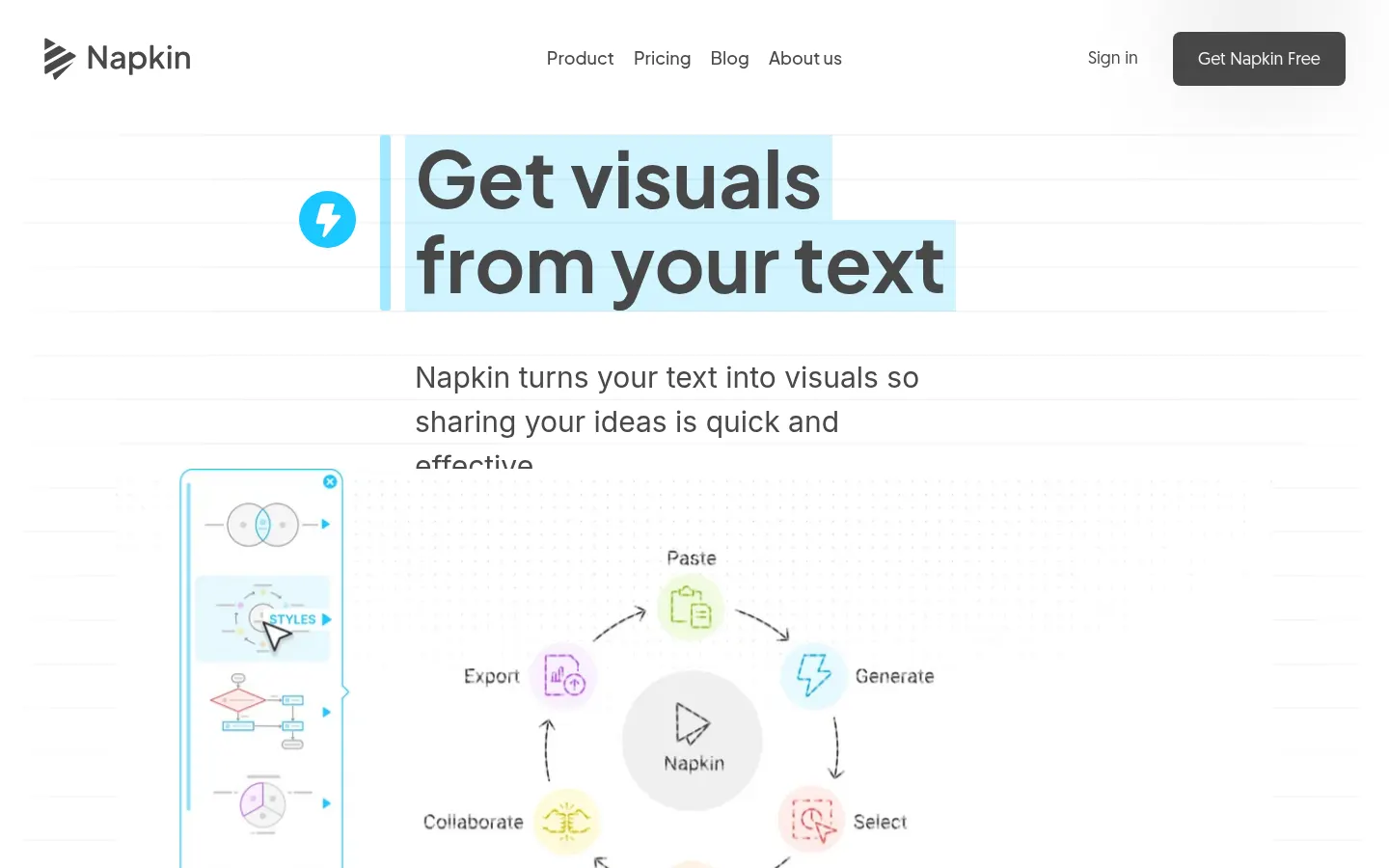
Napkin AI is an AI tool that turns text into visuals: diagrams, infographics, mind maps, flowcharts and data charts. It does not require prompting, because it works directly on the text you paste or import, and it is built for people who prepare presentations, articles, documentation, social posts or teaching material and want to explain ideas clearly.
How does Napkin AI work?
You paste or import text, select the passage you want to illustrate and the tool suggests several relevant visuals so you can pick the one that best expresses the idea. Every element is editable: you can change colors, icons, fonts and structure, split pieces apart and rearrange them to fit your brand or context.
Which kinds of visuals does it create?
- Infographics and concept diagrams from paragraphs.
- Structured mind maps from a single idea.
- Flowcharts that explain processes step by step.
- Editable data charts from numbers or text.
- Presentation-ready slides (Slides feature in beta).
- Automated generation through an API.
Which files does it import and export?
It imports PPT, DOC, PDF, HTML and Markdown documents and exports visuals as PNG, PDF, PPT and SVG for use in decks, blogs, documents or social media. The Brand Studio stores brand colors, fonts and styles so every visual a team creates stays consistent.
Is it safe for companies?
Napkin is SOC 2 Type II, ISO 27001 and GDPR compliant, and lets you opt your content out of model training. Higher tiers include team management and centralized administration, and there is a custom enterprise option.
Napkin AI pros and cons
- Pro: visuals from your text without prompting
- Pro: everything is editable and exports to SVG and PPT
- Pro: SOC 2 Type II and ISO 27001
- Con: credit use depends on the number of words selected
- Con: the entry version adds Napkin branding to visuals
Napkin AI features and use cases
How to use Napkin AI
Napkin AI FAQ
What is Napkin AI?
Napkin AI is a tool that turns text into editable diagrams, infographics, mind maps and charts with AI.
Is Napkin AI free?
It has a free version with 500 weekly credits and paid tiers with more credits. See the pricing section of this page.
Do I need to write prompts?
No, it works directly on your text: you select a passage and the tool suggests several visuals.
What is it used for?
To illustrate presentations, blog posts, social media posts and documentation with clear visuals.
Can I edit the visuals?
Yes, you can change colors, icons, fonts and structure, and split or rearrange every element.
Which export formats does it support?
It exports PNG and PDF on every tier, and PPT and SVG on the paid tiers.
Which documents can I import?
It imports PPT, DOC, PDF, HTML and Markdown files to generate visuals from their content.
Does it train on my data?
You can opt your content out of training, and it is SOC 2 Type II, ISO 27001 and GDPR compliant.
Does it have an API?
Yes, it offers an API to automate visual generation inside your own workflows.
What are the best Napkin AI alternatives?
On GptZone you can compare AI Diagram Maker, MakeInfographic AI and MindMap AI.
Napkin AI pricing and plans
Reference price: 9 USD / month. Source · Verified: October 31, 2026
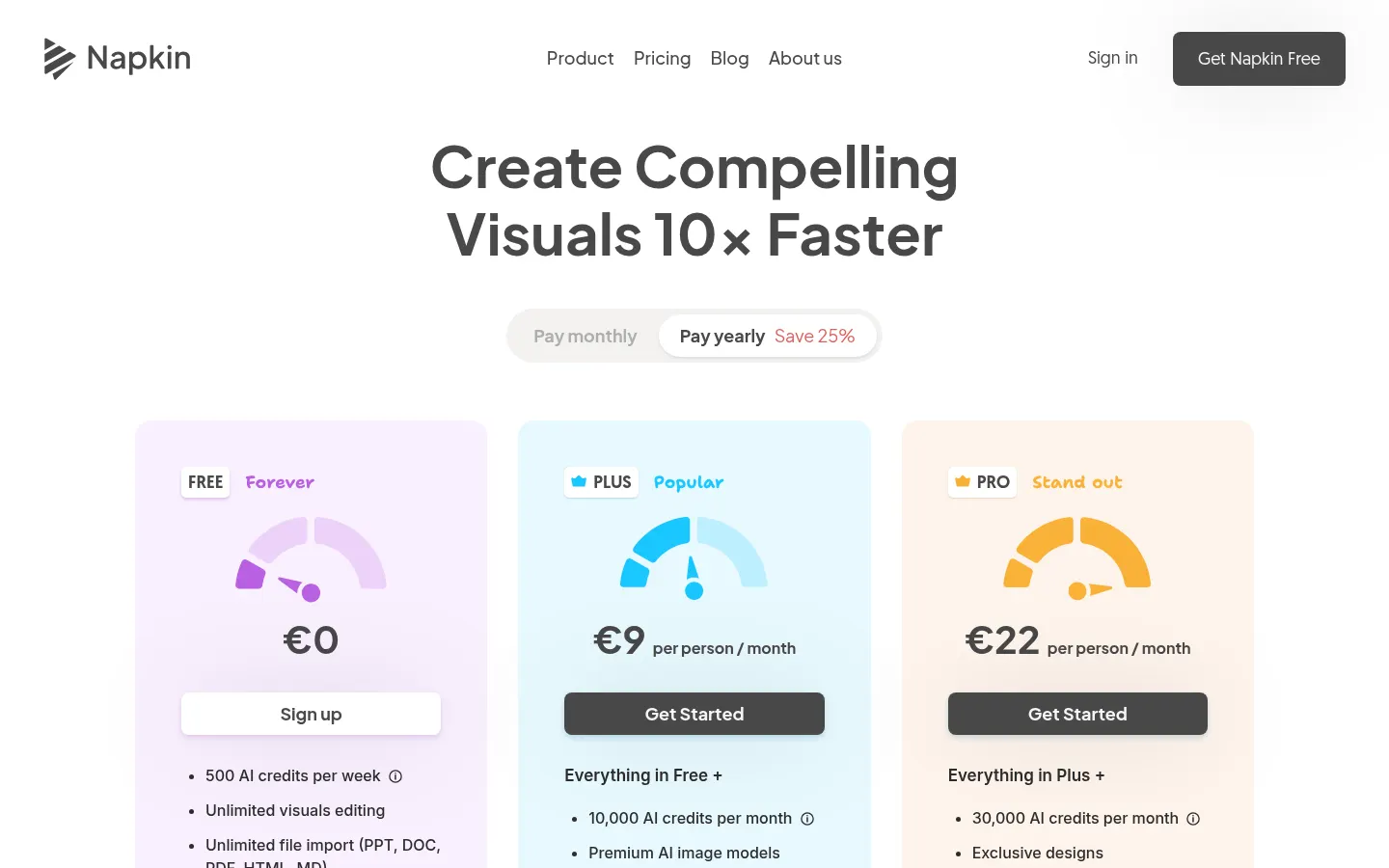
Prices in US dollars (USD) per person, as shown with monthly billing selected; annual billing saves 25%. Checked on: 31/10/2026.
Free: $0; 500 AI credits per week, unlimited PNG and PDF export and Napkin branding on visuals.
Plus: $9/month; 10,000 credits a month, premium image models, PPT and SVG export, 3 brand styles and no Napkin branding.
Pro: $22/month; 30,000 credits a month, exclusive designs, unlimited custom branding, your own fonts and credit top-ups.
Enterprise: custom. Each selected word uses about 1 credit.
Napkin AI Screenshots
Napkin AI user reviews
Write a review
Checking your session...
Napkin AI Reviews
Loading reviews...
Napkin AI alternatives


mindmap.io
Create mind maps where each node is an AI chat. Branch ideas while maintaining context, summarize content, and organize information on an infinite canvas.

Neural Summary
Automatically generate meeting summaries, tasks, and follow-up emails. Create professional documentation, diagrams, and backlogs without a bot joining the session.


create-ebook
Generate complete e-books from an idea. Create the structure, write the chapters, and design the cover. Export PDF, EPUB, and DOCX files ready for sale.