
Share
Bot-free AI meeting assistant offering real-time transcription, translation, live answers, and summaries for video calls and in-person sessions.
What is OLVA?
OLVA is a high-performance AI meeting assistant designed to provide real-time support without the need for visible bots in calls. Unlike conventional recorders, this tool captures audio directly from your computer or mobile device, running privately alongside applications such as Zoom, Microsoft Teams, Google Meet, Webex, and Slack huddles. Its primary focus is to eliminate the cognitive load of note-taking, allowing professionals to focus fully on human interaction while the AI processes content invisibly and efficiently.
OLVA’s operation is powered by live transcription technology that supports up to 87 languages and regional dialects. One of its most innovative capabilities is automatic question detection, which identifies inquiries raised during the conversation and offers instant suggested answers. Additionally, the system utilizes a document-aware AI model, allowing users to connect files, reports, and previous contexts so the assistant can answer questions based on specific company or project data, acting as an AI Coach that guides the meeting with tactical suggestions and fact-checking.
The key features of this tool include:
Multilingual transcription and live translation: Facilitates communication in global environments through real-time language tracking and automatic segment translation.
Live Insights: Generates useful signals, identifies risks, and proposes follow-ups as the discussion happens to help steer the conversation.
Persistent meeting memory: Allows users to seamlessly pull decisions, tasks, and context from past sessions into the current conversation.
Editable presentation generation: The ability to automatically transform meeting content into a professional, structured PowerPoint file.
Multi-device support: Features iOS and Android apps, ideal for capturing in-person meetings and accessing meeting history from anywhere.
After each session, OLVA automatically generates smart summaries, detailed minutes, and action items, storing everything in a database searchable via semantic search. This software is an advanced solution for sales, customer service, and product development teams looking for a meeting intelligence tool that combines privacy, transcription accuracy, and proactive assistance. By avoiding the use of external bots, it ensures that the video call flow remains uninterrupted, maintaining professionalism and data control at all times.
OLVA features and use cases
How to use OLVA
OLVA FAQ
How does OLVA work without joining my meetings as a bot?
OLVA captures audio directly from your device, allowing it to function privately without appearing as a visible participant in the video call.
Which communication platforms can OLVA be used with?
You can use this tool with the leading platforms on the market, including Zoom, Microsoft Teams, Google Meet, Slack, and Webex, as well as for in-person meetings.
Is it possible to get transcriptions in multiple languages with OLVA?
Yes, the assistant supports 87 language and regional options, offering automatic multilingual transcription and real-time translation during the session.
What are the benefits of OLVA's question detection feature?
The tool automatically identifies questions asked during the conversation and instantly suggests answers or relevant data so you never lose your train of thought.
Can I use the app for face-to-face meetings?
Yes, thanks to its mobile app for iOS and Android, you can record and transcribe in-person conversations directly from your phone.
What kind of analysis does OLVA generate at the end of a session?
Once the meeting ends, you will receive a comprehensive summary that includes key points, decisions made, action items, and a searchable history for future reference.
Does OLVA allow me to connect my own documents to customize the AI's responses?
Yes, you can link your own files so the artificial intelligence bases its responses on your specific context, sales notes, or internal policies.
Can I create PowerPoint presentations from my meetings with OLVA?
Yes, the tool allows you to transform your meeting content, including transcripts and key insights, into editable slide presentations.
Is there a free version of OLVA to test its features?
Yes, there is a free basic plan available that includes two hours of meeting time per month and access to core AI features.
What sets OLVA apart from other AI-based meeting assistants?
Unlike other services that focus on post-meeting analysis, this tool provides intelligent assistance, tips, and answers in real time while the meeting is in progress.
OLVA pricing and plans
Basic
Free
• Limit: 2 meeting hours per month.
• Live transcription with helpful cues.
• Automatic real-time Q&A detection.
• Live AI Coach and generation of summaries, notes, and meeting minutes.
• Real-time transcription translation and multilingual support (87 languages).
• Time-limited meeting history.
• PowerPoint presentation generation via credits (purchasable separately).
Plus
$12.50 per month ($150 billed annually).
• Limit: 15 meeting hours per month.
• Includes all Basic plan features.
• Unlimited meeting history (viewing and search).
• Folder management for meetings.
Pro
$19.99 per month ($239.88 billed annually).
• Limit: Unlimited meeting time.
• Includes all Plus plan features.
• File attachments for document-aware Q&A.
• Integrated calendar workflow.
• Slack, Google Drive, and Notion integrations.
• Outbound webhooks for developers.
Teams
Contact Sales.
• Designed for growing teams.
• Admin and team controls.
• Security and privacy reviews.
• Priority support and onboarding assistance.
Enterprise+
Custom pricing.
• Includes all Teams plan features.
• Advanced security and compliance.
• Audit logs and data export.
• API access and custom integrations.
• Dedicated account manager.
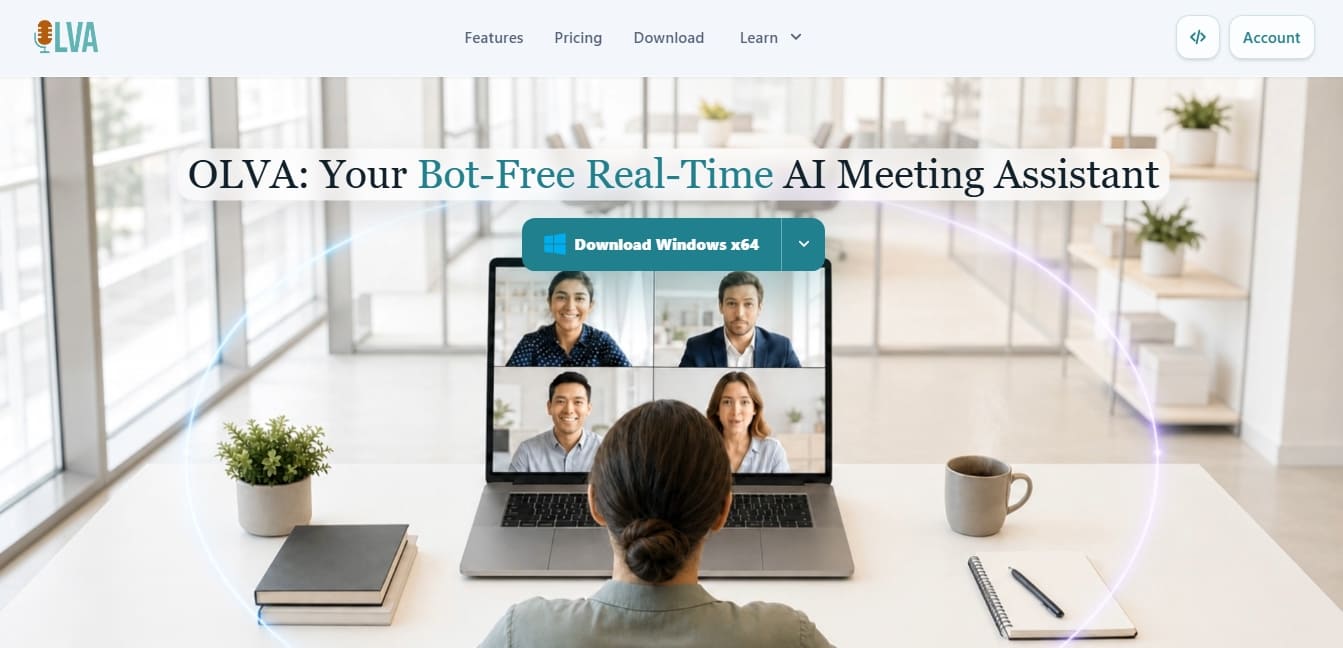
OLVA Screenshots
OLVA alternatives


OpenWhispr
OpenWhispr is open-source voice dictation for Mac, Windows and Linux: transcribe locally or in the cloud, type into any app and take meeting notes without a bot.

Bolt by Sparcle
Desktop assistant that automates tasks and manages data privately. Connect your tools and use AI models without exposing sensitive information.