PPTXai
Share
PPTXai
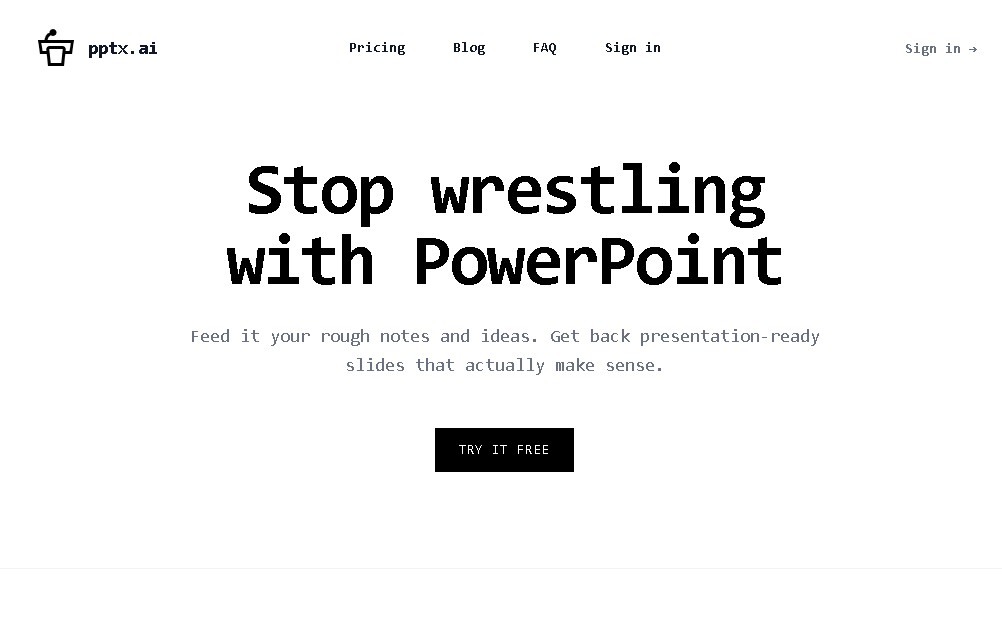
Create professional presentations from text, Word, or PDF documents. Organize content, apply visual design, generate speaker notes, and export to PowerPoint.
General Information about PPTXai
PPTXai is an advanced artificial intelligence tool specializing in the automatic generation of professional presentations. Its primary function is to transform raw content, such as text drafts, notes, or lengthy documents, into structured and visually coherent slides without the user having to perform manual design from their computer. This application is designed to optimize the workflow of professionals, academics, and content creators who need to communicate ideas visually without spending hours on layout and formatting.
The operation of PPTXai is based on natural language processing models that analyze the information provided by the user. The tool is capable of processing files in common formats such as Word or PDF to extract the most relevant points. The AI technology is not limited to simple transcription; it synthesizes the content, organizes the information hierarchy, and distributes the text evenly across each slide, selecting visual themes that ensure a professional and uniform finish.
The primary capabilities of this platform include:
- Document-to-slide transformation: Allows for the conversion of technical reports or text documents into ready-to-use presentations.
- Smart content organization: The AI structures ideas into bullet points and logical sections to improve message retention.
- Speaker notes generation: The system can automatically create supporting scripts to assist the user during their delivery.
- Compatibility and export: Generated presentations can be exported in .pptx format, ensuring full compatibility with Microsoft PowerPoint and other tools like Google Slides for final edits.
The utility of PPTXai lies in its practical approach to AI productivity. By automating layout selection and slide structuring, it allows the user to focus exclusively on the quality of the message rather than the technical aspects of graphic design. It is an efficient solution for those who handle large volumes of data and need to quickly synthesize information into high-quality visual aids.
Thanks to its ability to interpret context and generate coherent narrative structures, PPTXai positions itself as an essential assistant in creating supporting materials for meetings, lectures, or business proposals, eliminating the "blank page" barrier in presentation design.
Features and Use Cases of PPTXai
How PPTXai Works
Frequently Asked Questions about PPTXai
What exactly is PPTXai, and what is it used for?
It’s an AI-powered platform that automatically converts text and documents into professional presentations, saving you the time and effort of manual slide design.
Can I use my own Word or PDF documents with PPTXai?
Yes, the tool can process Word and PDF files to extract relevant information and organize it into a coherent presentation structure.
Does PPTXai offer a free plan for new users?
There is no default free plan; accessing its features requires a paid subscription, with plans starting at approximately five dollars.
What formats can I download PPTXai presentations in?
Presentations can be exported as PowerPoint (.pptx) files and are also compatible with Google Slides for opening and editing.
Can I generate speaker notes with PPTXai?
This feature is included in the more advanced plans, allowing the AI to automatically write supporting notes for each slide.
What are the differences between the various PPTXai pricing plans?
The primary differences lie in the number of slides allowed, the ability to summarize long documents, and the inclusion of AI-generated speaker notes.
How does PPTXai help with the visual design of the slides?
The tool does more than just organize text into key points; it also selects themes and visual layouts to ensure the final result looks professional and consistent.
PPTXai Pricing
No free version of the tool is available by default.
Theatre: approx. $5
- AI generation of approximately 18 slides with key bullet points.
Theatre+: $5 + additional token usage fees (approx. $0.10 per 1,000 tokens)
- Summarization of PDF documents for conversion into presentations.
- AI-generated speaker notes.
Main Stage: $19
- Full presentation creation.
- Includes speaker note generation.
Symposium: $19 + additional token fees
- Summarization of long-form documents.
- Includes AI-generated speaker notes.
PPTXai Screenshots