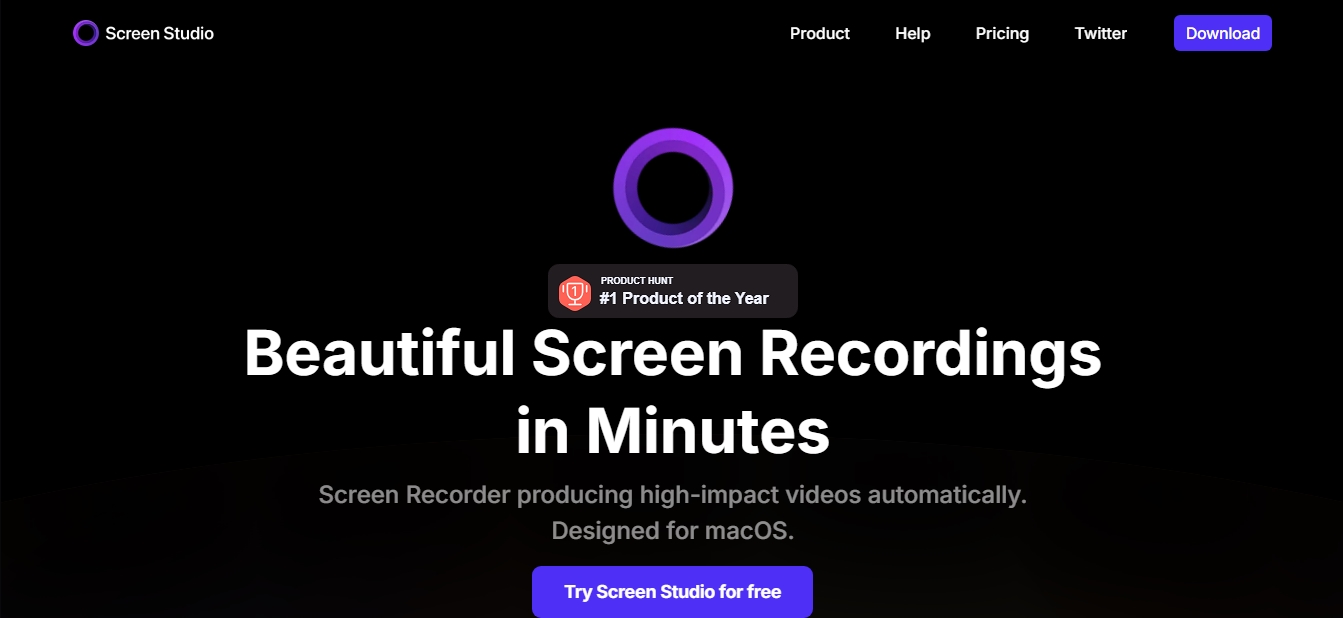
Screen Studio
Share
Screen Studio
macOS screen recorder that automates editing with smart zoom and cursor smoothing. Create professional demos, courses, and social media videos in minutes.
General Information about Screen Studio
Screen Studio is a screen recording tool designed exclusively for macOS that allows you to create high-quality, visually stunning videos automatically. Unlike conventional recorders, this app uses intelligent algorithms to transform basic screen captures into professional-grade content, making it ideal for creating product demos, online courses, tutorials, and social media content. Its primary goal is to drastically simplify the editing workflow, eliminating the need for complex manual adjustments after recording.
The technological core of Screen Studio is built on auto-zoom, a feature that detects user actions on the computer to dynamically focus attention on relevant interface elements. Additionally, the tool applies intelligent smoothing to cursor movement, transforming jerky or erratic motions into fluid, polished transitions. This automatic editing capability allows any user, regardless of prior post-production experience, to achieve results comparable to a professional video editor in just minutes.
Key features and functional benefits include:
Smart and Manual Zoom: The app automatically follows the pointer to highlight the main action, while also allowing you to manually select areas of interest that the AI will animate smoothly.
Advanced Cursor Management: You can increase the pointer size after recording, replace it with high-resolution system versions, or even hide it if it doesn't add value to the video.
Social Media Optimization: Easily export in horizontal or vertical formats with a single click, with the tool automatically adjusting all framing and animations for devices like smartphones.
Multi-source Recording: Simultaneously capture your webcam, microphone, and system audio. The webcam feed automatically adjusts its position to ensure it never covers critical cursor actions.
AI Audio Enhancement: Includes features for voice normalization and automatic background noise removal.
Local Transcription: Automatically generates captions by processing audio directly on your device, ensuring data privacy.
iOS Device Recording: Connect an iPhone or iPad to your Mac to record the mobile device screen; the app automatically detects the model and applies customizable frames.
For professionals seeking visual consistency, Screen Studio allows for branding customization by adjusting backgrounds, shadows, and spacing, as well as using motion blur for a more natural finish. It can also record and display the keyboard shortcuts used during the session. Once finished, users can export content in resolutions up to 4K at 60fps or as optimized GIFs, making it easy to use shareable links or integrate the videos into other workflow platforms.
Features and Use Cases of Screen Studio
How Screen Studio Works
Frequently Asked Questions about Screen Studio
What is Screen Studio and what is it used for?
It is a screen recorder for macOS that allows you to automatically create professional-looking videos by applying zoom effects and smoothing out mouse movements.
Is Screen Studio available for Windows?
Currently, the application is designed and optimized exclusively for use on Mac computers.
How does Screen Studio's auto-zoom feature work?
The tool detects your cursor actions and automatically zooms in on those areas, making your tutorials much easier to follow.
Can I record my iPhone or iPad screen with Screen Studio?
Yes, you can connect your iOS device to your Mac via USB to record mobile apps with custom device frames.
What audio enhancement features does Screen Studio offer?
The software automatically normalizes voice volume and removes background noise to ensure professional-quality audio in all your videos.
Can I customize the look and feel of my videos in Screen Studio?
Yes, you can change the background, add shadows, adjust margins, and resize the cursor even after you have finished recording.
Is the transcription generation in Screen Studio private?
Yes, the transcription and captioning process happens entirely on your computer, so no data is ever sent to external servers.
What export options are available in Screen Studio?
The app allows you to export videos in 4K resolution at 60 fps, create optimized GIFs, or share direct links.
Can Screen Studio display keyboard shortcuts in the video?
Yes, the tool can record the key combinations you use during the recording and display them visually in the final video.
Can I edit the length of my recording in Screen Studio?
Yes, the built-in editor makes it easy to trim parts of the video, remove unwanted segments, or increase the playback speed.
Screen Studio Pricing
Monthly Plan
29 $ per month.
Full access to all Screen Studio features.
Quick video sharing links.
Use on up to 3 personal macOS devices.
Annual Plan
9 $ per month (billed annually).
Full access to all Screen Studio features.
Quick video sharing links.
Use on up to 3 personal macOS devices.
Screen Studio Screenshots