
Share
What is CloneCut?
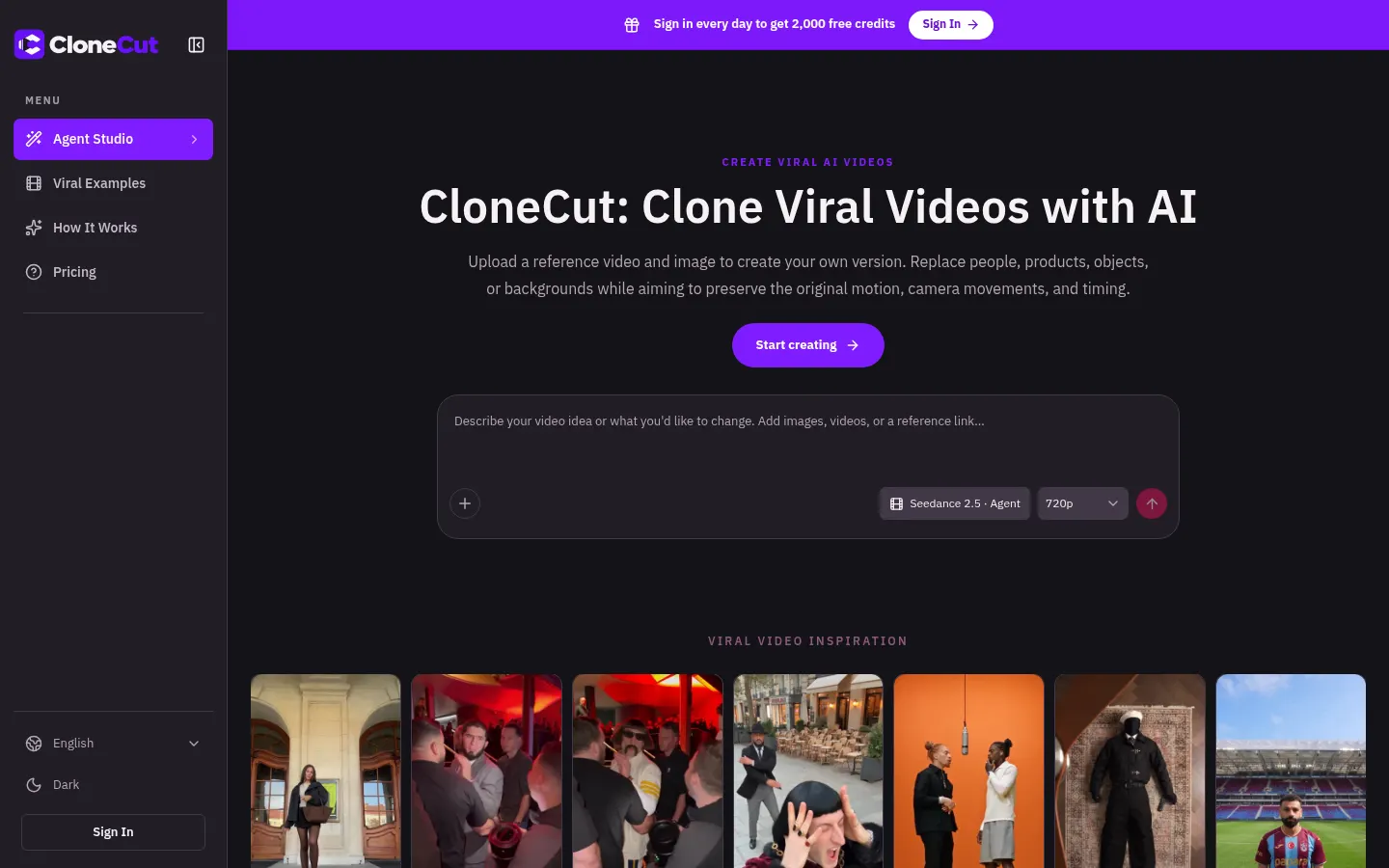
CloneCut is an AI tool for recreating viral videos: you upload a reference clip and an image, say what you want changed, and it generates your own version where a different person, product, object or background appears with the same motion, camera moves and timing. It is aimed at creators and brands who want to reuse proven formats without reshooting.
How does CloneCut work?
The reference video supplies the sequence and the image defines the new look. In the editor you pick which element to replace and describe what must stay, such as the hands, tabletop and camera angle in a product swap. Before generating you see the credit quote for the model (such as Seedance 2.5), duration and output resolution, at 480p, 720p or 1080p and up to 15 seconds. An agent mode also helps you map out the variation.
What can you change in a video?
- People: a different character following the original pose and movement.
- Products: another item in a familiar product reveal.
- Objects: a prop with the color, shape and material you specify.
- Backgrounds: the same action in a new setting.
Who is CloneCut for?
Content creators on TikTok, Reels or Shorts, e-commerce brands adapting a viral ad to their own product, and agencies testing creative variations from a single clip. The gallery includes dance, transition and product reveal examples to start from.
CloneCut pros and cons
Pros: it keeps choreography and camera work well, shows the credit quote up front and returns credits when a task fails. Cons: the output is not a frame-perfect copy, fast cuts or occlusion can introduce differences, and you should only use footage you have the right to edit.
CloneCut features and use cases
How to use CloneCut
CloneCut FAQ
What is CloneCut?
CloneCut is an AI tool that recreates viral videos by swapping people, products, objects or backgrounds while keeping the original clip’s motion.
Is CloneCut free?
You can try it with 2,000 free credits a day when you sign in; for more use there are subscriptions and packs. See the pricing section.
Can I use my own footage as the reference?
Yes, as long as you have permission to edit it; short clips with a clearly visible subject work best.
Is the result identical to the original?
No. The reference guides motion, camera and pacing, but the AI is not frame-perfect, so review the output.
Can I change a product without changing the person?
Yes. Describe the product as the only replacement and ask it to keep the hands, action and rest of the scene.
What happens if a generation fails?
When a failure is confirmed, CloneCut returns the credits; if a task is still processing, check its status first.
Does CloneCut have an API?
The official site does not mention a public API; it is used through the web editor and its agent mode.
Does CloneCut work in Spanish?
The site is in English and does not list supported prompt languages; you can try describing changes in Spanish.
What are the alternatives to CloneCut?
On GptZone you can compare it with Viggle AI, Kling IA or PixVerse, which also generate or transform video from references.
CloneCut pricing and plans
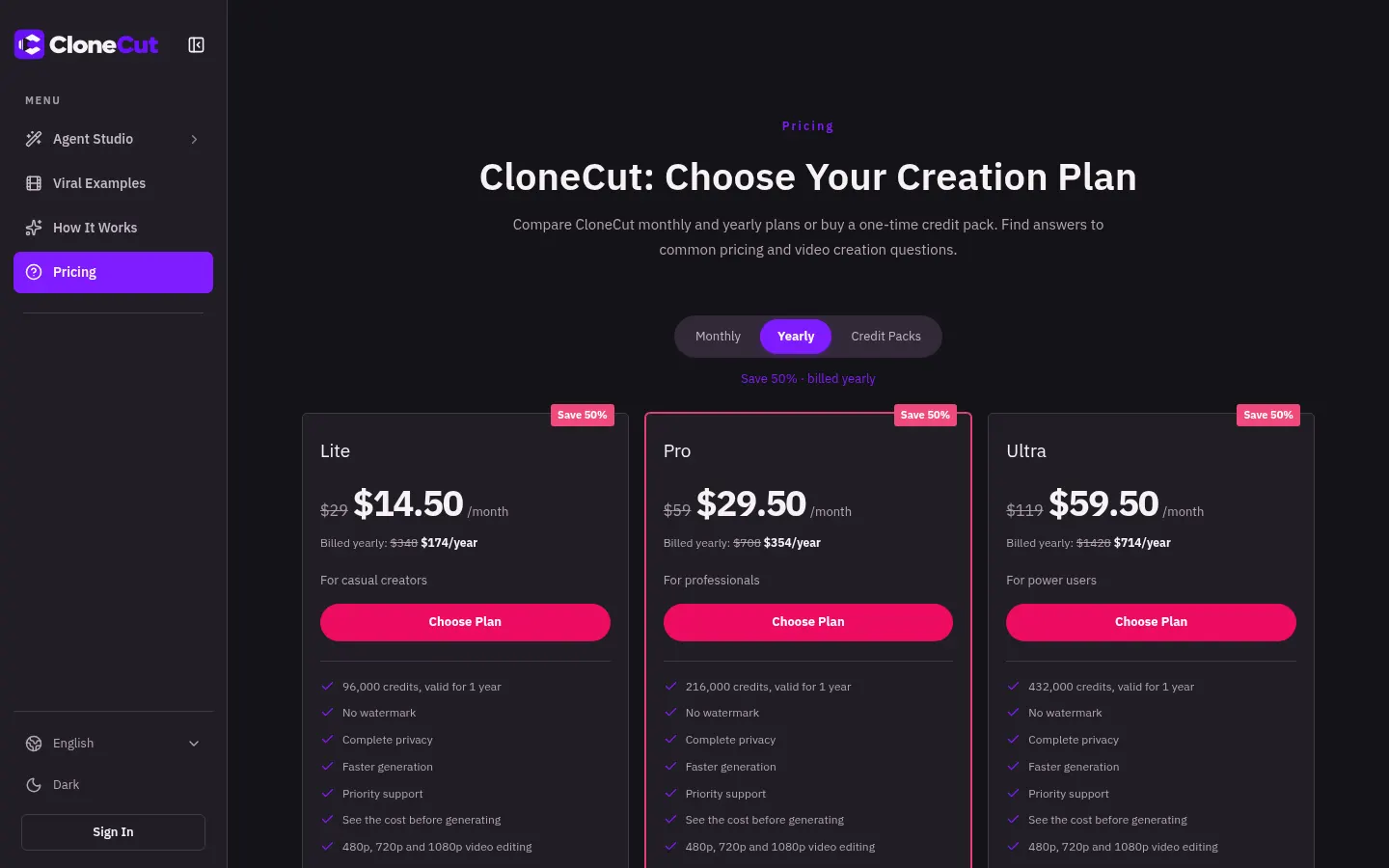
Reference price: 29 USD / month. Source · Verified: November 16, 2026
Prices in US dollars (USD) per the official site. Checked on: 16/11/2026. Signing in daily grants 2,000 free credits; the final cost depends on model, duration and resolution.
Lite: $29/month ($14.50/month billed yearly, $174/year, 96,000 credits).
Pro: $59/month ($29.50/month billed yearly, $354/year, 216,000 credits).
Ultra: $119/month ($59.50/month billed yearly, $714/year, 432,000 credits).
All plans: no watermark, privacy, faster generation and priority support. One-time credit packs are also available.
CloneCut Screenshots
CloneCut user reviews
Write a review
Checking your session...
CloneCut Reviews
Loading reviews...
CloneCut alternatives

Morph Studio
Morph Studio is an AI platform to generate videos and images with models like Veo, Kling or FLUX and arrange them on a borderless canvas.

Victoria Secret Runway
Create fashion show videos by integrating your face into real scenes. Just upload a photo to replace professional models and walk the runway.

VidLux Image to Video AI
Generate cinematic videos and animations from images or text. Control camera movement and use multiple AI models all in one place.


SparkVid | Image to Video AI Generator
Transform images into realistic videos while maintaining face and object fidelity. Control camera movement with access to various AI engines.
Choicer Voicer
AI tool for voice cloning, video translation, and voiceovers. Design unique sounds and dub games, animations, or social media content.