

Share
What is Sickle?
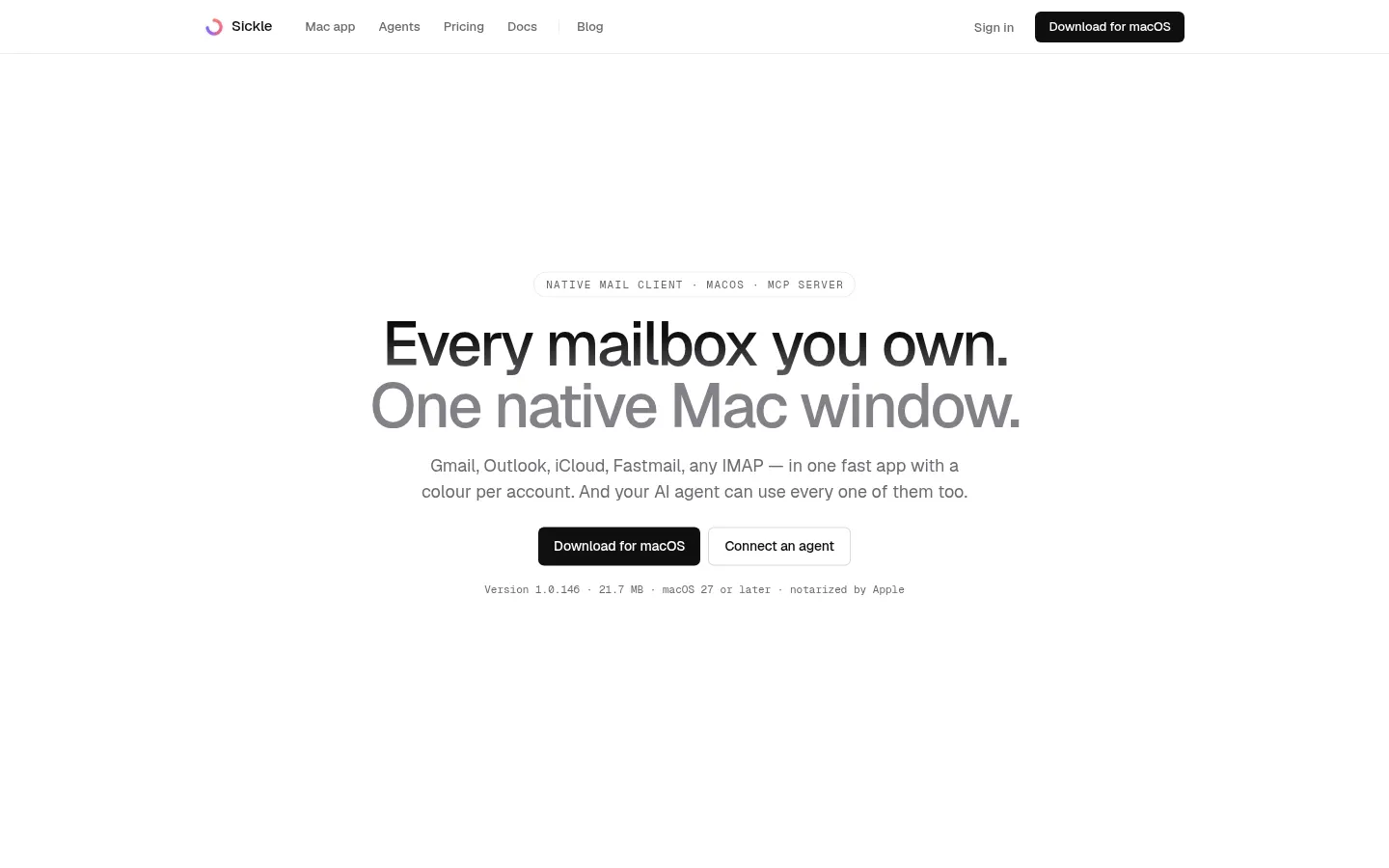
Sickle is a Mac mail client that includes, in the same product, an MCP connector for AI agents. It is for people who want to read and organise a mailbox in a native app, and also for people who would rather let an agent (in Claude, Cursor or another compatible client) act on the mail: search, draft, label, or leave a reply ready. The site is clear on one point: the connector is not an add-on charged separately, and you do not need the Mac to use it. Every feature and every mailbox sits on the same tier.
What is Sickle and what is the connector for?
You install the app on a Mac, connect the mailbox and work through the mail as you would in any desktop client. If you turn the connector on, an external agent can operate on those same mailboxes through MCP, without you copying and pasting threads. That lets you, for example, ask for a summary of what is unread or leave a reply ready for you to send. The connector, according to the site, can also be used without the Mac app.
How is it charged?
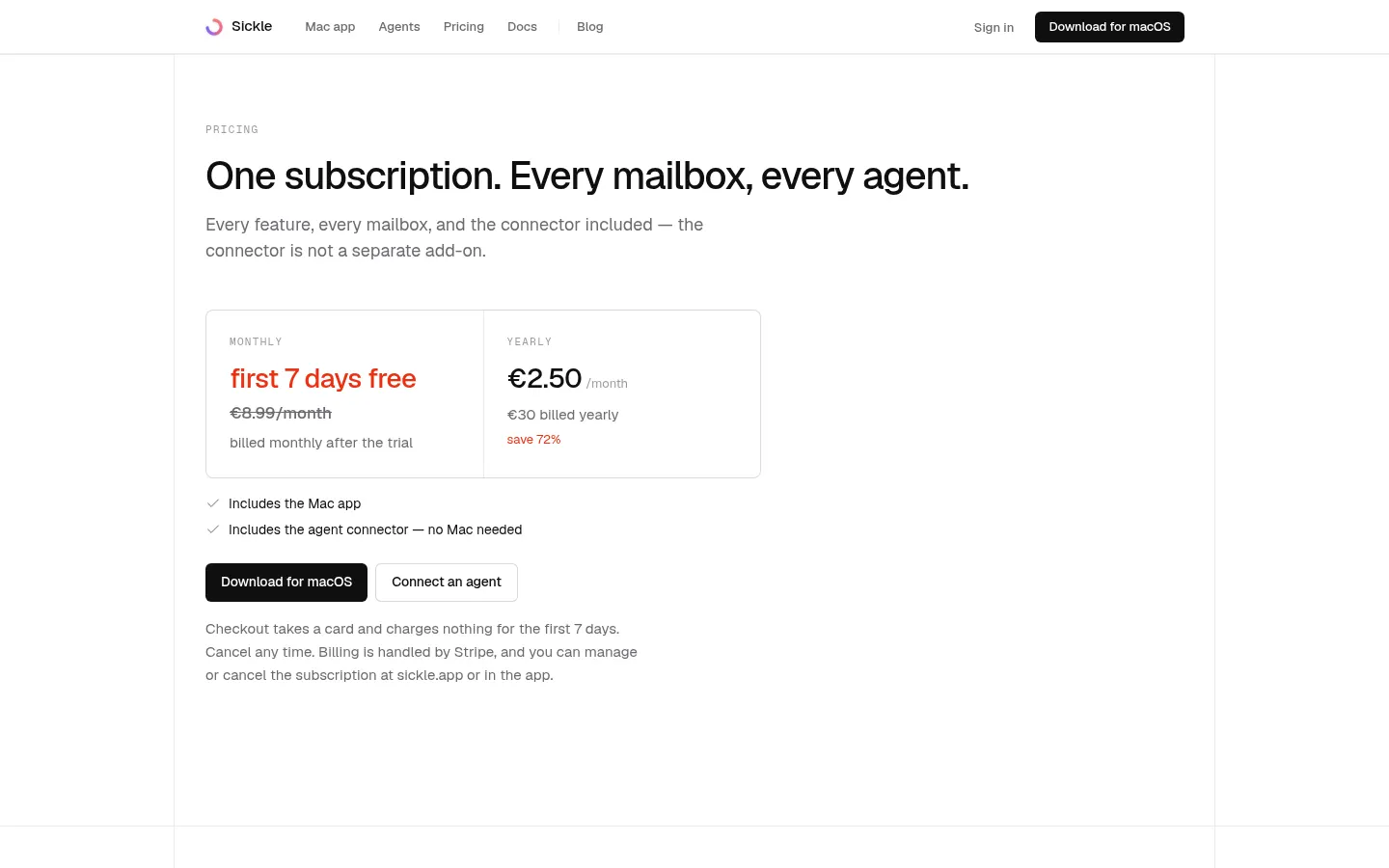
There is a single tier, with everything included. You can pay each month or for the whole year, and the first days are not charged, according to the site. The yearly charge works out leaner, once spread across the year, than the monthly one. After that opening period the charge starts; it is not an ongoing zero-charge tier, so this listing records it as a paid product, not as an ongoing no-charge product.
Sickle pros and cons
- Pros: the MCP connector is included, it can be used without the Mac, and you do not have to choose between features or mailboxes: they all sit on the same tier.
- Cons: the native app is meant for Mac, and the site does not describe an equivalent client for other systems; and after the opening period the charge starts, with no permanent zero tier.
Sickle features and use cases
How to use Sickle
Sickle FAQ
What is Sickle?
It is a Mac mail client that includes an MCP connector, so an AI agent can act on the mailbox. The connector is not charged separately.
Do I need a Mac to use the connector?
No. The site says the connector can be used without the Mac app.
Is the connector an add-on?
No. It is included on the same tier, with every feature and every mailbox.
Is Sickle free of charge?
Not on an ongoing basis. There are 7 days at the start with no charge; after that, it is €8.99 a month or €30 a year. That is why this listing records it as a paid product.
How much is it by the year?
€30 a year, which the site presents as €2.50 a month if you spread the yearly charge.
Which currency is it in?
Euros, according to the official tiers page, which is also where the amounts are shown.
Which agents does it work with?
MCP-compatible clients; this listing uses Claude or Cursor as the usual example for this kind of connector. It is worth confirming the list on the site.
Can I have several mailboxes?
Yes. The site says every mailbox is included on the same tier, with no extra charge for each one.
What happens after the 7 days?
The monthly or yearly charge you chose starts, according to the site.
Where can I check the amounts?
The amounts are at sickle.app/pricing, which is the official tiers page.
Sickle pricing and plans
Reference price: 8.99 EUR / month. Source · Verified: November 27, 2026
Prices from the official website (sickle.app/pricing). There is a single tier, with the Mac app and the MCP connector included; the connector is not charged separately. The first 7 days are not charged (the page says «first 7 days free»). Checked on: 27/11/2026.
Monthly: €8.99 a month, collected monthly after those 7 days.
Yearly: €30 a year, which the site presents as €2.50 a month if you spread the yearly charge.
Sickle Screenshots
Sickle user reviews
Write a review
Checking your session...
Sickle Reviews
Loading reviews...
Sickle alternatives




Atomic Bot
Atomic Bot runs open-source AI agents such as OpenClaw, Hermes and Codex on your computer or in the cloud, with no terminal, and keeps them online 24/7.

ParagraphAI
ParagraphAI is an AI writing assistant for phone, browser and desktop that fixes grammar, drafts email replies in one tap, adjusts tone and translates.

Spark Mail
Spark Mail is an AI email client that filters out noise, summarizes threads, drafts replies and lets teams collaborate on emails across devices.