
Share
What is Spark Mail?
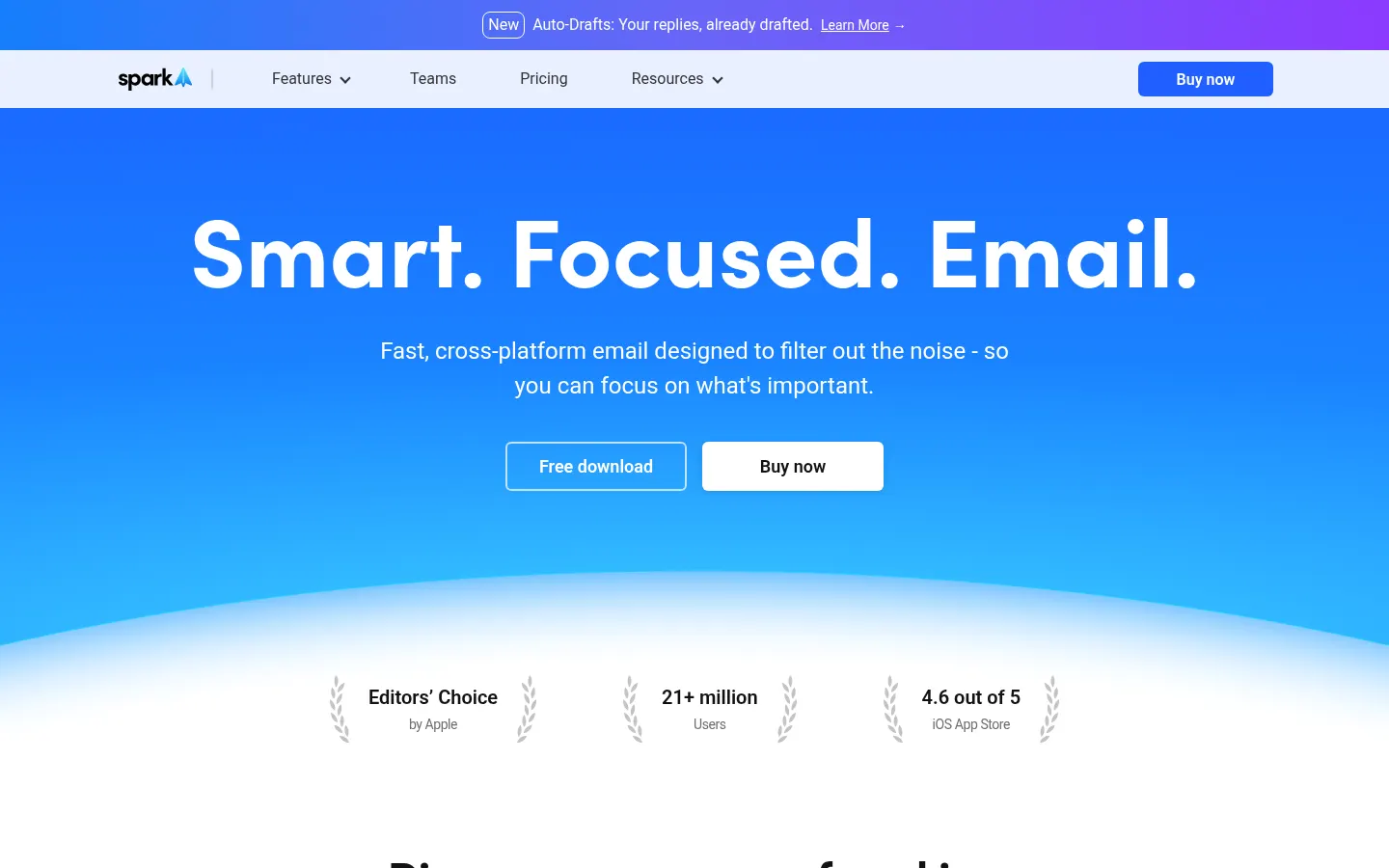
Spark Mail is an AI email client from Spark Mail Limited that brings all your accounts into a smart inbox, filters out the noise and uses Spark +AI to summarize, draft and translate emails. It runs on Mac, Windows and iOS with cross-device sync and, according to the site, has 21+ million users; it was an Apple Editors' Choice on the App Store.
What is Spark Mail used for?
It's built to cut the time you spend in your inbox. The Smart Inbox separates personal mail from newsletters and notifications, Priority and Pin highlight important contacts, and Gatekeeper lets you approve or block new senders before they reach you. To organize your day there's Set Aside, Mark as Done, snooze, Send Later, follow-up reminders, muted threads and Group by Sender.
How does Spark +AI work?
The AI Assistant finds, summarizes and acts on anything in your inbox when you ask. On top of that, the AI writer helps compose replies, and there are quick replies, instant thread summaries and email translation. Higher tiers add Auto-Drafts, which prepares replies for you, Autopilot and AI meeting notes, plus calendars connected to Zoom, Google Meet and Microsoft Teams.
Who is Spark Mail for?
- Professionals juggling several Gmail, Outlook, iCloud or Exchange accounts.
- Client-facing teams sharing threads, drafts and inboxes.
- People flooded with newsletters who want to focus on what matters.
- Mac and iPhone users looking for an Apple Mail alternative.
Spark Mail pros and cons
Pros: unlimited accounts across IMAP, iCloud, Exchange, Outlook, Yahoo and Google, team collaboration with private comments and assignments, and a HubSpot integration. Cons: AI features draw on a monthly quota, and assistant history and meeting notes are very limited on the basic tier.
Spark Mail features and use cases
How to use Spark Mail
Spark Mail FAQ
What is Spark Mail?
It's an AI email client that brings your accounts into a smart inbox, filters out noise and summarizes, drafts and translates emails.
Is Spark Mail free?
Yes, there's a free tier with unlimited accounts and basic AI features; paid tiers are listed in the pricing section.
Which devices does Spark run on?
It runs on Mac, Windows and iOS and syncs your mail and settings across devices.
Which email accounts can I add?
It supports Google, Outlook, iCloud, Exchange, Yahoo and any IMAP server, with no limit on accounts.
What does Spark's AI Assistant do?
It finds, summarizes and acts on what's in your inbox when you ask, and helps write and translate replies.
What is Gatekeeper?
It's a filter that lets you accept or block each new sender before their emails reach your inbox.
Is Spark good for teams?
Yes, you can share threads and drafts, comment privately, assign emails and use shared inboxes.
Does Spark's AI have limits?
Yes, Spark +AI features use a monthly credit quota that grows with each tier, according to its FAQ.
Is it safe to connect my email to Spark?
The company says it uses data only for product optimization, never shares it with third parties and stores it encrypted on Google Cloud.
What are some Spark Mail alternatives?
Our directory lists Superhuman, Shortwave and Mailbutler, which also focus on managing email with AI.
Spark Mail pricing and plans
Reference price: 99 EUR / year. Source · Verified: November 8, 2026
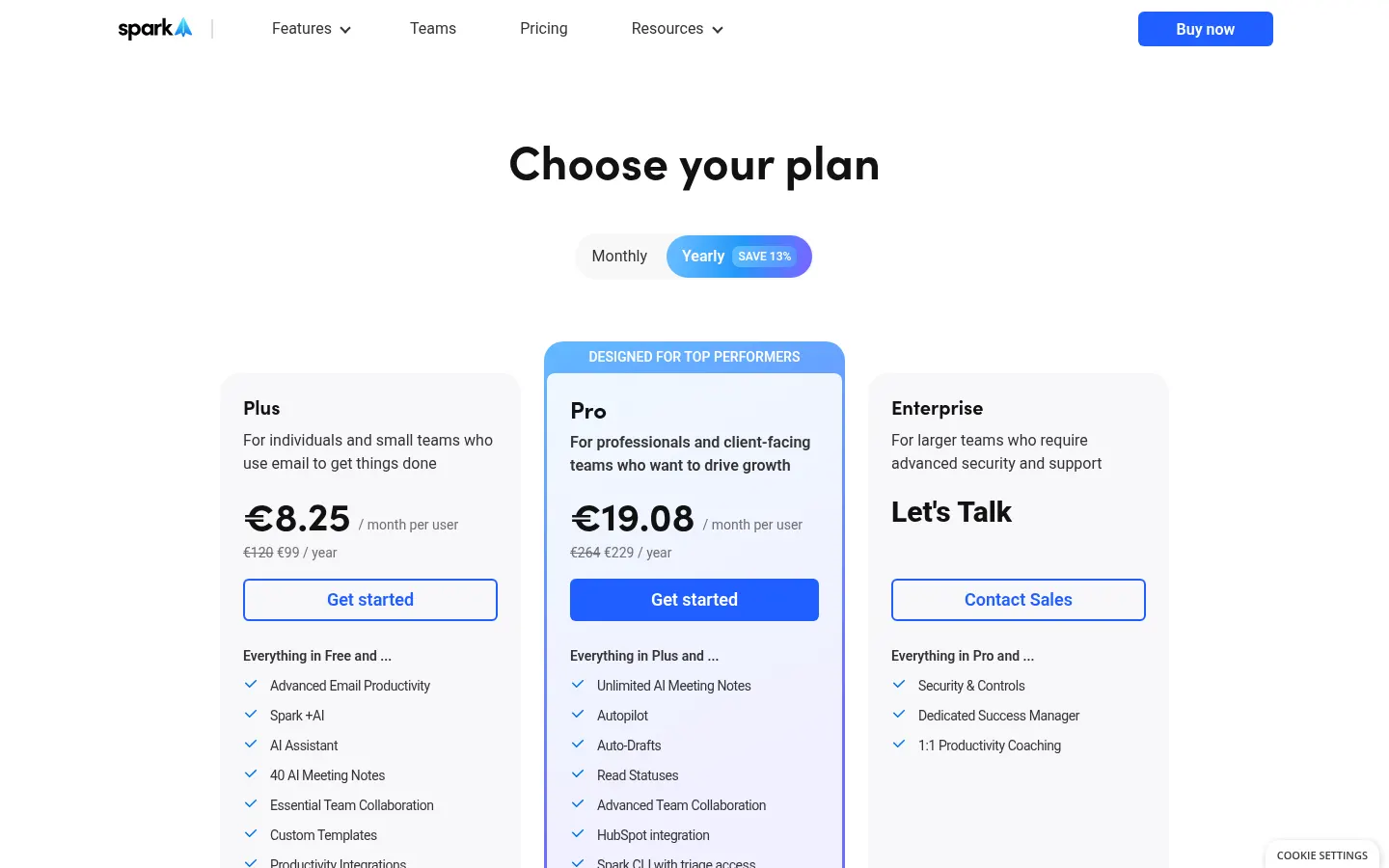
Prices in euros, billed annually per user, as shown on the site (Checked on: 08/11/2026). Yearly billing saves 13% versus monthly.
- Free: €0. Unlimited accounts, Smart Inbox, Gatekeeper, Priority, templates and AI Assistant with 1 month of history; 5 lifetime meeting notes and 2 active collaborators.
- Plus: €99 a year per user (list price €120), equal to €8.25/month. Extended Spark +AI, assistant with 1 year of history, 40 meeting notes a month, custom templates and integrations.
- Pro: €229 a year per user (list €264), equal to €19.08/month. Unlimited meeting notes, Autopilot, Auto-Drafts, read statuses, advanced collaboration and HubSpot integration.
- Enterprise: on request, with security controls, a dedicated success manager and productivity coaching.
Spark Mail Screenshots
Spark Mail user reviews
Write a review
Checking your session...
Spark Mail Reviews
Loading reviews...
Spark Mail alternatives

ParagraphAI
ParagraphAI is an AI writing assistant for phone, browser and desktop that fixes grammar, drafts email replies in one tap, adjusts tone and translates.

Mailbutler
Mailbutler is an email productivity extension for Gmail, Outlook and Apple Mail with tracking, mail merge, notes, tasks and an AI Smart Assistant.