
Share
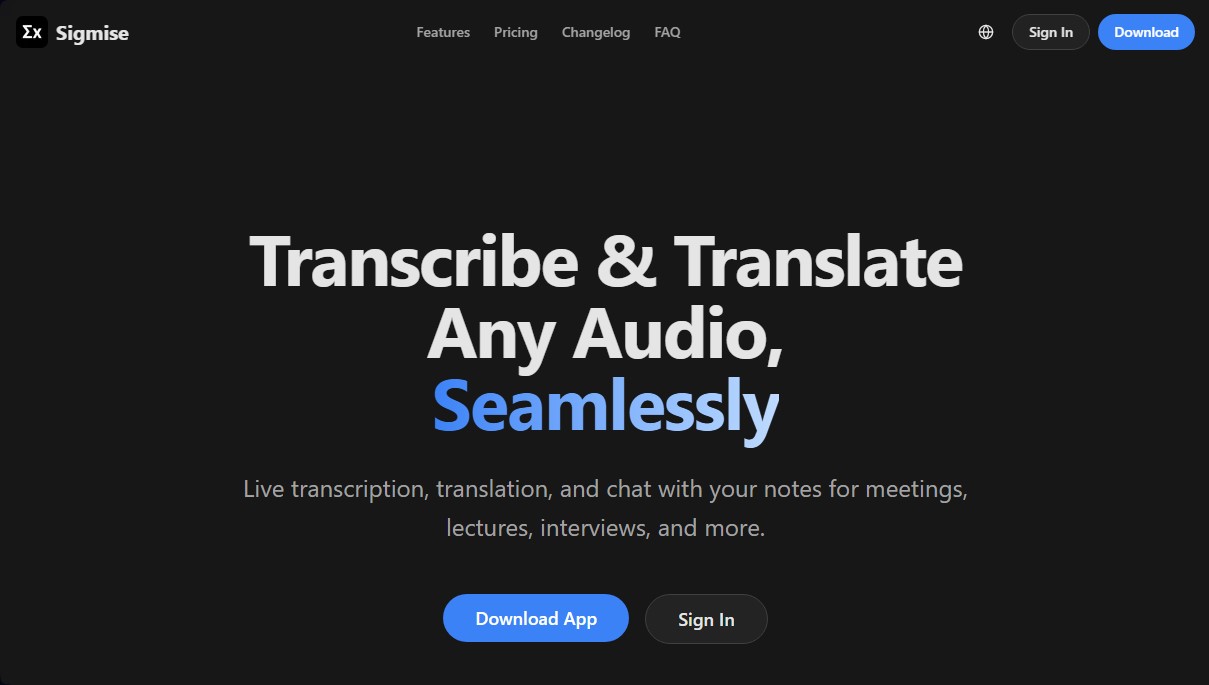
Transcribe and translate meetings in real time. Generate AI summaries, use floating subtitles, and chat with your notes to quickly extract key information.
What is Sigmise?
Sigmise is an advanced real-time transcription and translation solution designed to optimize information capture during meetings, conferences, and interviews. This desktop application, compatible with both Windows and macOS, allows users to focus on the conversation while the technology handles converting speech into text instantly. Its technical architecture is powered by industry leaders like Microsoft Azure for speech recognition and OpenAI for generating summaries and intelligent interactions.
Sigmise's core functionality stands out for its dual audio capture capability, meaning it simultaneously processes both system sound (speakers) and the microphone. This makes it ideal for video calls on third-party platforms, YouTube videos, or podcasts. Additionally, it includes a floating overlay window that displays real-time subtitles over any other open application, eliminating the need to switch windows during important meetings.
The capabilities of this AI tool include:
- Live transcription with speaker identification in 28 different languages, achieving over 95% accuracy under optimal audio conditions.
- Simultaneous translation into 24 languages, facilitating comprehension in international environments and breaking down language barriers.
- Automatic AI summaries that concisely synthesize key points of the conversation as it happens.
- Intelligent chat with notes, allowing users to ask specific questions about recorded content to extract data, clarify points, or generate follow-up ideas.
The approach of Sigmise is purely functional, aiming to boost productivity and information retention. It is especially useful for college students attending classes in foreign languages, project managers who need accurate meeting minutes, and global teams requiring seamless communication. Security is a fundamental pillar of the service, as data is encrypted both in transit and at rest, stored securely in the cloud and linked exclusively to the user's account.
After any session, users can access an unlimited recording history, perform semantic searches within transcripts, and export the results in text format. As a desktop tool, it allows for the monitoring of any audio passing through the computer, serving as a comprehensive audio assistant for daily workflows. Its interface is designed to be scannable and efficient, allowing even non-native speakers to follow complex conversations through the live summary panel.
Sigmise features and use cases
How to use Sigmise
Sigmise FAQ
What is Sigmise and how does real-time transcription work?
Sigmise captures audio from your microphone and system to instantly convert speech to text using advanced Microsoft Azure AI.
What languages does Sigmise support for transcribing and translating conversations?
The tool supports transcription in 28 languages and real-time translation in 24 different languages, including Spanish, English, French, and German.
Is my data storage secure with Sigmise?
Yes, all your data is encrypted both in transit and at rest and is securely stored in the cloud following industry security standards.
Can I use Sigmise for free?
Sigmise offers a free plan that includes 120 minutes of transcription per month, AI-powered summaries, and access to all supported languages.
What platforms is the Sigmise app available on?
You can currently download and install the app on Windows and macOS computers to capture any system audio.
What features does the Sigmise floating window offer?
It is a caption window that stays on top of other applications, allowing you to follow the transcription during video calls without switching windows.
Is it possible to chat with my notes after a meeting?
Yes, you can ask the AI questions about your saved transcripts to get specific details, clarify points, or generate additional ideas.
Does Sigmise allow for recording system and microphone audio separately?
The app features a dual audio capture function that allows you to independently record sound from your speakers and your own microphone.
Can I access my Sigmise transcripts without an internet connection?
While you need a connection for real-time transcription, you can view and review all your history and previously saved notes locally.
How accurate are the transcriptions generated by Sigmise?
Thanks to the use of advanced speech recognition technology, the tool achieves over 95% accuracy under clear audio conditions.
Sigmise pricing and plans
Free ($0): Ideal for testing the tool's core features.
120 transcription minutes per month.
Real-time translation.
AI-powered summaries.
Chat with your notes.
Support for all languages.
Unlimited history.
Pro ($15.99 per month or $172.8 per year): Designed for professionals who require higher usage limits.
1,200 transcription minutes per month.
Real-time translation.
AI-powered summaries.
Chat with your notes.
Support for all languages.
Unlimited history.
Teams ($49 per month or $490 per year): Geared toward small teams and startups.
Includes all Pro plan features.
Up to 10 team members.
Shared team workspace.
API access.
Enterprise (Custom pricing): Tailored solution for large organizations.
Includes all Teams plan features.
Unlimited team members.
SSO/SAML authentication.
Custom integrations.
Dedicated support.
On-premise deployment option.
Sigmise Screenshots
Sigmise user reviews
Write a review
Checking your session...
Sigmise Reviews
Loading reviews...
Sigmise alternatives
SayLingo.ai
Practice 30 languages with AI tutors. Improve your pronunciation and grammar through real conversations, guided lessons, and official exam preparation.
AI Translate Manga.com
Translate Japanese manga into English or Simplified Chinese directly in the panels. Supports PNG, JPG, and PDF files, plus a Chrome extension for online reading.

Kapwing Hinglish Subtitles Generator
Generate automatic Hinglish captions for videos in 100+ languages. Includes AI-powered editing and dubbing tools to reach bilingual audiences.
Ask BONBON
AI assistant for electricians that answers NEC and CEC code questions with official citations. Includes calculation tools, blueprint analysis, and a voice assistant.