

Share
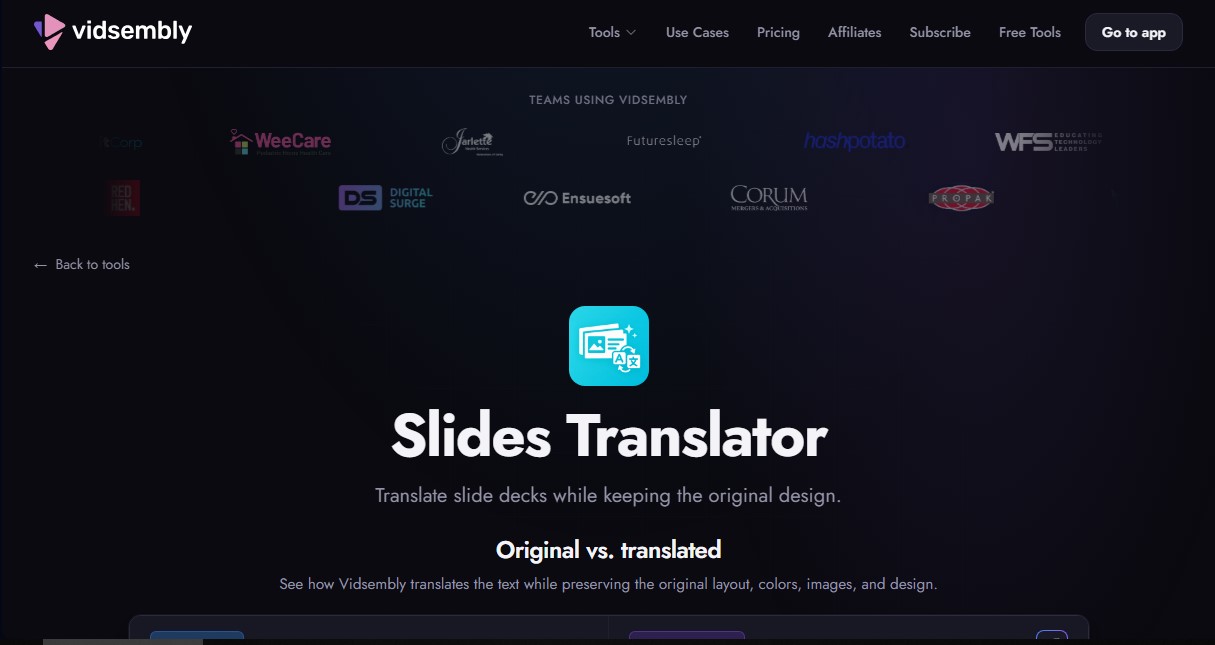
Translate presentations and PDFs while preserving original layouts, images, and formatting. Review each slide and download the final result as a PDF.
What is Slides Translator?
Slides Translator is an AI-powered tool integrated into the Vidsembly platform that allows you to translate slide presentations while keeping the original design intact. Its primary function is to automate the localization of visual content without the need to reformat documents after changing the language. The system processes the text while scrupulously respecting the layout, color schemes, images, and visual style of the source file. It is a solution designed for global teams, educators, and consulting firms that need to quickly adapt their materials for different markets from their computer.
The workflow of this AI for PowerPoint translation tool is streamlined for efficiency. After uploading a file in PPTX, PPT, or PDF format (with a 50 MB limit and up to 80 slides), the user selects the target language. Slides Translator technology analyzes each slide individually to replace text while maintaining aesthetic consistency. One of its most notable features is the review and refinement capability, which allows users to select specific slides that need adjustments, describe the desired changes, and regenerate only those pages without affecting the rest of the document.
The tool's core capabilities and benefits include:
- Automatic Layout Preservation: Translated text is positioned within the original design, maintaining fonts, sizes, and alignments.
- Multilingual Support: It enables translation into 12 key languages, including Spanish, English, Chinese, German, French, Japanese, and Portuguese, among others.
- Complex File Management: It is compatible with both Microsoft PowerPoint presentations and PDF documents, processing all graphic and artistic elements.
- Professional Export: Results can be downloaded directly in high-quality PDF format, ready for distribution or printing.
- AI Video Conversion: It offers direct integration to transform translated slides into narrated videos with synthetic voices, automatically generating MP4 files.
Using Slides Translator is particularly useful for localizing sales materials and technical training in international companies. In the field of Human Resources, it facilitates the creation of onboarding and regulatory compliance manuals for diverse workforces. Likewise, educators can immediately adapt their lessons for multicultural classrooms or online learning modules. By eliminating the manual editing of every text box, the tool optimizes content workflows and ensures brand consistency across all supported languages. For optimal results, the use of 16:9 widescreen formats is recommended.
Slides Translator features and use cases
How to use Slides Translator
Slides Translator FAQ
What is Slides Translator and how does it work?
It is a Vidsembly tool designed to translate entire presentations while preserving the original layout, colors, and images.
Will Slides Translator maintain my slide formatting?
Yes, the app keeps the text layout and all visual elements intact while translating the content into your chosen language.
What file types can I upload to the platform?
You can upload PPTX, PPT, or PDF files with a maximum size of 50 MB and a limit of 80 slides.
How many languages can I translate my documents into with Slides Translator?
The tool currently supports 12 major languages, including English, Spanish, French, German, Italian, Portuguese, Chinese, Japanese, and Korean.
How does the Slides Translator credit system work?
Translation costs 3 credits for each processed slide. You can also take advantage of our launch offer to get your first credits for free.
Can I edit a specific slide if I’m not happy with the translation?
Yes, you can select individual slides to review, describe the necessary changes, and regenerate only those specific pages without restarting the entire process.
What export options are available?
Once the translation is complete, you can download the file as a PDF or send it to the video feature to add an AI-generated voiceover.
Can I use Slides Translator for free?
There is a limited-time offer for early users to receive free credits, allowing you to try the tool without having to enter a credit card.
Slides Translator pricing and plans
Free
$0 (Launch offer: 30 one-time credits for the first 10,000 users; 20 credits thereafter).
30 one-time credits to use across Vidsembly tools.
Standard library AI voices.
Video in original resolution (adjusted to slides).
Watermarked exports.
3 credits per translated slide.
File limit of up to 50 MB and 80 slides.
Pro
$6.99/month (or $69.99/year).
300 credits per month (renews monthly).
Option to purchase additional credits (top-ups).
Premium voices.
3 voice clones.
720p and 1080p rendering options.
No watermarks on video exports.
3 credits per translated slide.
File limit of up to 50 MB and 80 slides.
Elite
$21.99/month (or $219.99/year).
1,200 credits per month (renews monthly).
Includes all Pro plan features.
5 voice clones.
4K quality export and re-rendering.
Priority rendering speed (coming soon).
3 credits per translated slide.
File limit of up to 50 MB and 80 slides.
Slides Translator Screenshots
Slides Translator alternatives



AI Translate Manga.com
Translate Japanese manga into English or Simplified Chinese directly in the panels. Supports PNG, JPG, and PDF files, plus a Chrome extension for online reading.

Kapwing Hinglish Subtitles Generator
Generate automatic Hinglish captions for videos in 100+ languages. Includes AI-powered editing and dubbing tools to reach bilingual audiences.
Ask BONBON
AI assistant for electricians that answers NEC and CEC code questions with official citations. Includes calculation tools, blueprint analysis, and a voice assistant.

GLMImage AI Scientific Illustration Generator
Generate precise, labeled scientific illustrations from text. Covers 9 disciplines, including botany and anatomy, for articles and educational materials.