Share
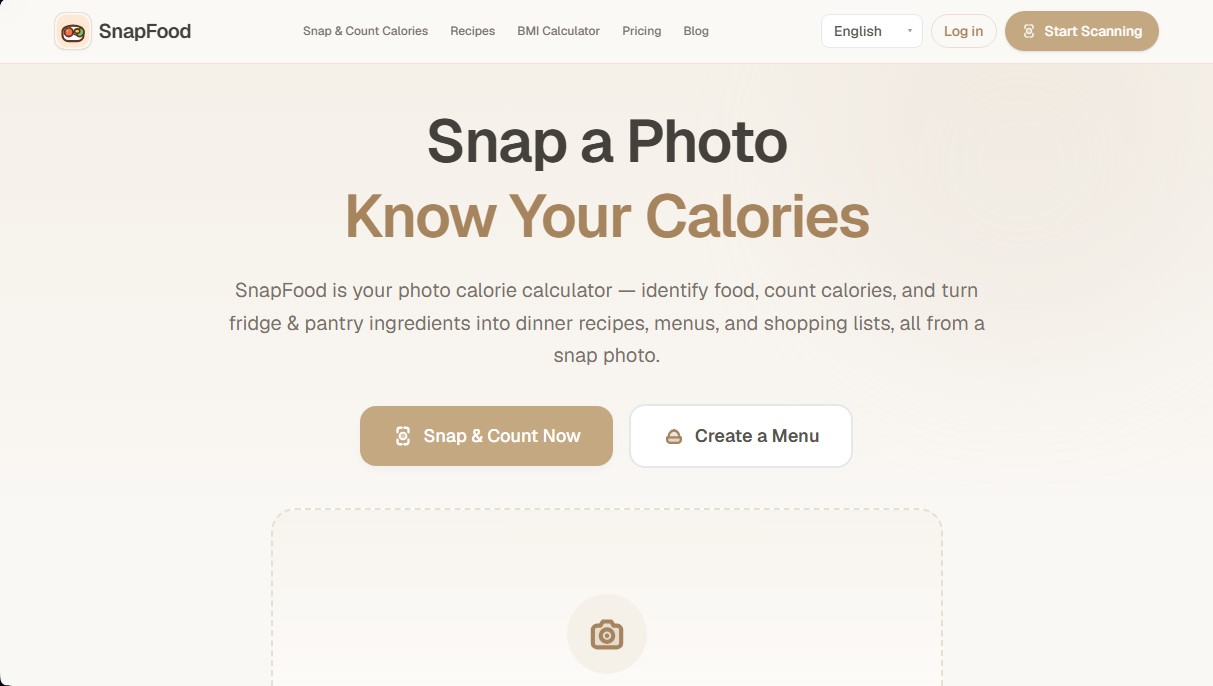
Track calories and nutrients with photos. Create recipes from your fridge, plan meals, and get personalized nutrition advice.
What is SnapFood?
SnapFood is an app designed as a photo calorie calculator that simplifies daily nutritional logging through the use of visual technology. Unlike traditional manual entry methods, this tool uses computer vision artificial intelligence to identify food and estimate its nutritional value from an image captured with a smartphone or uploaded from a computer. It is a solution aimed at users looking for a streamlined calorie deficit calculator, allowing them to monitor energy intake without the need to manually break down every ingredient.
SnapFood operates through a three-step automated analysis process. First, the user takes a photo of the dish or uploads a file in JPG, PNG, or WebP format (with a 10MB limit). Second, the advanced AI analyzes the appearance, color, and shape of the food to identify dishes and estimate portion sizes. Finally, the system generates a detailed breakdown that includes calories, protein, carbohydrates, fats, and fiber, while also providing confidence scores to validate the accuracy of the algorithm's estimation.
Key features and functions of the tool include:
- Automatic food identification: Recognizes everything from complex dishes to individual snacks through real-time image analysis or gallery uploads.
- Macronutrient breakdown: Provides specific information on the fat, carbohydrate, and protein content of every scanned dish.
- Personalized health tips: After each analysis, the system generates dietary suggestions based on the detected nutritional composition.
- Multilingual support: The interface and nutritional results are available in five languages, including Spanish.
- Fridge-to-recipe feature (in development): A future capability to scan ingredients available in the refrigerator to automatically generate menus, shopping lists, and recipe books.
This tool is highly useful for individuals who need a fast calorie calculator for home-cooked meals, takeout, or leftovers. By eliminating the friction of manual data entry, SnapFood makes it easier to stay on track with nutritional goals. The platform is accessible directly from any browser, does not require registration for its main scanning functions, and allows users to compare meals over time to identify eating patterns and adjust their diets efficiently. Powered by artificial intelligence, the tool acts as a visual assistant that transforms a simple photograph into structured data for personal health management.
SnapFood features and use cases
How to use SnapFood
SnapFood FAQ
What is SnapFood and how does it calculate the calories in my meals?
SnapFood is a calculator that uses artificial intelligence to analyze food photos, identify ingredients, and estimate calories and macronutrients in just a few seconds.
Do I need to create an account to start using SnapFood?
No registration or account creation is required to use the tool's core scanning and nutritional analysis features.
What types of images does the platform support?
You can upload JPG, PNG, and WebP files with a maximum size of ten megabytes, or take photos directly using your smartphone's camera.
How accurate are the nutritional values provided by SnapFood?
The results are AI-generated estimates and may vary depending on specific ingredients, portion sizes, and the preparation methods of each dish.
How does SnapFood help users aiming for a calorie deficit?
The tool makes it easy to track daily intake by allowing you to log meals through photos, which helps you quickly visualize and compare the calorie content of your dishes.
In what languages can I view the nutritional information of my scans?
Analysis results are available in five different languages: Spanish, English, French, German, and Chinese.
Are there any paid plans within the tool?
While basic features are free, optional credit packages are available for users who need to generate a higher volume of advanced AI-powered menus and recipes.
When will the "fridge-to-recipe" feature be available?
The feature to turn photos of your ingredients into personalized menus and shopping lists is currently under development and will be released soon.
SnapFood pricing and plans
Free Plan
0 $
1,000 credits upon registration.
1,000 additional credits every month.
Full cookbook access and PNG export.
Credits expire after 30 days.
Basic scanning features available for free with no registration required.
Starter Pack
3,90 $
10,000 credits (equivalent to about 5 full menus or 16 light menus).
Cookbook export in PNG format.
Credits valid for 90 days.
Chef Pack
12,90 $
30,000 credits (equivalent to about 16 full menus or 50 light menus).
Includes all Starter Pack features.
Credits valid for 180 days.
SnapFood Screenshots
SnapFood user reviews
Write a review
Checking your session...
SnapFood Reviews
Loading reviews...
SnapFood alternatives

Rock Identify
Identify rocks, crystals, and minerals using photos. Analyze features like texture and grain to suggest types, explain properties, and answer geological questions.

ImageToSTL.org
Convert JPG and PNG images into STL files for 3D printing using AI. Generate detailed 3D models ready for instant download.


AI Translate Manga.com
Translate Japanese manga into English or Simplified Chinese directly in the panels. Supports PNG, JPG, and PDF files, plus a Chrome extension for online reading.

Image to Music AI
Transform your photos into original music. This tool analyzes color, light, and mood to automatically create a track that reflects the image's atmosphere.