

Share
AI dictation for voice typing in any Windows, Mac, or iPhone app. Works offline with total privacy in over 100 languages.
What is Spokenly?
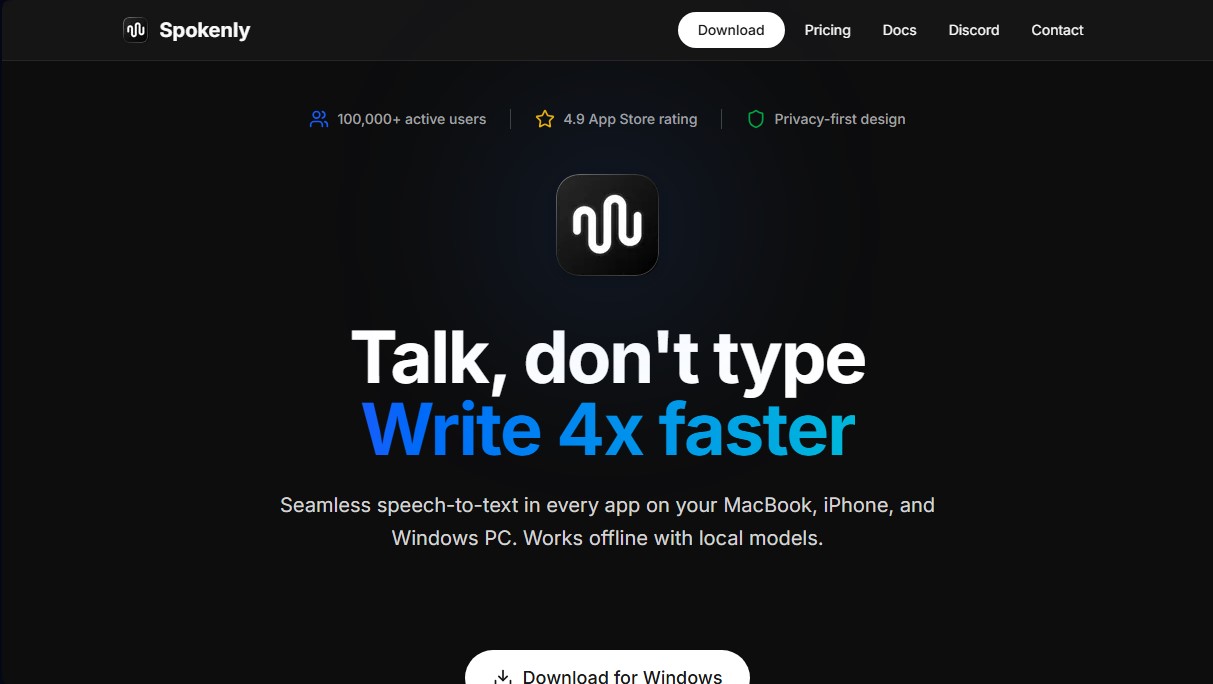
Spokenly is an advanced AI-powered dictation tool designed to accelerate writing by converting speech to text in real time. This application allows MacBook, Windows PC, and iPhone users to input text into any field simply by speaking, streamlining the creation of documents, emails, or code up to four times faster than using a conventional keyboard. Its functionality is universal, seamlessly integrating into any program or app where a cursor can be placed on a computer or mobile device.
Spokenly’s underlying technology is powered by cutting-edge AI models such as Whisper and Parakeet. Unlike the native dictation features found in traditional operating systems, this tool offers superior accuracy when processing technical terms, diverse accents, and complex contexts. One of its greatest advantages is its focus on data privacy, enabling the use of local models that function entirely offline. This ensures that voice recordings never leave the device, blocking all network requests if the user activates local mode.
Beyond basic transcription, the tool incorporates intelligent natural language processing features. Through the use of AI prompts, the system can correct grammar, automatically format text, and adapt the style based on the context. Its automatic language detection supports more than 100 languages, making it an ideal solution for international teams and polyglot users who frequently switch languages without needing to adjust settings manually.
Key capabilities include:
- Agent Mode: Allows for computer control via voice commands to search the web, launch applications, or execute shortcuts, facilitating hands-free system use.
- Real-time transcription: Words appear instantly on the screen as the user speaks, with different engines that prioritize either speed or maximum accuracy.
- History and search: Securely stores previous transcriptions, allowing users to search, play back original audio, or export content.
- Universal compatibility: Works natively in browsers, email clients, code editors, and even messaging apps.
This solution is especially useful for professionals looking to optimize their workflow and reduce the cognitive load of manual writing. By being able to operate without an internet connection via its local transcription AI, Spokenly positions itself as a robust alternative for those handling sensitive information or working in environments with limited connectivity. Users only need to press a keyboard shortcut to transform their voice into high-quality, structured text.
Spokenly features and use cases
How to use Spokenly
Spokenly FAQ
What is Spokenly and how does it work on my computer?
It is an AI-powered dictation tool that allows you to type text into any application simply by speaking after pressing a keyboard shortcut.
Is my privacy secure when using Spokenly?
Yes, the app features a privacy-first design and allows you to use local models so that your voice never leaves your device.
Can the app be used without an internet connection?
Spokenly works perfectly offline because it uses free transcription models that run locally on your computer.
On which devices can I install this tool?
A single subscription gives you access to dedicated applications for macOS, iPhone, and Windows PCs.
How many languages can Spokenly recognize?
The system supports over a hundred different languages and includes an automatic language detection feature for multilingual users.
Do I have to pay a monthly fee to use the basic features?
No, using the local models is completely free and has no time limits or restrictions on the number of transcriptions.
What advantages does Spokenly offer over my system's native dictation?
It uses advanced models that handle technical terms and accents much better, while also allowing for AI-powered text processing.
What is the "Agent Mode" included in the app?
It is a feature that allows you to control your computer using voice commands to search the web, launch applications, or run shortcuts hands-free.
Can I use my own API keys with the tool?
Yes, there is a free option that allows you to connect your own keys from services like OpenAI or Groq to use cloud-based models.
How does artificial intelligence help improve my writing?
The app uses models like GPT-4 or Claude to automatically correct grammar, format text, and adapt the style based on the context.
Spokenly pricing and plans
Local Models
Price: Free
- Unlimited usage.
- Whisper and Parakeet models.
- Fully offline functionality.
- No limits or usage restrictions.
Bring Your Own Keys
Price: Free (requires your own API keys)
- Includes all features from the Local Models plan.
- Supports OpenAI, Deepgram, Groq, and more.
- Real-time transcription.
Spokenly Pro
Price: 9,99 $/mes
- Includes cloud features.
- macOS, iOS, and Windows apps included.
- No external API keys required.
- Access to premium cloud models.
- Priority support.
Spokenly Screenshots
Spokenly alternatives

OpenWhispr
OpenWhispr is open-source voice dictation for Mac, Windows and Linux: transcribe locally or in the cloud, type into any app and take meeting notes without a bot.




AI ReFounder
24/7 AI voice agent for online stores. Automatically handle calls, resolve inquiries, and close sales with seamless Shopify integration.

Linden by Speechmatics
Low-latency speech-to-text for AI agents. Detects turns, identifies speakers, and captures names and numbers with high precision in over 55 languages.