
Share
AI-powered text editor for drafting and optimizing content. Works locally and offline with support for Word, Markdown, and Notion.
What is Strokes?
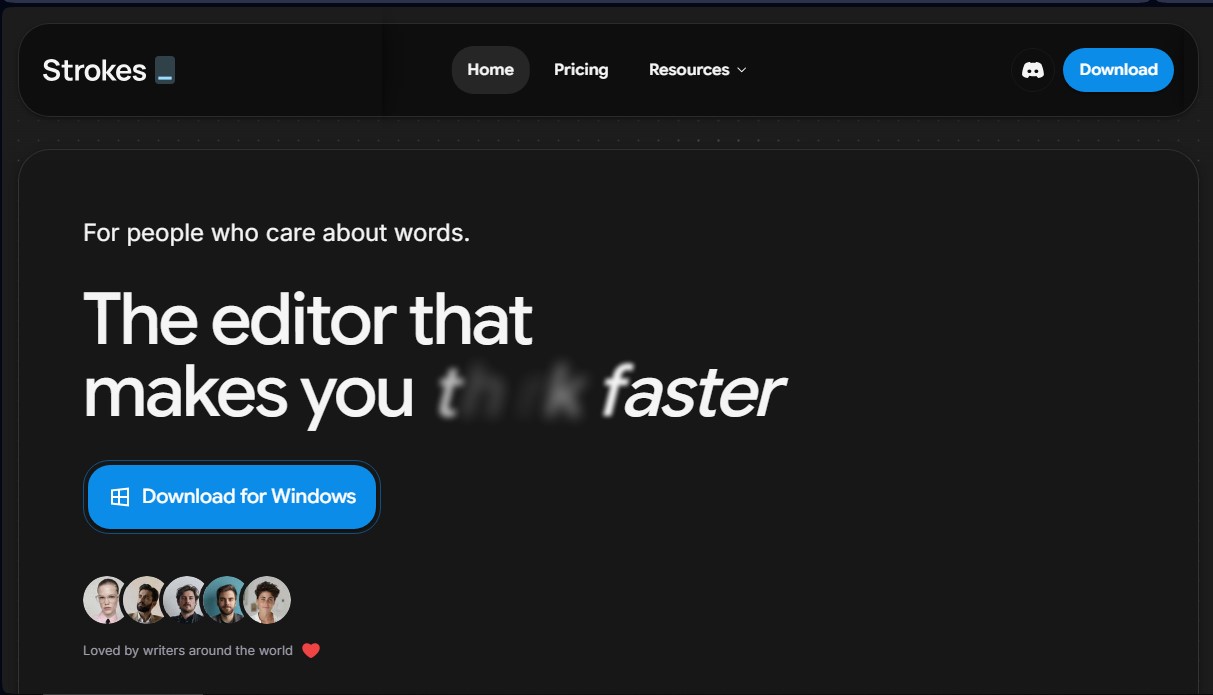
Strokes is an intelligent text editor designed to optimize the writing process and critical thinking through a minimalist and functional interface. This tool is positioned as a unified workspace that integrates a personal AI assistant directly into the writing environment, eliminating the need to toggle between tabs or copy and paste content from external applications. Its primary purpose is to facilitate the creation of complex documents, helping writers, professionals, and content creators write with greater flow and precision.
The architecture of Strokes stands out by offering a true offline experience, allowing documents to be stored locally on the user's computer rather than on third-party servers. This feature ensures privacy and the ability to work without an internet connection at any time. The system uses advanced natural language processing technology to interact with text through direct commands, such as the Command K shortcut, which allows users to request contextual changes, summaries, or expanded information without interrupting their workflow.
Among its most relevant functional capabilities are:
- Integrated Intelligent Assistant: Chat, edit, and generate text based on the content of the current document.
- Multi-format Compatibility: Easily import and export Microsoft Word files, Markdown notes, and Notion exports while always maintaining the original formatting.
- High-speed Performance: The editor's engine is optimized to handle long-form documents, allowing a 300-page file to run as smoothly as a short note.
- Flexible Viewing Modes: Includes professional page views for layout and pageless formats for unrestricted creative writing.
- Web Research and Image Generation: Advanced features allow for real-time information searches and the creation of visual elements directly within the editor.
For highly complex projects, Strokes incorporates web research tools, a Deep mode, and a multi-agent AI system, making it possible to tackle technical or creative writing tasks with superior analytical support. The tool integrates into daily workflows through external connections and offers the option for encrypted cloud backups, ensuring projects are protected and available on both Windows and macOS.
This AI writing software is ideal for users who value data privacy and seek a professional word processor that doesn't get in the way of their creativity. Thanks to its focus on block-based design and project organization, Strokes helps maintain focus and structure in any type of written work, from short articles to extensive manuscripts.
Strokes features and use cases
How to use Strokes
Strokes FAQ
What is Strokes and who is it for?
It is an AI-powered text editor designed for writers and professionals looking to improve their focus and the quality of their writing.
Can I use Strokes without an internet connection?
Yes. The tool offers a fully local experience where your documents are saved on your own computer rather than on external servers.
What file types can I import into Strokes?
You can import Microsoft Word files, Markdown notes, or Notion exports while always preserving the original formatting.
How does the Strokes AI assistant help with my daily work?
The assistant allows you to ask questions, edit snippets, and generate content for any passage without having to switch tabs or copy and paste between apps.
What subscription plans are available for Strokes?
There are three tiers: a free version to get started, a Plus plan for nine dollars a month, and a Pro plan for twenty-nine dollars a month.
Is Strokes available for all operating systems?
Currently, you can download and install the app on both Windows and macOS devices.
Does document size affect Strokes' performance?
No. The editor is optimized so that a 300-page file runs just as quickly and smoothly as a single-page note.
What are the benefits of Strokes' offline AI mode?
This feature, coming soon, will allow you to use advanced assistance tools without having to send your data to the cloud.
Strokes pricing and plans
Free Plan
$0 per month
- All editing and writing features.
- Content publishing and sharing.
- Unlimited documents and files.
- Smart assistant for chat, editing, writing, and web research.
- Limited AI usage quota.
Plus Plan
$9 per month
- All editing, writing, and publishing features, plus unlimited files.
- Encrypted cloud backups.
- External connections.
- Smart assistant with chat, editing, writing, and web research.
- AI image generation.
- 5x the AI usage capacity of the Free plan.
- Priority support.
Pro Plan
$29 per month
- All editing, writing, and publishing features, plus unlimited files.
- Encrypted cloud backups and external connections.
- Full smart assistant: chat, editing, writing, and web research.
- Image generation, Deep mode, and multi-agent mode.
- 15x the AI usage capacity of the Free plan.
- No daily usage limits.
- Priority support.
Strokes Screenshots
Strokes user reviews
Write a review
Checking your session...
Strokes Reviews
Loading reviews...
Strokes alternatives

ProWritingAid
AI grammar checker and style editor for novelists, with in-depth writing reports, chapter critiques, manuscript analysis and a virtual beta reader.



NeuronWriter
NeuronWriter is an SEO content editor that studies search results with NLP, scores your drafts and keeps an eye on your visibility in AI search.