

Share
What is Text to Video?
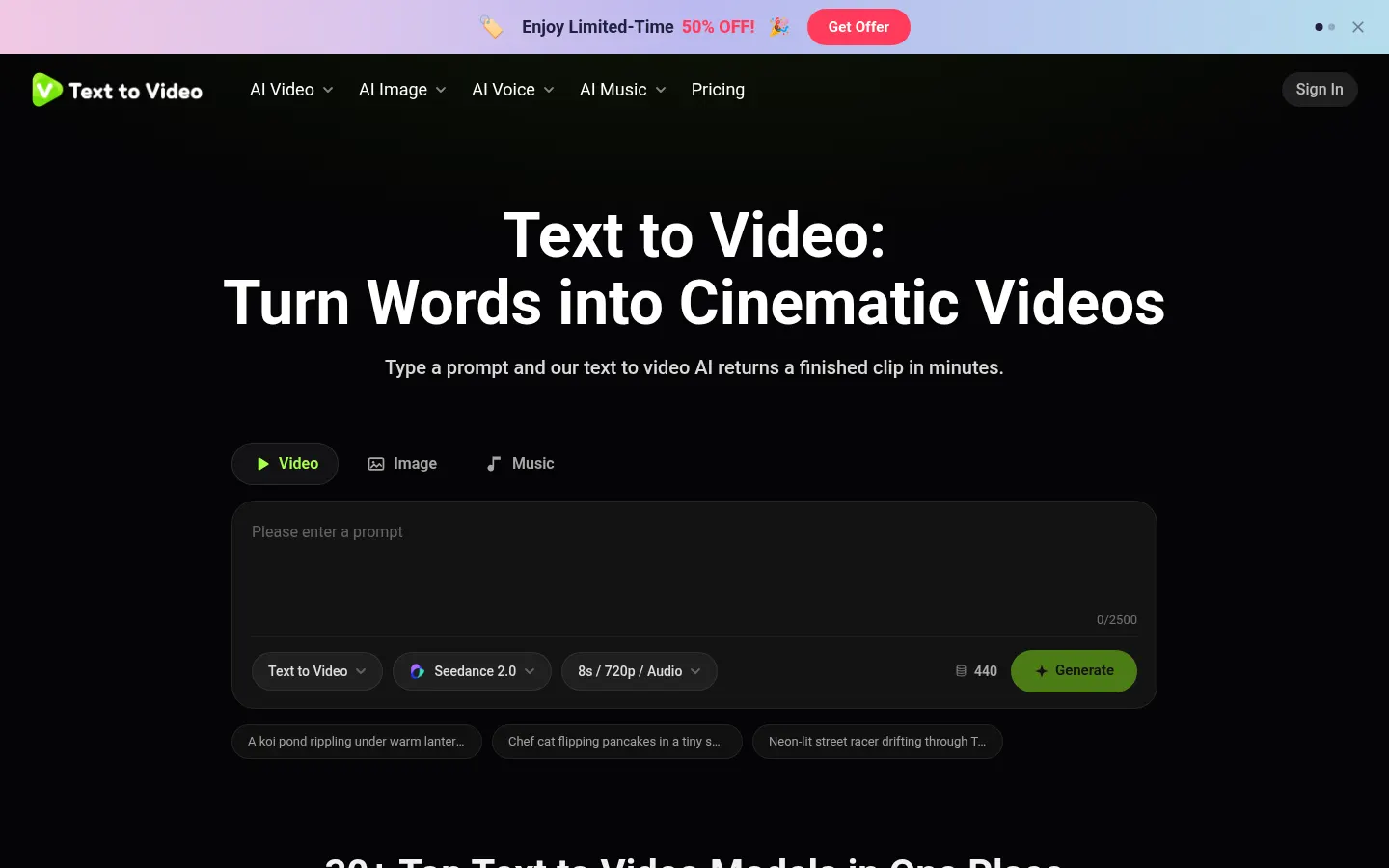
Text to Video (texttovideo.com) is an AI text to video generator that brings 30+ third-party models into one site so a written prompt becomes a finished clip. You describe the scene, pick a model, length and resolution, and download the result within minutes. It targets content creators, marketers, educators, developers and small businesses who want video without filming or editing.
Which AI video models does Text to Video include?
Its main draw is many models behind one prompt box: Seedance 2 and Seedance 2 Fast, Veo 3 and Veo 3.1, Sora 2, Runway, Hailuo, Pika, PixVerse, Vidu, Luma and Hunyuan for video, plus Midjourney, Flux, Nano Banana, Imagen, Ideogram, Recraft and Seedream for stills. That makes it easy to compare looks and match a model to each story.
What else can you make besides text to video?
There is image to video, video to video restyling, transitions between two images or clips, and reference-to-video to keep characters and scenes consistent. It also turns a portrait into a talking avatar, lip-syncs to audio in 17+ languages, generates voice with cloning, makes music with Suno and cleans up noise. A Chrome extension and parallel tasks help when you batch several clips.
Text to Video pros and cons
- Pros: many leading models in one place, vertical formats for TikTok, Reels and Shorts, and exports without a watermark on paid tiers.
- Cons: credit burn varies by model, length and resolution, and the site says little about the company behind it.
- Typical uses: ad variants for testing, social clips, video lessons and scene previsualization.
The legal footer names Waffo USA Inc. as authorised distributor. Check usage rights for each model before commercial publishing.
Text to Video features and use cases
How to use Text to Video
Text to Video FAQ
Is Text to Video free?
It gives free starter credits to try it, but ongoing use runs on paid credits; the tiers are in the pricing section.
Which video models can I use?
More than 30, including Seedance 2, Veo 3.1, Sora 2, Runway, Hailuo, Pika, PixVerse, Vidu, Luma and Hunyuan, all from one prompt box.
Do I need editing skills?
No, you just describe the scene; the site stresses that no editing experience is needed to get a finished clip.
Can I use the videos commercially?
The FAQ says yes, but check the terms for each model and for any content you upload.
Are exports watermark-free?
Paid tiers export without a watermark; check before publishing anything made with starter credits.
Does it support other languages?
Prompts in other languages generally work with these models, and lip sync covers 17+ languages.
Does Text to Video have an API?
API tutorials appear as a use case for developers, but no public API documentation is linked from the home page.
How long does a video take?
A few minutes according to the site, depending on the model, length and resolution.
What are some Text to Video alternatives?
This directory lists Runway and Pika, which build their own models and editors, and Invideo AI for full videos from a script.
Who runs texttovideo.com?
The legal footer names Waffo USA Inc. of Cheyenne, Wyoming, as authorised distributor; there is little other company detail.
Text to Video pricing and plans
Reference price: 29.9 USD / month. Source · Verified: November 28, 2026
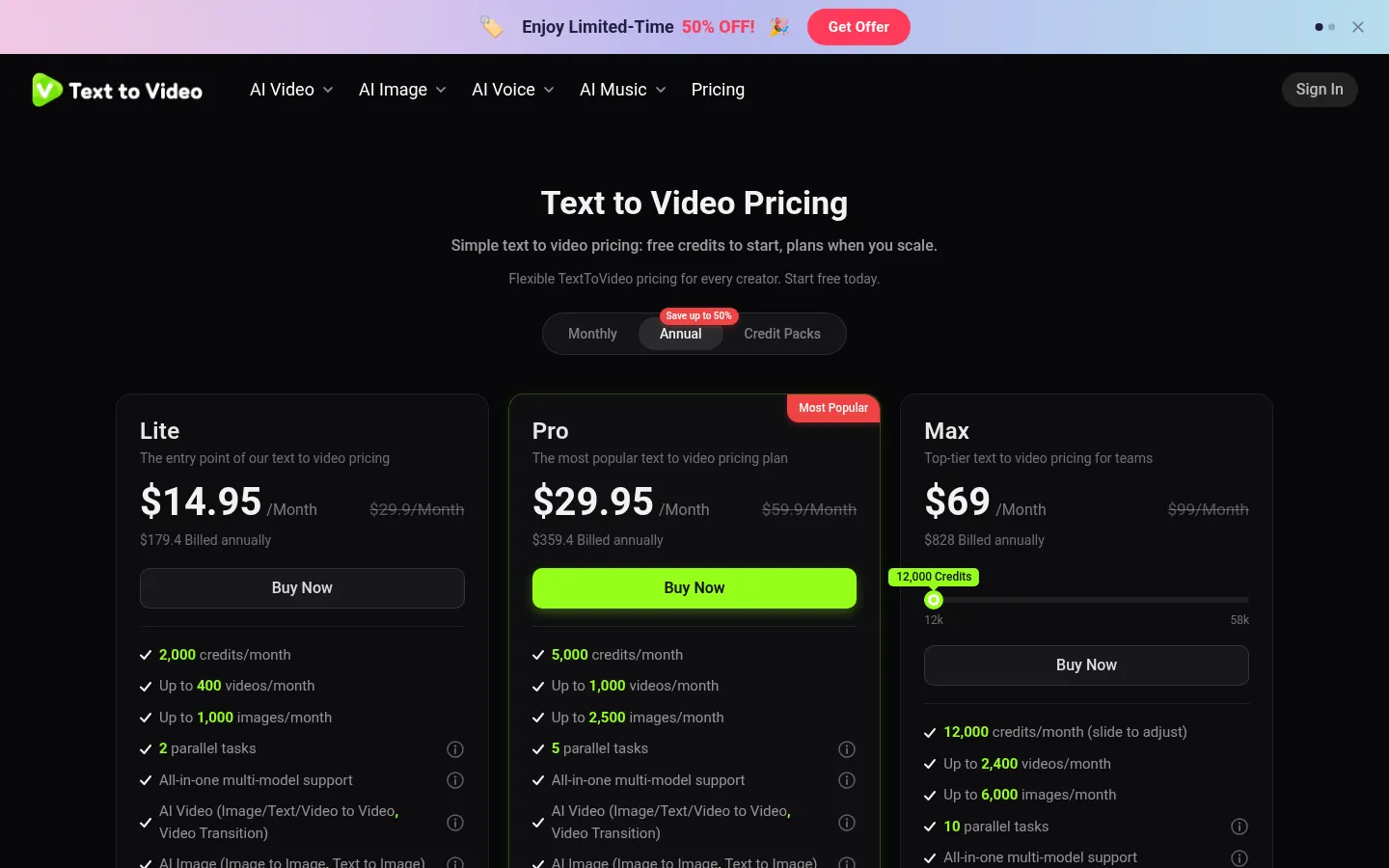
Text to Video prices in US dollars (USD). Checked on: 28/11/2026 at texttovideo.com/pricing. Everything runs on credits (burn varies by model, length and resolution); there are free starter credits and one-time credit packs. A limited-time 50% discount was being advertised.
- Lite: $29.90/month billed monthly, or $14.95/month billed annually ($179.40); 2,000 credits a month (up to 400 videos or 1,000 images), 2 parallel tasks.
- Pro: $59.90/month, or $29.95/month billed annually ($359.40); 5,000 credits, 5 parallel tasks.
- Max: $99/month, or $69/month billed annually ($828); from 12,000 credits, 10 parallel tasks and a priority queue.
Every paid tier includes video, image, voice and music, watermark-free exports, private content and priority support.
Text to Video Screenshots
Text to Video user reviews
Write a review
Checking your session...
Text to Video Reviews
Loading reviews...
Text to Video alternatives

Flowlio AI
Flowlio AI is an AI video generator that combines Seedance, Wan and HappyHorse with 100+ viral effect templates that turn a single photo into a clip ready for TikTok or Reels.

Viral Video AI
Viral Video AI is an AI tool that generates 4 to 30 second vertical clips for TikTok, Reels and Shorts from text, photos, a reference video or ready-made trend templates.




SceneMixer
SceneMixer is an AI short drama, series and movie maker that turns scripts and novels into finished episodes with the same cast and dialogue in 15 languages.