

Share
What is Topaz Labs?
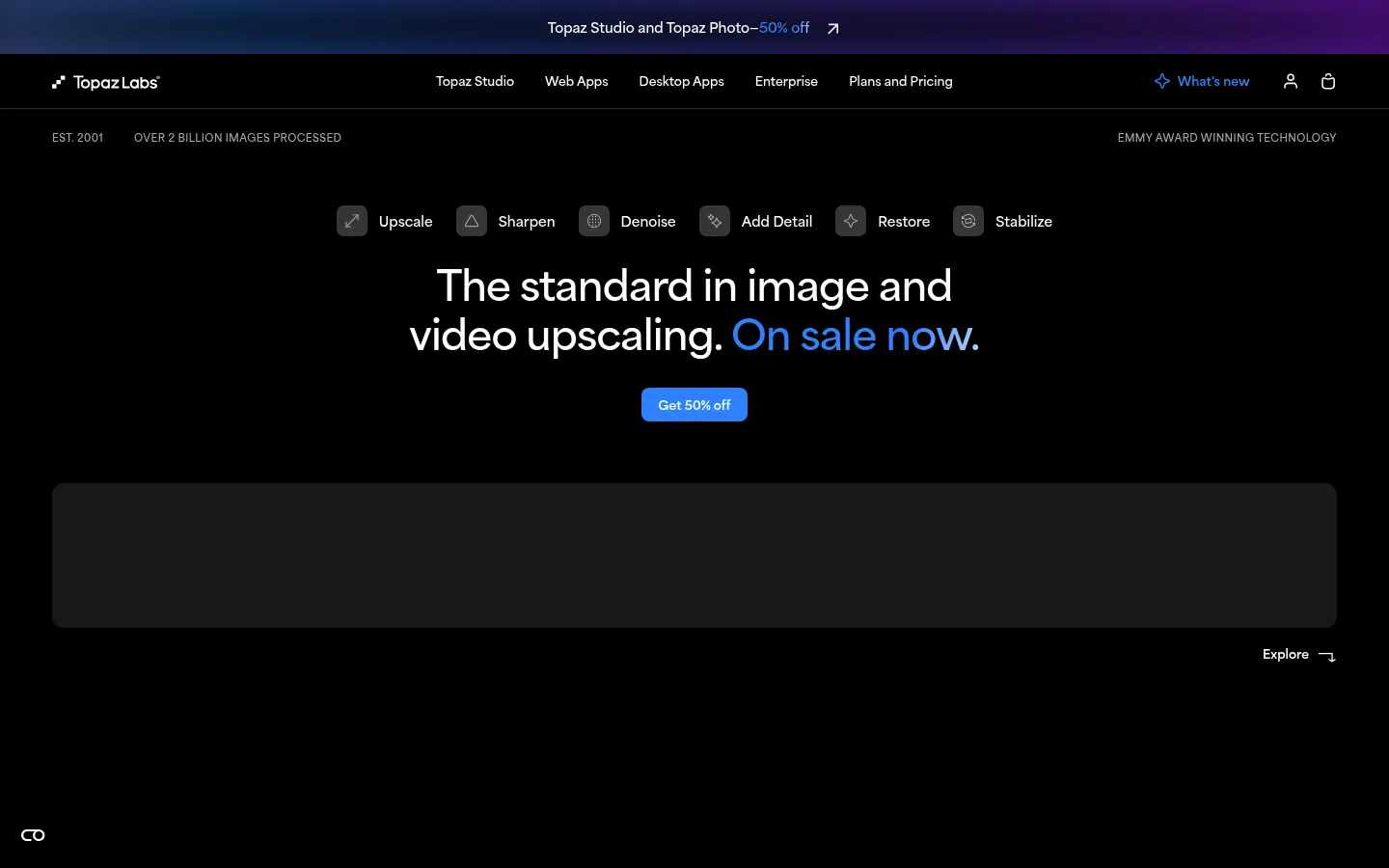
Topaz Labs is a maker of AI photo and video enhancement software used by photographers and filmmakers to upscale and restore footage: it upscales images and video, removes noise, recovers sharpness and restores old or damaged footage. The company has been around since 2001, says it has processed over 2 billion images and that its technology has won an Emmy. It is used by photographers, filmmakers and post-production studios.
What is Topaz Labs and which apps does it include?
- Topaz Labs bundles several specialist AI upscaling and enhancement apps.
- Topaz Photo: unblur, sharpen, denoise, relight, recover faces and restore photos.
- Topaz Gigapixel: upscale images up to 16x their pixels.
- Topaz Video: video upscaling, frame interpolation, slow motion, stabilisation and SDR to HDR.
- Topaz Studio: bundles all desktop, web and mobile apps.
How does Topaz Labs work: local or cloud?
It works both ways. Desktop apps render on your own computer or in the cloud. Topaz for Web provides image and video enhancement right in the browser, and Topaz for Mobile brings the models to iPhone. There is a Premiere panel, video models such as Starlight, Proteus, Iris and Rhea, and image models like Wonder, Recover and Redefine for different kinds of material.
What is Topaz Labs used for?
Use it to rescue a wildlife shot taken in near darkness, bring soft family photos back into focus, enlarge low-resolution images for print or lift old footage to 4K with more detail. An Enterprise line built around Starlight targets production workflows.
Topaz Labs pros and cons
- Pro: Wide range of specialist image and video models.
- Pro: Local, cloud, web and mobile rendering.
- Pro: Around since 2001 with Emmy-winning technology.
- Con: Not an editor: no cutting or creative retouching.
- Con: The mobile app is iPhone only.
It is a specialist tool: it does not edit or cut videos, it improves the technical quality of footage and photos you already have.
Topaz Labs features and use cases
How to use Topaz Labs
Topaz Labs FAQ
What is Topaz Labs?
It is a company that builds AI software to improve photos and videos: upscaling, denoising, sharpening and restoration.
Which apps does it offer?
Topaz Photo, Topaz Gigapixel, Topaz Video and Topaz Studio, plus web versions and an iPhone app.
How much can it enlarge an image?
Topaz Gigapixel can upscale images up to 16x their pixel count, according to the official site.
What can it do with video?
Upscale resolution, interpolate frames, create slow motion, stabilise footage and convert SDR to HDR.
Does it work offline?
Desktop apps can render locally, and cloud rendering is available for those without a powerful machine.
Does it integrate with Premiere?
Yes, the site lists a Premiere panel that brings its video models into the editing workflow.
Who is it for?
Photographers, filmmakers, creators and post-production studios; there is also an Enterprise line for production.
Does it edit or cut videos?
No. Its job is to improve the technical quality of existing footage, not to replace a video editor.
Is Topaz Labs free?
No, its site does not advertise a free version: there are several paid options depending on the app and cloud usage; pricing details are in the pricing section of this listing.
What are the alternatives to Topaz Labs?
In this directory, Pixelcut is an alternative for quick image enhancement and upscaling from the browser or phone.
Topaz Labs pricing and plans
Reference price: 19 USD / month. Source · Verified: October 26, 2026
Prices in US dollars (USD), excluding the temporary discounts (up to 50%) running when checked. Commercial use limited to organizations under $1M annual revenue. Checked on: 26/10/2026.
Topaz for Web - Image: $19/month
- Includes Topaz for Mobile - Image
Topaz for Web - Video: $29/month
- Monthly credits do not roll over
Topaz Gigapixel: $29/month
Topaz Photo: $39/month
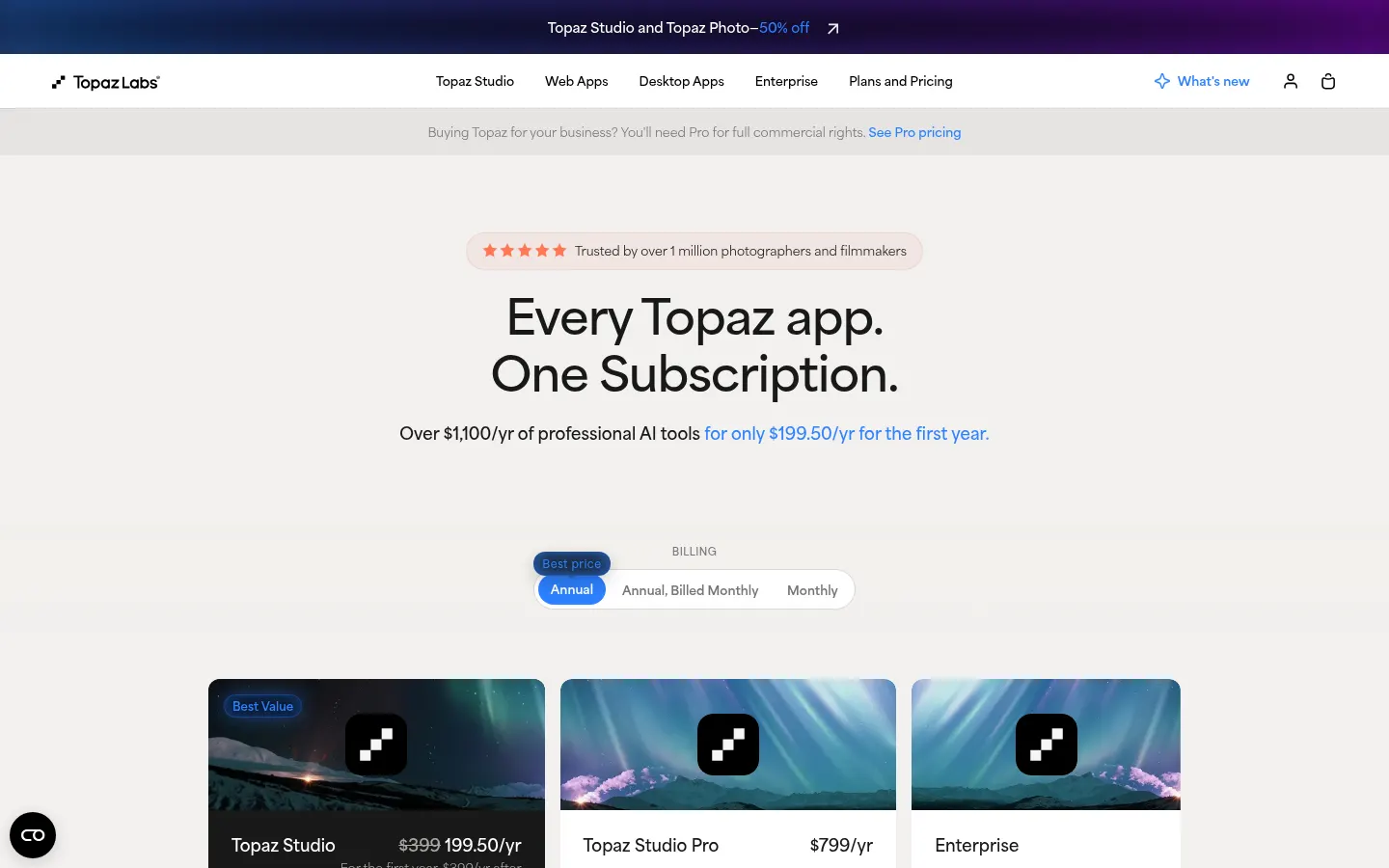
Topaz Studio: $399/year or $69/month
- Every Topaz app
Topaz Studio Pro: $799/year
Enterprise: contact sales
Topaz Labs Screenshots
Topaz Labs user reviews
Write a review
Checking your session...
Topaz Labs Reviews
Loading reviews...
Topaz Labs alternatives



AlreadyRan
AlreadyRan brings dozens of AI image, video and audio models into one web studio with a single credit balance and the cost shown before every generation.

Album Art Creator
Generate professional album covers with AI. Create editable designs tailored to your music's genre and style, optimized for Spotify, Apple Music, and other streaming platforms.
Unpixelate
Enhance blurry or pixelated images with AI. Upscale resolution and restore details in faces and old photos for free.

Vireel AI Photo to 4K
Upscale images to 4K with AI. Restore textures, eliminate noise, and fix blur for crisp, high-quality results.