LeanImg

    LeanImg

    No reviews
    Category:Image Generation & Editing
    Pricing:Free
    Added:
    Updated:
    Website:
    VISIT NOW

    Share

    LeanImg is a free set of image tools that run locally in your browser, including an AI background remover and upscaler, with no account and no uploads.

    What is LeanImg?

    LeanImg brings together ten free image tools that run inside your browser. Files are never uploaded: models and encoders download once and your own machine does the work, which is why there are no accounts, watermarks or daily limits.

    The tools

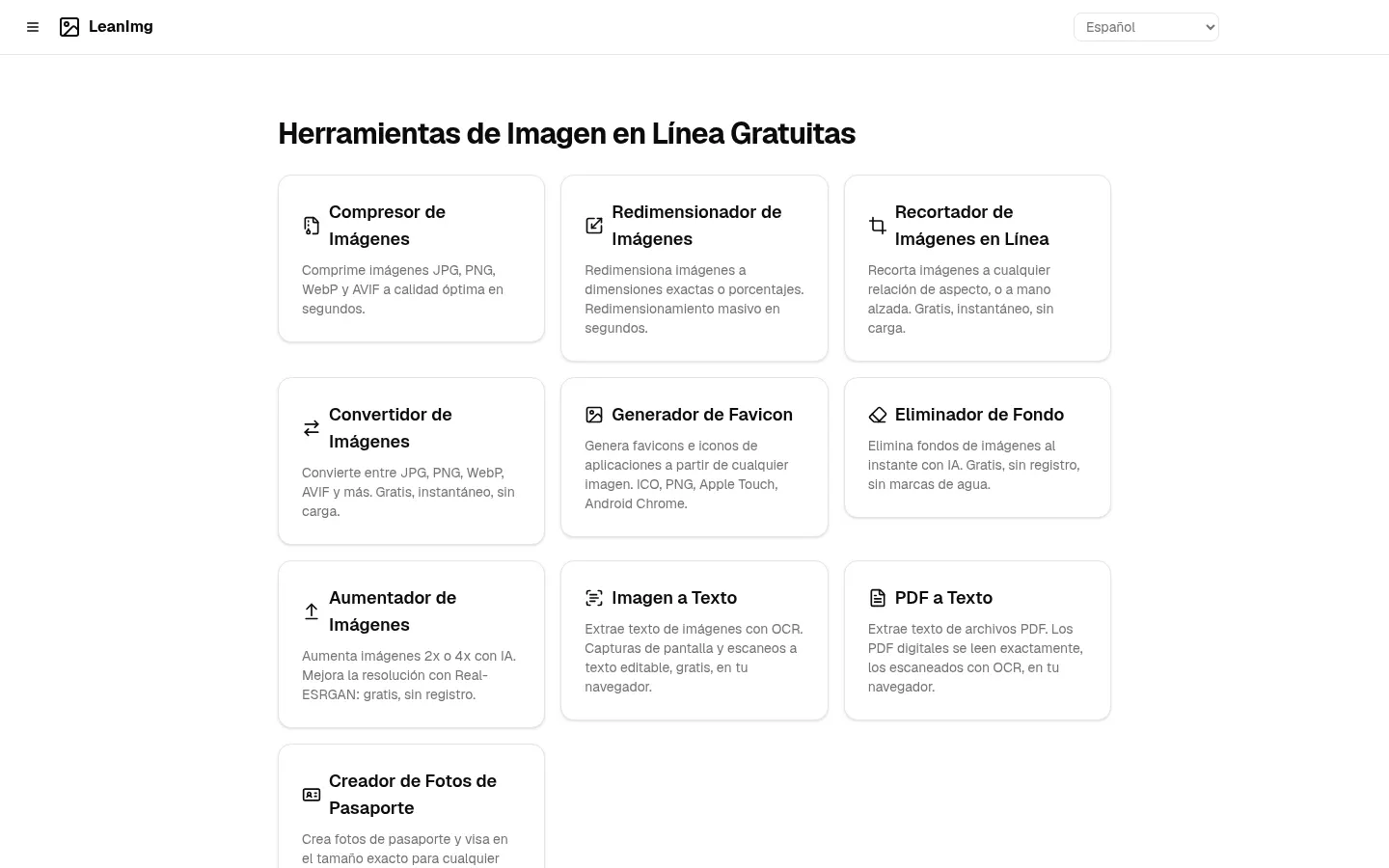
    • A JPG, PNG, WebP and AVIF compressor using the same encoders as desktop apps.
    • Resize with social presets, crop, and convert formats including HEIC.
    • AI background removal and 2x or 4x upscaling with Real-ESRGAN.
    • OCR for images and text extraction from PDFs.
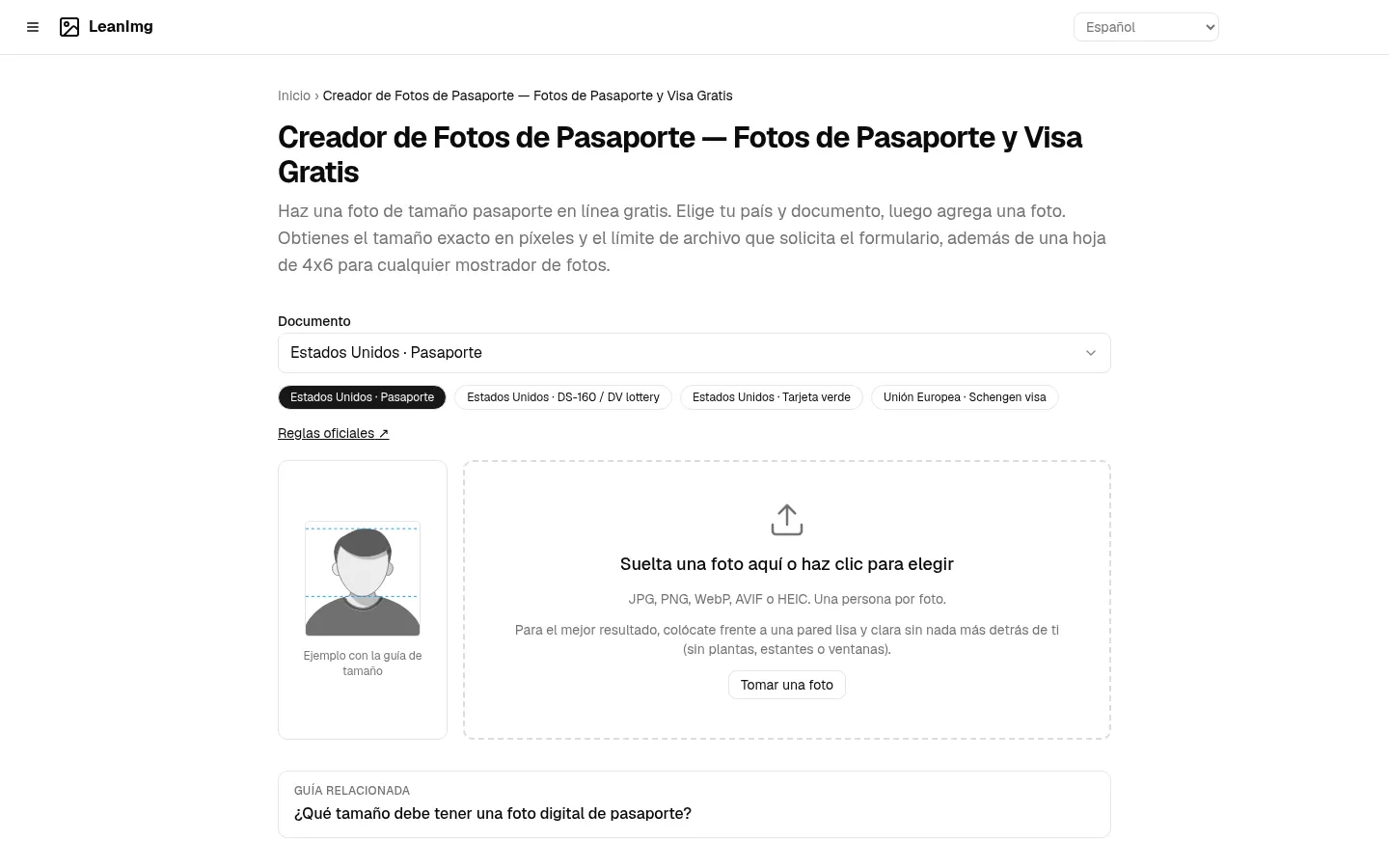
    • A favicon generator and passport photos sized for each document.

    Worth knowing

    Local processing means strong privacy, but an older laptop will be slower at upscaling or cutouts. The interface is available in dozens of languages.

    Pricing

    It is completely free, with no paid plans on the site.

    LeanImg features and use cases

    •JPG, PNG, WebP and AVIF compression.
    •Resizing with social media presets.
    •Cropping with fixed or free ratios.
    •Conversion across 11 formats, including HEIC.
    •AI background removal.
    •2x or 4x upscaling with Real-ESRGAN.
    •OCR for images and text extraction from PDFs.
    •Favicon and app icon generator.
    •Passport and visa photos at the right size.
    •Use case: shrinking images so a website loads faster.

    How to use LeanImg

    1Open the tool you need on leanimg.com.
    2Drag the image or PDF onto the page.
    3The model or encoder downloads on first use.
    4Your browser processes the file without uploading it.
    5Adjust options and download the result.

    LeanImg FAQ

    What is LeanImg?

    A set of ten free image tools that run in the browser.

    Is it free?

    Yes, every tool is free and needs no sign-up.

    Are my images uploaded?

    No, processing happens on your own device.

    Can it remove a background?

    Yes, an AI model returns a PNG with a transparent background.

    How much can it upscale?

    Up to 2x or 4x with the Real-ESRGAN model.

    Does it convert iPhone HEIC photos?

    Yes, it reads HEIC and writes JPG, PNG, WebP, AVIF or PDF.

    Does it have OCR?

    Yes, it extracts text from images and from scanned or digital PDFs.

    Why is it slow on my computer?

    Your device does the work, so AI tasks take longer on older machines.

    LeanImg pricing and plans

    Free: $0. Checked on: 23/10/2026.

    • All ten tools with no account, no watermark and no daily limits
    • No paid plans listed on the site

    LeanImg Screenshots
    LeanImg screenshot 1
    LeanImg screenshot 2

    LeanImg user reviews

    Write a review

    You need to log in to write a review

    LeanImg Reviews

    Loading reviews...

    LeanImg alternatives

    Huelift
    Freemium

    Huelift

    Online AI photo editor to sharpen images, remove backgrounds, and erase watermarks. Includes artistic styles and 3 free daily credits with no registration required.

    –
    18
    Art & Creative DesignImage Generation & Editing
    SnapThumb
    Paid

    SnapThumb

    Generate professional YouTube thumbnails from your video links. Create automated designs that boost clicks and maintain your brand identity in seconds.

    –
    33
    Social MediaImage Generation & Editing
    AlreadyRan
    Freemium

    AlreadyRan

    AlreadyRan brings dozens of AI image, video and audio models into one web studio with a single credit balance and the cost shown before every generation.


    –
    57
    Music & AudioVideo & AnimationImage Generation & Editing
    Vintefy
    Paid

    Vintefy

    Vintefy turns a phone photo of a clothing item into a clean listing image, either on a studio background or worn by an AI model, for secondhand sellers.

    –
    57
    Daily LifeImage Generation & EditingMarketing & Advertising
    Kumoo
    Paid

    Kumoo

    Kumoo is Meitu's AI retouching software for photographers, handling skin, colour, backgrounds and clothing across whole batches while keeping faces natural.

    –
    45
    Art & Creative DesignImage Generation & Editing
    PixRemove
    Freemium

    PixRemove

    PixRemove removes image backgrounds with AI at full resolution and without watermarks, handles up to 50 photos at once and includes a background editor.

    –
    60
    Image Generation & Editing

    LeanImg Analytics

    Views
    Real data
    Website Clicks
    Real data
    CTR
    Real data

    Views Trend (30 days)

    Analytics data is updated in real-time and is 100% real