
TranscribeBee
Share
What is TranscribeBee?
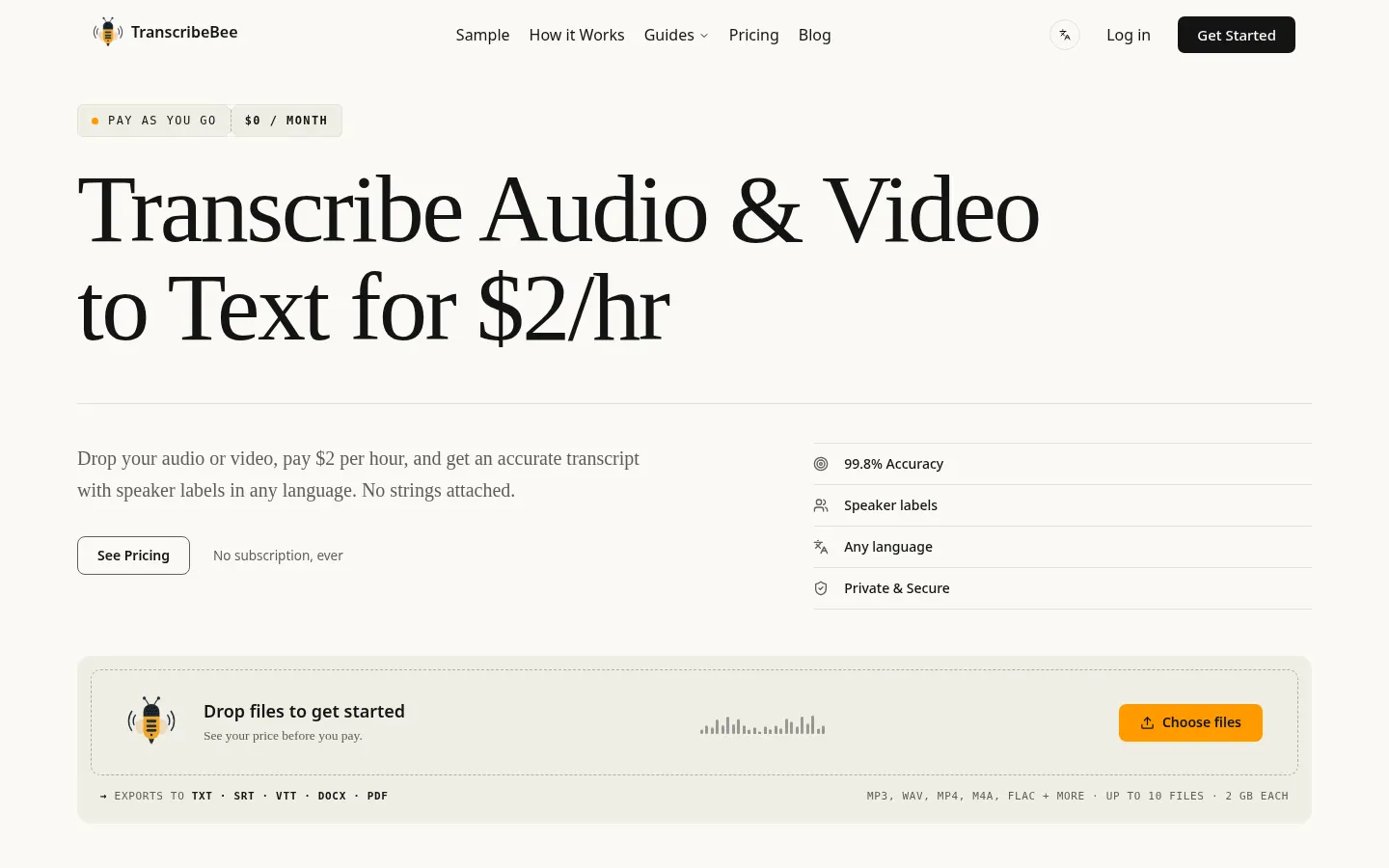
TranscribeBee is an AI tool that turns audio and video recordings into text with speaker identification and timestamps, built for journalists, researchers, students, content creators and small teams who want transcripts without installing anything.
How does TranscribeBee work?
You drop one or more files on the site and see the total before you confirm. The service runs the WhisperX large-v3 speech model, detects the spoken language on its own and splits the text by speaker (diarization). Most files are ready in under five minutes; recordings longer than two hours can take 10 to 15.
Which formats does it accept and export?
- Input: MP3, WAV, M4A, MP4, FLAC, OGG, WebM and Opus, up to 10 files per order and 2 GB per file.
- Output: TXT, SRT, VTT, DOCX and PDF, with speakers and times on each block.
- More than 90 languages with automatic detection, no need to pick one first.
The site also has practical guides: a calculator to compare spend against other services, tips for recording cleaner audio and a prompt guide for turning transcripts into summaries, notes or articles with an AI assistant.
What happens to your files?
TranscribeBee says audio and video files are deleted from its servers once processing ends and only the text is kept, staying in your account until you remove it. If a job fails on their side, you get a full refund.
TranscribeBee pros and cons
Pros: a very simple flow, wide language coverage, labelled speakers and subtitle-ready exports. Cons: there is no live transcription, collaborative editor or meeting-app integration, and accuracy depends heavily on audio quality.
TranscribeBee features and use cases
How to use TranscribeBee
TranscribeBee FAQ
What is TranscribeBee?
It is a web service that transcribes audio and video with AI, labels each speaker and adds timestamps in more than 90 languages.
Is TranscribeBee free?
No, you pay for each transcribed hour and signing up costs nothing. See the pricing section for the current rate.
Does TranscribeBee have an API?
The site does not advertise a public API; you use the service in the browser by uploading files.
Does it work in Spanish?
Yes, it transcribes Spanish and 90+ other languages and detects the recording's language automatically.
Which AI model does it use?
It runs WhisperX large-v3, built on OpenAI's Whisper, with diarization to tell who is speaking at each moment.
How long does transcription take?
Most files are ready in under five minutes; recordings over two hours can take 10 to 15 minutes.
What file sizes are supported?
Up to 2 GB per file and up to 10 files per order, in formats such as MP3, WAV, M4A, MP4, FLAC, OGG, WebM or Opus.
Does it keep my recordings?
According to the company, audio and video are deleted when processing ends and only the text stays in your account.
What are the alternatives to TranscribeBee?
On GptZone you can compare TurboScribe, HappyScribe and Rev for transcribing audio and video.
TranscribeBee pricing and plans
Reference price: 2 USD · usage based. Source · Verified: November 5, 2026
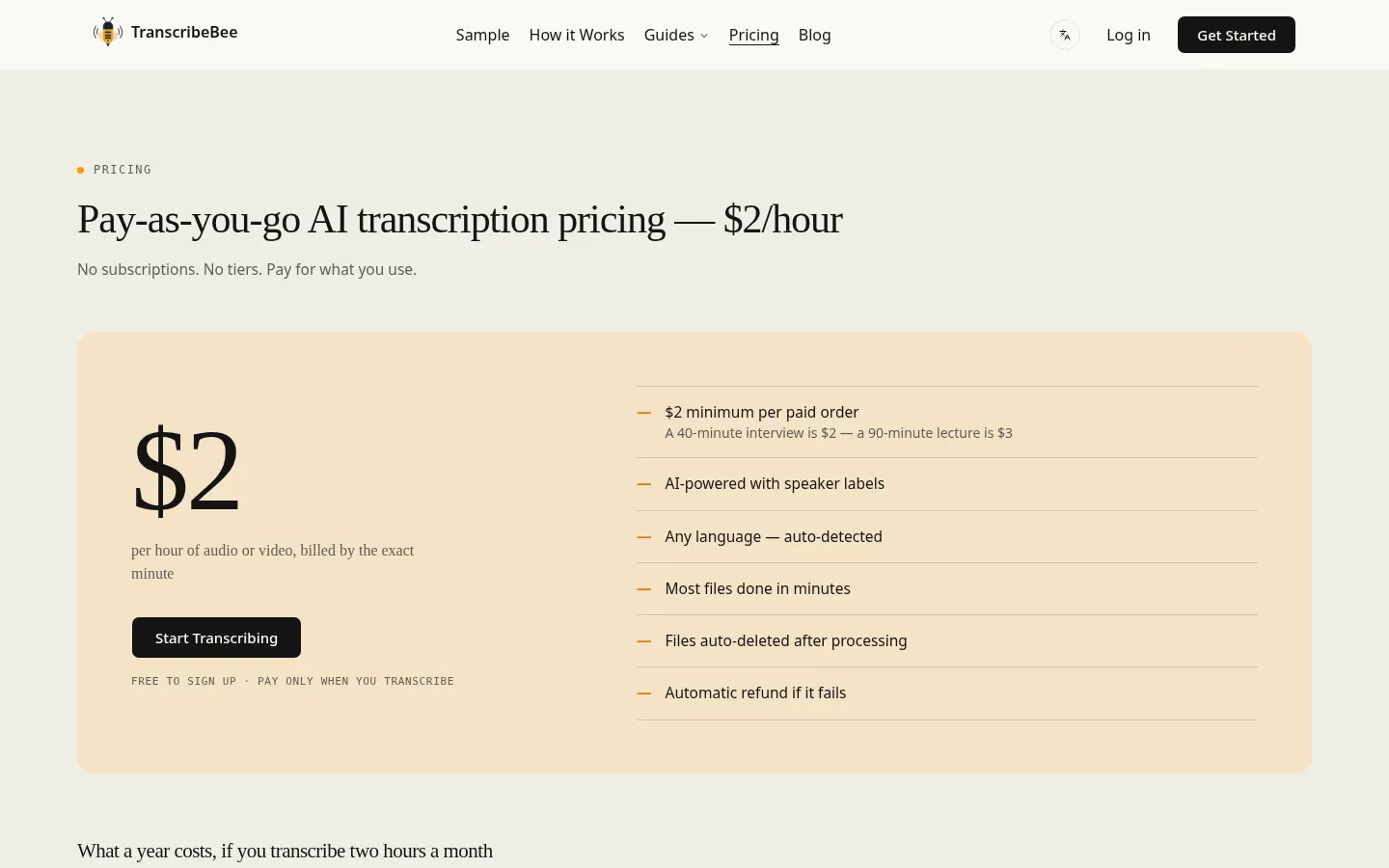
Information from the official site (Checked on: 05/11/2026). Currency: USD. Pay as you go, with no monthly fees.
- 2 USD per hour of audio or video, charged by the exact minute.
- 2 USD minimum per order (files in the same order share the minimum).
- Sign-up costs nothing; full refund if a transcription fails.
TranscribeBee Screenshots
TranscribeBee user reviews
Write a review
Checking your session...
TranscribeBee Reviews
Loading reviews...
TranscribeBee alternatives

Civilio AI
Civilio AI is a civic intelligence platform that transcribes, summarizes and makes local government meetings searchable for journalists and newsrooms.