

Share
What is TrendSwap?
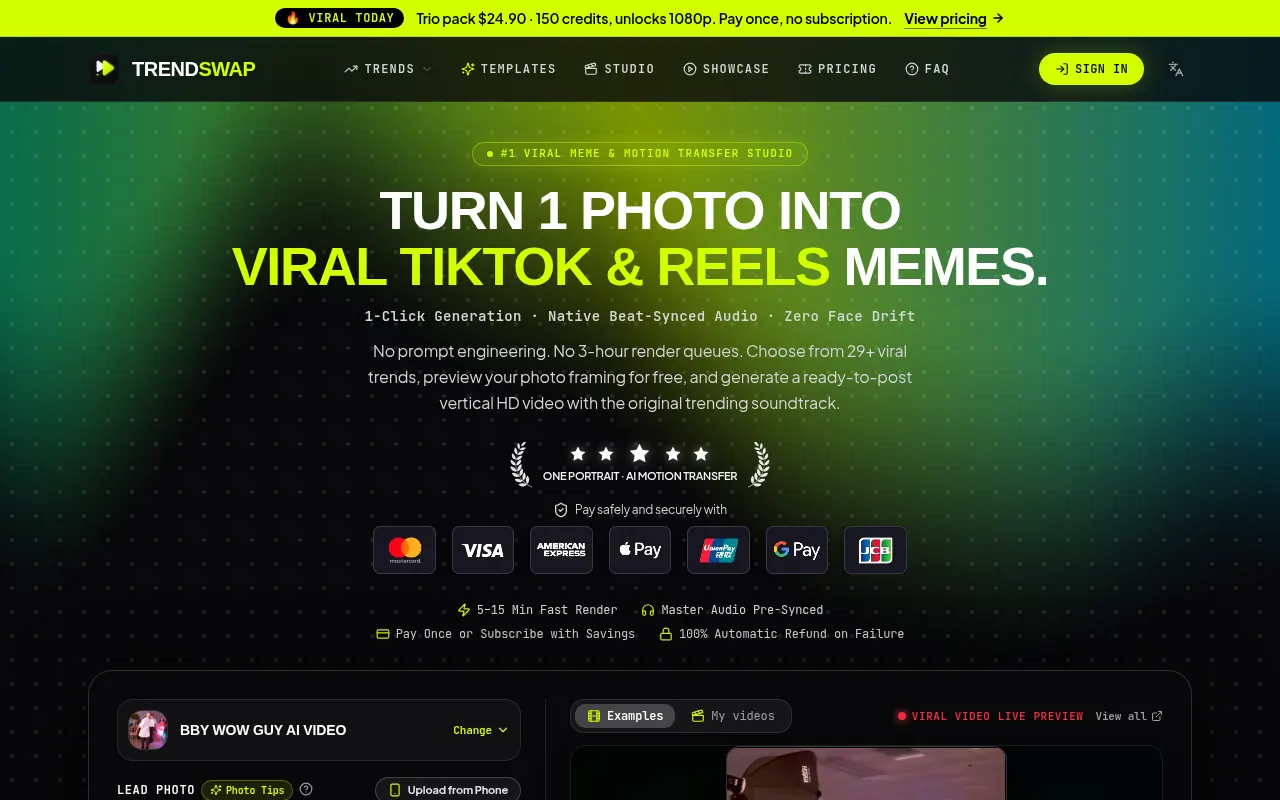
TrendSwap is an AI tool that animates your portrait inside viral TikTok and Reels trend templates: upload one or two photos, pick a scene and get a vertical video with the trend's soundtrack already synced, built for creators and casual users who want to post memes without editing.
What is TrendSwap and what is it for?
TrendSwap is a motion transfer studio. Instead of writing prompts, you choose one of 29+ templates, from dance trends and banquet scenes to stadium celebrations, ramp-flipping cars and slow-clapping pets, and the AI recasts you as the lead. Each template states how many photos it needs and how long it runs, usually 6 to 29 seconds. The site says it relies on the Seedance 2.5 model to keep the face from your photo while the reference clip only drives the motion.
How does TrendSwap work?
In the studio you pick a template and upload a front-facing portrait as JPG, PNG or WEBP, either from your computer or by scanning a QR code with your phone. Before generating, a still framing preview shows how the shot will look. Then you set the format (9:16 or 16:9) and resolution, where 480p, 720p and 1080p use 25, 50 and 100 credits. Rendering takes 5 to 15 minutes and you get an MP4 with no watermark that you can also grab via QR. If a job fails or is stopped by the safety filter, the credits come back automatically.
TrendSwap pros and cons
- Pro: no prompt writing or hunting for reference clips.
- Pro: exports arrive with the trend audio already lined up.
- Pro: the studio is localized into English, Spanish, Japanese and Simplified Chinese.
- Con: limited to the available templates; it does not make open-ended text-to-video clips.
- Con: you may only upload adults who are you or have given written consent, and the site states that a purchase grants no rights to the music or anyone's likeness.
TrendSwap features and use cases
How to use TrendSwap
TrendSwap FAQ
What is TrendSwap?
An AI video generator that puts you into viral trend templates from one or two photos and returns the clip with its soundtrack.
Is TrendSwap free?
The framing preview costs no credits, but generating videos requires buying them. Packs and subscriptions are listed in the pricing section of this listing.
How long does TrendSwap take to make a video?
Usually 5 to 15 minutes. You can close the tab and the finished video will be waiting in your personal library.
Which photos work best with TrendSwap?
A sharp, front-facing portrait of one adult in JPG, PNG or WEBP. Some templates need two photos and a few accept pets.
Can I upload photos of celebrities or other people?
No. The rules allow only your own likeness or another adult with written consent, and ban celebrities, public figures and minors.
Does TrendSwap work in Spanish?
Yes. The studio, templates, pricing and FAQs are localized into Spanish, along with English, Japanese and Simplified Chinese.
Does TrendSwap have an API?
The site offers no public API. Everything happens in the browser studio, with QR upload and download from your phone.
What happens if a video fails?
If a render fails, times out or is blocked by the safety filter, the credits for that job return to your account automatically.
What are some TrendSwap alternatives?
Viggle AI also animates people from reference clips, Hedra focuses on talking portraits and Kling IA generates video from text or images; all three are on GptZone.
Can I post TrendSwap videos on social media?
The site says you can download and share what you generate, but it also states that no rights to the music or anyone's likeness are granted, so check each platform's rules.
TrendSwap pricing and plans
Reference price: 9.9 USD · one-time payment. Source · Verified: October 28, 2026
Prices in US dollars (USD). Checked on: 28/10/2026.
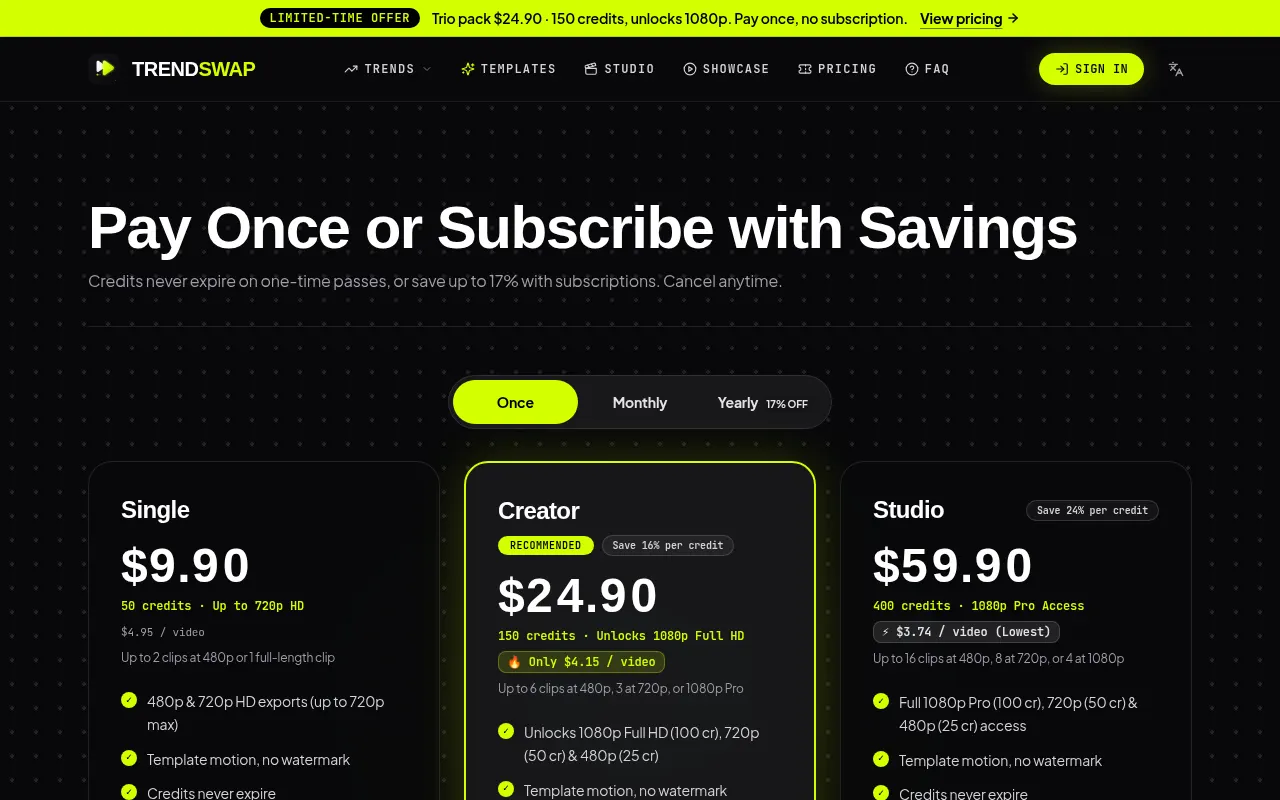
One-time packs (credits never expire): Single, $9.90 for 50 credits and up to 720p; Creator, $24.90 for 150 credits with 1080p; Studio, $59.90 for 400 credits with 1080p.
Each video uses 25 credits at 480p, 50 at 720p and 100 at 1080p.
Subscriptions: the same tiers with monthly credit refills that expire at the end of each month. Billed monthly: $8.90, $21.90 and $54.90 per month. Billed yearly: $89, $219 and $549 per year. Cancel anytime.
There is no free tier beyond the framing preview. A 7-day money-back guarantee covers unresolved technical failures.
TrendSwap Screenshots
TrendSwap user reviews
Write a review
Checking your session...
TrendSwap Reviews
Loading reviews...
TrendSwap alternatives



Osmo Studio
AI animation studio for professional motion graphics and videos. Control every detail, collaborate with teams, and export with transparent backgrounds.

Victoria Secret Runway
Create fashion show videos by integrating your face into real scenes. Just upload a photo to replace professional models and walk the runway.


BurningBridgesAI.app
Turn a photo into Drake’s viral dance. AI automatically recreates the choreography and gestures so you can star in the trend without recording a thing.