AudioPen
Share
AudioPen
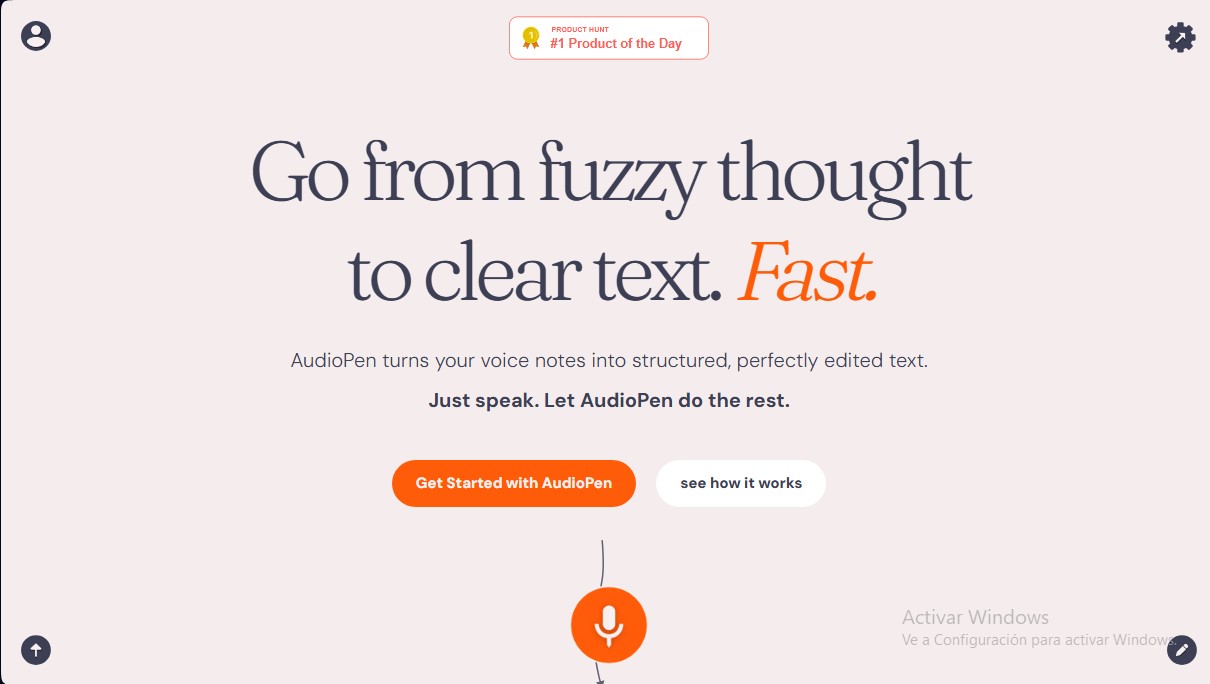
Convert voice notes into structured, edited text. Customize writing styles, summarize ideas, and export content to other apps.
General Information about AudioPen
AudioPen is an advanced AI-powered productivity solution designed to transform voice recordings into clear, structured, and ready-to-use text. Its primary goal is to simplify capturing ideas on the fly, converting messy voice notes into written content with editorial coherence. This artificial intelligence tool is particularly useful for professionals who need to quickly draft emails, meeting minutes, or personal journals from their computer or mobile device.
The process begins with a simple recording where the user expresses their thoughts. Once finished, AudioPen uses natural language processing algorithms to transcribe and, most importantly, edit the content. The user has total control over the final result through several functional adjustments:
- Custom writing styles: Choose from predefined or configurable formats, such as bulleted lists, specific narrative styles, or even mimicking the author’s own voice based on previous samples.
- Rewrite levels: Users can scale how much the AI intervenes in the text, ranging from light grammatical correction to deep, stylized rewriting.
- Length control: Features a slider to determine if the output should be brief and direct or more extensive and explanatory.
In addition to voice, AudioPen can process written text directly, applying the same editing engine to improve the clarity of any note. For users with technical or niche requirements, the platform allows for custom vocabulary, ensuring that proper names or specific terms are transcribed correctly.
In terms of organization and connectivity, the tool offers robust capabilities for workflow automation:
- File management: Notes can be categorized into folders and organized via a tagging system for efficient information management.
- Export options: Content can be shared directly to platforms like WhatsApp and X, sent via email, or exported as an image.
- External integrations: Thanks to its compatibility with Zapier, webhooks, and direct integrations with Google Sheets, Airtable, and Gmail, generated text can be automatically sent to thousands of external applications.
Privacy is a fundamental pillar of AudioPen. Original audio files are stored on its servers for only 24 hours, allowing the user to download them before they are permanently deleted. Furthermore, the platform guarantees that user data is not used to train AI models. With support for major global languages and availability via a Chrome extension and native apps, it stands out as a versatile assistant for optimizing text content creation from speech.
Features and Use Cases of AudioPen
How AudioPen Works
Frequently Asked Questions about AudioPen
What is AudioPen and how does it help organize my ideas?
AudioPen is a tool that transforms your voice notes into clear, well-structured text by removing filler words and automatically organizing your thoughts.
Can I use my AudioPen Prime subscription on multiple devices at once?
Yes, a single paid account allows you to access all premium features from any device as long as you log in with the same email address.
What languages is the AudioPen service available in?
The tool is capable of understanding and writing text in the vast majority of major global languages, and you can customize your language preferences in the settings.
Is it possible to upload pre-recorded audio files to AudioPen?
Prime users have the ability to upload external audio files, subject to monthly size and quantity limits, to be processed by the platform.
How does AudioPen guarantee the privacy of my voice recordings?
Your audio files are deleted from the servers after twenty-four hours, and your personal data is never used to train third-party artificial intelligence models.
Is there a difference between using folders and tags within the app?
Folders function as a primary hierarchical organization where each note can only be in one location, while tags allow you to filter related notes across multiple topics.
What happens if I lock my phone screen while recording on the AudioPen web app?
Many browsers cut off microphone access when the screen is turned off, so we recommend downloading the native app to avoid interruptions during long recordings.
Can AudioPen notes be connected to other productivity apps?
Yes, the tool allows you to integrate your notes with thousands of external applications like Zapier or Google Sheets via webhooks and automations to streamline your workflow.
Does AudioPen offer refunds if I'm not satisfied?
There is a thirty-day window after purchase to request a refund if the product does not meet your expectations, provided the subscription was made via the web or Google Play.
Can I choose the writing style the tool uses for my notes?
Yes, you can select predefined styles or create your own so that the final text adapts to a professional or personal tone based on your needs.
AudioPen Pricing
Free Plan
Price: Free.
- Record voice notes and convert them into structured text.
- Access basic transcription features to test the tool.
AudioPen Prime
Price: Check the official website.
- Upload external audio files (limit of 100 files every 4 weeks, up to 100 MB per file).
- Option to download original audio from voice notes (available for a limited time before deletion).
- Process direct text notes to summarize or edit written content.
- Create and save custom and predefined writing styles.
- Full control over rewrite intensity and output length via a selector.
- Advanced integrations with external tools via Webhooks and Zapier.
- Advanced note organization using folders and tags.
- Access via native iOS and Android apps, plus the Chrome extension.
Volume Licensing
Price: Check the official website.
- Purchase multiple AudioPen Prime licenses at a discount for teams or organizations.
AudioPen Screenshots