Share
What is AutoPod?
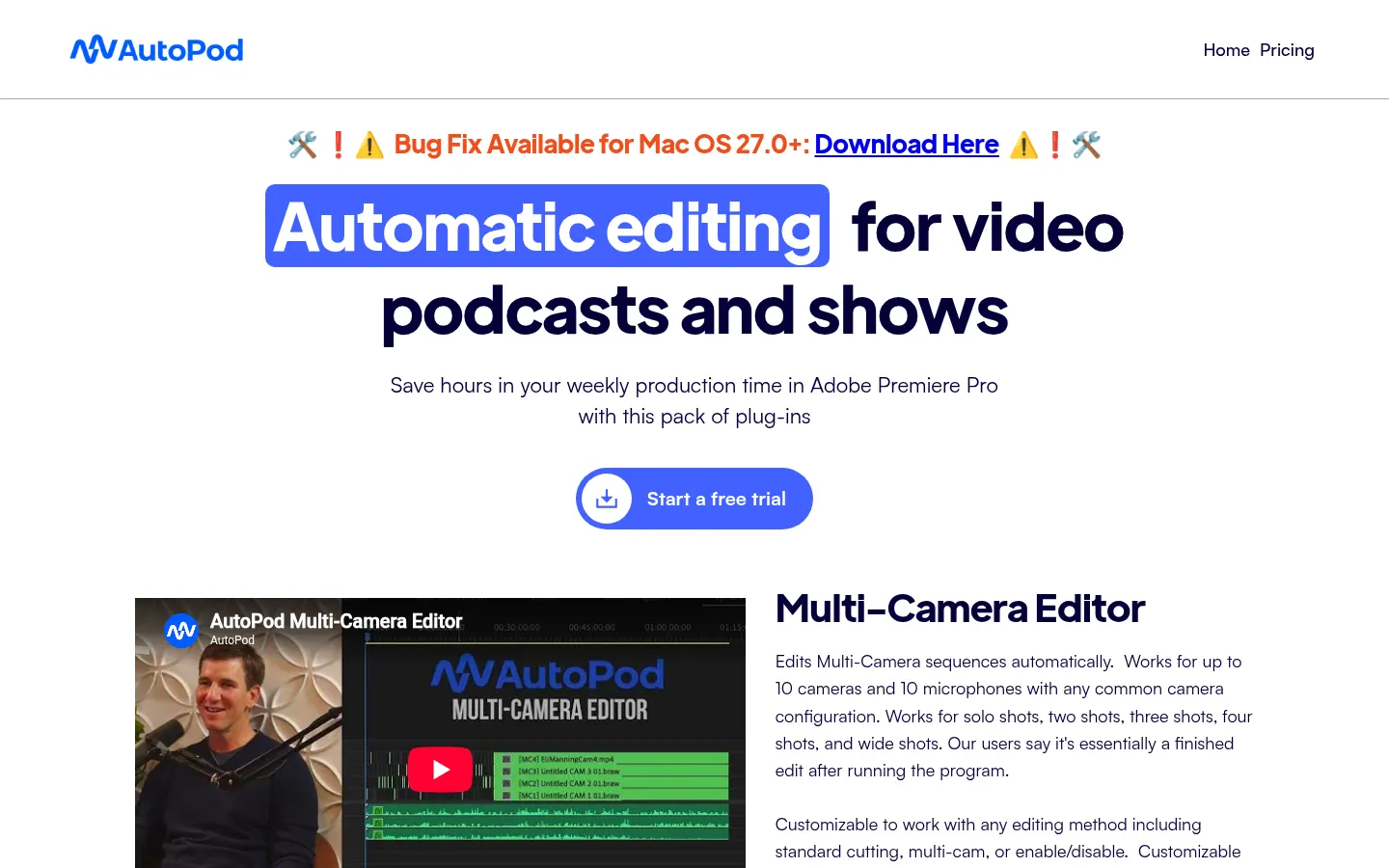
AutoPod is a set of AI plugins for automatic video podcast editing inside Adobe Premiere Pro, built by editors for editors. It is aimed at podcast production companies, freelance video editors, YouTube creators and content teams that record shows with several cameras and microphones and want to save hours of editing every week.
What is AutoPod used for?
It is a pack of three extensions that install into Premiere Pro (2023 or newer) and are also available for DaVinci Resolve. Its core piece, the Multi-Camera Editor, reads which audio track is active and switches angles based on who is speaking, the camera layout and standard editing conventions. It was built on thousands of hours of podcast footage, and users describe the result as essentially a finished edit. It handles up to 10 cameras and 10 microphones with single, two, three-shot and wide angles.
What else does AutoPod include?
The Social Clip Creator builds 1920×1080, 1080×1350 and 1080×1920 sequences from an in and out point, reframes footage for the chosen aspect ratio and lets you batch export every clip in one click. The Jump Cut Editor automatically removes silences based on a decibel threshold you set for your microphones, which suits fast-paced social clips. Everything is configurable: standard cuts, multicam or enable/disable editing, more frequent wide shots, and saved presets.
Who is AutoPod for?
- Editors cutting weekly video podcasts.
- Production companies with multi-guest, multi-camera shows.
- Creators turning episodes into vertical clips.
- Teams already working in Premiere Pro or DaVinci Resolve.
AutoPod pros and cons
Pros: it lives inside the editor you already use, follows professional editing conventions and saves a lot of time on long episodes. Cons: the multicam editor needs separate audio tracks for each person and will not work with a single audio source or a solo speaker, it is not available for Final Cut Pro or Avid, and each license works on one computer only.
AutoPod features and use cases
How to use AutoPod
AutoPod FAQ
What is AutoPod?
AutoPod is a Premiere Pro plugin pack that automatically edits multi-camera podcasts, creates social clips and cuts silences.
Is AutoPod free?
No, but monthly billing starts with a 30-day free trial. See the pricing section.
Does AutoPod have an API?
No, it runs as an extension inside Premiere Pro and DaVinci Resolve rather than as an API service.
Does AutoPod work with any language?
Yes, it makes cutting decisions from the audio tracks, so the spoken language does not matter.
What do I need to run AutoPod?
A computer that runs Adobe Premiere Pro 2023 or newer, or DaVinci Resolve.
Does AutoPod work with a single microphone?
No, the multicam editor needs a separate audio track for each person.
Is AutoPod available for Final Cut Pro?
No, only Premiere Pro and DaVinci Resolve, with no plans for other editors.
Can I use one license on several computers?
No, each license runs on one computer, though you can switch machines from their site.
How many cameras does AutoPod support?
Up to 10 cameras and 10 microphones with any common shot combination.
What are the best AutoPod alternatives?
On GptZone you can compare Descript, Opus Clip and Adobe Podcast.
AutoPod pricing and plans
Reference price: 29 USD / month. Source · Verified: November 7, 2026
Official pricing in USD (Checked on: 07/11/2026).
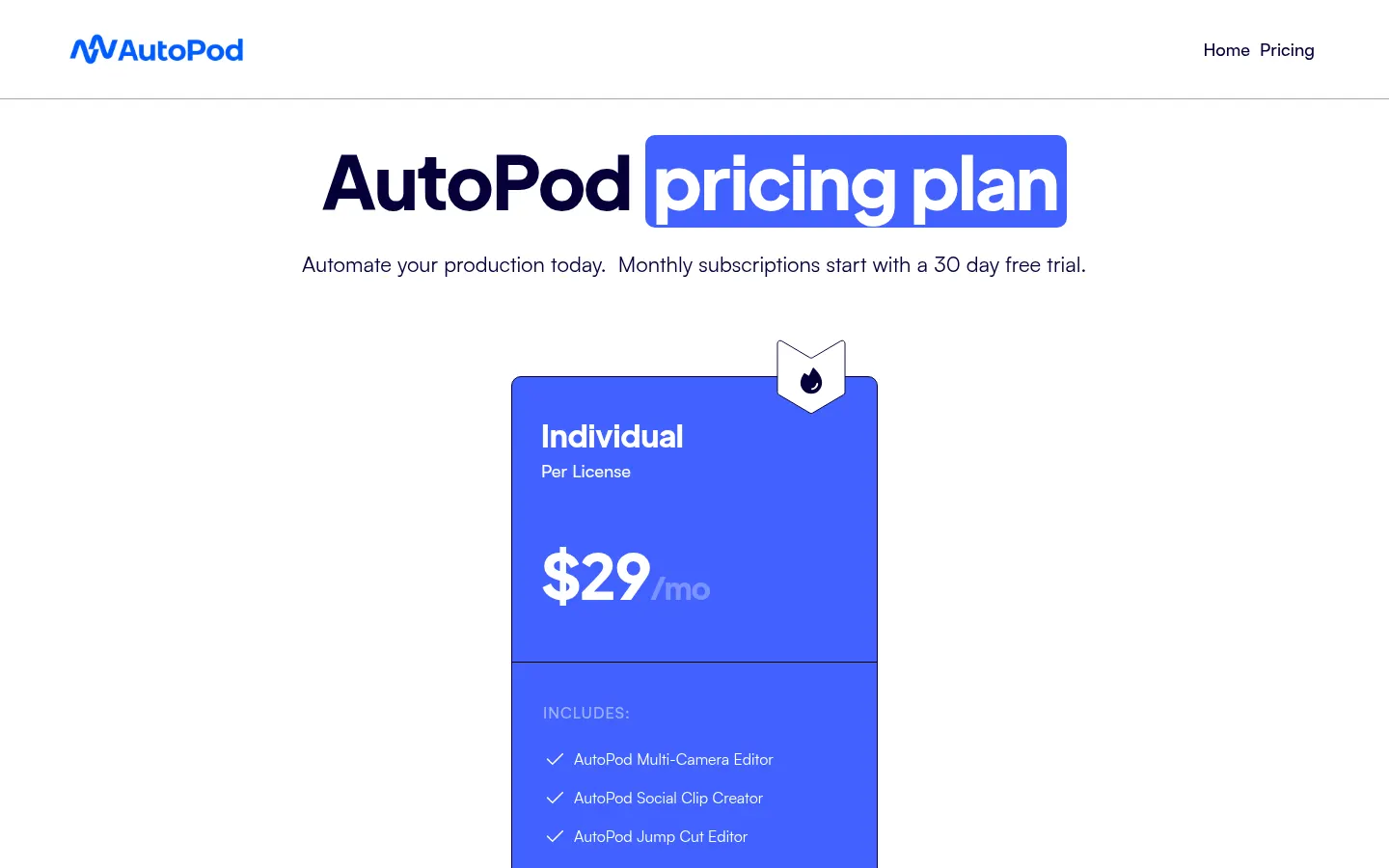
- Individual: $29/month per license — includes Multi-Camera Editor, Social Clip Creator and Jump Cut Editor. 30-day free trial on monthly billing; annual billing gives one month free per year.
There is no enterprise pricing; you can buy several licenses under one email. Each license runs on one computer.
AutoPod Screenshots
AutoPod user reviews
Write a review
Checking your session...
AutoPod Reviews
Loading reviews...
AutoPod alternatives

AutoShorts.ai
AutoShorts.ai generates series of faceless short videos with AI and auto-posts them to TikTok, YouTube and Instagram at the frequency you choose.


Neural Frames
Neural Frames is a Berlin-based AI music video platform that creates audio-reactive clips with lipsync, lyric videos and a frame-by-frame editor.