Share
What is Recut?
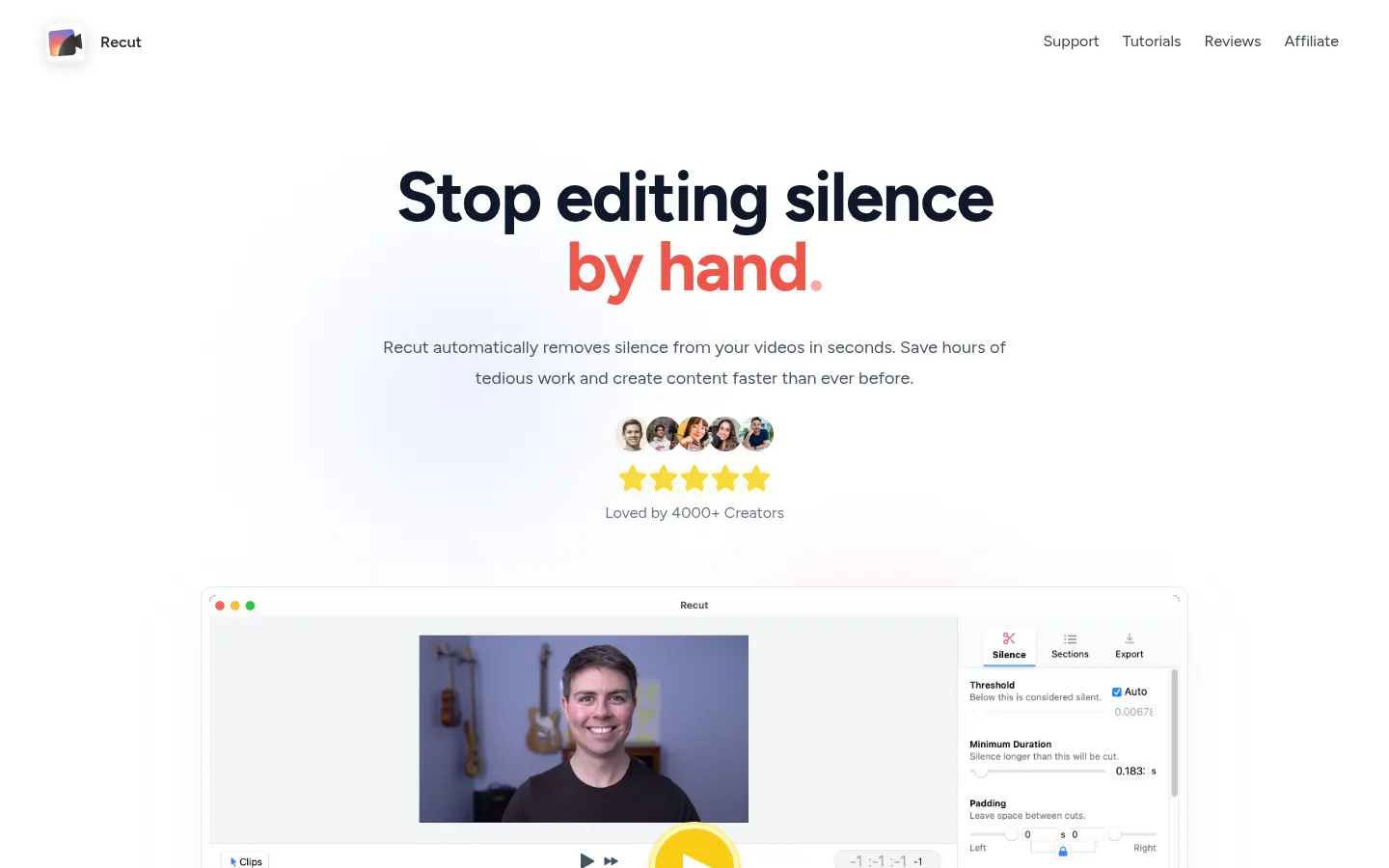
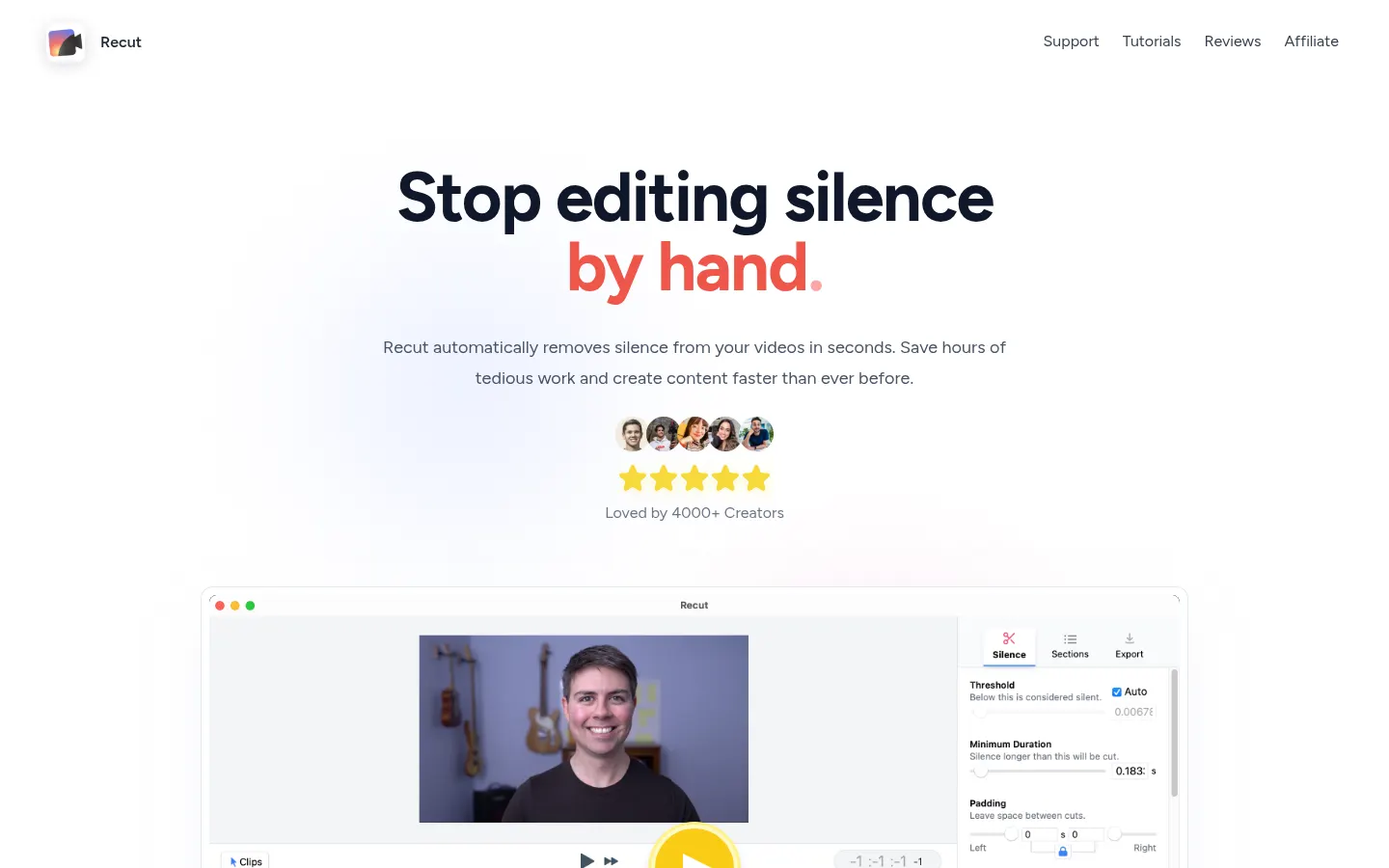
Recut is an automatic video editor that finds and removes silence in seconds. It is built for YouTubers, podcasters, educators and anyone who records talking-head or screencast footage and wants less time scrubbing pauses by hand.
What is Recut used for?
It analyzes your audio and video, spots silent stretches and builds a non-destructive rough cut. You can tune sensitivity so the result sounds natural rather than choppy. Multi-track support applies the same cut across several cameras and mics at once, so you do not redo the work track by track.
Which editors does Recut work with?
It exports cut lists to Adobe Premiere Pro, DaVinci Resolve, Final Cut Pro, ScreenFlow and CapCut, plus standard MP4, WAV and M4A files. That means you knock out silence removal in Recut and finish creative work in the editor you already use. It runs locally on Mac, Windows and Linux without needing the cloud for basic processing.
Who is Recut for?
- YouTube creators with weekly talking-head uploads.
- Podcasters who want a clean first cut before color or captions.
- Educators and marketing teams recording long screencasts.
- Editors who prefer a non-destructive handoff into Premiere or Resolve.
Recut pros and cons
Pros: it saves hours of scrubbing, stays non-destructive and offers a perpetual license option without recurring renewal. Cons: the license is per user (you can install it on your own machines), future server-heavy features such as advanced transcription are framed as optional add-ons, and it does not replace a full color or effects suite.
Recut features and use cases
How to use Recut
Recut FAQ
What is Recut?
Recut is a desktop app that automatically removes silence from video and exports the cut to editors such as Premiere or Resolve.
Is Recut free?
There is a free trial with 3 exports. After that you can buy a one-time license or a subscription. See pricing.
Does Recut have an API?
No, it is a local desktop app rather than an API service.
Does it work with Spanish videos?
Yes, it detects silence in the audio, so the spoken language does not matter.
Which editors does it support?
Adobe Premiere Pro, DaVinci Resolve, Final Cut Pro, ScreenFlow and CapCut, plus MP4/WAV/M4A.
Can I use it on several computers?
The license is for one person; you may install it on your Mac, Windows and Linux machines.
Is there a refund policy?
Yes, a 30-day money-back guarantee if it does not fit your workflow.
Does editing require the internet?
Basic processing runs locally; you do not need the cloud to remove silence.
Does it support multi-camera projects?
Yes, it applies the same cut across multiple camera and mic tracks.
What are alternatives to Recut?
On GptZone you can compare TimeBolt, AutoPod and Descript.
Recut pricing and plans
Reference price: 99 USD · one-time payment. Source · Verified: November 7, 2026
Official pricing in USD (Checked on: 07/11/2026).
- One-time purchase: $99 (the homepage sometimes shows $129 as a reference price; /pricing/ lists $99) — 1 user, updates included, 30-day money-back guarantee.
- Monthly subscription: $15/month — same features, cancel anytime.
- Yearly subscription: available at a discount vs monthly (about 56% less per the homepage).
- Free trial: fully featured, no watermark, 3 free exports, no credit card.
License is per person; you may install it on your Mac, Windows and Linux machines.
Recut Screenshots
Recut user reviews
Write a review
Checking your session...
Recut Reviews
Loading reviews...