
Share
What is Gling?
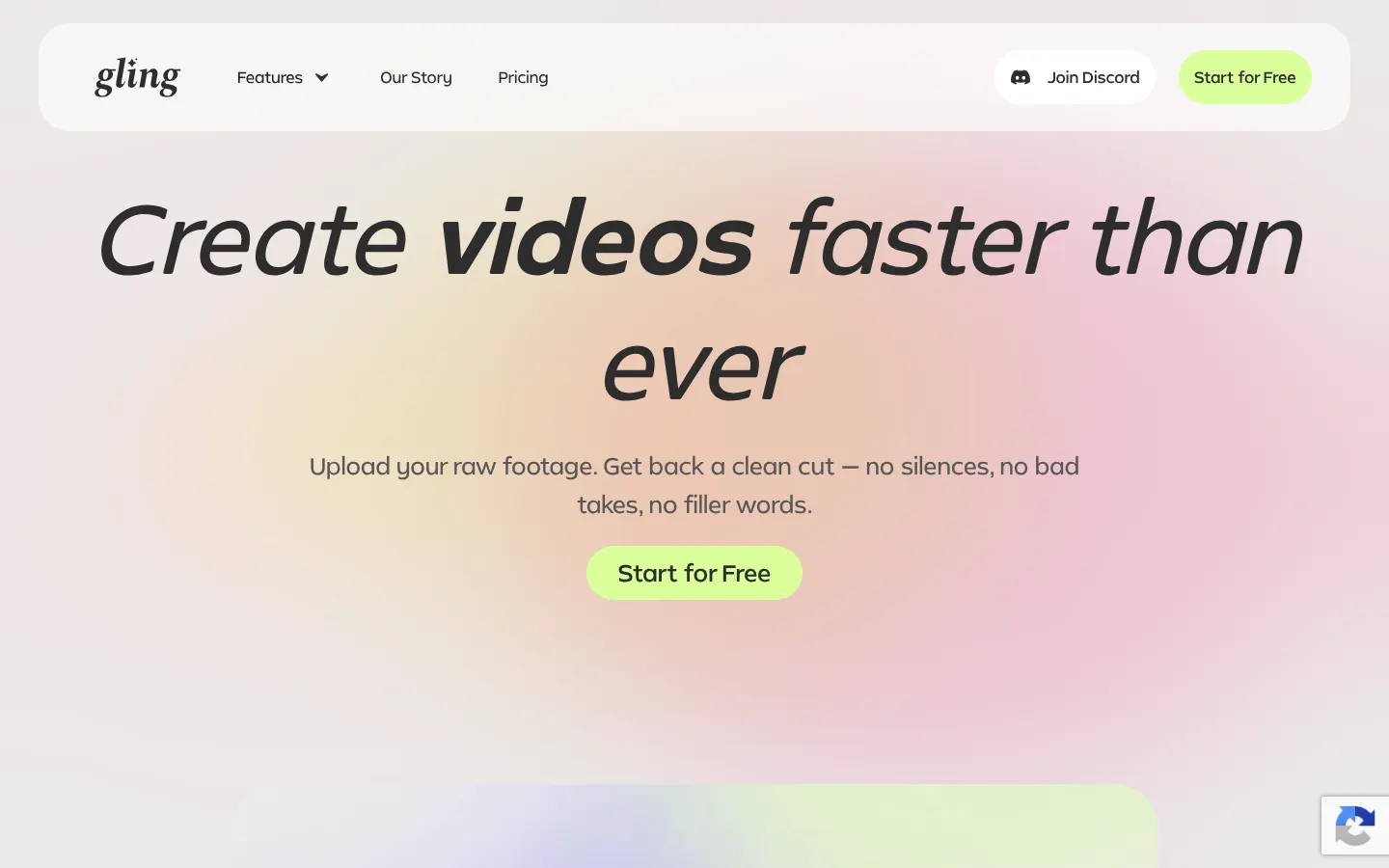
Gling is an AI video editor for YouTube creators that handles the first cut of a raw recording: it transcribes what you say, spots bad takes and removes silences and filler words. It's made by Gling Inc and used by YouTubers with audiences from the hundreds of thousands into the millions to save hours of editing.
How does Gling edit a video?
You upload video or audio, and the AI transcribes it, analyzes the text and automatically drops repeated takes, pauses and filler words. Then you review the result in a text-based editor: delete sentences as if it were a document or adjust clips on the timeline. It adds automatic captions, auto framing with zoom, noise removal, speech enhancement, generated B-roll and multicam editing.
What does Gling offer for YouTube growth?
It suggests titles with a better chance of performing, generates chapters from your content and proposes ideas for your next video. It also cuts short clips from long videos and can generate a video from a link.
Which editors does it work with?
It exports MP4, MP3 and SRT captions, or sends the edit to Final Cut Pro, DaVinci Resolve and Adobe Premiere via XML so you can keep working in your usual editor. It's designed for desktop use and has a desktop app.
Gling pros and cons
- Pro: it understands speech in Spanish and many other languages, even though the interface is in English.
- Pro: editor exports make it fit professional workflows.
- Con: if your video has no speech, you won't get much out of it.
- Con: multicam and separate-mic workflows only work when exporting to Resolve or Final Cut.
Gling features and use cases
How to use Gling
Gling FAQ
What is Gling?
It's an AI video editor for YouTube creators that automatically removes bad takes, silences and filler words.
Is Gling free?
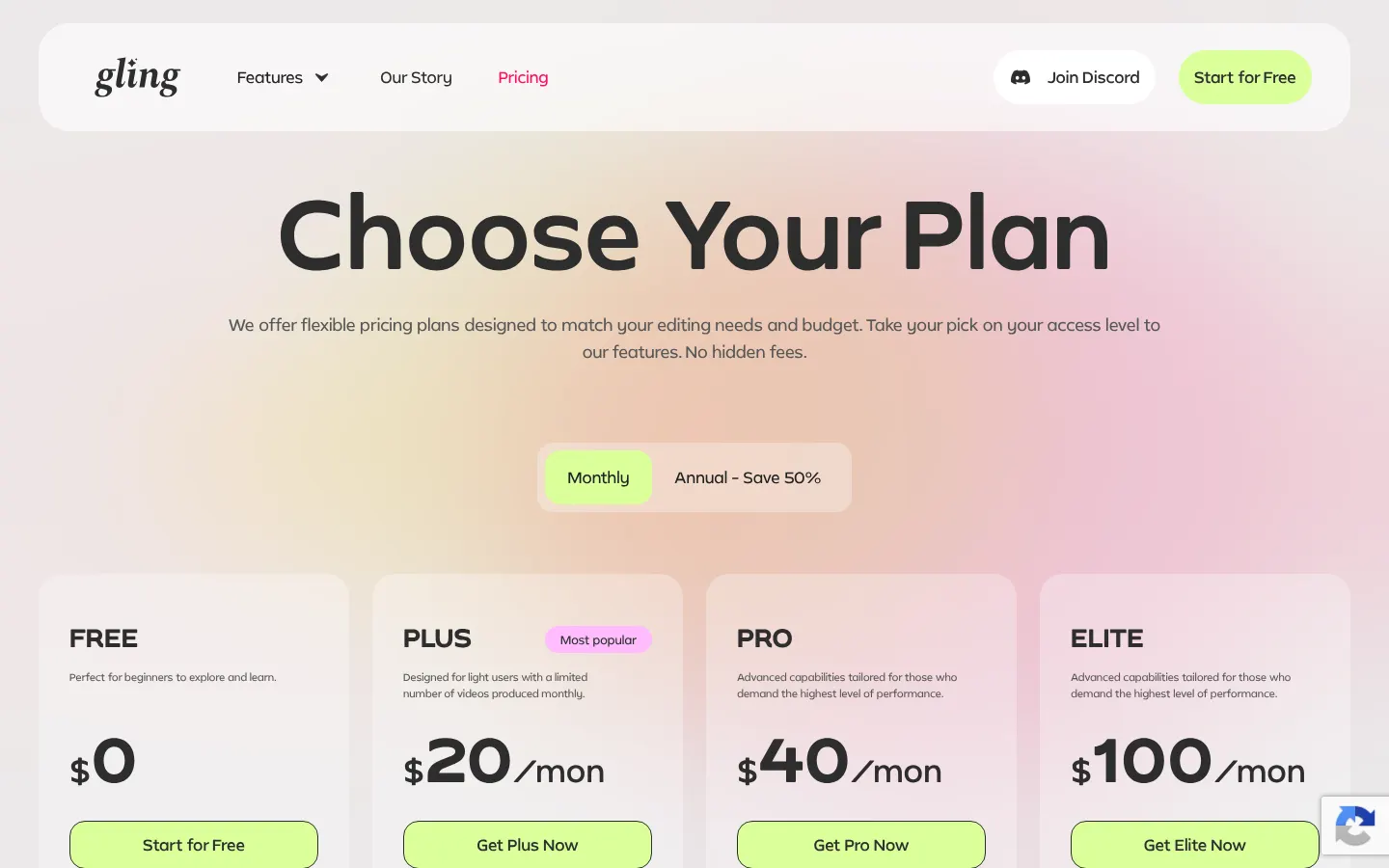
There's a free tier with one hour a month and a watermark; for more hours there are paid plans, see the pricing section.
Does Gling have an API?
It doesn't offer a public API; you use it through its app.
Does Gling work in Spanish?
The interface is in English, but it transcribes and edits videos spoken in Spanish and 20+ other languages.
Can I export to Premiere or DaVinci Resolve?
Yes, it exports via XML to Adobe Premiere, Final Cut Pro and DaVinci Resolve.
Is Gling useful for videos without speech?
Not really: it relies on speech transcription, so it does little for videos without dialogue.
Does it create captions?
Yes, it generates automatic captions and exports them as SRT.
Does it support multiple cameras?
Yes, but only when exporting to DaVinci Resolve or Final Cut Pro; for other formats you need to sync first.
Do I need a card to try it?
No, you're only asked for payment details when you subscribe.
What are some Gling alternatives?
Our directory lists Descript, TimeBolt and Recut, which also trim recordings automatically.
Gling pricing and plans
Reference price: 20 USD / month. Source · Verified: November 8, 2026
Gling has a Free plan ($0) with 1 hour of AI-edited media per month and watermarked exports. Monthly plans: Plus $20 (10 hours), Pro $40 (30 hours and premium support) and Elite $100 (100 hours); annual billing saves 50% (Plus from $10/month). Unused hours don't roll over. No card needed to start. Checked on: 08/11/2026.
Gling Screenshots
Gling user reviews
Write a review
Checking your session...
Gling Reviews
Loading reviews...
Gling alternatives


AutoShorts.ai
AutoShorts.ai generates series of faceless short videos with AI and auto-posts them to TikTok, YouTube and Instagram at the frequency you choose.

Neural Frames
Neural Frames is a Berlin-based AI music video platform that creates audio-reactive clips with lipsync, lyric videos and a frame-by-frame editor.