
Share
What is Demosmith?
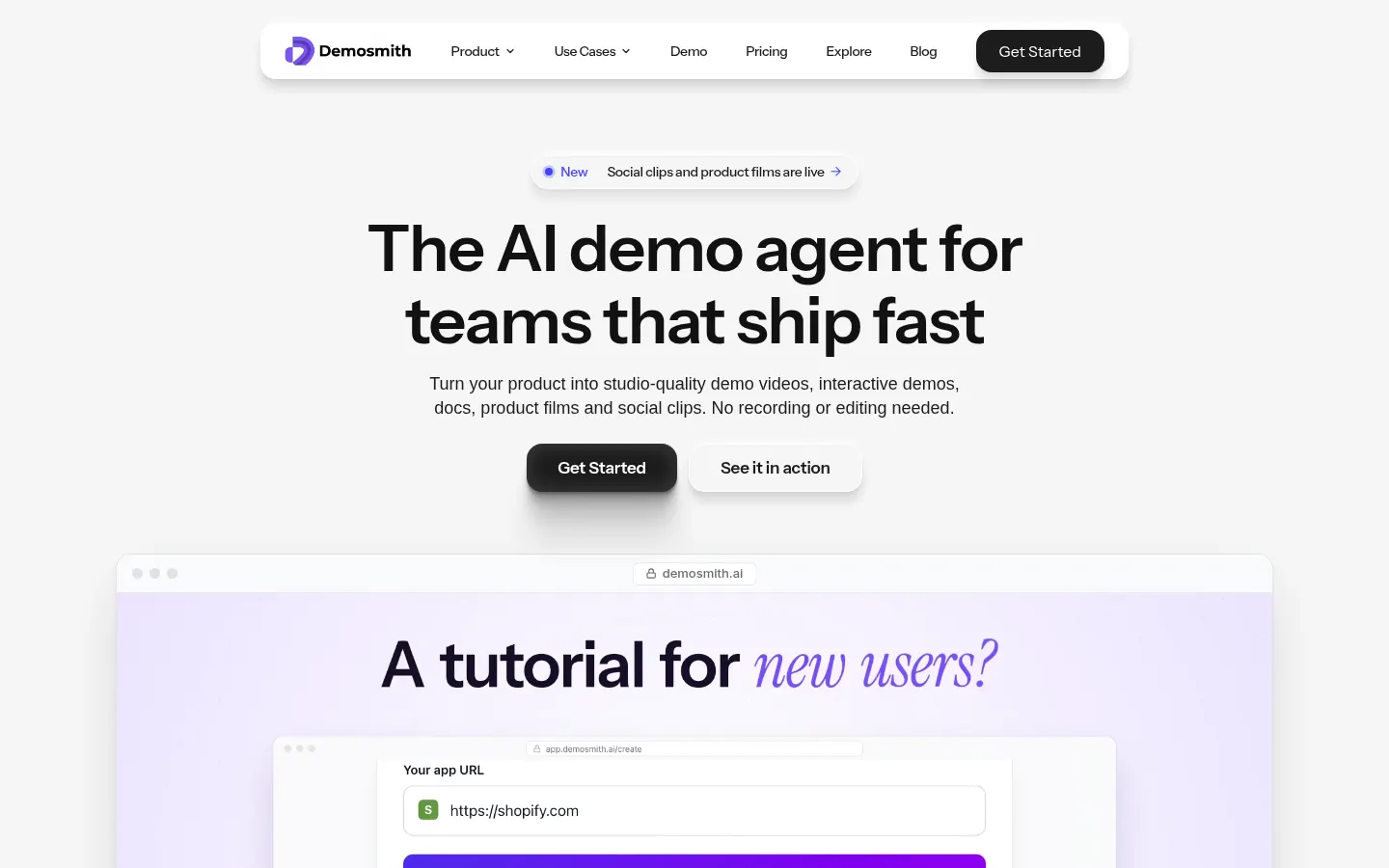
Demosmith is an AI agent for creating product demos: you give it your web app's URL and a prompt, and a browser agent walks through it like a real user to produce an edited demo video, an interactive demo, matching documentation, a product film and social clips. The company says more than 3,000 founders and product teams use it.
What is Demosmith used for?
It means no more recording and editing demos by hand. The agent clicks, types and scrolls on its own, understands your product's context and, if it needs something only you can provide, such as a login, it asks. It then applies smart editing: cutting dead time, zooming into key actions and polishing the pacing. A walkthrough of about ten minutes becomes six reusable assets for sales, onboarding and launches.
What does each Demosmith demo include?
Demosmith writes the script, adds natural-sounding voiceover and synced captions, and can include an AI presenter in a corner of the video. Everything is generated in 31 languages, including Spanish, applying your brand kit with logo, colors, fonts and intro. Docusmith turns the demo into a guide in Markdown, HTML, plain text or PDF ready for your help center, and the editor lets you tweak narration, captions, zooms or blurs.
Who is Demosmith for?
- SaaS startups shipping product updates weekly.
- Sales teams needing demos for each use case.
- Support teams maintaining guides with screenshots.
- Marketing teams publishing launch videos in several languages.
Demosmith pros and cons
Pros: several assets from one walkthrough, localization into 31 languages and unlimited seats. Cons: it works with web products reachable in a browser and, by the company's own account, about 5% of outputs need manual touch-ups.
Demosmith features and use cases
How to use Demosmith
Demosmith FAQ
What is Demosmith?
Demosmith is an AI agent that walks through your web app and generates narrated demo videos, interactive demos, guides and social clips.
Is Demosmith free?
No; it offers a 3-day trial with one demo, then paid plans based on minutes and demos per month.
Does Demosmith work in Spanish?
Yes, it generates voiceover, captions and on-screen text in 31 languages, including Spanish, and its site has a Spanish version.
Do I need to record my screen?
No, the browser agent navigates your product on its own and records the walkthrough for you.
Does it work with apps that need a login?
Yes, you can give it a test account and the agent signs itself in.
What is Docusmith?
It's the feature that turns each demo into documentation in Markdown, HTML, plain text or PDF with screenshots.
Can I edit the output?
Yes, the editor lets you change narration, captions, voice, zooms, blurs, backgrounds and sounds.
How many people can use one account?
Seats are free, so the whole team can use any plan; you only pay for demo volume.
What are the best Demosmith alternatives?
Our directory lists Arcade and Supademo for building interactive product demos.
Demosmith pricing and plans
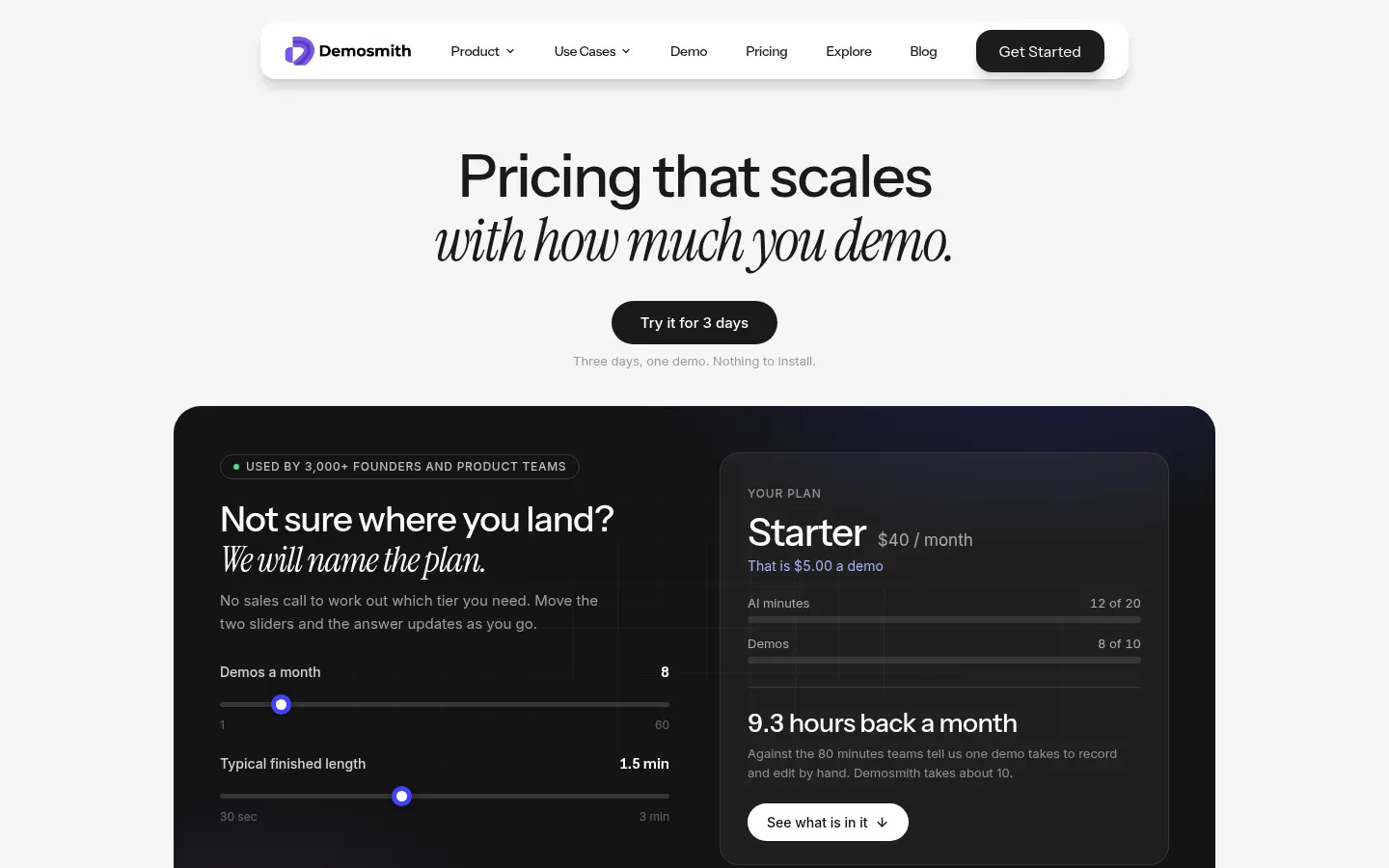
Reference price: 40 USD / month. Source · Verified: November 9, 2026
Prices in US dollars (USD) from the official site, monthly billing (Checked on: 09/11/2026). 3-day trial with one demo; yearly billing saves about 17%. Seats are free on every plan.
Starter: $40/month ($33/month yearly); 20 AI minutes, 10 demos and 5 interactive demos a month, no watermark, 1080p export.
Pro (popular): $99/month ($83/month yearly); 50 minutes, 50 demos, 25 interactive demos, 5 versions per video, 1440p and video backgrounds.
Business: $250/month ($208/month yearly); 150 minutes, unlimited demos, 4K and a dedicated support channel.
Enterprise: custom limits, invoicing and terms.
Demosmith Screenshots
Demosmith user reviews
Write a review
Checking your session...
Demosmith Reviews
Loading reviews...