BeautyPlus
Share
What is BeautyPlus?
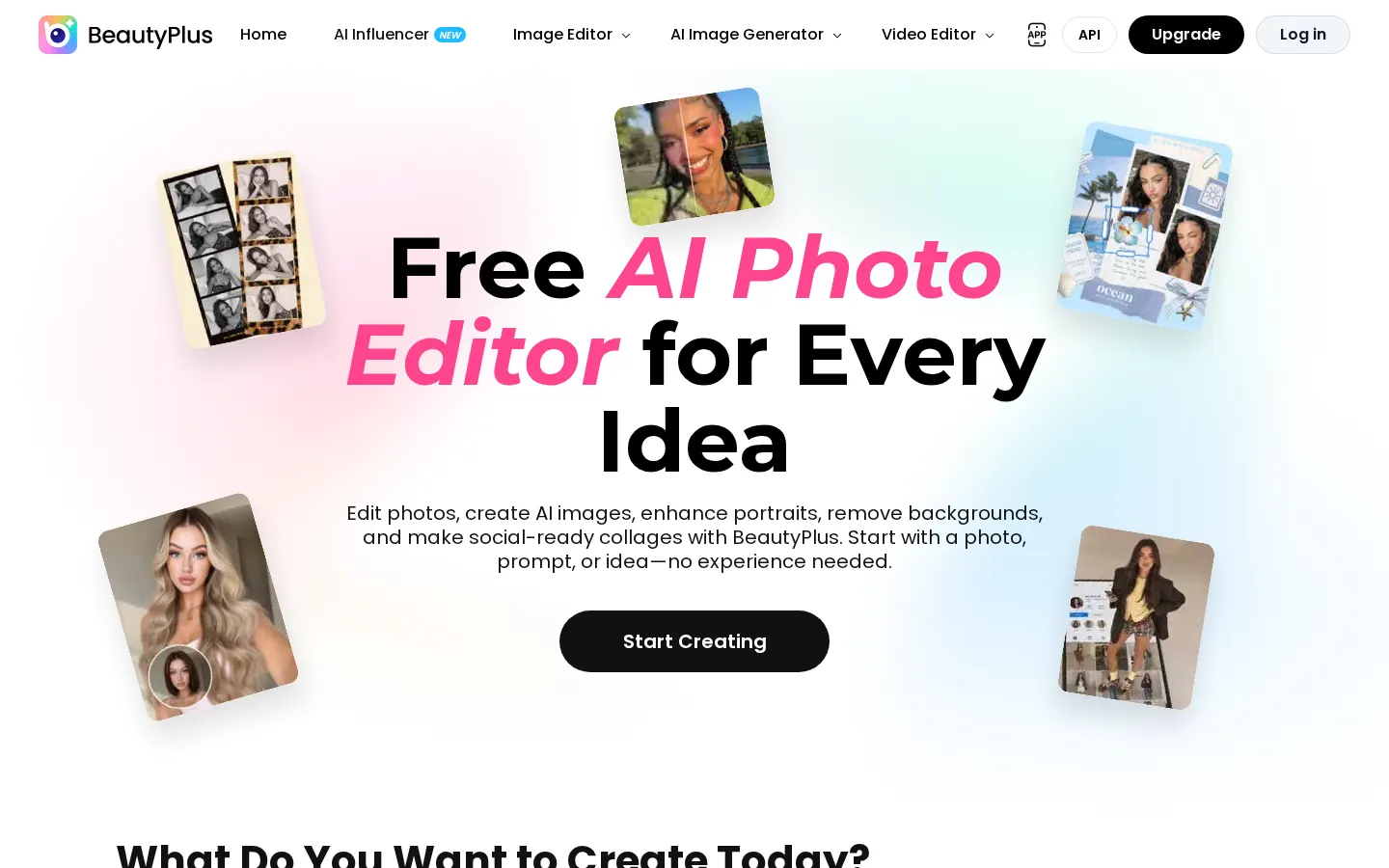
BeautyPlus is an AI photo editor best known for its selfie app that also runs in the browser. It handles portrait retouching, fixes blurry or old photos, swaps backgrounds and creates new images from a photo or a prompt, with no editing skills needed.
Fixing and cleaning up photos
The image enhancer sharpens detail and corrects lighting, while old photo restoration deals with scratches, stains and faded colour. There's also an object and people remover, generative replacement of selected areas, watermark removal, background removal or replacement, and filters that turn a photo into a painting, pencil sketch or anime illustration.
Portrait retouching and style try-ons
- Natural face retouching for bone structure, skin, posture, smile and makeup (some tools are app-only).
- Try-ons for hairstyles, hair colour and outfits before you commit.
- Professional headshot and LinkedIn photo generator.
- Tattoo and nail art previews on your own photos.
Creative, video and social tools
You also get a Korean-style online photo booth, Instagram collages, a camera with movable virtual lighting, face filters and a fan studio for K-pop uchiwa fans, photocards, stickers and merch. Video tools cover quality enhancement, watermark removal and background removal. On the generative side you can create AI images, turn photos into anime or even build a virtual AI influencer.
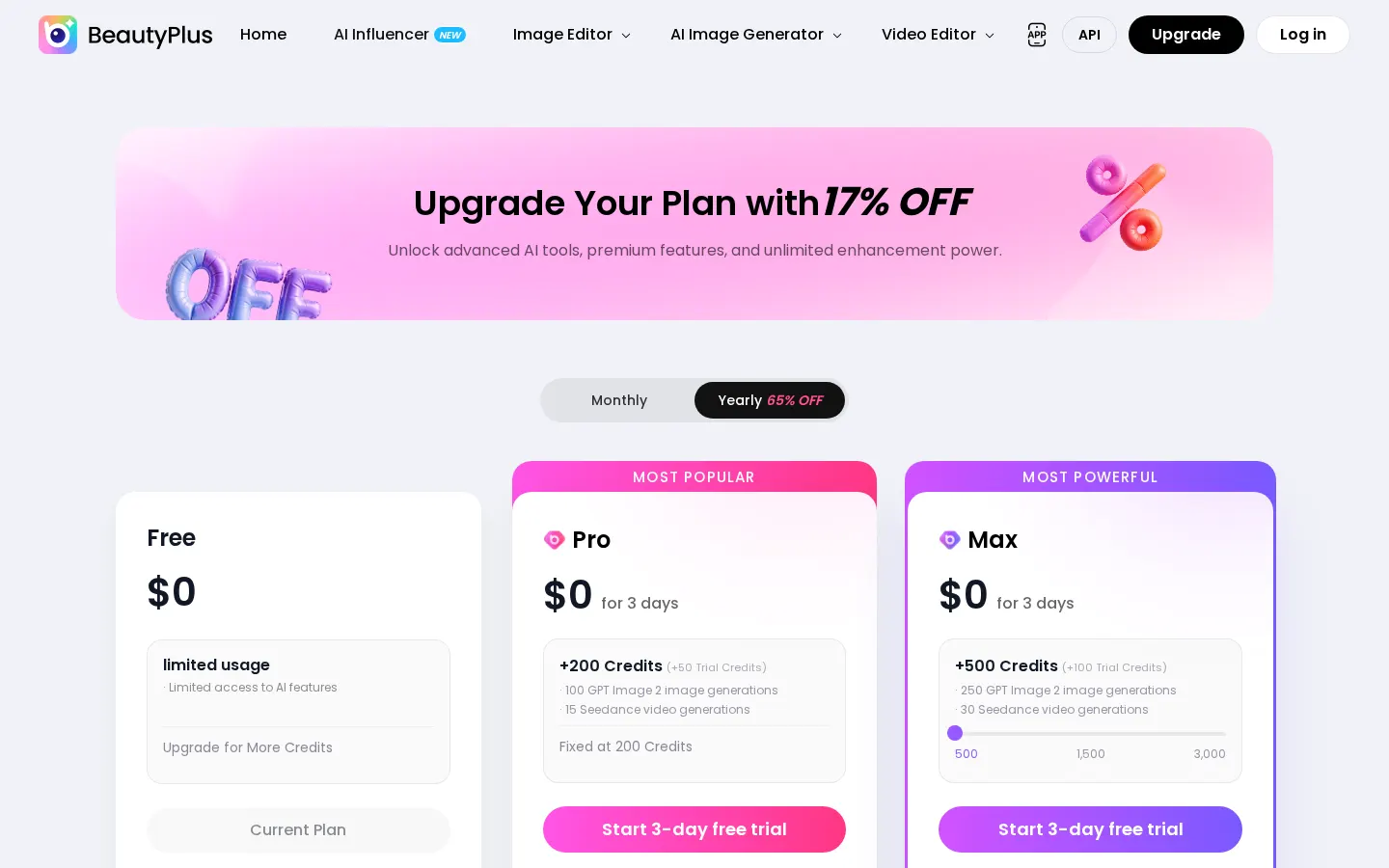
The site comes in several languages, Spanish included, and there's an API for businesses. The free plan covers basic features with limits and exports with a watermark; Pro and Max add monthly credits, watermark-free HD or 4K exports and more AI usage. When checked, Pro was $12 a month with a 3-day trial.
BeautyPlus features and use cases
How to use BeautyPlus
BeautyPlus FAQ
Is BeautyPlus free?
There's a free plan with limited AI usage, but downloads are watermarked. Removing the watermark requires Pro or Max.
Do I have to install anything?
No. Many tools work in the browser; the mobile app adds filters and a few retouching features the website points you to.
Which languages does it support?
The website is available in English, Japanese, Korean, Thai, Vietnamese, Indonesian, Spanish and Portuguese.
Can it fix damaged old photos?
Yes. A dedicated restoration tool handles scratches, stains, water damage and faded colour, and there's a colouriser too.
Can I make a professional profile photo?
Yes, it includes a headshot and LinkedIn photo generator that works from a picture of you.
What are BeautyPlus credits?
They're the monthly allowance used by heavier AI features such as image generation or object removal. Pro includes 200, Max 500 or more.
Can I try the paid plans first?
Yes. Pro and Max both offer a 3-day trial with trial credits before the first charge.
Does it edit video too?
Yes. It can enhance video quality, remove watermarks and strip backgrounds; your monthly enhancement time depends on the plan.
Is there an API?
Yes, BeautyPlus offers an API so businesses can build its image tools into their own products.
BeautyPlus pricing and plans
Reference price: 12 USD / month. Source · Verified: October 20, 2026
Prices in US dollars (USD) shown on the official website with monthly billing. Checked on: 20/10/2026.
Free: $0
- Basic AI features with limited usage
- Basic assets
- Exports carry a watermark
Pro: $12/month (first month shown at $10), 3-day free trial
- 200 credits per month
- Unlimited photo enhancer and 2,400 s of video enhancement per month
- 40+ images a month with the object remover and with image generation
- Watermark-free HD exports
Max: $17/month when checked (with a 10% discount applied), 3-day free trial
- 500 or more credits per month
- Unlimited UHD enhancement and 6,000 s of video enhancement
- 100+ images a month with the object remover and generation
- Watermark-free 4K/HD exports
Discounted annual billing is available. Prices may vary with promotions and country.
BeautyPlus Screenshots