BowerBot
Share
BowerBot
AI agent that creates professional OpenUSD scenes using natural language. Automates assembly, lighting, and validation of production-ready 3D environments.
General Information about BowerBot
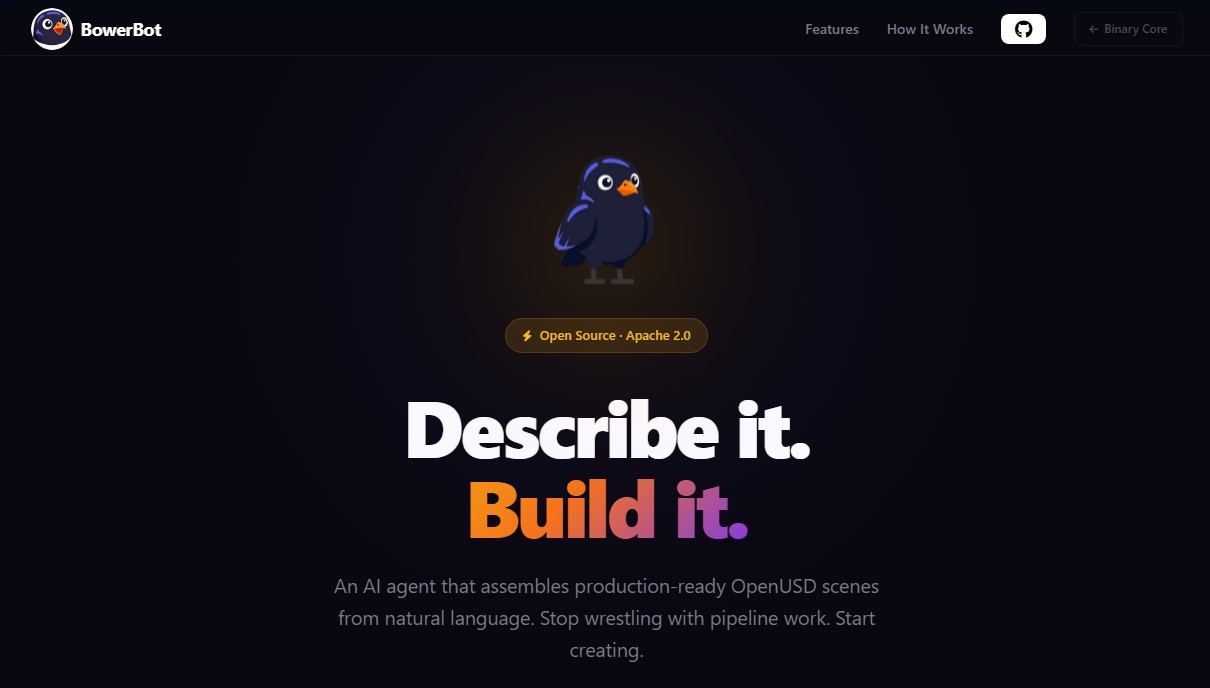
BowerBot is an open-source AI agent specifically designed to automate the creation and assembly of 3D scenes in OpenUSD format. This tool allows developers and artists to generate production-ready environments using natural language, eliminating the technical complexity of traditional pipeline management. By using BowerBot, users can describe a complex scene, and the AI takes care of locating assets, positioning them spatially, configuring materials, and setting up lighting autonomously.
The technical operation of this application is based on a robust core utilizing Python 3.12+ and the integration of advanced language models such as GPT-4 or Claude via LiteLLM. The process is divided into three critical phases: prompt interpretation, logical scene assembly, and final validation. During assembly, the tool applies professional hierarchy rules in compliance with Academy Software Foundation (ASWF) standards, ensuring the output is compatible with high-level studio workflows.
Key functional capabilities of BowerBot include:
- Natural Language Processing: The ability to interpret spatial relationships, lighting moods, and material choices from simple descriptions.
- Intelligent Lighting: Automatic configuration of six light types (dome, sphere, rectangular, disk, cylindrical, and distant) to achieve a balanced visual composition.
- Self-Correction System: The agent includes internal validation logic that detects errors in the scene structure and corrects them iteratively before delivery.
- Versatile Export: Generation of .usda files or .usdz packages, optimized for viewing in NVIDIA Omniverse, Apple Vision Pro, or any USD-compatible viewer.
- Extensible Architecture: Features a plugin system that allows the tool to connect with local asset libraries or external services.
This AI for 3D tool is primarily aimed at VFX and animation professionals who need to rapidly prototype scenes from their workstations. It is also highly useful for spatial computing developers and digital twin creators who require rigorous industry standards. By automating the most tedious pipeline tasks, BowerBot allows technical directors and artists to focus on creative decisions rather than data management. As an Apache 2.0 licensed project, it offers total flexibility to be integrated and customized within existing software infrastructures.
Features and Use Cases of BowerBot
How BowerBot Works
Frequently Asked Questions about BowerBot
What exactly is BowerBot, and what is its purpose?
It is an AI agent that builds production-ready OpenUSD scenes using natural language to automate the most complex workflow tasks.
Do I need advanced technical skills to use BowerBot?
You don't need to be a data pipeline expert, as the tool automatically handles hierarchy, asset placement, and compliance with professional standards.
How do I generate a 3D scene from text with BowerBot?
Simply run the build command followed by a detailed natural language description of the elements, materials, and lighting you want to include.
What types of lighting can BowerBot configure automatically?
The tool includes a smart lighting system with six different light types, including dome, sphere, rectangular, disk, cylinder, and distant lights.
What file formats does BowerBot export for the final results?
It allows you to export finished scenes in .usda format or package them as .usdz files for immediate use in Apple Vision Pro, NVIDIA Omniverse, or compatible viewers.
Does the structure of BowerBot scenes meet industry standards?
Yes, all assets and scenes are automatically structured following Academy Software Foundation standards to ensure compatibility in professional studio environments.
Can I connect my own asset libraries to the tool?
Yes, the system features an extensible plugin architecture that allows you to connect local libraries, services like Sketchfab, or custom asset providers.
What type of license is BowerBot distributed under?
It is distributed as open-source software under the Apache 2.0 license, allowing users to freely use, modify, and contribute to the project’s development.
What happens if errors occur during scene creation in BowerBot?
The tool features a self-correction function with built-in validation that detects issues and resolves them iteratively before delivering the final file.
Which industries is this tool primarily designed for?
It is geared toward VFX and animation professionals, spatial computing developers for devices like the Vision Pro, and creators of industrial digital twins.
BowerBot Pricing
Open Source Version: Free (Apache 2.0 License)
- Production-ready OpenUSD scene assembly via natural language.
- Hierarchy structure compliant with Academy Software Foundation (ASWF) standards.
- Automatic setup for six light types (dome, sphere, rect, disk, cylinder, and distant).
- AI agent with built-in validation and error self-correction systems.
- Export to .usda formats and .usdz packaging for Apple Vision Pro or NVIDIA Omniverse.
- Extensible plugin system to connect local or external asset libraries (such as Sketchfab).
Enterprise Solutions: Contact for pricing
- Custom AI solution development for studios and enterprises by Binary Core.
- Tailored integration into VFX, animation, or spatial computing pipelines.
- Support for tool deployment, extension, and scaling.
- Visit the official website for a detailed quote.
BowerBot Screenshots