Share
Create evolving animations and videos with Stable Diffusion. Includes motion effects, style transfer, and open-source frame upscaling.
What is Deforum?
Deforum is an open-source ecosystem specialized in AI animation generation, designed to transform text prompts and technical parameters into dynamic visual sequences. This tool leverages Stable Diffusion technology to create evolving videos, enabling artists and developers to explore the frontiers of generative AI video. Its architecture is built upon previous projects like Disco Diffusion and VQGAN+CLIP, evolving into a versatile platform that offers precise control over movement and visual aesthetics.
Deforum's operation is primarily divided into two branches to suit different user profiles. On one hand, it offers an extension for Automatic1111 WebUI, which is the most comprehensive and powerful implementation for users who have a computer with compatible hardware. On the other hand, Deforum Studio provides a more accessible web application and Discord bot based on Stable Diffusion XL (SDXL). This latter option allows for generating animations in the cloud without the need for a powerful local machine, facilitating access through any browser or mobile device.
Key technical capabilities and functions of the tool include:
- Advanced movement control: Allows for configuring camera parameters in 2D and 3D environments, including zoom, rotation, and translation functions.
- Animation presets: The Studio version includes 25 movement presets, such as Fly-Through, Evolve-Pulse, or Shapes-Kaleidoscope, for quick results.
- Audio synchronization: Through the use of Deforum Parseq, it is possible to synchronize visual changes and the animation’s rhythm with sound files.
- Video Style Transfer: The ability to apply AI-generated artistic styles to existing videos, completely transforming their appearance.
- Prompt modifiers: Features a library of over 70 modifiers to adjust the style, lighting, and texture of images without writing complex commands.
- Upscaling and post-processing: Includes tools for frame upscaling, improving the resolution and fluidity of the generated frames.
This platform is particularly useful for content creators, graphic designers, and visual experimenters seeking an AI animation tool with a high degree of customization. As a community-driven project, it is constantly updated by volunteer contributors, integrating optimized models like Protovision XL. Deforum eliminates traditional technical barriers to animation, allowing both beginners and professional users to achieve cinematic results through the use of latent diffusion algorithms and a structured interface for visual design.
Deforum features and use cases
How to use Deforum
Deforum FAQ
What is Deforum and what exactly is it used for?
It is an AI-powered animation platform based on Stable Diffusion that allows you to create evolving videos and complex visual effects.
How can I get started with Deforum?
You can use the Discord bot, the Studio web app, a Google Colab notebook, or install the extension for the Automatic1111 interface.
Do I need a powerful computer to run Deforum Studio?
No, you don't need a high-end machine because both the Discord bot and the web app run remotely in the cloud.
What features does the Deforum extension for Automatic1111 include?
This extension offers advanced features like video style transfer, various motion effects, and frame upscaling.
What are the benefits of using the Studio version over other options?
The Studio version is the most user-friendly option, making it easy to choose from twenty-five motion settings and seventy-seven style modifiers.
What is the purpose of the Parseq tool within the ecosystem?
Parseq is an add-on that provides advanced control, allowing you to precisely sync animations with audio tracks.
Is Deforum an open-source project?
Yes, it’s an open-source community initiative maintained by volunteers working together to push the boundaries of generative animation.
Deforum pricing and plans
Open Source Version (Extensions and Colab)
- Price: Free.
- Features:
- Extension for the Automatic1111 WebUI.
- Video style transfer and motion effect features.
- Integrated frame upscaling.
- Advanced control and audio synchronization via Deforum Parseq.
- Optimized implementation for use in Google Colab.
Deforum Studio and Discord Bot
- Price: Check the official website (provided information does not detail subscription costs or credits).
- Features:
- Access via web app or Discord bot.
- 25 motion presets.
- 77 prompt modifiers to style animations.
- Aspect ratio selection: landscape, portrait, and square.
- Powered by Stable Diffusion XL and the Protovision XL model.
- Cloud-based processing with no need for powerful local hardware.
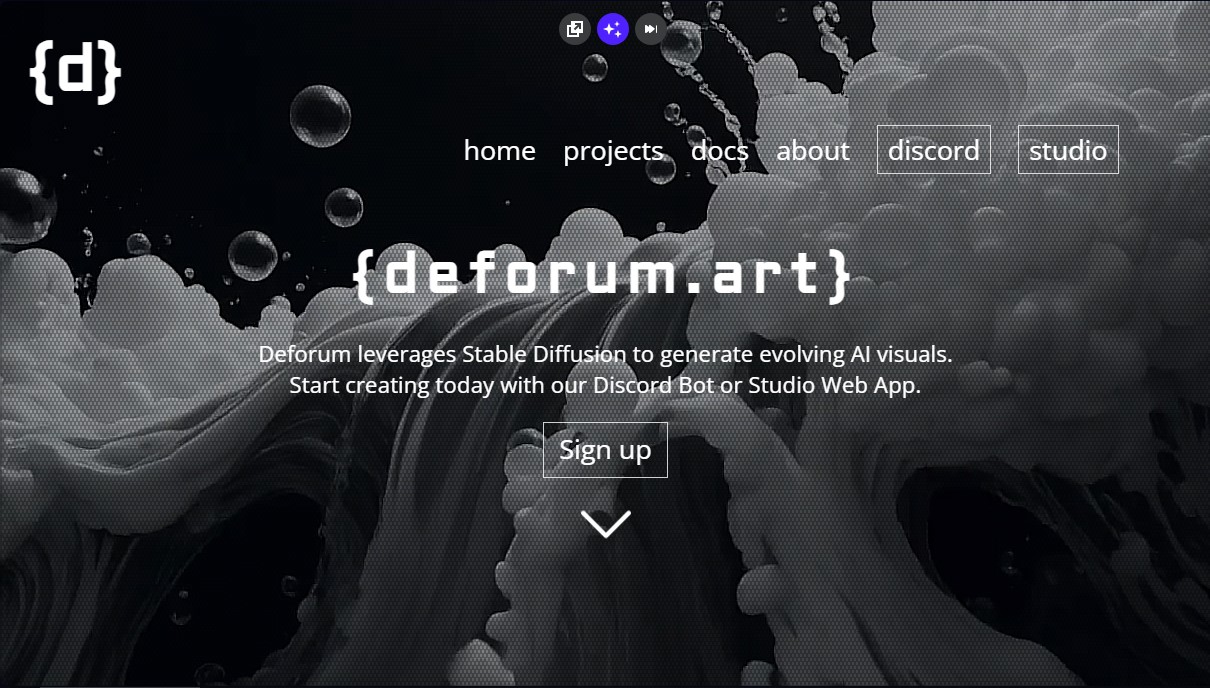
Deforum Screenshots
Deforum alternatives
Triverse AI
Triverse AI generates 3D models from an image or a text prompt, adds AI PBR textures and produces assets ready for games, 3D printing and XR.

NeotypeLab
NeotypeLab uses AI to plan paint schemes for Gunpla, mecha girls and Zoids, with real hobby paint codes, a spraying sequence, a shopping list and an HD preview.
Image to 3D
Convert 2D images and sketches into textured 3D models using AI. Export in GLB, STL, or USDZ for video games, 3D printing, and augmented reality.