

Share
What is NeotypeLab?
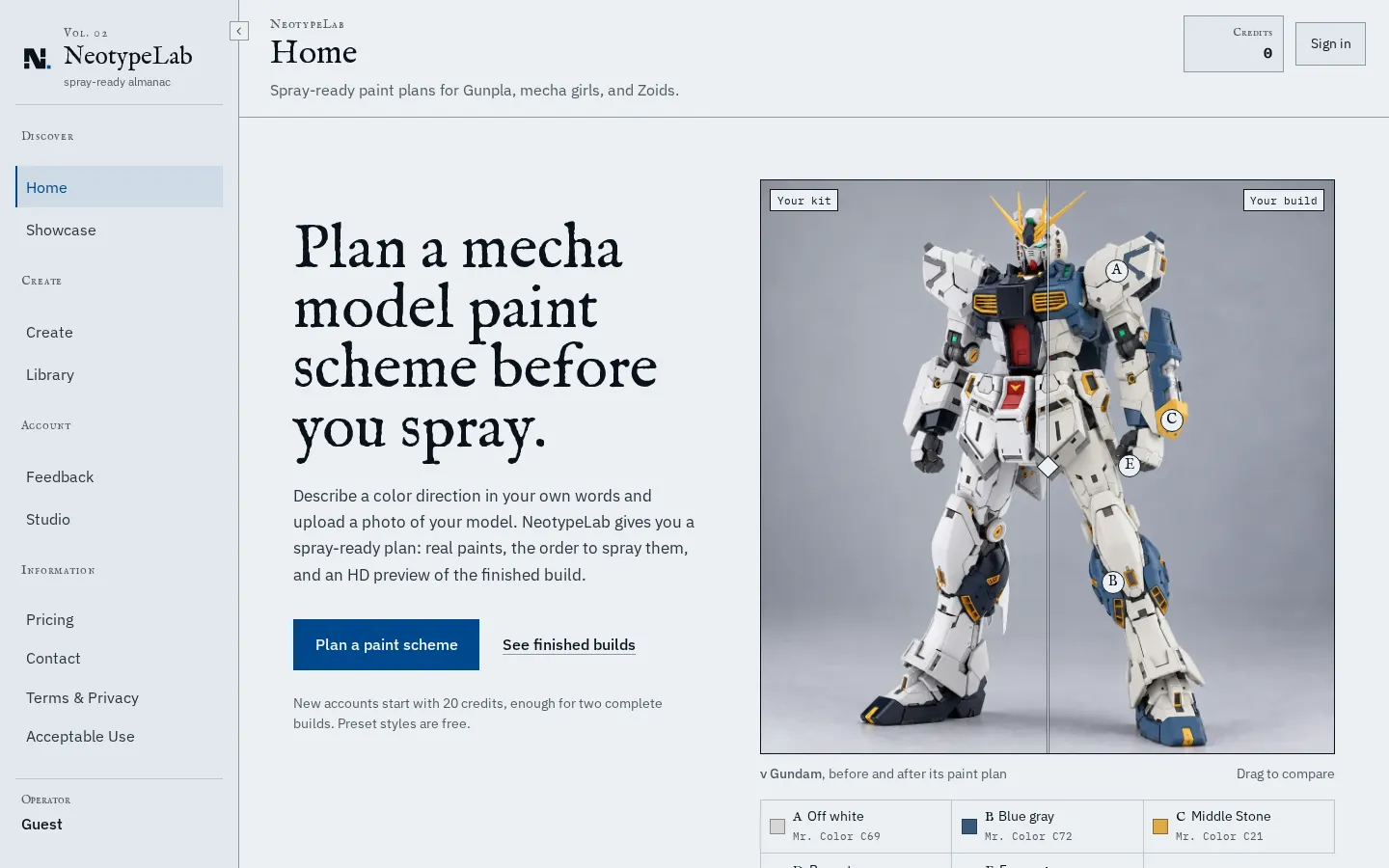
NeotypeLab is an AI tool for Gunpla and mecha model builders that plans a paint scheme before you reach for the airbrush. You describe the colour direction in your own words, say deep navy, worn white and a hint of hazard orange, and upload a photo of your kit.
What a paint plan gives you
The output is a working sheet for the bench rather than just a pretty render:
- Colour system: every colour, where it goes and how much of the kit it covers.
- Painting sequence: what to prime, mask and spray, and in which order.
- Shopping list of real paints by brand and product code (Mr. Color, for instance), or a target colour to mix when nothing in the catalogue is close.
- HD preview of the scheme on your own kit's shape.
Each plan also rates how much masking it needs, so you can pick an easier one for a first repaint.
Models and community
Images are produced with OpenAI's GPT Image and the styles and plans are written by Google Gemini. Public builds get their own page with share-ready images, and anyone can remix them into a version of their own. If your kit can't be read from a photo, you can pick it from the catalogue instead.
Pricing
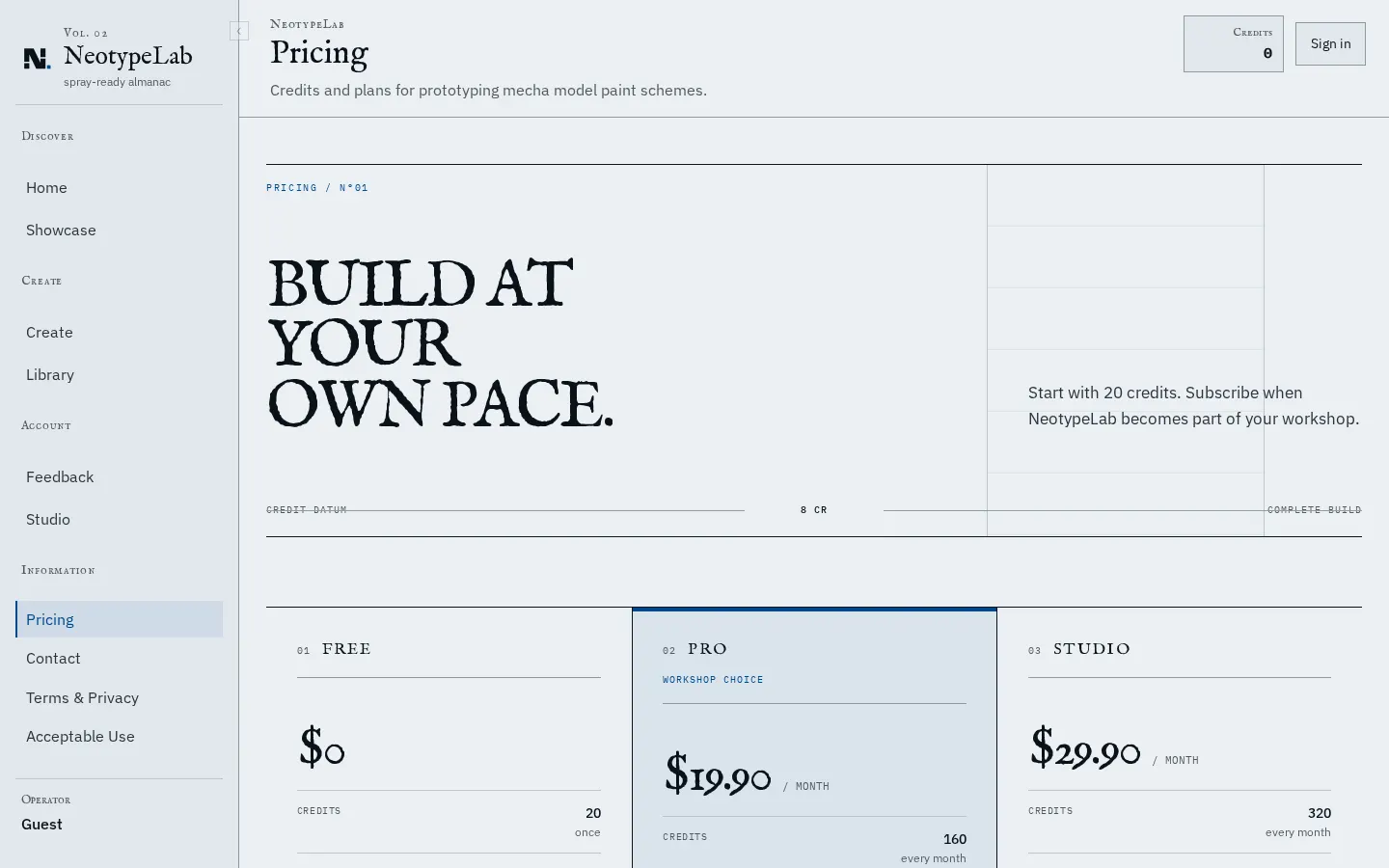
New accounts start with 20 free credits, enough for two complete builds (each costs 8 credits, refunded if it fails), and preset styles are free. Pro costs $19.90 a month. Paint ranges do change, so check the bottle or the manufacturer's chart before you buy.
NeotypeLab features and use cases
How to use NeotypeLab
NeotypeLab FAQ
Which kits does NeotypeLab work with?
Gunpla, mecha girls, Zoids and other robot model kits. Upload a photo of yours or pick a kit from the catalogue.
Are the recommended paints real?
Yes. Each colour is matched to a real hobby paint by brand and code, and when nothing is close enough you get a target colour to mix.
Do I need painting experience?
No. The plan walks you through what to prime, mask and spray, in order, and rates how much masking is involved.
How much does a complete build cost?
8 credits. New accounts get 20, so you can try two builds for free.
Which AI models does it use?
OpenAI's GPT Image for images, served through Cloudflare Workers AI, and Google Gemini for styles and paint plans.
Can I share my schemes?
Yes. Public builds get their own page with share images, and other users can remix them.
Do I lose credits if a build fails?
No, failed builds are refunded.
Can I buy extra credits?
Yes, though credit packs are only sold to active subscribers; those credits don't expire.
NeotypeLab pricing and plans
Reference price: 19.9 USD / month. Source · Verified: October 21, 2026
Prices in US dollars (USD) from the official site. Checked on: 21/10/2026.
Free: $0
- 20 one-off credits (2 complete builds)
- 500 MB of storage; originals kept for 7 days
- Preset styles at no cost
Pro: $19.90/month
- 160 credits a month (20 builds)
- 10 GB; originals kept for 30 days
Studio: $29.90/month
- 320 credits a month (40 builds)
- 30 GB; originals kept for 90 days
Credit packs (subscribers only, never expire): $9 for 64 credits, $19 for 160 and $39 for 400.
A complete build costs 8 credits (colour plan 1, repaint spec 2, HD render 5) and is refunded if it fails.
NeotypeLab Screenshots
NeotypeLab alternatives
StitchCraft
Turn photos and text into DMC cross-stitch patterns. Optimize colors, remove stray stitches, and export ready-to-stitch PDF charts.
Palette Pro
Generate accessible palettes from images, verify WCAG contrast, and export to CSS, Tailwind, or Figma. AI matches tones to real paint brands for design and projects.
colorfor.ai
Generate AI-powered accessible color systems from descriptions. Create WCAG-verified palettes and export design tokens ready for implementation in code and apps.
