Fabrie
Share
Fabrie
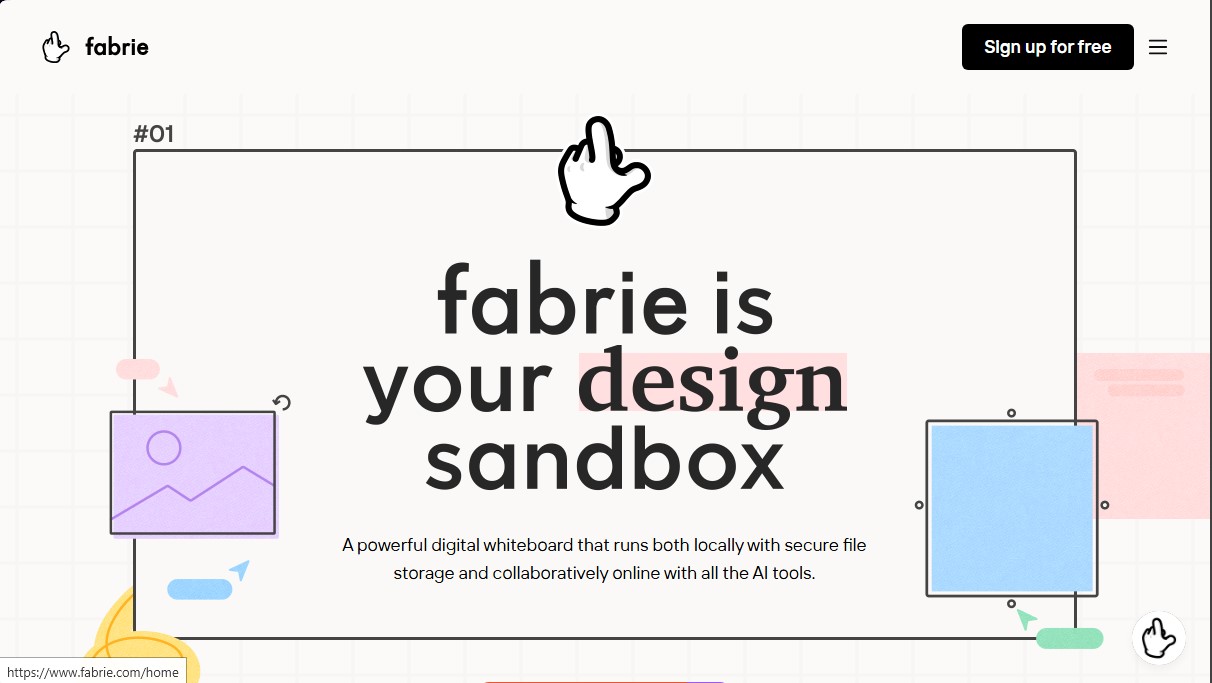
AI-powered whiteboard for collaborative design. Create mind maps, manage databases, and render sketches. Streamline your research and workflow.
General Information about Fabrie
Fabrie is an advanced digital whiteboard designed to optimize creative workflows by integrating artificial intelligence tools and real-time collaboration capabilities. This platform allows design teams—from fashion to UX/UI—to centralize their research, ideation, and execution in an infinite visual space that works both in the cloud and locally on your desktop. Its primary focus is to transform the traditional canvas into an intelligent workspace where information is not only visualized but organized in a structured way.
The tool's core technology includes the Design Copilot plugin, an AI capable of rendering sketches in seconds from simple text prompts. This feature allows designers to validate visual concepts quickly, applying different styles and rendering modes to their initial drawings. Additionally, Fabrie uses generative models to create editable professional templates, mind maps, and SWOT analyses, significantly accelerating the research and brainstorming phases.
One of the app's distinguishing features is its integrated no-code database. Unlike other generic boards, it allows you to link data tables with visual elements on the canvas using the synced record function. By dragging any row from a table onto the board, a synchronized object is created where any change in the data is automatically reflected in the visual view. This is extremely useful for managing material libraries, task lists, or cost tracking in manufacturing projects.
Its core capabilities include:
- Native file management: Drop Photoshop, Procreate, and other file formats directly onto the whiteboard, viewing them without the need for external conversions.
- Dynamic presentation mode: Uses frames to organize content, allowing you to transform the board into a professional slideshow with a single click.
- Multi-user collaboration: Facilitates teamwork both in real-time and asynchronously, eliminating the need to hunt for files in folders or external chats.
- Flexible visual organization: Everything on the canvas is an object that can be connected, grouped, or prioritized to maintain clarity in complex projects.
This AI design tool is ideal for professionals who need to unify market research with prototyping and production planning. By centralizing all iterations and documents in one place, Fabrie improves decision-making and streamlines the transition from idea to final execution, ensuring that all collaborators are on the same visual page.
Features and Use Cases of Fabrie
How Fabrie Works
Frequently Asked Questions about Fabrie
What exactly is Fabrie and what can I do with it?
It is a digital whiteboard that allows you to work locally or collaborate in the cloud, integrating AI tools to organize research and creative workflows.
How does Fabrie make it easier to create professional presentations?
By using frames, any content on your board can be transformed into a presentation-ready slide with just one click.
What types of files can I upload to the Fabrie board?
You can directly add standard documents and design files from programs like Photoshop or Procreate without having to export them as images first.
Can I use Fabrie to manage databases without any coding knowledge?
Yes, it features an easy-to-use database for creating material or equipment libraries that sync with the visual elements on your board.
How does artificial intelligence help with the design process in Fabrie?
It uses the Design Copilot plugin to render sketches from text descriptions and generate editable templates that streamline the brainstorming phase.
Does Fabrie offer options for working individually and privately?
The Fabrie Lite version supports local storage and faster file uploads, focusing on privacy and individual use without requiring a constant internet connection.
Is it possible to collaborate with others in real time?
The platform allows you to work simultaneously or asynchronously with your team, letting you leave comments and tasks so everyone stays on the same page.
Fabrie Pricing
Free
Price: $0
- 300 free AI credits (with the option for additional purchases).
- 300 MB cloud storage.
- 1 project and 3 editable files.
- Unlimited team members.
- Unlimited synced databases and cards.
- Limited version history.
- Restriction: Does not support high-definition (HD) image or PDF exports.
Basic
Price: $9 per seat per month (billed annually) or $15 (billed monthly).
- Includes all Free plan features.
- 300 free AI credits (with the option for additional purchases).
- 100 GB cloud storage per team.
- Unlimited projects and files.
- Unlimited synced databases.
- Team library and templates.
- High-definition (HD) image and PDF exports.
- Restriction: Does not include unlimited external editors.
Professional
Price: $29 per seat per month (billed annually) or $48 (billed monthly).
- Includes all Free plan features.
- Unlimited AI credits per seat.
- 100 GB cloud storage per seat.
- Private projects within the team workspace.
- Advanced permission controls.
- Unlimited external editors.
Fabrie Lite (Coming Soon)
Price: Check availability on the official website.
- Version without real-time collaboration.
- Unlimited and more secure local storage.
- Faster loading via local storage.
- 300 free AI credits (with the option for additional purchases).
Fabrie Screenshots