Share
What is Fyxer?
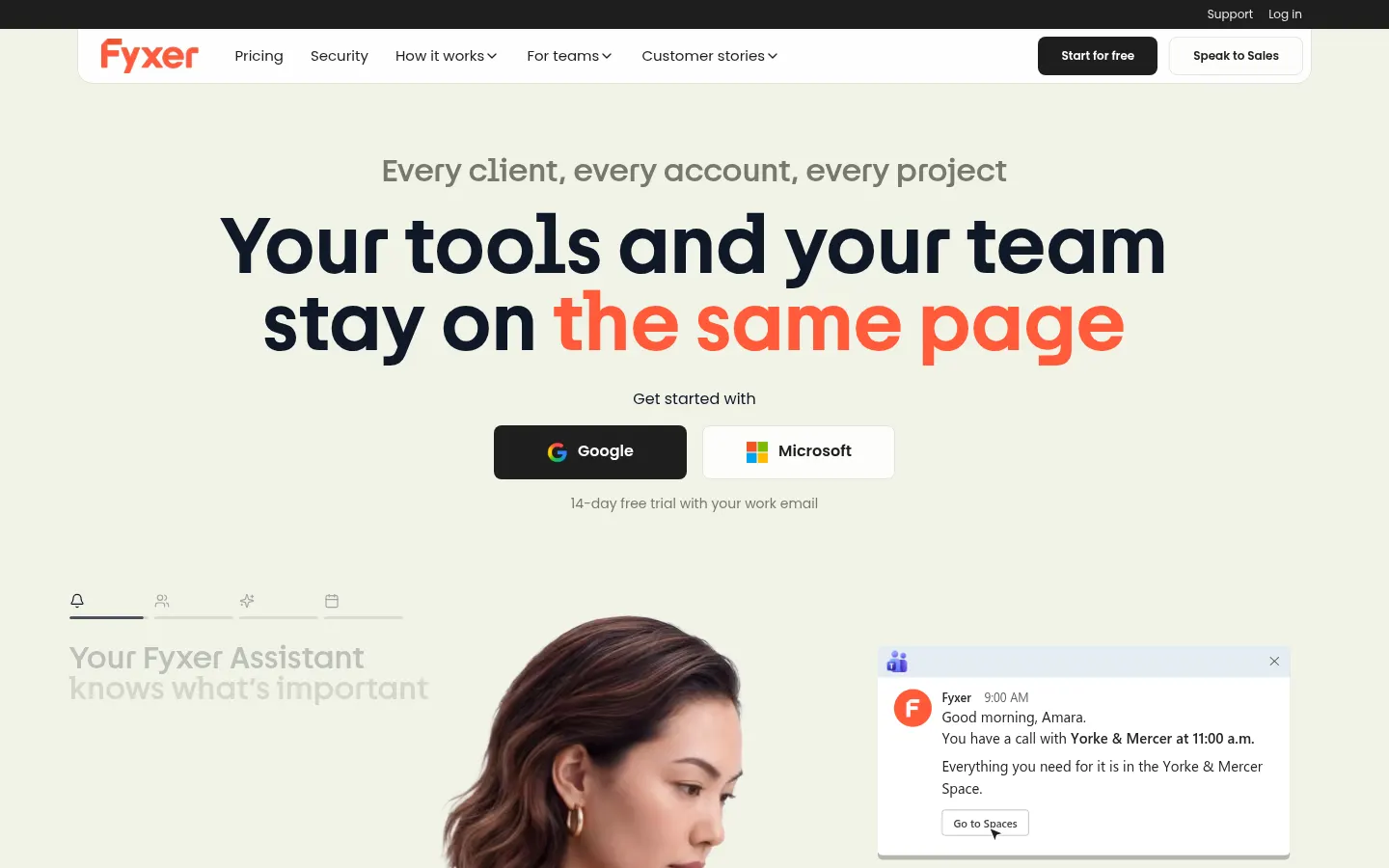
Fyxer is an AI email assistant that connects to Gmail or Outlook to sort your email, draft replies in your tone and take notes in your meetings, so professionals spend less time in their inbox. It is built by UK-based Fyxer AI Limited and used by more than 25,000 companies.
What is Fyxer used for?
Fyxer keeps important emails and follow-ups from slipping through the cracks. It automatically sorts messages into categories like To respond, FYI or Marketing, learns from your corrections and leaves reply drafts written in your style right in your inbox. It never sends anything for you: you review the draft and decide what goes out.
How does the Fyxer meeting notetaker work?
The meeting notetaker joins Zoom, Microsoft Teams or Google Meet calls like any other attendee, records the session, produces a summary with action items and drafts a follow-up email. You choose whether it joins every meeting, only external ones, only the ones you host or none at all.
What else does Fyxer offer teams?
Spaces group the emails, meetings and status of each client or project; Flows automate recurring work, such as creating an agenda an hour before every call; the scheduling assistant suggests meeting times and the AI chat answers questions about your work. It integrates with Slack, HubSpot and, through MCP, with Claude and ChatGPT. It is SOC 2 Type II, ISO/IEC 27001 and GDPR compliant, and AI providers can't train on your data.
Fyxer pros and cons
- Pro: drafts in your tone without switching email clients.
- Pro: email, meetings and follow-ups in a single assistant.
- Con: it only works with Gmail and Outlook accounts.
- Con: the notetaker joins as a visible attendee and the host may need to let it in.
Fyxer features and use cases
How to use Fyxer
Fyxer FAQ
What is Fyxer?
It is an AI email assistant for Gmail and Outlook that sorts your email, drafts replies in your tone and takes meeting notes.
Does Fyxer send emails for me?
No. It leaves drafts in your inbox and you decide what gets sent.
Which email providers does Fyxer support?
Gmail and Outlook. One user can connect several inboxes and calendars with a single seat.
How does Fyxer sort emails?
It files them into categories like To respond, FYI or Marketing based on content and sender, and learns whenever you correct a category.
Which meetings can Fyxer take notes in?
Zoom, Microsoft Teams and Google Meet. It joins like any other attendee and you choose which meetings it attends.
Does Fyxer train AI on my data?
The AI providers it works with can't use your data for training, and you can opt out of training for Fyxer's own models.
What security certifications does Fyxer have?
SOC 2 Type II, ISO/IEC 27001 and GDPR compliance; HIPAA is available on Enterprise.
Does Fyxer integrate with other tools?
Yes: Slack, Microsoft Teams, HubSpot, Google Calendar, Outlook Calendar and, through MCP, Claude and ChatGPT.
Does Fyxer have a free trial?
Yes, 14 days with every Team feature, followed by a limited free tier. Prices are in the pricing section of this page.
What are the alternatives to Fyxer?
In the directory you can compare Superhuman, inboxpilot and, for meeting notes, Fireflies.ai.
Fyxer pricing and plans
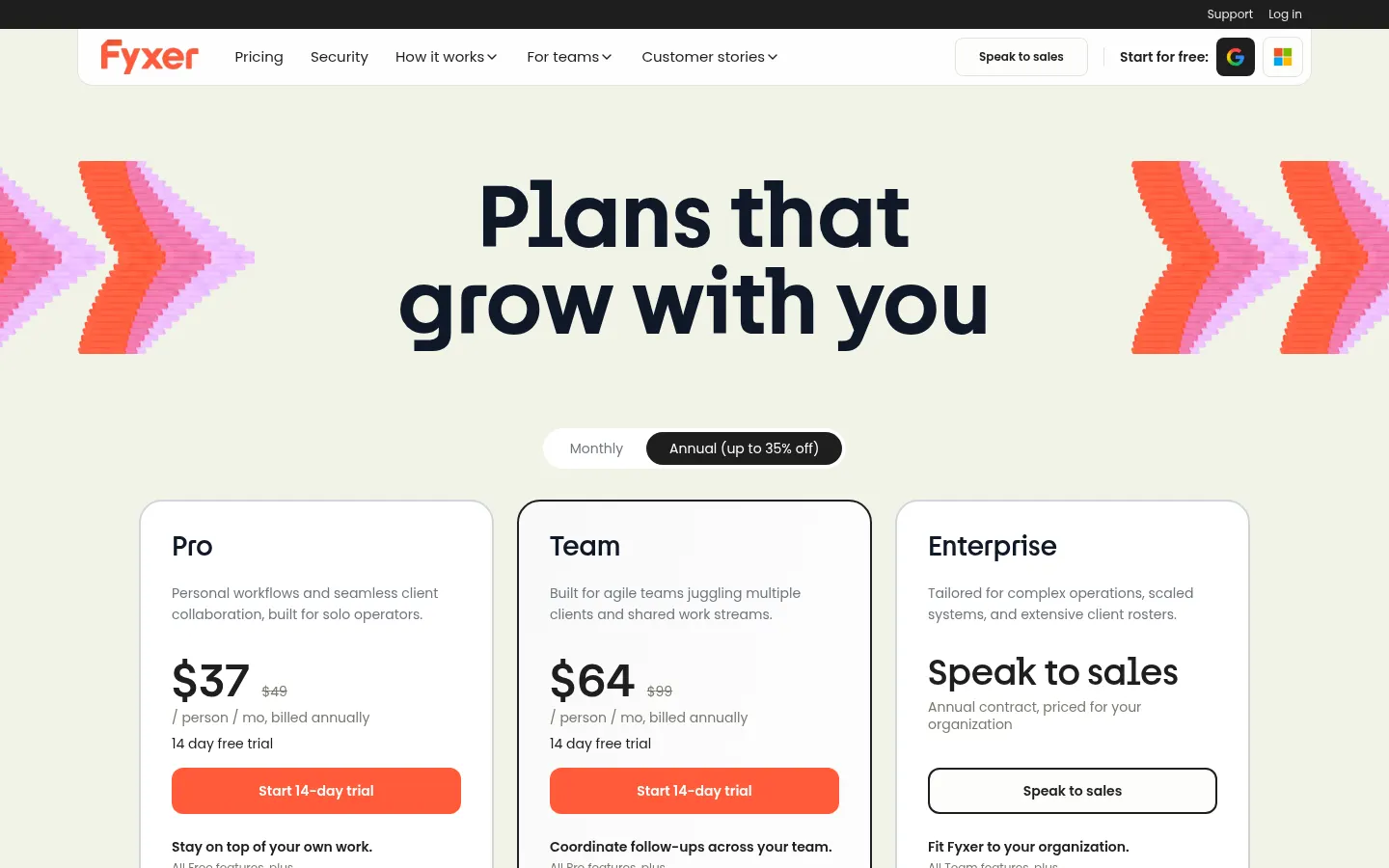
Reference price: 49 USD / month. Source · Verified: October 29, 2026
Prices in US dollars (USD) per user. Checked on: 29/10/2026.
Free: $0; audio meeting notes and limited usage with credits.
Pro: $49/user/month billed monthly (25% off billed yearly); drafts in your tone, automatic labeling, video recording and 3,000 credits per user each month.
Team: $99/user/month billed monthly (35% off billed yearly); shared Spaces, Flows and 6,000 pooled credits a month.
Enterprise: custom annual contract; SCIM, HIPAA and data region choice.
14-day free trial of the Team plan and unlimited credits for the first 3 months as a launch offer.
Fyxer Screenshots
Fyxer user reviews
Write a review
Checking your session...
Fyxer Reviews
Loading reviews...
Fyxer alternatives


Woodpecker
Woodpecker is an outbound tool for cold email sequences and LinkedIn actions, with built-in warm-up, email verification and an AI writer for your messages.