Knowcast
Share
Knowcast
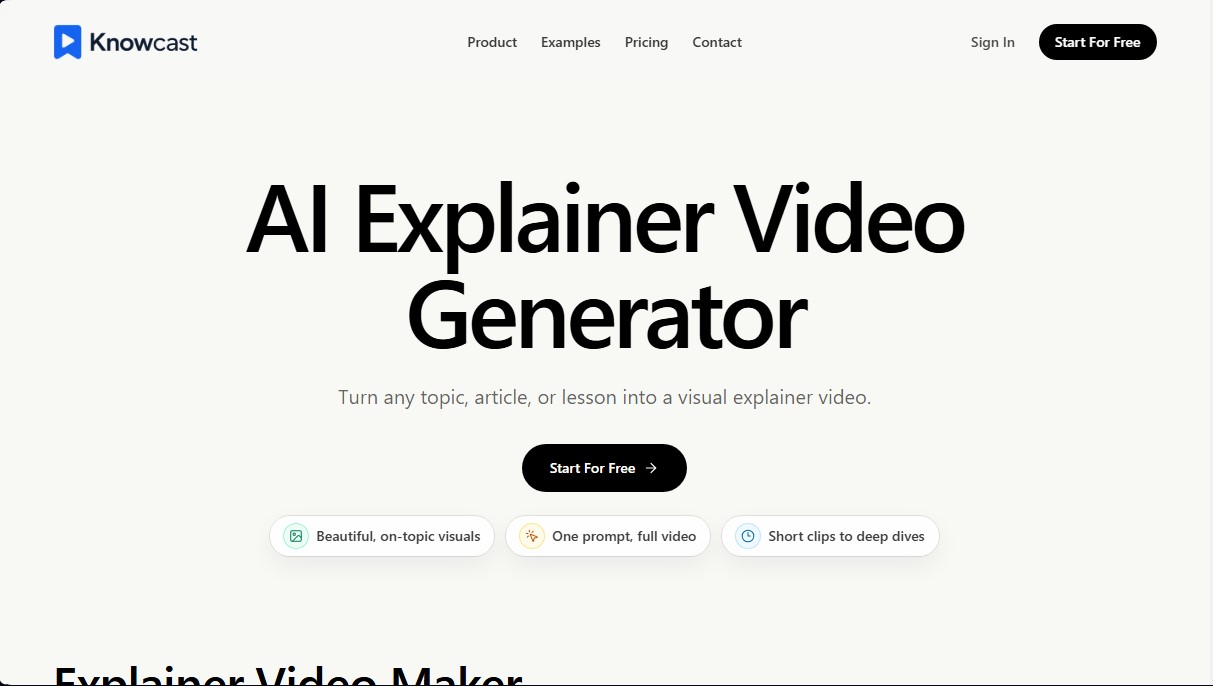
Generate explainer videos from text or ideas. Create visual content with infographics and voice cloning for social media, online courses, or product tutorials.
General Information about Knowcast
Knowcast is an artificial intelligence tool specializing in the generation of explainer videos that allows you to transform any topic, article, or lesson into structured visual content. Its primary goal is to facilitate the visualization of complex knowledge through the use of dynamic infographics and visual storytelling techniques, making ideas easier for the audience to understand. This platform is designed for users who need to create professional-quality educational or informative content without relying on manual editing processes.
The application’s operation centers on an intuitive, prompt-based workflow. The user describes the idea or concept they wish to teach, and Knowcast’s AI automatically generates a complete narrative structure. Based on this script, the tool creates visual scenes, captions, and graphic elements that reinforce the message. This approach makes it possible to go from an abstract idea to an export-ready video in just a few minutes, optimizing production for viewing on both desktops and mobile devices.
One of Knowcast’s most significant technological capabilities is its voice cloning feature. Through a brief conversational interaction, the AI is able to capture the user’s natural tone, rhythm, and pauses. This cloned voice can be reused across all narrations, allowing videos to maintain a consistent and authentic audio identity in every post. The platform’s technology ensures that the voiceover is perfectly synchronized with the appearance of the AI-generated infographics and scene transitions.
Key applications and practical benefits include:
- Creating educational videos for YouTube, ranging from scientific breakdowns to short documentaries.
- Producing high-impact visual content for social media platforms like TikTok, Reels, and Shorts.
- Developing online lessons that facilitate the learning of complex topics through guided scenes and clear narration.
- Crafting product walkthroughs and tutorials that explain workflows more effectively than a text-based manual.
- The ability to generate everything from short clips to in-depth explanations from a single command.
This solution is especially useful for educators, communicators, and content creators looking for an efficient way to produce videos regularly. By automating the technical side of audiovisual production, Knowcast allows users to focus on the quality of their message, using generative AI to handle visual composition, narrative pacing, and voiceover in an automated and professional manner.
Features and Use Cases of Knowcast
How Knowcast Works
Frequently Asked Questions about Knowcast
What is Knowcast and what exactly does it do?
Knowcast is an AI-powered explainer video generator that turns any topic, article, or lesson into structured, easy-to-understand visual content.
Do I need prior editing experience to use Knowcast?
No editing skills are required. The tool automatically generates scenes, captions, and narration based on a simple description or text.
Can I use my own voice in the videos?
Yes, you can clone your voice with a short recording so your narrations sound natural and maintain your personal brand in every post.
What kind of content can I create with this tool?
You can create educational videos for YouTube, short clips for TikTok or Reels, online course lessons, and visual product guides.
How does the creation process work on Knowcast?
The process starts by entering a topic; the system then generates a visual story with infographics, and finally, you can review and export your video, ready to share.
Is there a free version of Knowcast for new users?
Yes, there is a free plan that provides monthly credits for creating short videos and lets you try out the platform's basic features.
Can I remove watermarks from the videos I create?
Watermark removal is included in all paid subscription plans, from the Standard plan to the Enterprise level.
What is the maximum length for the videos?
Video length depends on your plan, ranging from one-minute clips on the free version to unlimited long-form videos on higher-tier plans.
Does Knowcast offer support for teams or agencies?
Yes, we offer custom enterprise plans that include team workflows, higher credit limits, and dedicated support for high-volume video production.
Knowcast Pricing
Free
0 $/month
- 200 credits per month (resets monthly).
- 2 minutes of total video (approx. 1 TikTok).
- Basic preview workflow.
Standard
20 $/month (or 16 €/month billed annually)
- 2,000 credits per month.
- 30 minutes of total video (approx. 15 TikToks or 2 YouTube videos).
- Video length limit: under 10 minutes.
- 1 voice clone.
- Video editing.
- Watermark removal.
Pro
60 €/month (or 48 €/month billed annually)
- 6,500 credits per month.
- 100 minutes of total video (approx. 50 TikToks or 7 YouTube videos).
- No video length limits.
- 3 voice clones.
- Video editing.
- Faster generation speed.
Max
200 €/month (or 160 €/month billed annually)
- 22,000 credits per month.
- 350 minutes of total video (approx. 175 TikToks or 23 YouTube videos).
- No video length limits.
- 10 voice clones.
- Video editing.
- Faster generation speed.
Enterprise
Custom pricing (contact sales)
- Custom credits and video length.
- Team workflow.
- Dedicated support and onboarding assistance.
Knowcast Screenshots