

Share
What is Krikey AI?
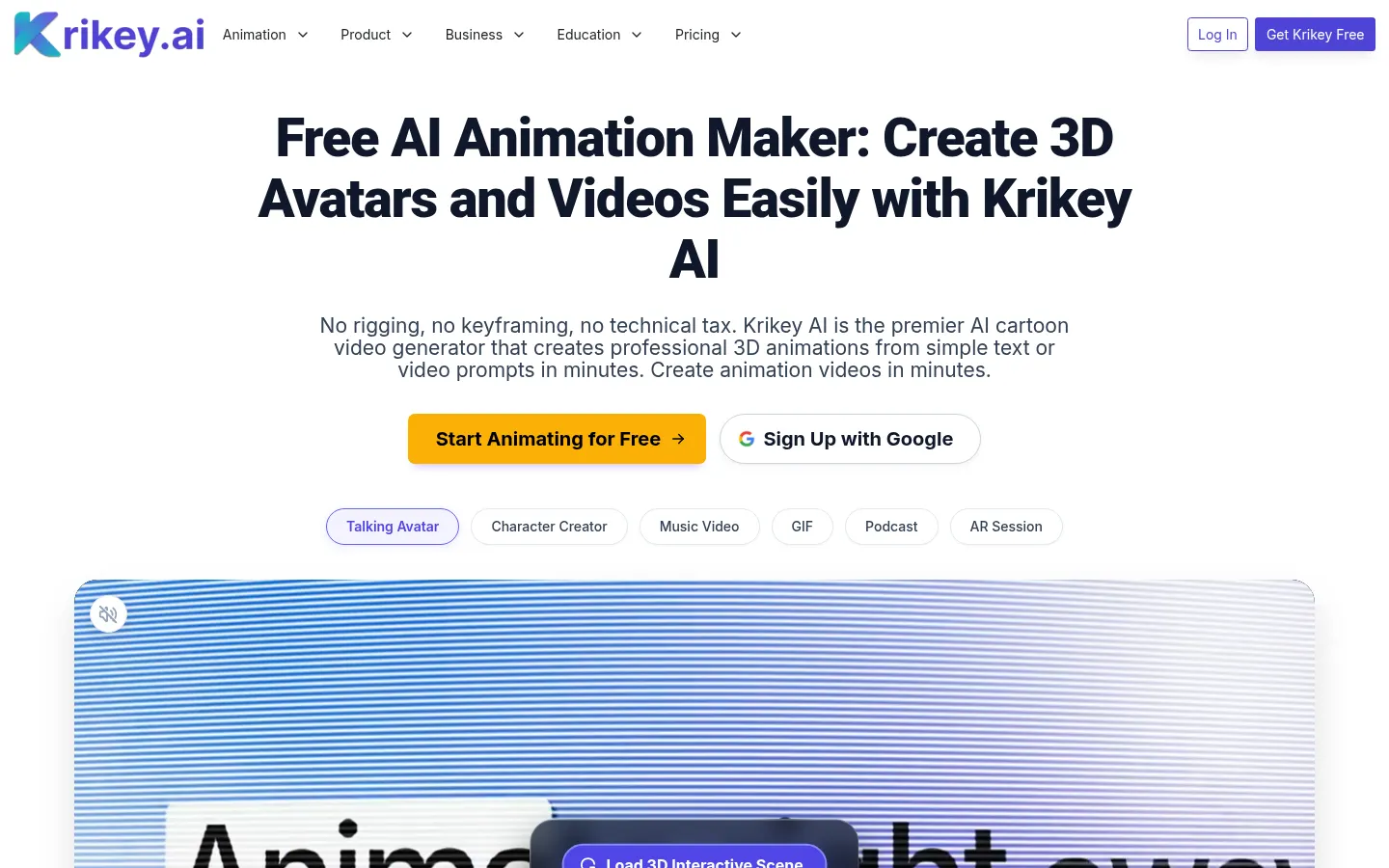
Krikey AI is an AI 3D animation maker that turns text, video or a photo into animated characters and share-ready videos, with no rigging or keyframing. More than 100,000 creators, teachers and marketing teams use it, and it also runs inside Canva, ChatGPT and Adobe Express.
What is Krikey AI used for?
It lets anyone make animated videos without prior experience. A text prompt produces a talking avatar for an explainer, a lesson or a social clip. The character creator turns an image into a 3D model with automatic rigging and lip sync, and the music video generator makes a character sing based on a genre and topic. It can also turn a prompt or blog post into an animated podcast clip.
How does the Krikey AI 3D editor work?
Everything happens in a browser-based 3D video editor with an animation library, backgrounds, AI-written scripts and voices in 20+ languages. You can export MP4, GIF, PNG or FBX files for other 3D tools, make transparent looping GIFs up to 4K and drop your character into your room in augmented reality via a QR code. The company also offers a motion capture dataset for robotics and research teams.
Who is Krikey AI for?
- Teachers building lessons and meet-the-teacher videos.
- HR teams producing onboarding and explainer videos.
- Faceless creators posting on YouTube or TikTok.
- Agencies that need consistent brand characters.
Krikey AI pros and cons
Pros: almost no learning curve, FBX export that few similar tools offer, and integration with well-known design apps. Cons: the look is clearly 3D cartoon rather than photorealistic, and each video or custom character uses credits, so output depends on your balance.
Krikey AI features and use cases
How to use Krikey AI
Krikey AI FAQ
What is Krikey AI?
Krikey AI is an AI 3D animation maker that creates talking avatars, characters from photos and music or podcast videos with no animation skills.
Is Krikey AI free?
There's a free option with 20 one-time credits; to keep creating and remove the watermark you need a paid plan, described in the pricing section.
Does Krikey AI work in Spanish?
Yes. Its AI voice tools cover 20+ languages, Spanish included, for scripts and voiceovers.
Do I need animation skills to use Krikey AI?
No. It handles rigging, keyframes and lip sync; you just provide the text, idea or photo.
Can I turn my photo into a character?
Yes, upload a PNG or JPG, choose a style and the AI builds an animatable 3D character with automatic rigging.
Does Krikey AI have an API or integrations?
It runs inside Canva, ChatGPT and Adobe Express; the site doesn't advertise a public API, though Enterprise offers automated provisioning.
Which formats can I export?
Paid plans export MP4, GIF, PNG and FBX, plus transparent looping GIFs up to 4K.
Is it suitable for schools?
Yes, there are education resources and discounts, and the Enterprise version has SOC 2 Type 2 certification and license management.
What are the best Krikey AI alternatives?
Our directory lists HeyGen and D-ID for avatar videos, and Synthesia if you want realistic presenters for training.
Krikey AI pricing and plans
Plan information from the official site (Checked on: 09/11/2026). The page doesn't show USD/EUR amounts without logging in, so they're not listed.
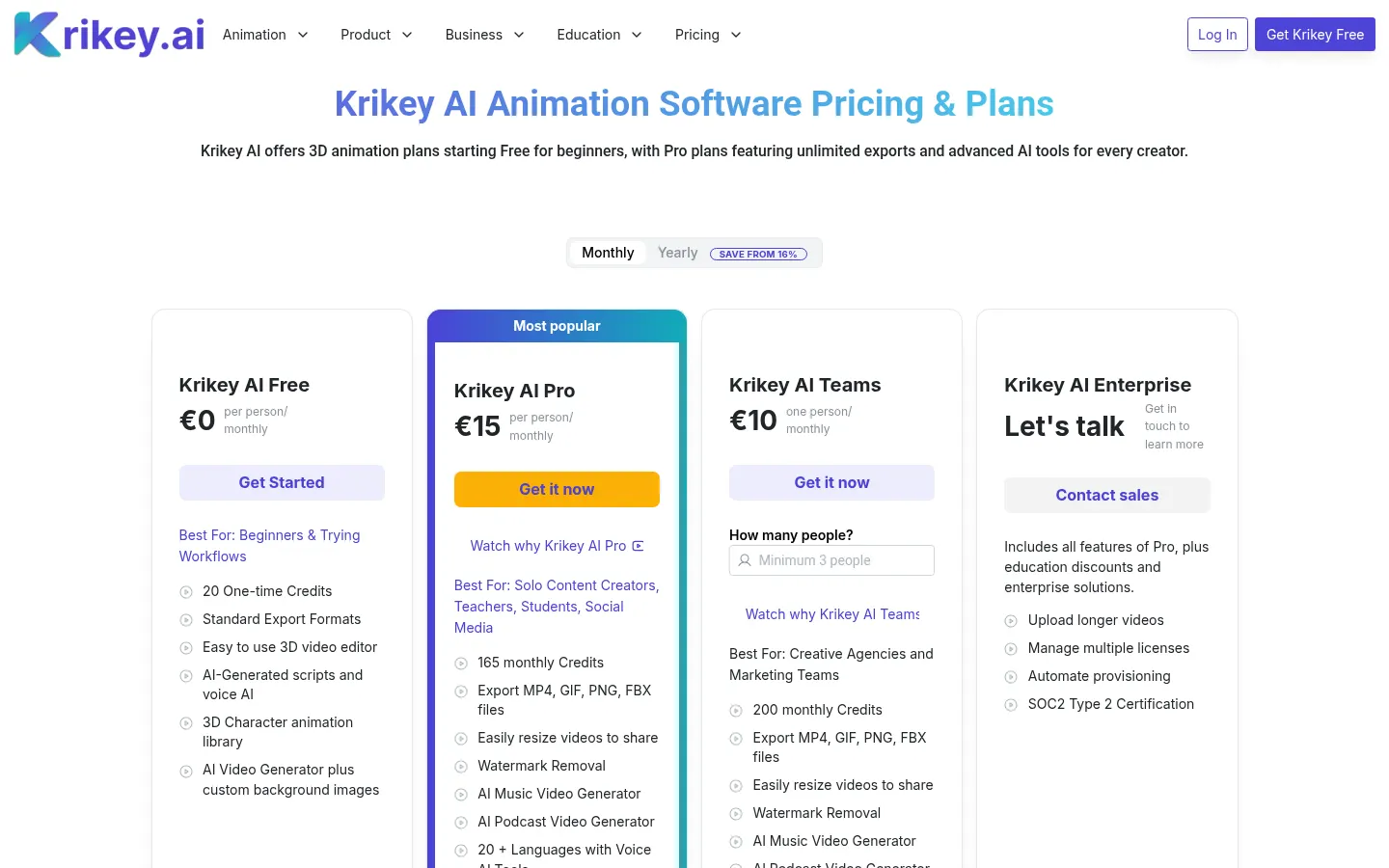
Krikey AI Free: 20 one-time credits, 3D editor, AI scripts and voice, animation library and standard export formats.
Krikey AI Pro: 165 monthly credits, MP4, GIF, PNG and FBX export, watermark removal, music and podcast videos and voices in 20+ languages.
Krikey AI Teams: 200 monthly credits per person, aimed at agencies and marketing teams.
Enterprise: custom, with longer uploads, license management, automated provisioning, SOC 2 Type 2 certification and education discounts.
Typical usage: 8 credits per talking avatar video, 7 per music video and 40 per custom character. Monthly or yearly billing (save from 16%).
Krikey AI Screenshots
Krikey AI user reviews
Write a review
Checking your session...
Krikey AI Reviews
Loading reviews...
Krikey AI alternatives

Osmo Studio
AI animation studio for professional motion graphics and videos. Control every detail, collaborate with teams, and export with transparent backgrounds.