
Markitdown Online
Share
Convert PDF, Office, and images into structured Markdown for AI workflows. Streamline documentation and knowledge base creation with OCR support.
What is Markitdown Online?
Markitdown Online is a specialized technical tool for converting various file formats into structured Markdown, optimizing content for artificial intelligence workflows, technical documentation, and knowledge bases. Its primary function is to transform complex, heavy documents into plain text that preserves information hierarchy, making it easier for AI agents and large language models (LLMs) to read, search, and process data with greater precision.
Markitdown Online operates through processing executed directly in the user's browser, ensuring privacy by avoiding file uploads to external servers. The tool utilizes automatic OCR technology to extract text from PDF files and image formats, identifying key elements such as headers, tables, lists, and links. This approach ensures the final output is a clean .md file, ready for integration into information retrieval systems or code repositories.
This application is compatible with a wide range of formats, making it a versatile solution for managing knowledge assets:
- Conversion of office documents like PDF to Markdown, as well as DOCX, PPTX, and XLSX spreadsheets.
- Processing of structured and technical data in JSON, XML, CSV, and Jupyter notebooks (IPYNB).
- Content extraction from web pages (HTML) and e-books (EPUB).
- Support for image files such as PNG, JPG, and WEBP through optical character recognition.
Using Markitdown Online provides significant practical benefits in professional environments. By converting files with complex layouts to Markdown, it eliminates visual noise and proprietary formatting that often hinder AI agents. This improves the quality of the context provided to models, facilitating tasks like summarization, data extraction, and instruction following. Additionally, it enables development teams and technical writers to migrate large volumes of information to more agile documentation systems that are easier to version in Git.
The platform supports batch conversions, streamlining the transformation of multiple file folders into a coherent knowledge base. Before downloading, users can preview the generated Markdown to verify table integrity and text structure, ensuring the content is fully reusable in prompt libraries or instruction manuals for artificial intelligence tools.
Markitdown Online features and use cases
How to use Markitdown Online
Markitdown Online FAQ
What is Markitdown Online and what does it do?
It is a web-based tool designed to convert PDFs and other file formats into clean, structured Markdown documents, making them ideal for use in artificial intelligence workflows.
What file types does Markitdown Online support?
The platform supports a wide range of formats, including PDF, DOCX, PPTX, XLSX, HTML, CSV, JSON, XML, EPUB, and various image formats such as JPG and PNG.
Are my documents stored on a server when I use Markitdown Online?
No. Local file processing happens entirely within your browser, ensuring that your documents are never uploaded to an external server during the conversion process.
Why is it better to use Markdown instead of PDF for AI?
The Markdown format provides a much simpler text structure, making it easier for AI agents to read, search, and reference content without the distractions of complex visual layouts.
Does Markitdown Online support simultaneous file conversion?
Yes, the tool supports batch conversion, allowing you to process multiple documents at once to streamline the creation of knowledge bases or documentation libraries.
What happens if my PDF is a scanned image?
Markitdown Online includes a built-in OCR feature for PDFs and images that extracts readable text, allowing you to transform visual content into editable Markdown.
Do I need to create an account to use Markitdown Online?
You can use the free version of the tool directly in your browser without signing up, though premium plans require a login to access extended capabilities.
What should I do after converting a file with Markitdown Online?
We recommend reviewing the results in the preview window to correct any potential formatting errors before downloading the final file for use in Git repositories or documentation systems.
Markitdown Online pricing and plans
Reference price: 9.9 USD / month. Source · Verified: October 20, 2026
Free plan
Price: $0
- Up to 10 conversions per day.
- Files up to 10 MB.
- Works in the browser, no sign-up required.
Pro monthly
Price: $9.90 per month
- Unlimited conversions.
- Unlimited OCR for images and PDFs.
- Batches of up to 30 files at once.
- Files up to 500 MB.
- DOCX, XLSX, PPTX, PDF, HTML and more.
Pro yearly
Price: $69.90 per year (advertised as a 40% saving)
- Same benefits as Pro monthly.
Lifetime
Price: $99 one-time (limited offer; list price $169)
- Pro features with no recurring fee.
Business
Price: $999 one-time (limited offer; list price $1,999)
- Everything in Lifetime.
- Up to 3 organizations and 50 members in total.
The site says the service is moving to FileToMD.AI and recommends buying there; a subscription works on both sites. Prices in US dollars (USD). Checked on: 20/10/2026.
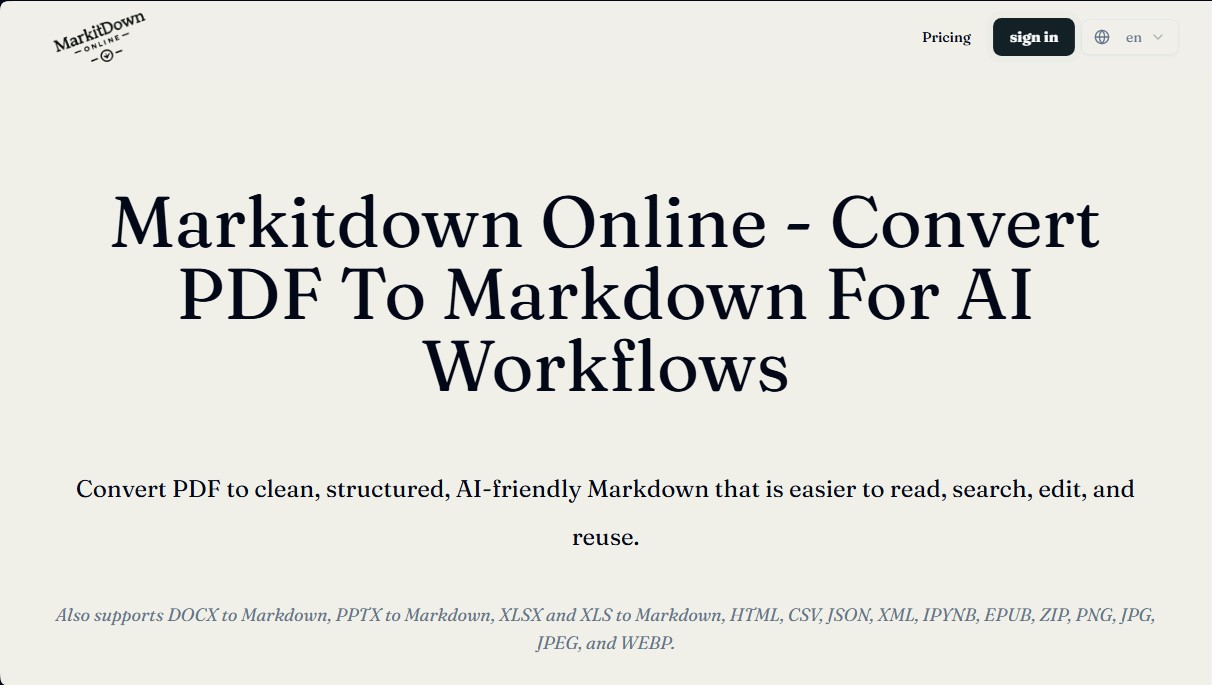
Markitdown Online Screenshots
Markitdown Online alternatives

Datalab.to
Convert PDFs and complex documents to Markdown, JSON, or HTML with high precision. Extract data, segment files, and process tables, formulas, and diagrams.
Bank Statement Converter
Convert PDF bank statements and images to Excel or CSV. Securely edit transactions and validate balances against the original without sharing login credentials.
kSuite Pro
Swiss-hosted collaborative suite with sovereign AI. Offers encrypted email, cloud storage, and tools for writing, transcribing, and team management with privacy.

PDF2EPUB.ai
Convert PDFs to EPUB using AI while preserving layout, formulas, and tables. Optimize technical docs for a smooth, comfortable reading experience on any device.