Midjourney
Share
Midjourney
Generate high-quality artistic images and videos from text. Customize styles, upscale resolution, and edit results with AI.
General Information about Midjourney
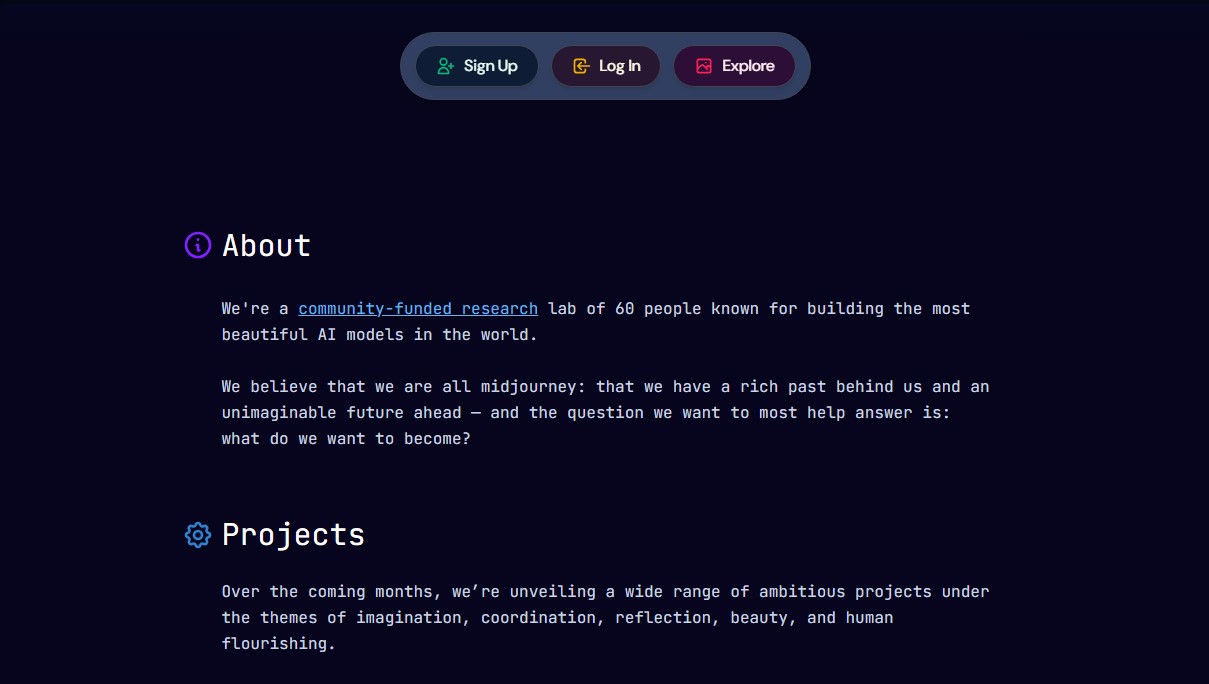
Midjourney is one of the most powerful generative AI tools on the market, specializing in creating high-quality images and videos from text descriptions or prompts. This platform allows designers, artists, and content creators to bring complex visual concepts to life using advanced deep learning algorithms. Its core functionality is based on natural language interpretation to generate artistic, photorealistic, or graphic design compositions with an exceptional level of detail.
The creation process is primarily managed through its web interface or via commands on dedicated servers. By entering a description into the Imagine bar, the AI generates an initial grid of four images in real time. From there, the user can refine the results using upscalers, subtle or strong variations, and editing features like Zoom Out to widen the frame or Pan to shift the view laterally.
Key technical capabilities and advanced features include:
- Style Personalization: Allows for the creation of profiles and mood boards so the AI can learn the user's aesthetic preferences, ensuring results consistent with a specific visual identity.
- Style References (sref): Facilitates the transfer of the aesthetic and "look and feel" of an existing image to a new creation.
- Video Generation: The ability to animate static images or create short clips directly from text, allowing for adjustments to resolution and batch size.
- Control Parameters: Use of commands like Chaos to increase visual variety, Stylize to define the AI's artistic freedom, or Raw Mode for more technical and less processed results.
Midjourney doesn't just process text; it also integrates image prompting features, where you can use your own images as a base to influence composition and color. Omni References are especially useful for maintaining character or object consistency across different generations—a key feature for visual storytelling projects.
For project management, the tool offers an organization system using folders, filters, and an explore page to find inspiration from community creations. Users can work in Fast Mode for immediate results or Relax Mode for unlimited generations. Additionally, it features a Stealth Mode for those who require privacy in their creative processes. This solution is ideal for professionals looking to optimize their visual workflows, allowing them to go from an abstract idea to a professional digital asset in just a few minutes, whether from a computer or a mobile device.
Features and Use Cases of Midjourney
How Midjourney Works
Frequently Asked Questions about Midjourney
How do I get started with creating my first image in Midjourney?
You must subscribe to one of the available plans and type what you want to see into the "Imagine" bar on the creation page to generate your first images.
What subscription plans does Midjourney currently offer?
There are four subscription tiers—Basic, Standard, Pro, and Mega—that offer different amounts of fast processing hours and additional features.
Is it possible to generate unlimited images?
Yes, the Standard, Pro, and Mega plans include Relax mode, which allows for unlimited image generation without consuming your allotted fast processing time.
How can I keep my creations private?
To keep your images and videos from being public, you must be subscribed to the Pro or Mega plans, which include exclusive access to Stealth mode.
Can I use my own photos as references in Midjourney?
Yes, you can use external images to influence the style, composition, or characters of your new creations through image references.
Does the tool allow for video content creation?
Yes, the platform allows you to animate both generated images and your own files to easily transform them into short videos.
Where can I organize and download my completed work?
On the "Organize" page, you can manage all your creations, sort them into folders, filter them by category, and download them directly to your computer.
Midjourney Pricing
Basic Plan
Price: 10 $ per month (or 8 $ per month billed annually).
- 3.3 hours per month of Fast GPU time (approximately 200 minutes).
- SD video resolution.
- Limit of 3 concurrent Fast image tasks.
- Limit of 1 concurrent Fast video task.
- Maximum of 4 repeat jobs or permutations.
- Queue of up to 10 jobs.
- General commercial usage rights.
Standard Plan
Price: 30 $ per month (or 24 $ per month billed annually).
- 15 hours per month of Fast GPU time.
- Unlimited Relax Mode GPU time for image generation.
- SD and HD video resolution.
- Limit of 3 concurrent image tasks (Fast or Relaxed).
- Limit of 3 concurrent Fast video tasks.
- Maximum of 10 repeat jobs or permutations.
- Queue of up to 10 jobs.
- General commercial usage rights.
Pro Plan
Price: 60 $ per month (or 48 $ per month billed annually).
- 30 hours per month of Fast GPU time.
- Unlimited Relax Mode GPU time for images and SD video.
- Stealth Mode included to keep creations private.
- SD and HD video resolution.
- Limit of 12 concurrent Fast or 3 Relaxed image tasks.
- Limit of 6 concurrent Fast or 3 Relaxed video tasks.
- Maximum of 40 repeat jobs or permutations.
- Queue of up to 10 jobs (maximum 3 videos in Relaxed mode).
- General commercial usage rights.
Mega Plan
Price: 120 $ per month (or 96 $ per month billed annually).
- 60 hours per month of Fast GPU time.
- Unlimited Relax Mode GPU time for images and SD video.
- Stealth Mode included to keep creations private.
- SD and HD video resolution.
- Limit of 12 concurrent Fast or 3 Relaxed image tasks.
- Limit of 12 concurrent Fast or 3 Relaxed video tasks.
- Maximum of 40 repeat jobs or permutations.
- Queue of up to 10 jobs (maximum 3 videos in Relaxed mode).
- General commercial usage rights.
Midjourney Screenshots