

miniOrange MCP Server for WordPress
Share
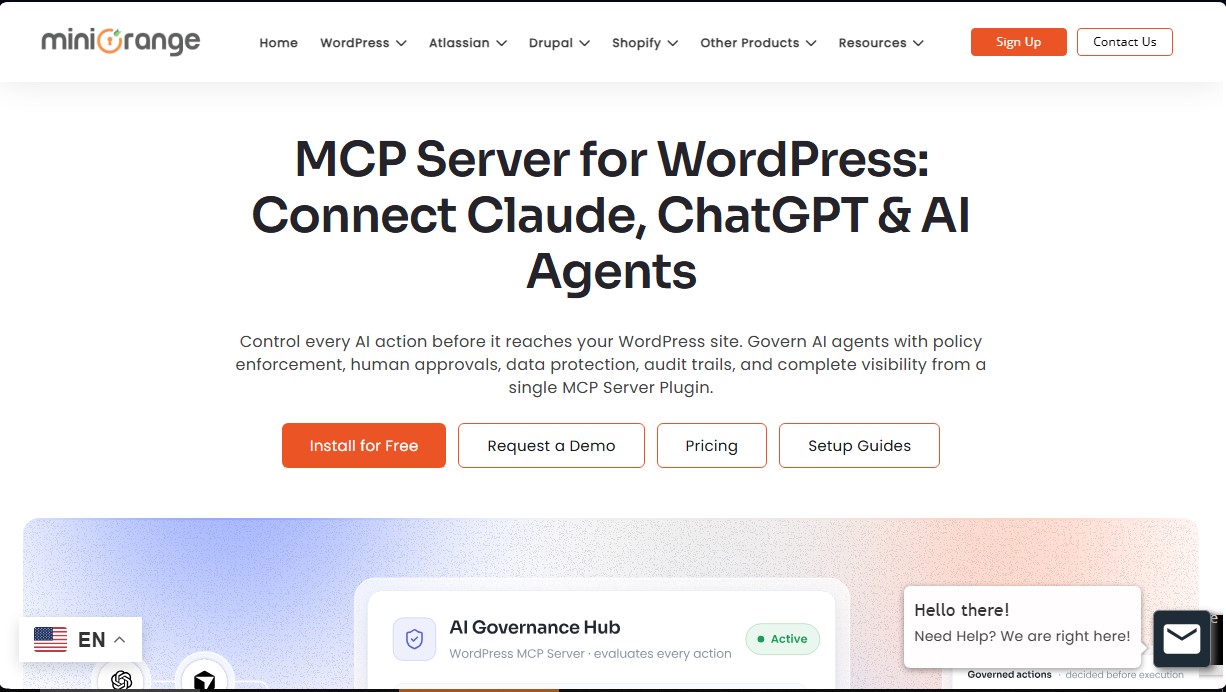
Securely connect AI agents to WordPress. Control permissions, protect sensitive data, monitor actions with audit logs, and manage human approvals.
What is miniOrange MCP Server for WordPress?
miniOrange MCP Server for WordPress is an advanced technical solution designed to establish a secure and controlled connection between artificial intelligence agents and WordPress-managed websites. This plugin acts as a native MCP (Model Context Protocol) server, functioning as a security gateway that evaluates, authorizes, and monitors every AI action before it reaches the server environment. Its primary role is to allow tools like Claude, ChatGPT, Gemini, Cursor, or Windsurf to interact productively with the CMS without compromising data integrity or system stability.
The technology behind miniOrange MCP Server for WordPress is based on an AI governance framework that prioritizes identity security. Through a Non-Human Identity (NHI) registry, the system assigns unique credentials to each AI agent, enabling specific permission management and independent activity tracking. The workflow follows a rigorous four-stage process: AI client connection, agent authentication, policy evaluation via a decision engine, and finally, the execution of the approved request.
Among the functional capabilities and practical benefits of this AI security plugin, the following stand out:
- Data Loss Prevention (DLP): The system automatically scans and masks sensitive information, such as emails, phone numbers, or API keys, ensuring that private data never reaches external language models.
- Human-in-the-loop Approval Flows: It allows for the configuration of high-risk actions—such as user modifications or WooCommerce refunds—to require manual validation before execution.
- Abilities Governance: It provides granular control over WordPress functions, REST API access, and WP-CLI commands, limiting the scope of action for each agent.
- Full Audit and Visibility: It generates detailed, tamper-proof logs regarding who performed an action, why it was allowed, and whether it complied with internal policies.
- Policy Simulation (Dry-Run): It enables testing new access rules against real AI requests in a secure environment before final deployment.
This tool is particularly useful for system administrators and developers who need to integrate autonomous AI agents into their daily workflows while ensuring data sovereignty is maintained on the server itself. By centralizing access control and security at a single point, the miniOrange MCP Server for WordPress eliminates risks associated with accidental data exposure and unsupervised automated actions within the WordPress ecosystem.
miniOrange MCP Server for WordPress features and use cases
How to use miniOrange MCP Server for WordPress
miniOrange MCP Server for WordPress FAQ
What is miniOrange MCP Server for WordPress, and what is its primary function?
It is a server that acts as a secure gateway between AI agents and your website to evaluate, govern, and audit every request before execution.
How does the plugin ensure the protection of sensitive customer data?
It uses a redaction system that automatically masks personal information, such as emails and phone numbers, before the data is sent to the AI model.
Can I manually supervise the actions the AI attempts to perform?
Yes, the system allows you to configure human-in-the-loop approval workflows so that critical or high-risk actions require manual review before being applied to WordPress.
Which AI clients can I connect to miniOrange MCP Server for WordPress?
You can connect any client compatible with the MCP protocol, including popular tools like Claude, ChatGPT, Cursor, Gemini, and Windsurf.
Is it possible to control access to specific WooCommerce functions?
Yes, the plugin automatically discovers WooCommerce capabilities and allows you to block or permit specific actions individually for each AI agent.
Where are the audit and agent activity data stored?
All governance information and activity logs are stored locally on your own WordPress server to ensure maximum privacy and control.
What happens if I reach the daily request limit included in my plan?
Additional top-up packages are available; these are only used once your subscription's daily limit is exhausted, and the credits never expire.
Does miniOrange MCP Server for WordPress offer control over WP-CLI commands?
Yes, the plugin monitors and audits instructions executed at the terminal level to prevent AI actions from bypassing traditional security controls.
Can I test security policies before applying them permanently?
Yes, the tool includes a simulation feature that allows you to verify how new rules will affect real AI requests without altering your live production site.
Does the plugin require my data to be processed by external miniOrange servers?
No, all call logs, policy configurations, and audit data remain entirely within your WordPress installation and are not transmitted externally.
miniOrange MCP Server for WordPress pricing and plans
Free
0 $/year
100 requests per day.
Free skills.
WP-CLI and REST access.
Unlimited connected sites.
Pro
79 $/year (offer through October 2026) or 99 $/year (regular price)
500 requests per day.
Everything in the Free plan.
Premium skills.
Undo functionality.
Shadow MCP (analytics only).
Business
149 $/year (offer through October 2026) or 199 $/year (regular price)
1,500 requests per day.
Everything in the Pro plan.
Data rules.
Full Shadow MCP.
Human-in-the-loop approvals.
Access review.
Enterprise
299 $/year (offer through October 2026) or 399 $/year (regular price)
5,000 requests per day.
Everything in the Business plan.
Top-ups
Starting at 10 $ per 1,000 extra requests
Available for all plans (including Free).
No expiration date.
Automatically activated once your plan’s daily limit is reached.
miniOrange MCP Server for WordPress Screenshots
miniOrange MCP Server for WordPress alternatives

Confident AI
LLM evaluation platform to test AI workflows, measure quality metrics, and automate testing in the development cycle without relying on engineering.



StellarFirm
AI agents for founders to plan, build, and launch apps or websites. Automate technical and management tasks under your direct supervision and approval.


Image to 3D
Convert 2D images and sketches into textured 3D models using AI. Export in GLB, STL, or USDZ for video games, 3D printing, and augmented reality.