

Share
Optimize collaboration by generating mind maps, summarizing notes, and creating images, code, or user stories from text to streamline workflows.
What is MiroAI?
MiroAI is an artificial intelligence integration designed to enhance visual collaboration and productivity within the Miro platform. This tool acts as an intelligent assistant that facilitates idea generation and the optimization of complex workflows, allowing teams to move from concept to execution more quickly. It integrates directly into the infinite canvas, enabling seamless interaction with various board objects such as sticky notes, images, cards, and diagrams.
Among its core capabilities is the automatic generation of mind maps, which allows a central idea to be instantly expanded into multiple branches, fostering more dynamic brainstorming sessions. To manage large amounts of information, MiroAI offers a specific feature to summarize sticky notes, condensing high volumes of group contributions into actionable key points. Additionally, the system enables grouping notes by keywords or sentiment—a vital functionality for retrospectives and workshops to organize content both logically and visually.
The tool's versatility extends to technical and creative content creation using advanced language models. Users can transform natural language into code or generate detailed user stories from abstract ideas, which is particularly useful for developers and product managers. It also includes text-to-image generation capabilities, allowing for the creation of custom visual assets without needing external tools.
From a technical and security standpoint, MiroAI is hosted on Miro’s own infrastructure and utilizes Microsoft Azure AI services. A key aspect of enterprise privacy is that user-submitted input data is used solely to generate real-time model responses and is not used to train artificial intelligence models. The tool is compatible with a wide range of elements, including sequence diagrams, code blocks, and project cards.
The primary features of this tool include:
- Diagram Automation: Rapidly create hierarchical structures and extensive mind maps.
- Content Synthesis: The ability to condense and organize multiple sticky notes at a glance.
- Asset Generation: Create images and visual layouts using text commands.
- Agile Development: Convert ideas into user stories and functional code blocks.
- Sentiment Analysis: Automatically classify team input based on tone and theme.
MiroAI is geared toward teams looking to maximize efficiency in hybrid or remote work environments, providing a solid foundation for AI-assisted creativity and the structuring of complex projects. Its practical approach allows both administrators and end-users to enable these features to enhance the performance of their collaborative boards.
MiroAI features and use cases
How to use MiroAI
MiroAI FAQ
What is MiroAI and how can it help my daily workflow?
The tool allows you to condense multiple notes into one for better organization and can also automatically group them based on keywords or sentiment.
Is it possible to generate visual content from text with MiroAI?
Yes, the platform includes an image generation feature that allows you to create visual content directly from natural language descriptions.
How does MiroAI ensure the privacy of the data I enter on the board?
Input data is used exclusively to generate the model's response and is not used for training the artificial intelligence.
Which subscription plans have access to the MiroAI beta?
Absolutely; one of its core capabilities is generating complete user stories from initial ideas captured on the board.
Where is MiroAI's technology hosted?
The tool is securely hosted on Miro's own infrastructure or through Microsoft Azure AI services.
Do I have to pay an additional fee to use MiroAI right now?
Participation in the beta program is currently free, and users will be notified in advance of any future changes to pricing.
What types of objects are compatible with MiroAI features?
The tool supports a wide variety of objects, including sticky notes, images, cards, code blocks, sequence diagrams, and mind maps.
Can administrators control the use of MiroAI within an organization?
Admins on Enterprise plans have the ability to enable or disable access to these features for all members of their organization.
MiroAI pricing and plans
Beta Plan (Free)
Price: 0 €
- Automatic generation of extensive mind maps with multiple branches.
- Summarization and condensation of multiple sticky notes into a single item for better organization.
- Conversion of natural language into code blocks and sequence diagrams.
- Image generation from text descriptions.
- Creation of structured user stories from ideas.
- Smart grouping of sticky notes based on keywords or sentiment.
- 3-board limit on the platform's freemium version.
- Access available for users on Free, Starter, Business, and Consultant plans; please visit the official website for pricing on these plans outside of the beta phase.
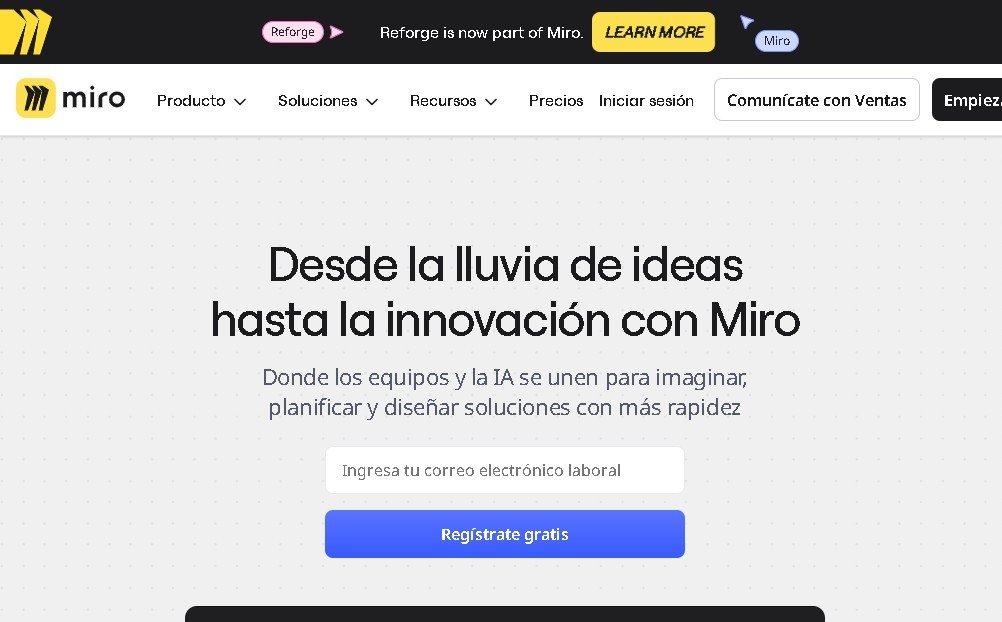
MiroAI Screenshots
MiroAI alternatives


MakeASkill
MakeASkill creates a free personal skill for your AI assistant from a few quick questions, plus up-to-date steps to set it up in each app.


Nuclr Commander
Workspace for running multiple AI agents in parallel with a file manager. Supports local or external models and remote mobile monitoring.