

Share
What is Missive?
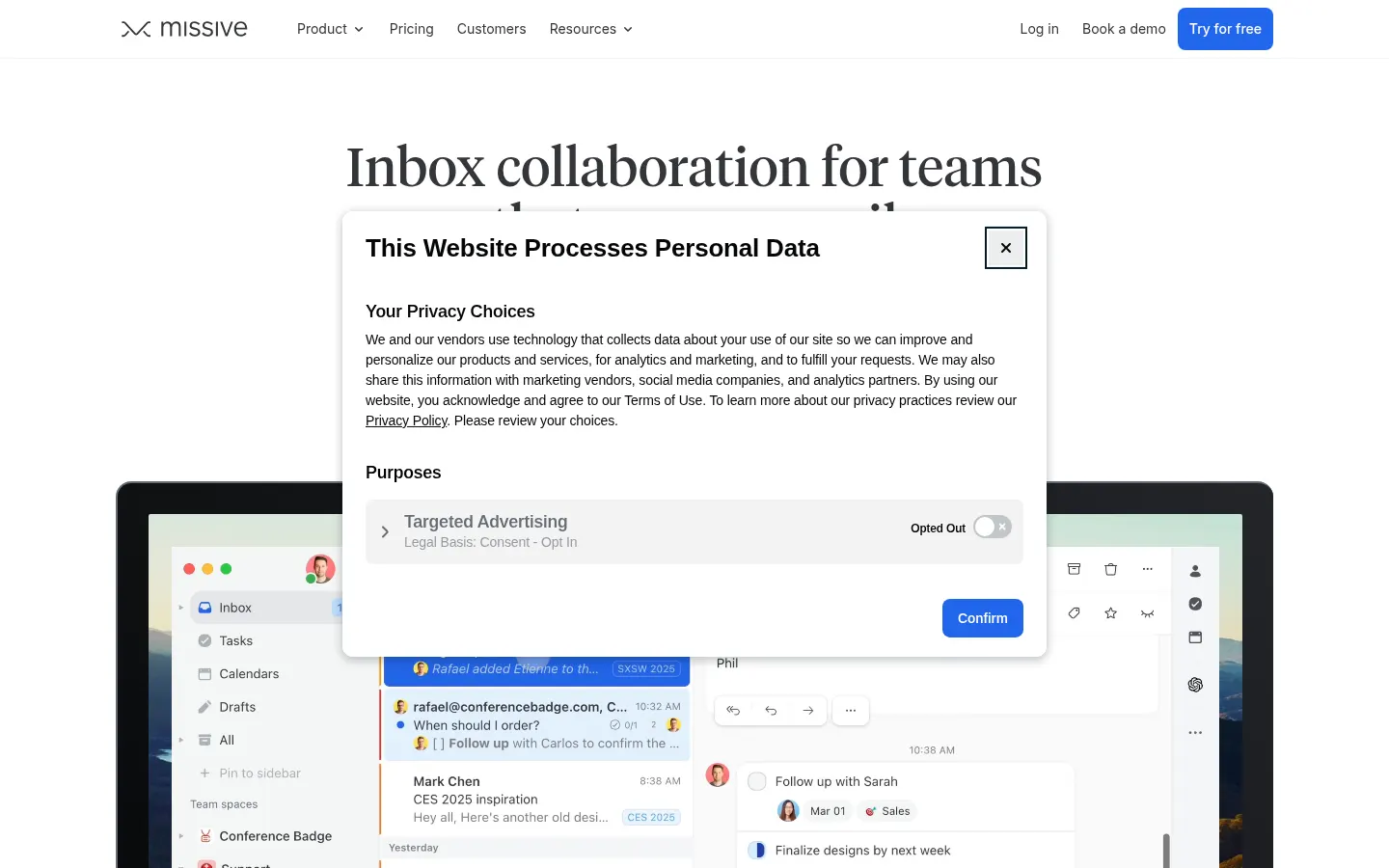
Missive is a collaborative inbox for teams that run on email: it brings email, SMS, WhatsApp and social accounts into one app and shows who is handling each conversation. Over 6,500 companies use it every day, from repair shops and accounting firms to tech teams.
What is Missive used for?
It lets several people work shared mailboxes such as info@ or support@ without forwarding or CC-ing everyone. Each conversation can get internal comments inside the thread, an assigned owner and a due date as a task, so nothing slips through the cracks.
What does the Missive AI assistant do?
- Gathers context before drafting a reply.
- Connects through MCP to tools like Stripe, Notion, Linear or your CRM.
- Lets you choose between Anthropic, OpenAI and Gemini models.
- Supports bringing your own API keys.
- Summarizes conversations and translates them into any language.
Which channels and tools does Missive connect?
It works with Gmail and Google Workspace, Outlook and IMAP, and adds SMS and WhatsApp through Twilio, Quo or Dialpad, plus Messenger and Instagram. It integrates with 25+ apps including HubSpot, ClickUp, Asana and Trello, and offers automation rules for repetitive work.
Who is Missive for?
Small and mid-sized businesses, professional firms, agencies and customer support teams that share mailboxes. It has web, iOS, Android, macOS and Windows apps and is SOC 2 Type II certified.
Missive pros and cons
- Pro: internal comments inside every thread
- Pro: email, SMS and WhatsApp in a single inbox
- Pro: multi-provider AI assistant with MCP
- Con: integrations and advanced analytics sit in higher tiers
- Con: teams must switch away from their usual email client
Missive features and use cases
How to use Missive
Missive FAQ
What is Missive?
Missive is a collaborative inbox that lets teams share mailboxes, comment on emails internally and assign them as tasks.
Does Missive have a free trial?
Yes, every new team starts with 30 days of the Productive plan, with no card and no charge when it ends.
Does Missive work with Gmail and Outlook?
Yes, it connects Gmail and Google Workspace, Outlook and IMAP, and syncs contacts and calendars from Gmail and Office 365.
Can I handle WhatsApp and SMS in Missive?
Yes, it supports WhatsApp and SMS through Twilio, Quo or Dialpad, plus Messenger and Instagram.
Will my coworkers see my personal emails?
No, personal emails are private by default; you can grant access to your account or invite someone to a single conversation.
Which AI models does Missive use?
You can choose between Anthropic, OpenAI and Gemini, bring your own keys and connect tools through MCP.
Which devices does Missive support?
It is primarily a web app, with apps for iOS, Android, macOS and Windows.
What happens if I cancel Missive?
You keep access until the end of the paid period, and afterwards your content stays available in read-only mode.
What are the best Missive alternatives?
On GptZone you can compare it with Hiver, Shortwave for Gmail and Superhuman for individual email.
Missive pricing and plans
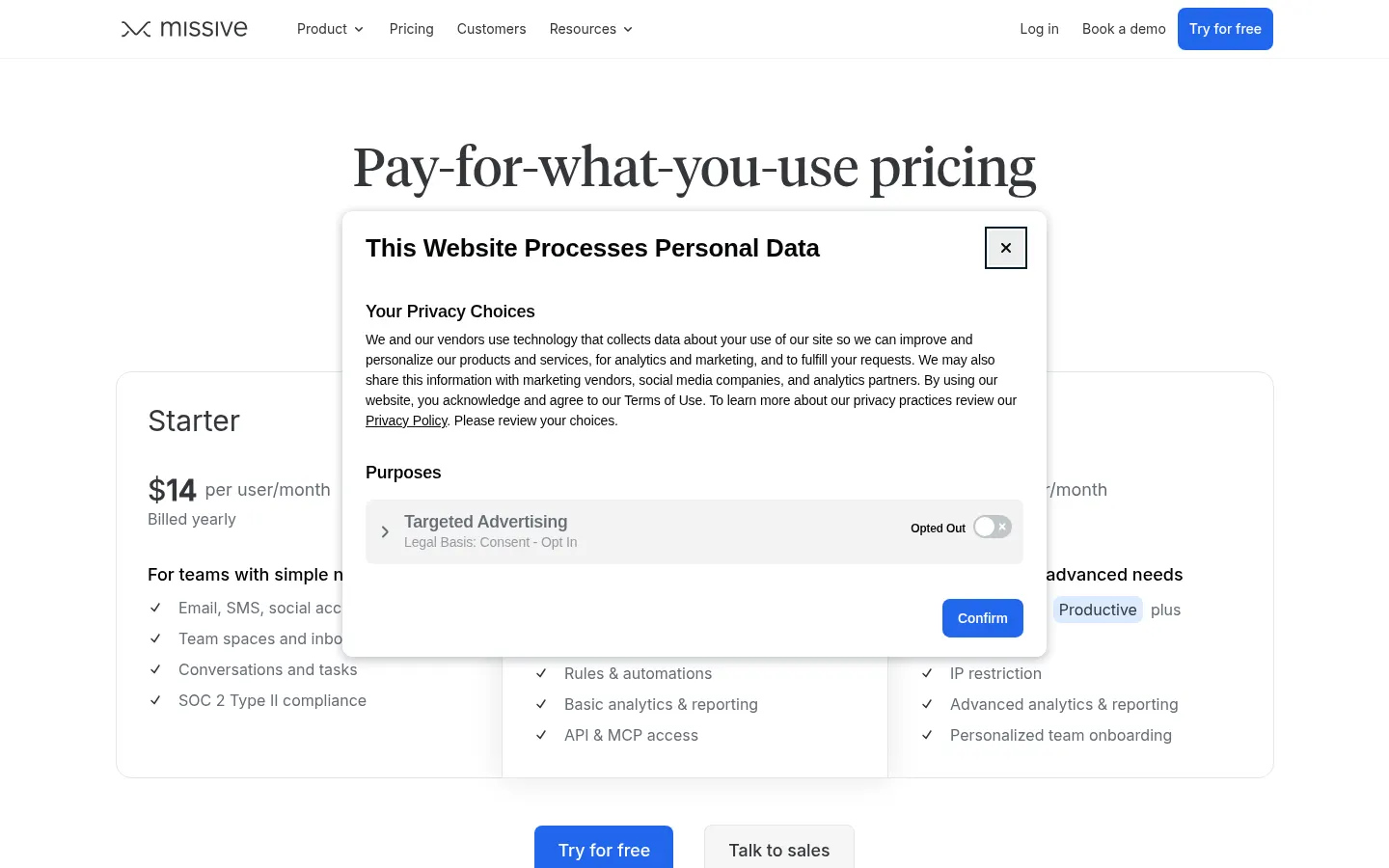
Reference price: 14 USD / month. Source · Verified: November 2, 2026
Prices in US dollars (USD) per user per month, billed yearly (20% off). Checked on: 02/11/2026.
30-day free trial of the Productive plan, no card required.
Starter: $14; for small teams (up to 5 users).
Productive: $24; for teams with workflow needs (up to 50 users), with external integrations.
Business: $36; advanced analytics and reporting plus personalized onboarding.
Missive Screenshots
Missive user reviews
Write a review
Checking your session...
Missive Reviews
Loading reviews...
Missive alternatives






Cue by Manus
Personal AI agents from Manus with their own phone, email, wallet and computer that make calls, book things and run errands, checking with you first.