

Share
What is Shortwave?
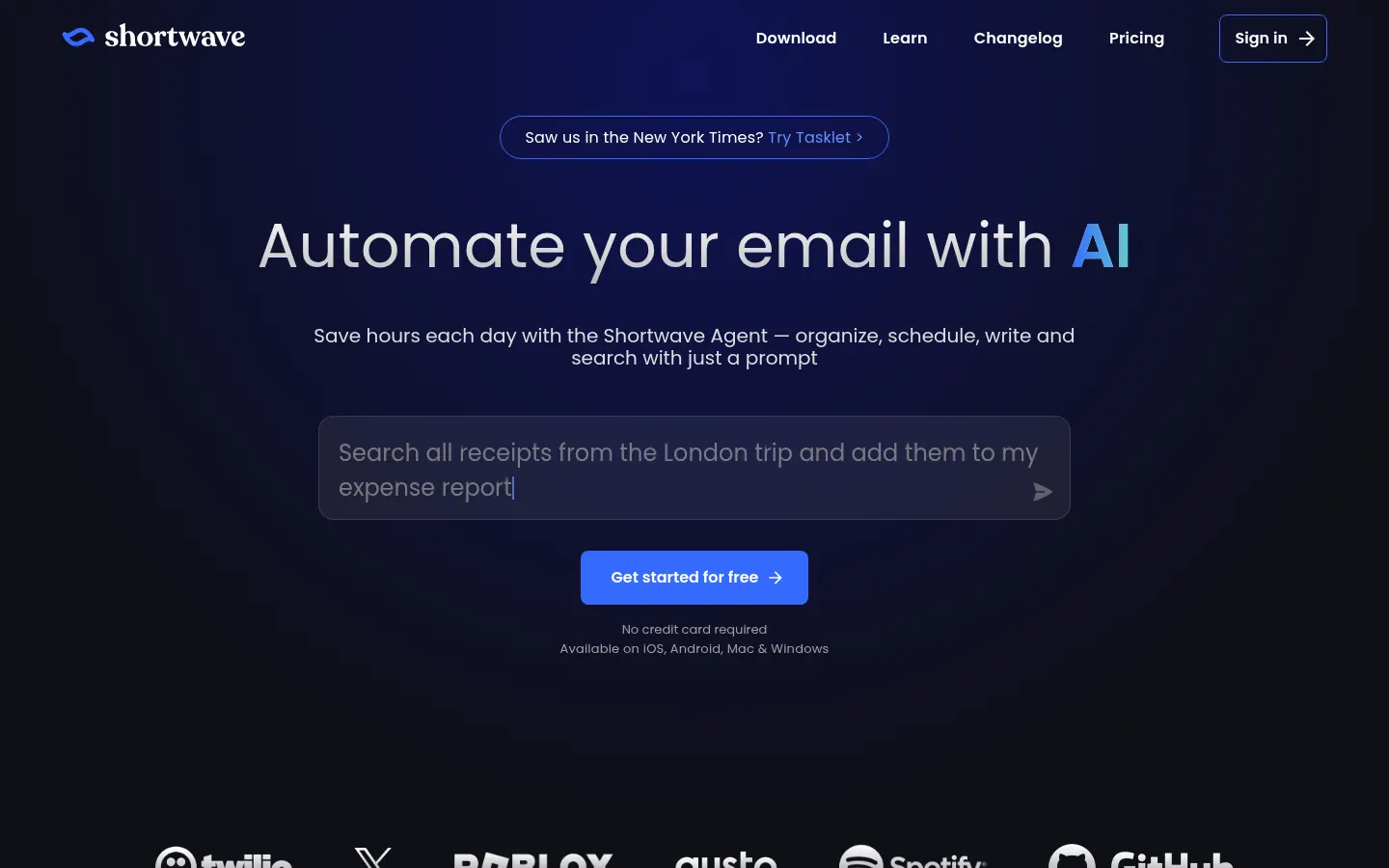
Shortwave is an AI email client for Gmail and Google Workspace accounts that lets you organize, search, write and schedule with plain-English instructions. It was built by a team of former Googlers and runs on web, iOS, Android, Mac and Windows.
What is Shortwave used for?
It helps you take back an overflowing inbox. It groups newsletters and updates into bundles, splits the inbox into tabs by sender or label and turns pending threads into a sortable to-do list, so you reach inbox zero faster while Gmail stays your mail server.
What can the Shortwave AI agent do?
- Answer questions with AI search across your whole history and attachments.
- Write emails that match your own voice.
- Check your availability, create events and write scheduling emails.
- Run AI filters that label, archive or star mail based on plain-English rules.
- Suggest links, facts and phrases from your history as you type.
How does Shortwave work for teams?
Threads are shared in real time, discussed inside the inbox and assigned to an owner with a team-wide done status. You can also build a shared archive searchable by AI, use snippets and saved prompts, and connect Slack, Notion, Asana or HubSpot. For always-on automation it plugs into Tasklet, its sister product.
Who is Shortwave for?
Professionals and teams who live in email, such as founders, sales and customer support, and who run on Google. Outlook and Microsoft 365 users cannot connect directly, because a Gmail account is required.
Shortwave pros and cons
- Pro: agent that searches and acts across your full email history
- Pro: thread collaboration without jumping to Slack
- Pro: CASA Tier 2 compliance for data security
- Con: works only with Gmail or Google Workspace accounts
- Con: the per-seat model gets expensive for large teams
Shortwave features and use cases
How to use Shortwave
Shortwave FAQ
What is Shortwave?
Shortwave is an email client for Gmail and Google Workspace with an AI agent that searches, summarizes, drafts and schedules.
Does Shortwave work with Outlook?
Not directly: it requires a Gmail account. Microsoft 365 and Exchange are not supported, and Outlook.com can only be forwarded into Gmail.
Does Shortwave have a free trial?
Yes, there is a 14-day trial before you choose Business, Premier or Max.
How does Shortwave write in my voice?
Its AI learns your tone from the emails you send and produces drafts that sound like you.
What are Shortwave AI filters?
Rules written in plain English that label, star or archive emails automatically.
Is Shortwave good for teams?
Yes, it supports real-time shared threads, in-inbox comments, owner assignment and a shared archive searchable with AI.
Is it safe to connect my email to Shortwave?
The company reports CASA Tier 2 compliance, the security assessment Google requires for apps that access Gmail.
Which devices does Shortwave support?
The web browser plus apps for iOS, Android, Mac and Windows.
What are the best Shortwave alternatives?
On GptZone you can compare it with Superhuman, Fyxer and Hiver if you need a shared team inbox.
Shortwave pricing and plans
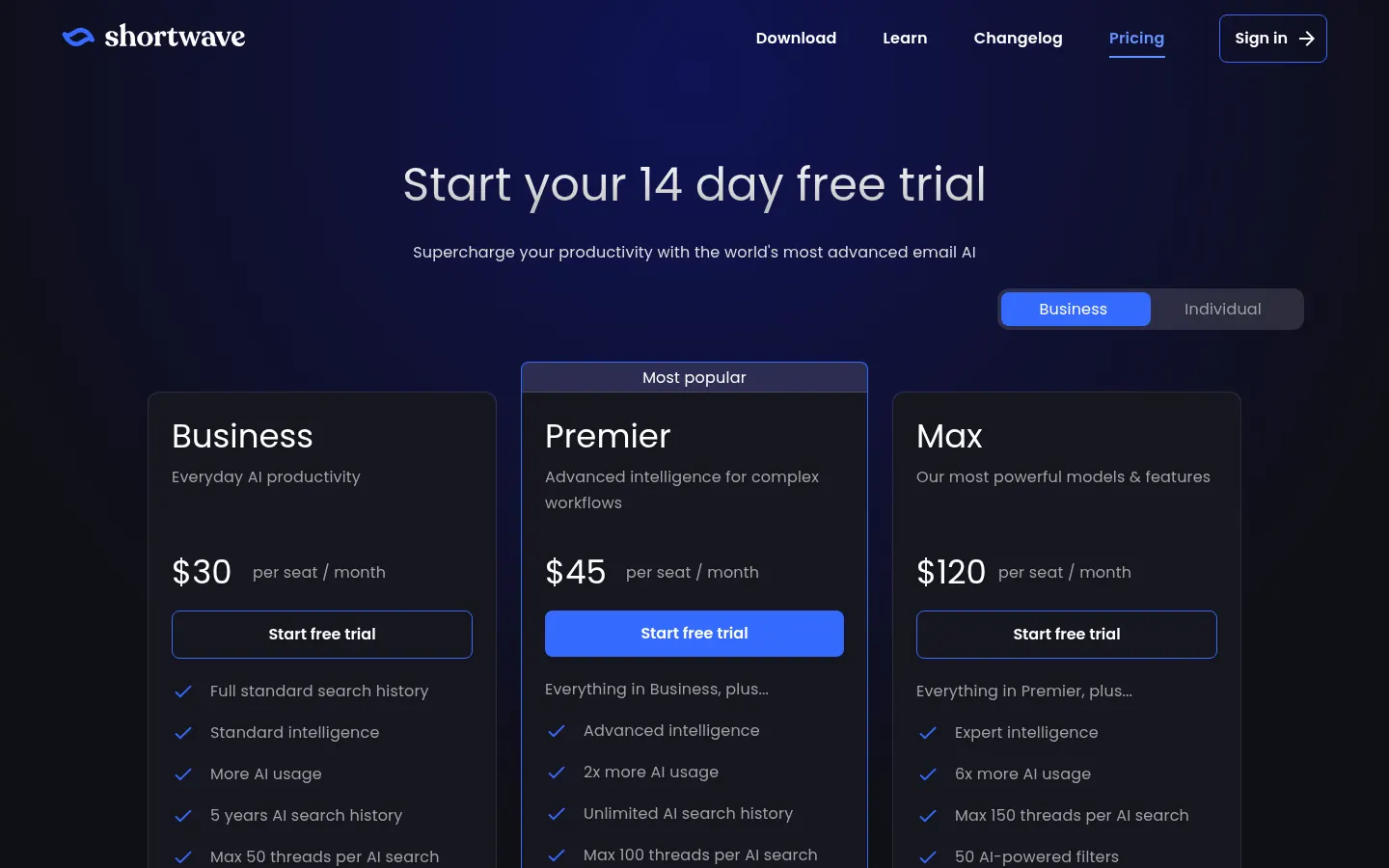
Reference price: 30 USD / month. Source · Verified: November 2, 2026
Prices in US dollars (USD) per user per month. Checked on: 02/11/2026.
14-day free trial.
Business: $30; 5 years of AI search history, up to 50 threads per search, 3 AI filters, integrations and web browsing.
Premier: $45; 2x AI usage, unlimited history, up to 100 threads per search and 10 AI filters.
Max: $120; 6x AI usage, up to 150 threads per search and 50 AI filters.
Shortwave Screenshots
Shortwave user reviews
Write a review
Checking your session...
Shortwave Reviews
Loading reviews...
Shortwave alternatives






Cue by Manus
Personal AI agents from Manus with their own phone, email, wallet and computer that make calls, book things and run errands, checking with you first.