Share
What is NoteLyn AI?
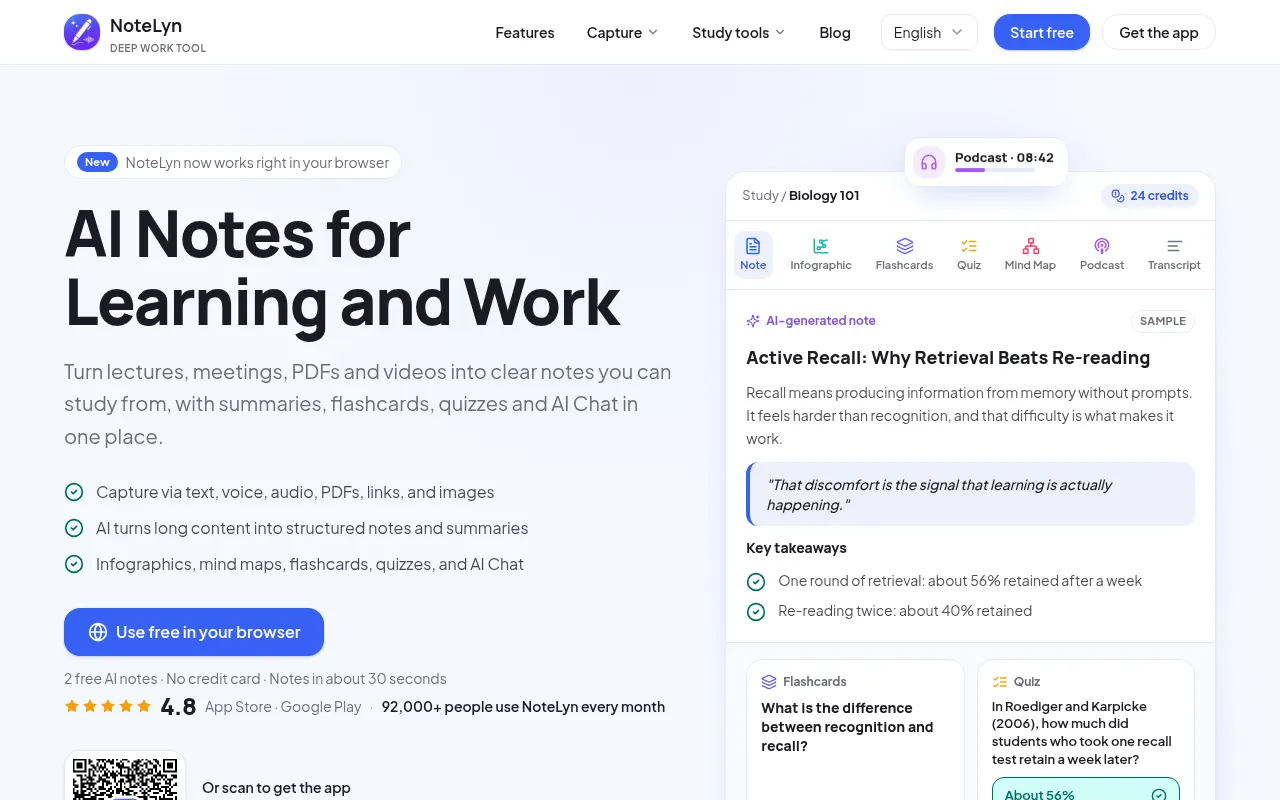
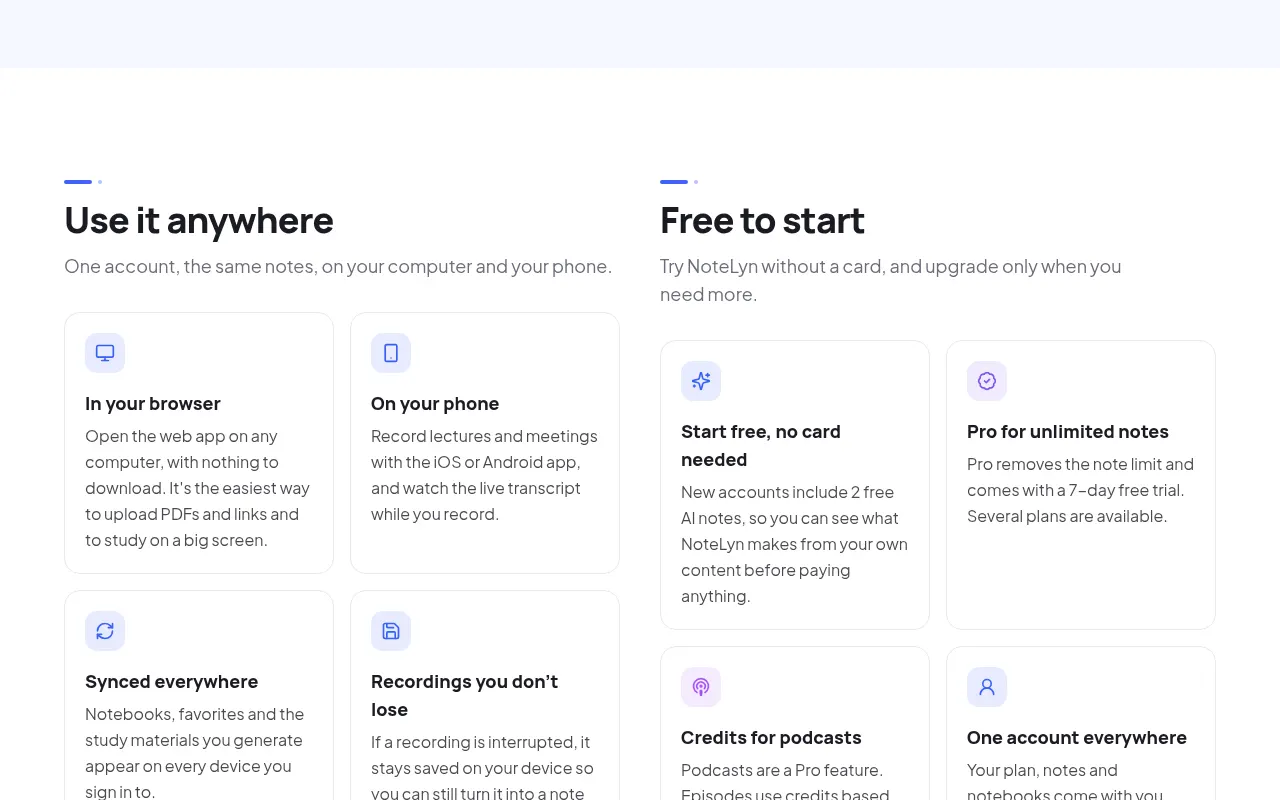
NoteLyn AI is an AI note-taking app that turns whatever you capture (a recording, an audio file, a PDF, a YouTube link or a photo) into structured notes in about 30 seconds, then builds study material and meeting minutes from them. It runs in the browser and on iOS and Android with a single account.
What is NoteLyn AI and what is it for?
It targets two situations: lectures and meetings. For a class, you record the session or import the slides as a PDF and get notes with key concepts, definitions and takeaways. For a meeting, you get minutes with the main points and action items next to the full transcript. The company says more than 92,000 people use it every month and it holds a 4.8 rating on the app stores.
How does NoteLyn AI work?
There are six ways to capture content:
- type with rich text (headings, lists, tables and to-dos);
- record voice, with a live transcript in the mobile app;
- upload MP3, WAV, M4A, AAC or OGG audio;
- import PDFs and Word documents;
- paste web or YouTube links;
- scan images with multi-language OCR.
Every note keeps its original source and can become a summary, minutes, a to-do list, flashcards, a quiz, a mind map, an infographic or a podcast. AI Chat answers questions grounded in your notes. If a recording is interrupted, it stays saved on your device so you can process it later.
NoteLyn AI pros and cons
- Pro: notes, review material and chat with your content live in one place.
- Pro: the website and the app are available in Spanish and many other languages.
- Pro: the company states your content is never used to train third-party models.
- Con: creating notes and AI processing require an internet connection.
- Con: the website says notes cannot be exported as files yet; you share them by link, and mind maps and infographics download as images.
NoteLyn AI features and use cases
How to use NoteLyn AI
NoteLyn AI FAQ
What is NoteLyn AI?
An AI note-taking app that turns recordings, audio files, PDFs, links and photos into structured notes and study material.
Is NoteLyn AI free?
New accounts include 2 AI notes with no card; unlimited notes require Pro. Amounts are in the pricing section of this listing.
Is NoteLyn AI available in Spanish?
Yes. The website has a Spanish version and the iOS app is localized into Spanish among ten other languages.
Which files does NoteLyn AI accept?
MP3, WAV, M4A, AAC and OGG audio, PDF and Word documents, web and YouTube links, and images processed with OCR.
Does NoteLyn AI work offline?
Not fully. Creating notes and AI processing need internet, although an interrupted recording stays saved on your device.
Can I export my NoteLyn AI notes?
The website says notes are shared through a read-only link and mind maps and infographics download as images; exporting notes as files is not available yet.
Does NoteLyn AI use my data to train models?
According to the company, your content is never used to train third-party models.
Does NoteLyn AI have an API?
The website does not mention a public API. It is used through the browser and the iOS and Android apps.
What are some NoteLyn AI alternatives?
Fireflies.ai focuses on meetings, Studyable on flashcard-based studying and Notion AI on notes inside a workspace; all three are on GptZone.
Who makes NoteLyn AI?
It is developed by Fuyu Network Technology, a company based in Guangzhou, China, according to the website and its App Store listing.
NoteLyn AI pricing and plans
Reference price: 12.99 USD / month. Source · Verified: October 28, 2026
Prices in US dollars (USD), taken from the US App Store; the website does not list amounts. Checked on: 28/10/2026.
Free: new accounts include 2 AI notes, no card required.
Pro: unlimited notes and a 7-day free trial. On the App Store: $6.99 per week, $12.99 per month or $79.99 per year. Amounts may vary by platform and country.
Podcasts are Pro-only and use credits based on length; credits are charged only if the episode is generated successfully.
NoteLyn AI Screenshots
NoteLyn AI user reviews
Write a review
Checking your session...
NoteLyn AI Reviews
Loading reviews...
NoteLyn AI alternatives


Fireflies.ai
Fireflies.ai joins your meetings, transcribes them, writes summaries and action items, and lets you search or ask questions across every conversation.


OpenWhispr
OpenWhispr is open-source voice dictation for Mac, Windows and Linux: transcribe locally or in the cloud, type into any app and take meeting notes without a bot.