
Share
What is ReadMe?
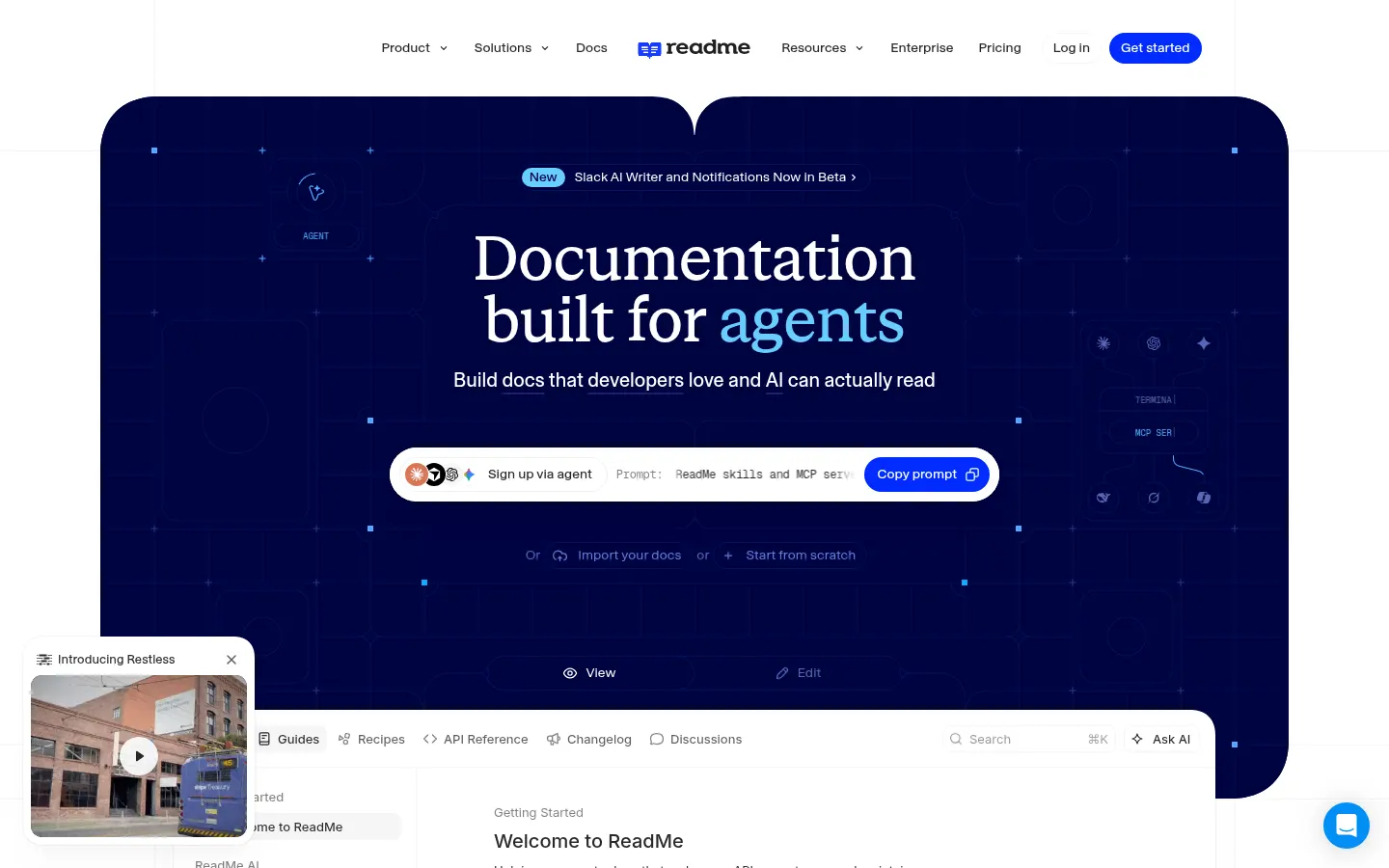
ReadMe is an AI tool (by ReadMe) that helps product and engineering teams publish and maintain API documentation and developer hubs. It pairs a visual editor with two-way Git sync and a layer of AI features that draft, review and answer questions about the docs themselves.
What does AI add to documentation in ReadMe?
The ReadMe Agent edits and reviews pages on request, while the AI Linter enforces your style guide and catches broken links. Docs Audit flags content worth improving, and AI Writer drafts updates from pull requests or Slack threads and leaves them on a branch for review. For readers, Ask AI answers questions from published content, and there are AI translations, an LLMs.txt file and an MCP server so coding assistants can query your API.
How is the API reference built?
You upload an OpenAPI or Swagger file and ReadMe generates an interactive reference where people can try real calls. Guides, reusable MDX components, a changelog, step-by-step recipes and forums complete the hub.
- Sync with GitHub, GitHub Enterprise Server and GitLab, with branches and reviews.
- Multiplayer editing for several authors at once.
- Integrations with Google Analytics, Intercom, Segment, Slack, Zendesk and Statuspage.
- Its own API, the rdme CLI and SAML SSO.
ReadMe pros and cons
It stands out for combining the hub, the interactive reference, usage analytics and AI tooling in a single product, and it is used by companies such as NVIDIA, Amazon and PagerDuty. Localize, Transifex and Smartling integrations help with multilingual docs. On the downside, Ask AI is a separate add-on, some advanced features are kept for higher tiers and the editing interface is English-only.
ReadMe features and use cases
How to use ReadMe
ReadMe FAQ
What is ReadMe?
ReadMe is a platform for building documentation hubs and interactive API references, with Git sync and AI features to draft and review content.
Is ReadMe free?
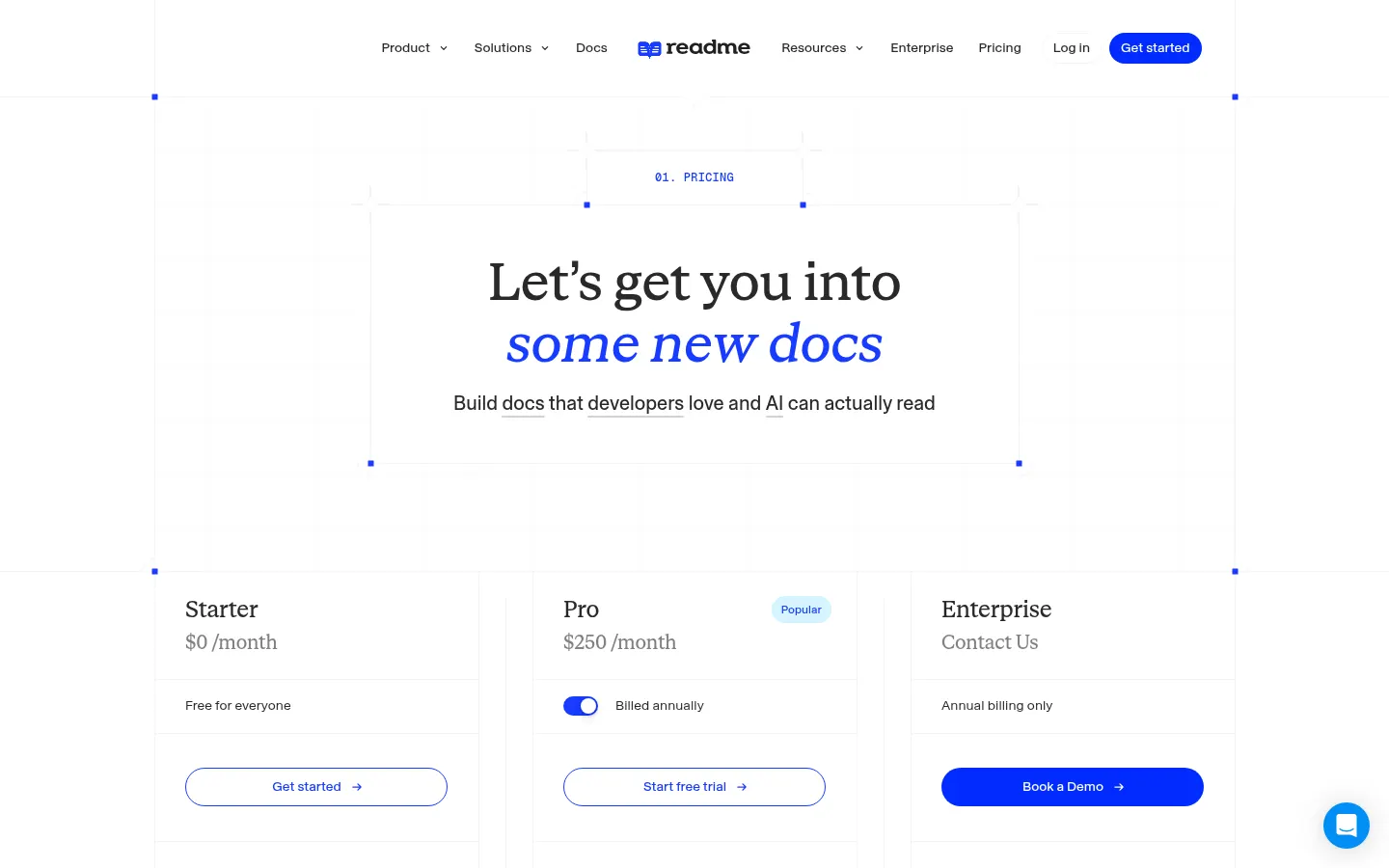
It has a no-cost Starter tier with a custom domain and interactive reference; higher tiers are paid. See the pricing section for details.
What does the ReadMe Agent do?
It edits and reviews pages when you ask, working alongside the AI Linter, Docs Audit and AI Writer to keep docs consistent.
Does it have an API?
Yes, it offers API V2 and the rdme CLI to automate publishing, plus an MCP server for AI assistants.
Does it work in Spanish?
The interface is in English, but you can write documentation in Spanish and use AI translations or integrations such as Localize, Transifex and Smartling.
Can the reference be generated from OpenAPI?
Yes, uploading an OpenAPI or Swagger file creates an interactive reference where developers can try real calls.
Which repositories does it sync with?
GitHub, GitHub Enterprise Server and GitLab, in both directions, with branches and change reviews.
Is Ask AI included?
Not on every tier; Ask AI is an add-on that lets readers ask questions about the published documentation.
What are the alternatives to ReadMe?
In the directory you can compare ReadMe with Mintlify and GitBook, two technical documentation platforms with AI features.
ReadMe pricing and plans
Reference price: 3000 USD / year. Source · Verified: November 5, 2026
Information from the official site (Checked on: 05/11/2026). Reference currency: USD.
- Starter: 0 USD per month; custom domain, Git sync, interactive reference, analytics, LLMs.txt and MCP server.
- Pro: 250 USD per month billed annually (3,000 USD per year).
- Enterprise: custom pricing, annual only.
- Add-ons: Ask AI for 150 USD per month; extended API logs for 100 USD per month; extra admin for 20 USD.
ReadMe Screenshots
ReadMe user reviews
Write a review
Checking your session...
ReadMe Reviews
Loading reviews...
ReadMe alternatives

AI CSS Animations
AI CSS Animations is an AI CSS animation generator: describe the effect, answer a few questions and get keyframe code with a live preview.