Share
What is RMBG PRO?
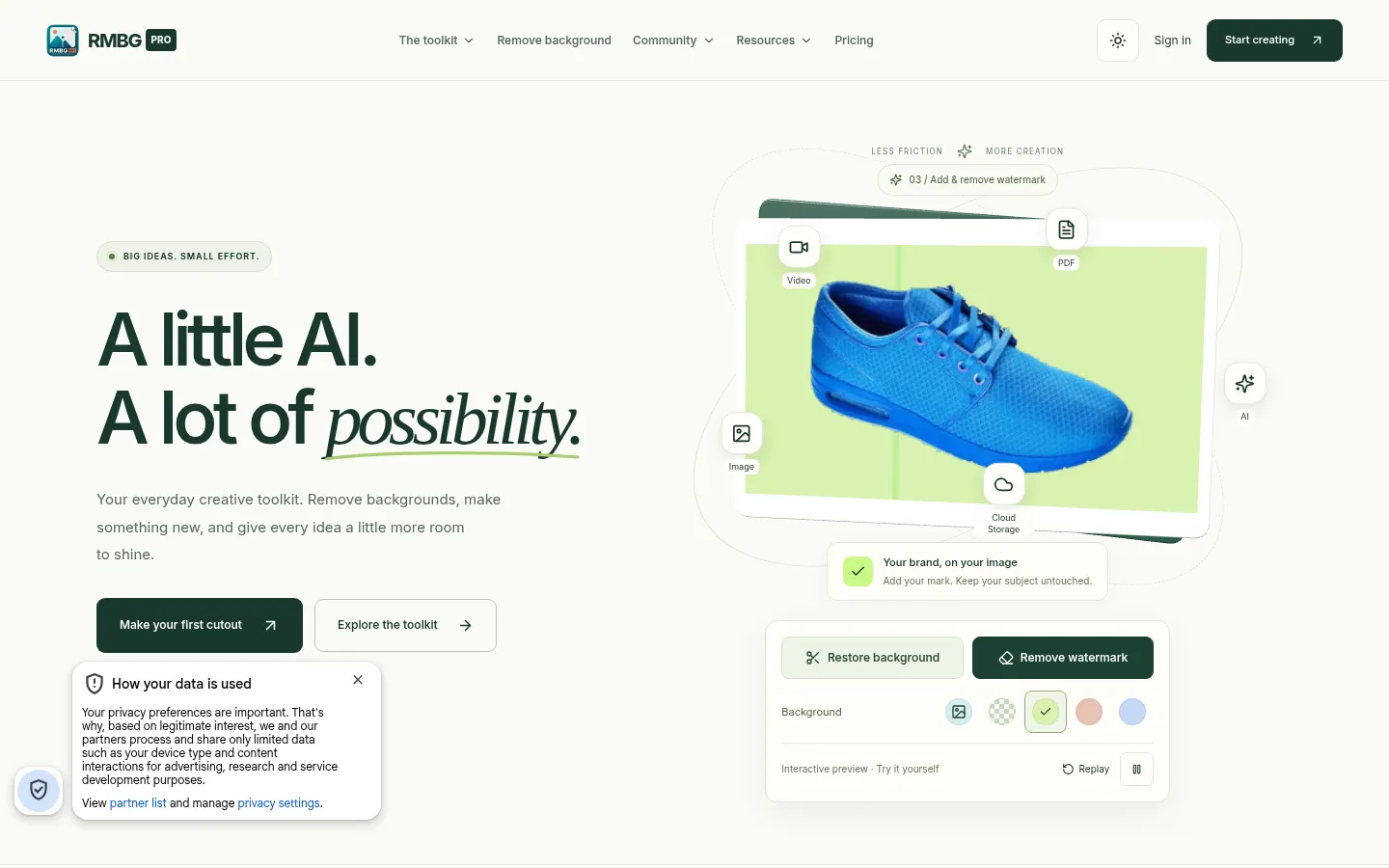
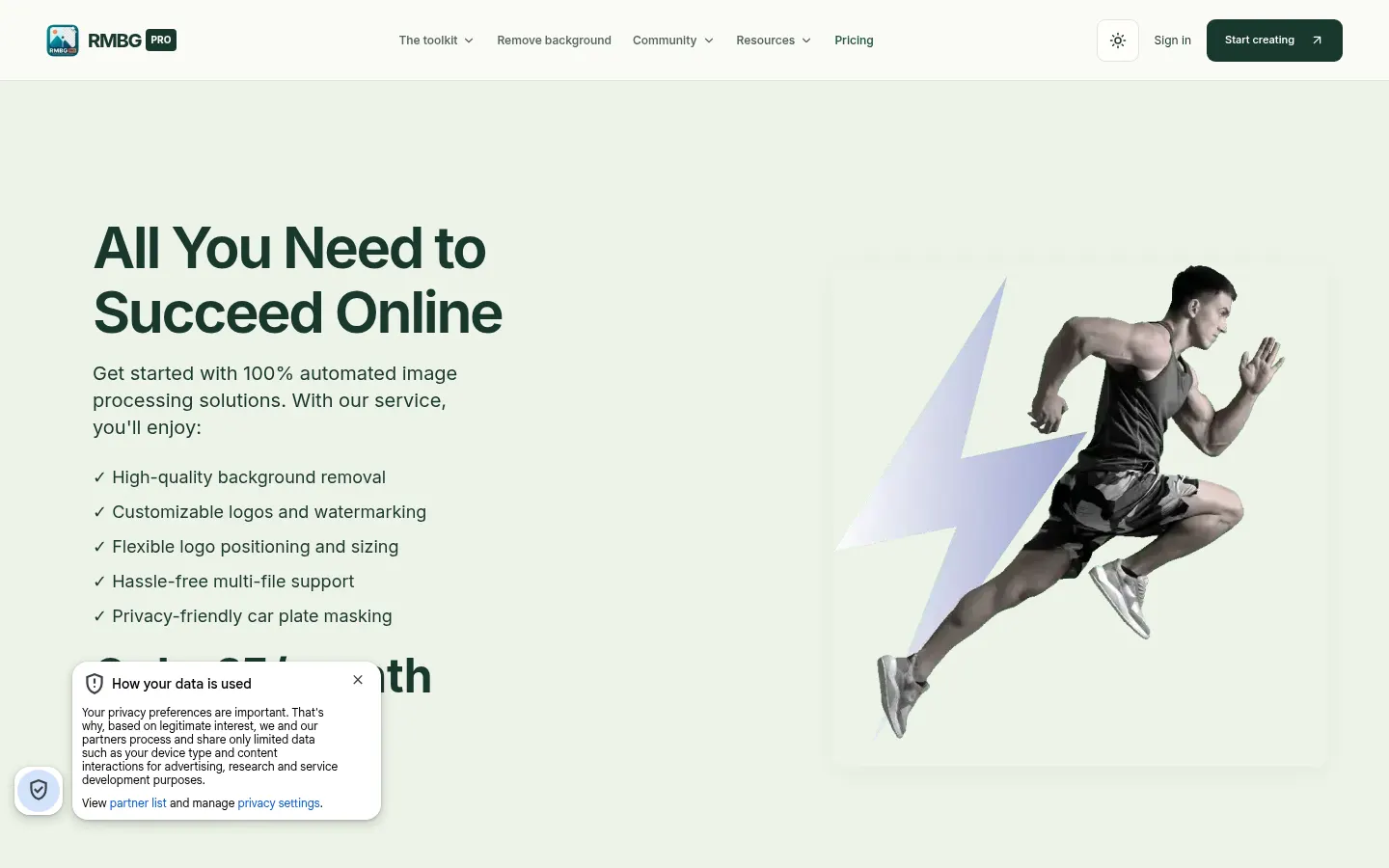
RMBG PRO is an AI background remover and creative toolkit that runs in the browser. You upload an image, cut out the subject, swap the background for a color or your own picture and download the result, and the site adds 33 more image, video, PDF and text utilities for the daily work of online sellers, creators and designers.
What does RMBG PRO do with images?
Its core feature is removing the background from a photo with AI models, WebP files included, with batch processing and PNG or WebP output. It also erases watermarks, logos, text and objects through inpainting, hides car license plates with its anonymizer and turns a flat image into editable transparent layers exported as PNG or as a Photoshop PSD. You can also add watermarks with adjustable position and size.
What other tools does RMBG PRO include?
The AI studio adds a text-to-image generator, a YouTube thumbnail maker that starts from a URL, a video or a description, text extraction from screenshots and scans, text to speech and a chat and writing assistant. There are image converters and compressors, a PDF editor and splitter, and a cloud library for organizing public or private collections. It connects through an API, Chrome extension, Telegram bot, WordPress plugin, Shopify app and macOS and Android apps.
Who is RMBG PRO for?
- Online sellers preparing product photos on a clean background.
- Content creators who need quick thumbnails and assets.
- Designers who want to split an image into layers for further editing.
RMBG PRO pros and cons
It stands out for bundling many utilities in one place and for offering an API and extensions. On the downside, usage is measured in credits per image, image generation uses more credits than a cutout, and the interface is in English.
RMBG PRO features and use cases
How to use RMBG PRO
RMBG PRO FAQ
What is RMBG PRO?
RMBG PRO is a web-based AI tool that removes image backgrounds and offers 33 image, video, PDF and text utilities.
Is RMBG PRO free?
You get 10 free credits on sign-up to try it, then you pay by subscription or by credit (see pricing).
Which output formats does RMBG PRO offer?
It exports PNG and WebP, and the layers feature lets you download PNG per layer or a Photoshop PSD.
Can I process several images at once?
Yes, batch processing lets you cut out many images in a single pass.
Can RMBG PRO remove watermarks and objects?
Yes, it uses AI inpainting to erase watermarks, logos, text and unwanted objects.
Does RMBG PRO have an API?
Yes, it offers API access, plus a Chrome extension, Telegram bot, WordPress plugin and Shopify app.
How much does each image cost on RMBG PRO?
Each processed image uses one credit, with a base cost of €0.05 per image according to its pricing page.
Can RMBG PRO hide license plates?
Yes, it includes an anonymizer that detects and hides plates before you publish car photos.
What are some RMBG PRO alternatives?
In our directory you can compare remove.bg, Erase.bg and Clipdrop, which also remove backgrounds with AI.
RMBG PRO pricing and plans
Reference price: 5 EUR / month. Source · Verified: November 11, 2026
RMBG PRO pricing (Checked on: 11/11/2026). Each credit processes one image, at €0.05 per image, and 10 credits are free on sign-up:
- Basic: €5/month. Up to 100 images a month and 1 GB of storage.
- Standard: €25/month. Up to 500 images, 50 GB and macOS, Android and Shopify apps.
- Business: €250/month. Up to 5,000 images and agency features.
- Premium: €500/month. Unlimited removals and 1 TB of storage.
An AI-generated image costs 20 credits.
RMBG PRO Screenshots
RMBG PRO user reviews
Write a review
Checking your session...
RMBG PRO Reviews
Loading reviews...
RMBG PRO alternatives

Cutout.pro
Cutout.pro is an AI visual editing platform to remove backgrounds, enhance and upscale photos, make passport photos and generate images and videos, with an API.