Share
What is Scatter?
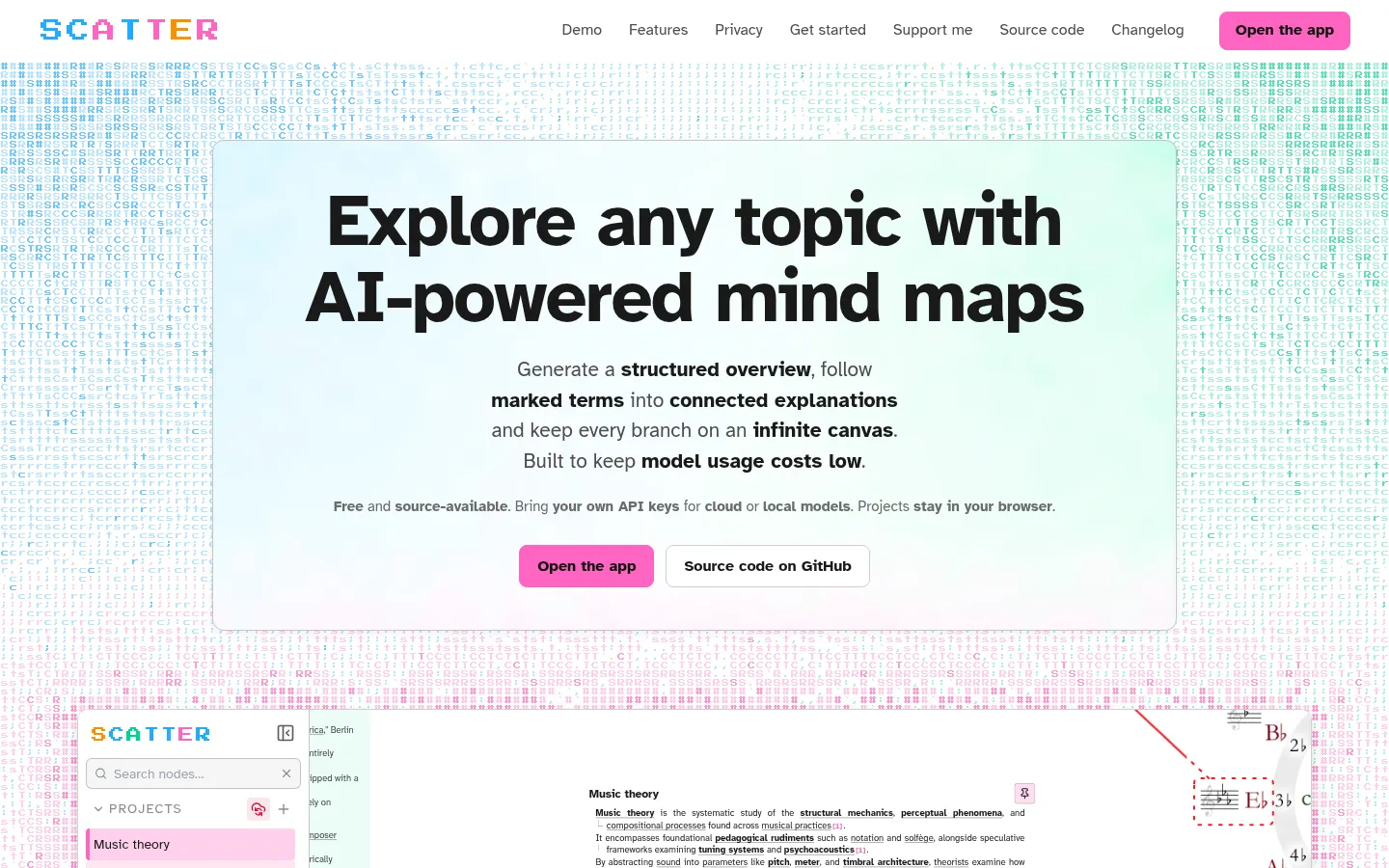
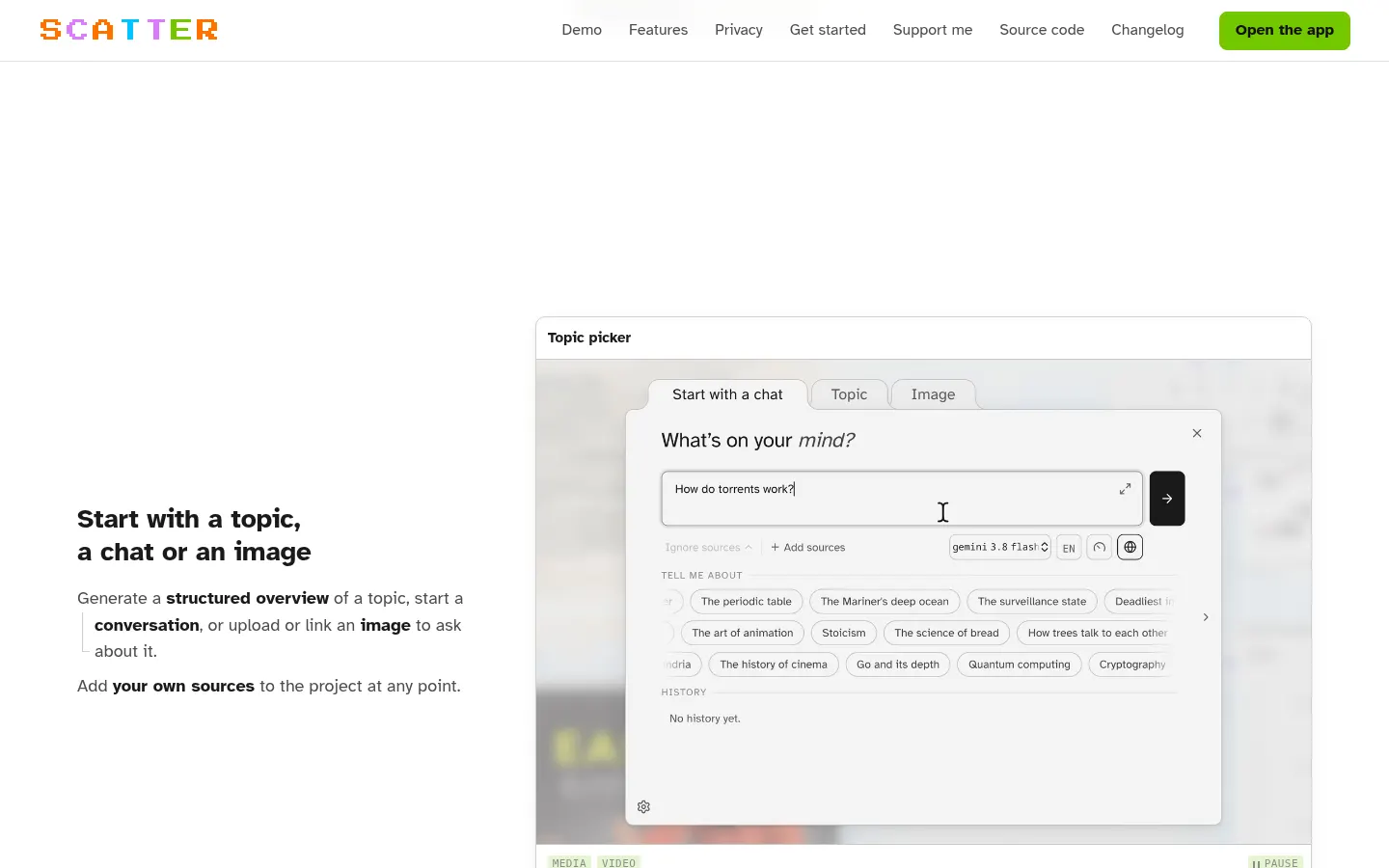
Scatter is an AI tool for building interactive mind maps to learn any topic. Start from a topic, a chat or an image; the AI writes a structured overview and marks terms worth exploring, clicking one creates a connected node, and everything stays on an infinite canvas. It is source-available, runs on your own API keys and keeps projects in your browser.
What is Scatter used for?
It helps you study or research without losing the thread. Hovering a term shows a short explanation, and clicking it opens a new node or jumps to the one that already covers it. You can ask follow-ups about a whole node, a selected passage or a region of an image, and drop images, GIFs, video files and YouTube or Vimeo embeds into the map.
How does Scatter work?
Add PDFs, documents, web pages or pasted text and restrict answers to those cited sources, or combine them with the model's knowledge and web search. It includes sentence-by-sentence fact-checking, Markdown notes you can export to Markdown or Word, image generation and editing, Wikimedia Commons and Openverse search with license info, and interactive nodes: small AI-written programs that run on the canvas, such as a 16-step drum sequencer. A physics engine spaces nodes apart, and you can pin, group and color them.
Who is Scatter for?
- Students revising a topic who think visually.
- Self-learners exploring a new subject step by step.
- Researchers working from their own documents and citations.
- Obsidian users, who can export a project as a canvas.
Scatter pros and cons
It stands out for readability (one idea per line, a reading ruler and the OpenDyslexic font), for supporting cloud or local models and for syncing through Google Drive or WebDAV, including Nextcloud. It is designed to keep token usage low by sending routine work to a cheaper secondary model. On the downside, you have to set up your own API keys, and desktop use is recommended.
Scatter features and use cases
How to use Scatter
Scatter FAQ
What is Scatter?
Scatter is an AI app for exploring topics as mind maps on an infinite canvas, with nodes that open from marked terms.
Is Scatter free?
Yes, the app is free and source-available; you only pay the model provider for what your own keys use, as explained in the pricing section.
Do I need an API key?
Yes, AI features need keys from a cloud provider or a local model; the demo on the website replays recorded answers.
Where are my projects stored?
They stay in your browser, and you can sync them through Google Drive or WebDAV, including self-hosted Nextcloud, with snapshot history.
Can it answer only from my documents?
Yes, add PDFs, documents, web pages or text and restrict answers to those sources, with citations to check each claim.
What are interactive nodes?
They are small programs the AI writes from a prompt and runs on the canvas, such as a 16-step drum sequencer.
Does Scatter have an API?
Scatter has no API of its own; it is a web app that connects to the model provider APIs you choose.
Does Scatter work in Spanish?
The interface is in English, but the models you connect can write explanations in Spanish if you ask.
Can I use it with Obsidian?
Yes, a project exports as a canvas with editable Markdown notes, media and connections, keeping the layout in your vault.
What are the alternatives to Scatter?
In our directory you can compare MindMap AI and Mind Map Wizard, which generate AI mind maps, or Heptabase, a visual research whiteboard.
Scatter pricing and plans
Reference price: 0 USD. Source · Verified: November 17, 2026
Scatter is free and source-available. Checked on: 17/11/2026.
- There are no fees: you bring your own API keys (cloud or local models) and pay the model provider directly for what you use, in its currency (usually USD).
- The app lets you assign models per task, cap tokens and turn off automatic previews to spend less.
Scatter Screenshots
Scatter user reviews
Write a review
Checking your session...
Scatter Reviews
Loading reviews...
Scatter alternatives


NoteLyn AI
AI note-taking app for students and teams: record a class or meeting, add a PDF or link, and get notes, a summary, flashcards and a quiz.