
Share
What is Shotoku?
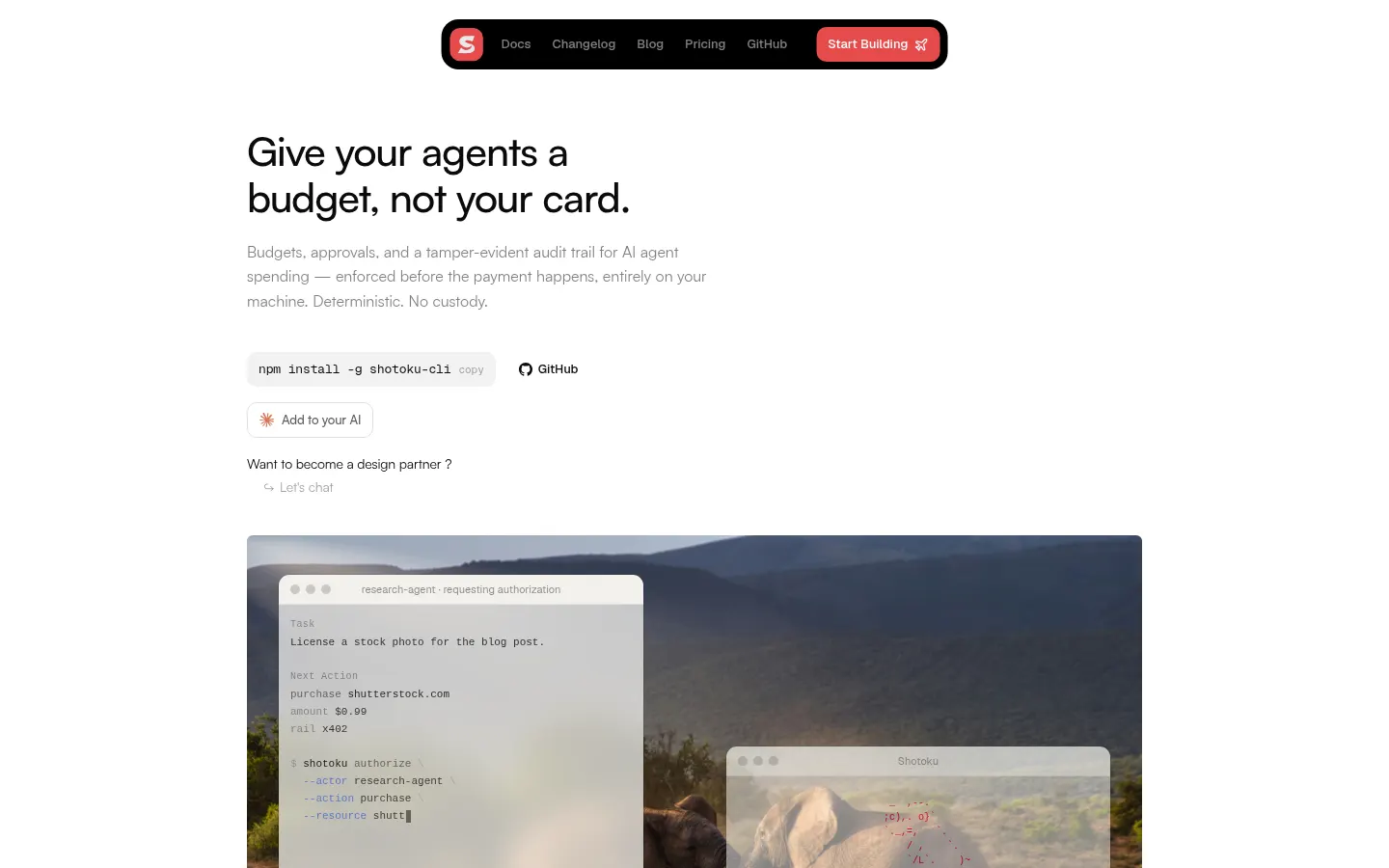
Shotoku is an AI tool for controlling what AI agents spend. It adds budgets, human approvals and a tamper-evident audit trail, enforced before the payment happens, deterministically and entirely on your machine. Its motto sums it up: give your agents a budget, not your card.
What is Shotoku used for?
It stops autonomous agents from overspending. You define rules in a single YAML file: a per-transaction maximum and a rolling daily limit per vendor, plus a daily cap per agent. When a request goes over a limit it is denied before the payment or held pending your approval; everything else passes. Each decision returns a structured reason and an ID.
How does Shotoku work?
Install it with npm and call authorize() from your TypeScript agent, or use its MCP server with Claude, Cursor and other agents without code changes. In wrapping mode, Shotoku sits in front of the agent's other MCP servers, PayPal's included, so every tool call is decided first. Approvals arrive in Telegram with Approve and Deny buttons, or you handle them in a local dashboard or terminal UI.
Who is Shotoku for?
- Developers building agents that can buy things or call APIs.
- Teams that need human approval for large spends.
- Companies that want an auditable trail of every decision.
- Projects using x402 payments or PayPal's MCP server.
Shotoku pros and cons
It holds no funds, stores no credentials or keys and never signs payments: it only decides and records. It runs with no account, no cloud and no telemetry, with decisions in a local hash-chained JSONL file. The core is open source. On the downside, it is in beta and its API may change, and team features are still in development.
Shotoku features and use cases
How to use Shotoku
Shotoku FAQ
What is Shotoku?
Shotoku is an authorization engine that enforces budgets, approvals and auditing on AI agent spending before payment.
Is Shotoku free?
The open-source core is free; team and enterprise tiers are described in the pricing section.
How is it different from an if statement before my API call?
It adds rolling budgets, a human approval queue, policy as config, a structured audit trail and MCP integration.
What stops an agent from bypassing Shotoku?
In wrapping mode it sits in front of the agent's other MCP servers, so every call goes through it; outside MCP it relies on signed receipts.
Does Shotoku touch my money or keys?
No, it holds no funds, credentials or private keys and never signs or settles a payment.
Do I need an account or internet connection?
No, it runs entirely on your machine with no account, cloud or telemetry.
Can I approve from my phone?
Yes, it sends each pending decision to Telegram with Approve and Deny buttons.
Does Shotoku have an API?
Yes, the authorize() function in @shotoku/core, an MCP server and an API reference in its docs.
Does Shotoku work in Spanish?
The site and docs are in English; rules are written in YAML and do not depend on language.
What are the alternatives to Shotoku?
There is no direct equivalent in our directory; to watch LLM spend see Langfuse or Spanlight, and Liquid Inference to cap per-request cost.
Shotoku pricing and plans
Reference amounts in US dollars (USD). Checked on: 17/11/2026.
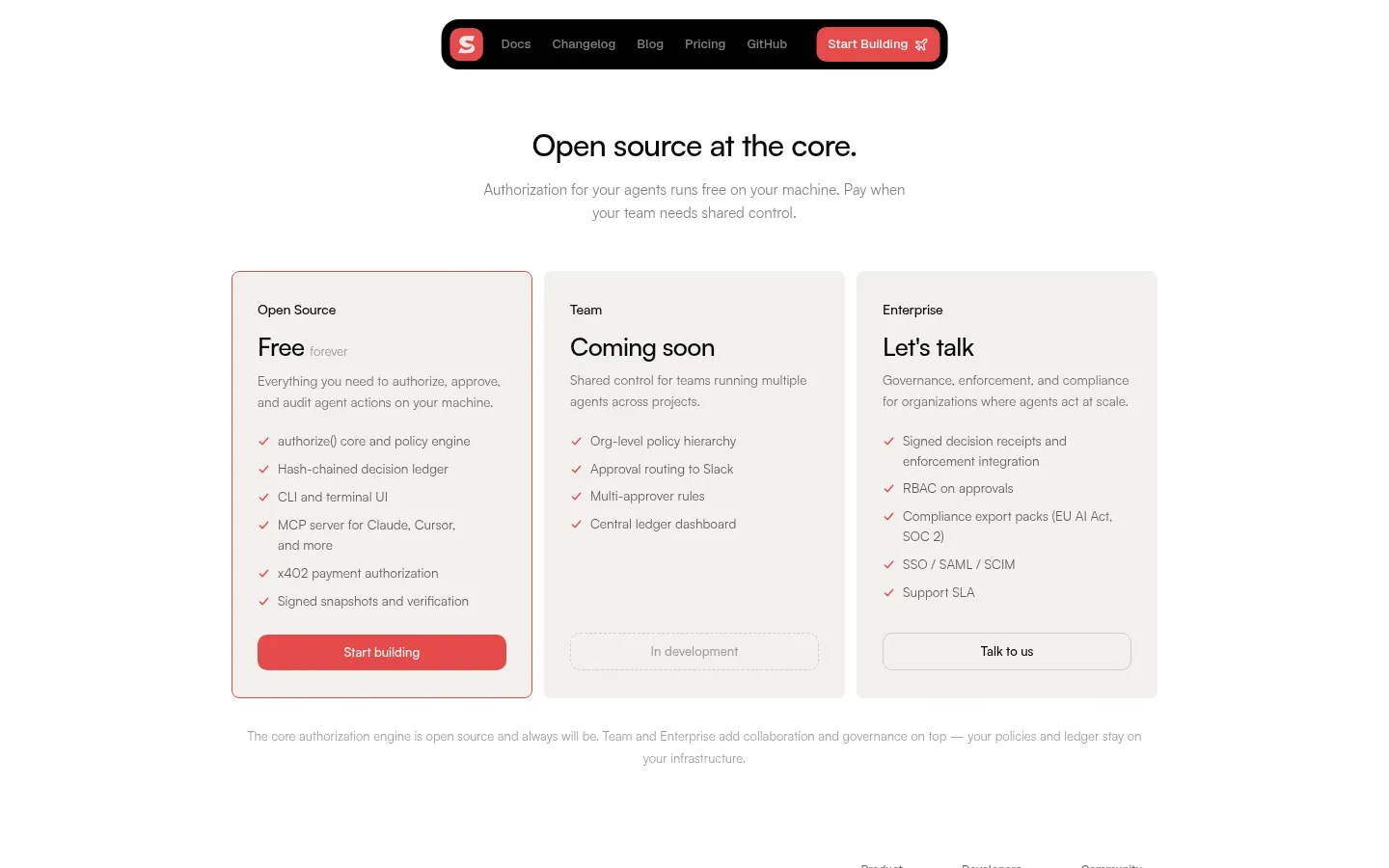
Open Source: free forever. authorize() core and policy engine, hash-chained ledger, CLI and terminal UI, MCP server, x402 authorization and signed snapshots.
Team: coming soon (in development). Org-level policy hierarchy, Slack approval routing, multi-approver rules and a central ledger dashboard.
Enterprise: contact for pricing. Signed receipts, RBAC, compliance export packs (EU AI Act, SOC 2), SSO/SAML/SCIM and support SLA.
Shotoku Screenshots
Shotoku user reviews
Write a review
Checking your session...
Shotoku Reviews
Loading reviews...
Shotoku alternatives



Liquid Inference
Liquid Inference is an LLM inference exchange where providers compete in an instant auction to answer each request at the best price and quality.